Superseded — 2026-08-25
The pixels on this page are superseded by the 2026-08-25 UI corpus for every route it covers: the TNDM remediation changed 33 plugin files, so these images no longer show the shipped UI. Preserved as observed, for the feedback dialogue it records.
Every QuizWizz surface, persona and state reachable on the WRDP bench on 2026-08-20, captured as 315 screenshots and grouped by capture wave and route: each ### route section carries its fold, full-page and panel crops, an agent-written caption per shot, and the QA verdict that shot received. This is bench-local evidence at releaseEligible: false — no plugin file was edited to produce it, and nothing here authorises or describes a release.
Tour notes belong in the Feedback — <route-id> callout that closes each route section; write them there so a remark stays attached to the pixels it is about. Accepted or rejected notes are then appended, dated, to the Feedback log near the bottom, which is the running record of the dialogue.
Tour yamlsum
tour: qw-ui-tour-2026-08-20
target: QuizWizz 1.10.0 @ https://wrdp.loca.zone (WRDP bench, schema 1.6.7)
shots: 315 on disk / 320 in shotlist  # 315 captured + 5 blocked-with-evidence; orphans = 0
verdicts: {clean: 250, finding: 65, unresolved_retake: 0}
protocol:
  viewports: {d: 1280x900, m: 390x900, x: 320x720}   # deviceScaleFactor 1
  cache: setCacheEnabled(false) before every goto
  fullpage_prep: "#wpadminbar absolutised, sticky outcome card unstuck"
  no_lazy_gate: no loading card / spinner / "Checking availability…" / hydrating player / incomplete images
  interaction: real clicks and typing; DOM mutation only for the five -simulated theme crops
personas: [guest, qwtour_sub (subscriber), qwtour_admin (administrator), qwtour_editor (editor)]
fixtures: 3 temp users, locked/draft/subscriber-owned quizzes, fixtures page, error question, block-editor draft — all deleted, see Method & residue
option_mutations: snapshot -> mutate -> restore -> md5 re-verified for every variant (options-pre.json)
qa: every shot inspected by a read-only scout via inspect_image; coverage critic run twice until dry
releaseEligible: false
Coverage
| Wave | Routes | Shots | Clean | Findings |
|---|---|---|---|---|
| Wave A | 21 | 141 | 105 | 36 |
| Wave B | 4 | 13 | 13 | 0 |
| Wave C | 25 | 130 | 104 | 26 |
| Wave D | 7 | 8 | 7 | 1 |
| Wave E | 8 | 23 | 21 | 2 |
| Total | 65 | 315 | 250 | 65 |
Blocked shots (kept in the shotlist, never silently dropped):
a02-d-p14-preview-modal-builder.png— blocked(dead-ui) — assets/js/qwizz-admin-settings.js:1584-1586 removes every [data-preview-tab] except “player” at runtime, so the Builder tab declared in includes/Admin/views/settings-page.php:998 can never render.a02-d-p16-preview-modal-pdf.png— blocked(dead-ui) — Same runtime removal (qwizz-admin-settings.js:1584-1586) deletes the PDF tab declared at settings-page.php:1000.s01-d-p04-notice.png— blocked(no-mutation-control) — Live DOM: p.qwizz-user__notice has height 0 and no text; the quiz row exposes zero buttons (PW-01), so no mutation can raise a notice.a12d-d-p01-import-notice.png— blocked(unreachable-runtime) — ImportPage::maybe_print_notice() only fires after a successful/failed import POST, but both import forms ship without their nonce (ImportPage.php:96,123 pass $echo=false), so every submit is rejected with HTTP 403 (observed live). Capturing it would require editing plugin source, which this capture-only run does not do.v01-d-p02-player-intro.png— blocked(no-such-state) — A fresh load of/?qw_quiz=zeitmaschine-geschichtewith cleared storage and cookies mounts directly into question 1:.qwizz-playerhasdata-autostart="1"and the only pre-question state is the transient “Loading quiz…” card. Verified live 2026-08-20; the frame was withdrawn rather than recaptured.
Blocking defects found during capture
Two owner-facing feature clusters are dead at runtime because wp_nonce_field() is called with $echo = false inside a bare <?php ?> tag, so the nonce markup is computed and thrown away:
| Control | Live DOM | Handler requirement | Source |
|---|---|---|---|
| Protected backups → Restore | inputs action, backup_id only | check_admin_referer('qwizz_backup_restore', 'qwizz_backup_restore_nonce_<id>') | includes/Admin/views/settings-page.php:930 |
| Protected backups → Delete | inputs action, backup_id only | check_admin_referer('qwizz_backup_delete', 'qwizz_backup_delete_nonce_<id>') | includes/Admin/views/settings-page.php:936 |
| Question-pack import | inputs action, qw_return, question_pack only | AdminGuard::authorize_all(..., 'qwizz_import_question_pack', 'qwizz_question_pack_nonce') | includes/Admin/ImportPage.php:123 (guard at :149) |
| Bundled-library import | inputs action, qw_return, quiz_title, amount only | qw_import / qw_import_nonce | includes/Admin/ImportPage.php:96 |
Observed live: clicking Delete on a snapshot lands on admin-post.php with WordPress’ expired-link screen; a scripted POST of the question-pack form returns HTTP 403. The correct pattern is used elsewhere in the same file at settings-page.php:67 (~863 lines above the broken calls), which is why the noscript fallback form still saves; the Download link two lines above the broken forms also signs itself correctly, with wp_nonce_url() at settings-page.php:926.
A third, cosmetic-but-total defect: the builder toast (g02-d-p22-toast) renders invisible text. assets/css/qwizz-builder.css sets .qwizz-toast{background:var(--qw-ink);color:var(--qw-card)}, but the token layer resolves --qw-ink to currentColor and --qw-card to color-mix(in srgb, currentColor 3%, #FFFFFF), so computed background and colour are both color(srgb 0.972 0.972 0.972). The message is announced via role="status" but never visible.
Boards
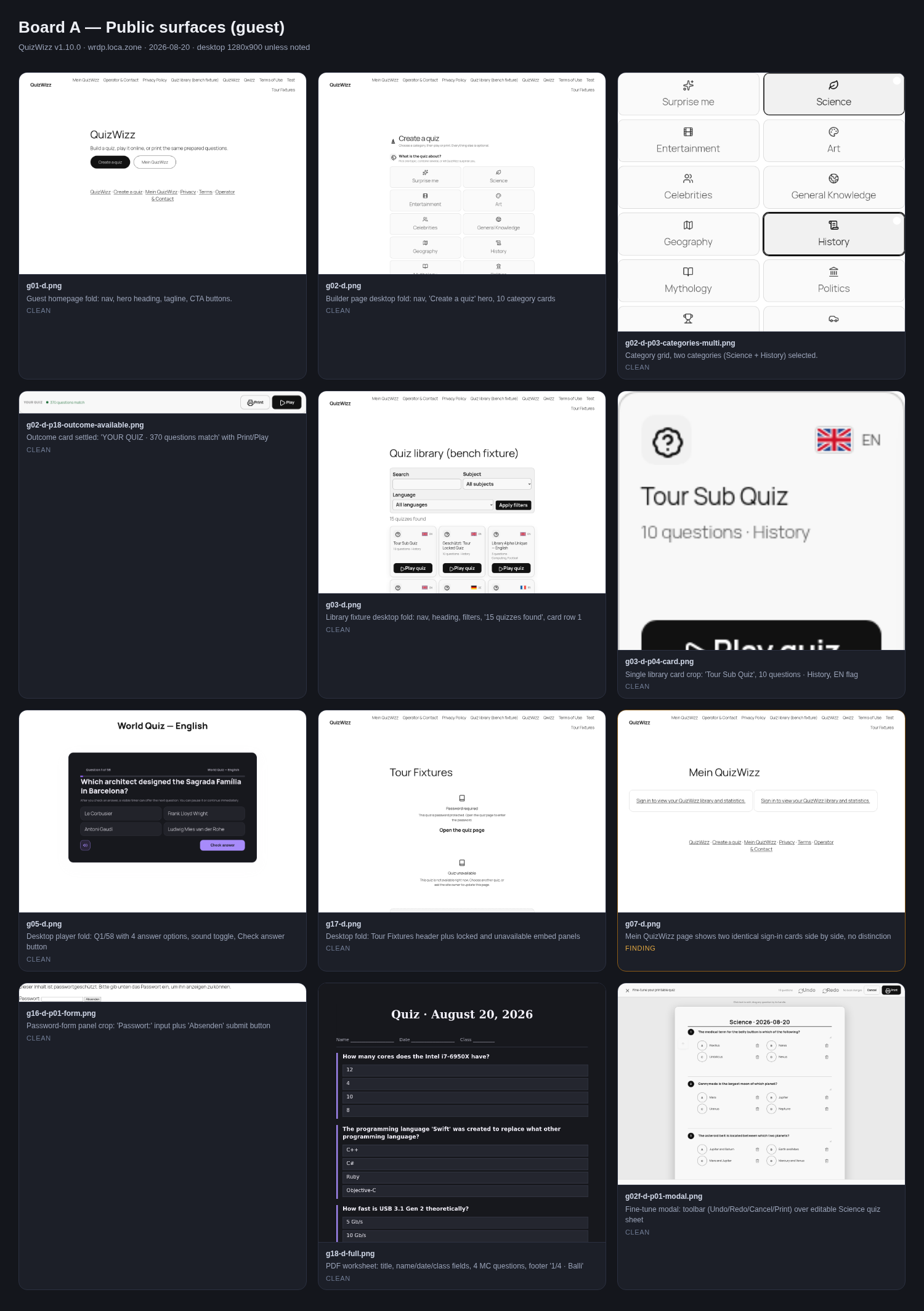 board-A-public.png
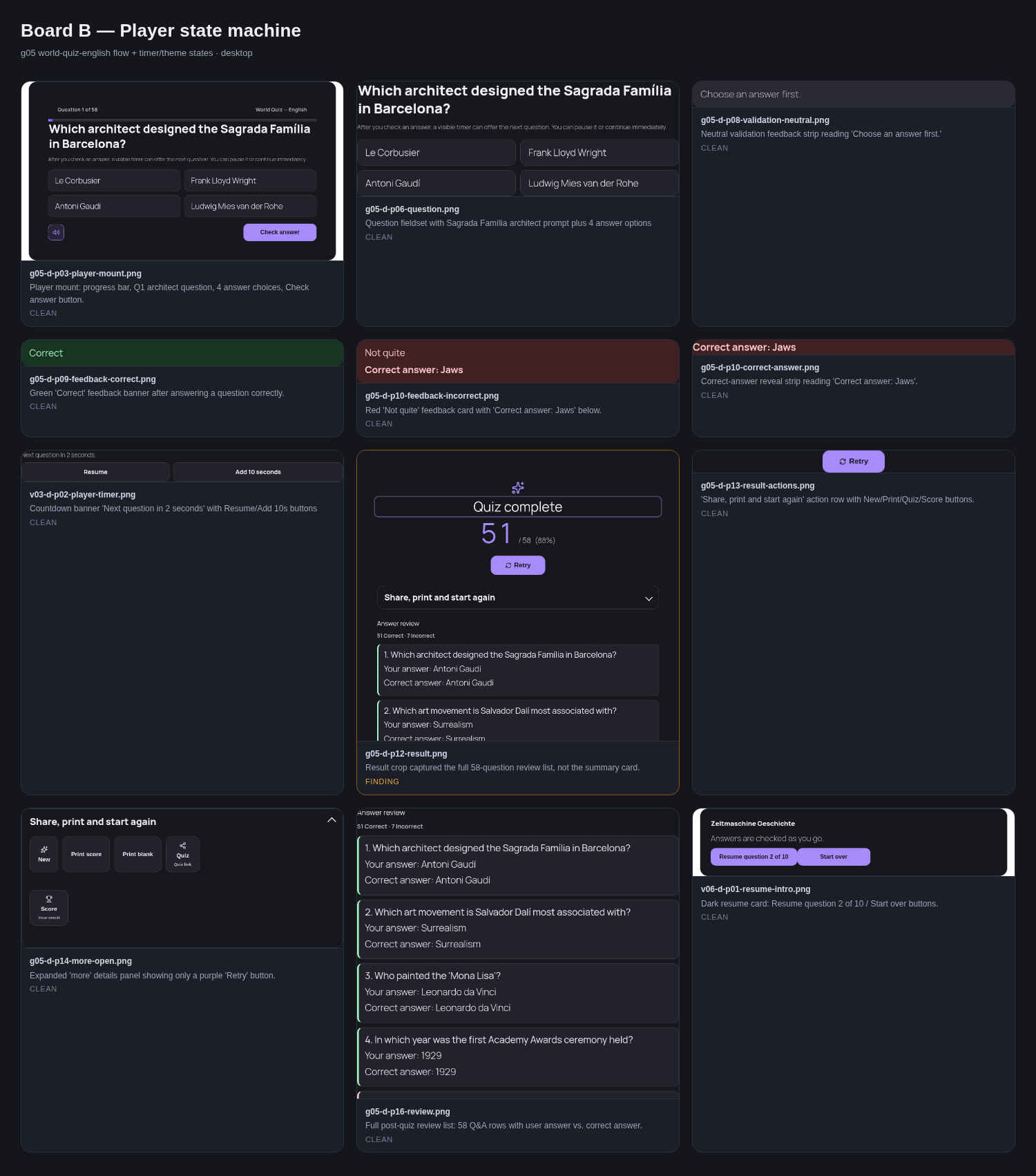 board-B-player-states.png
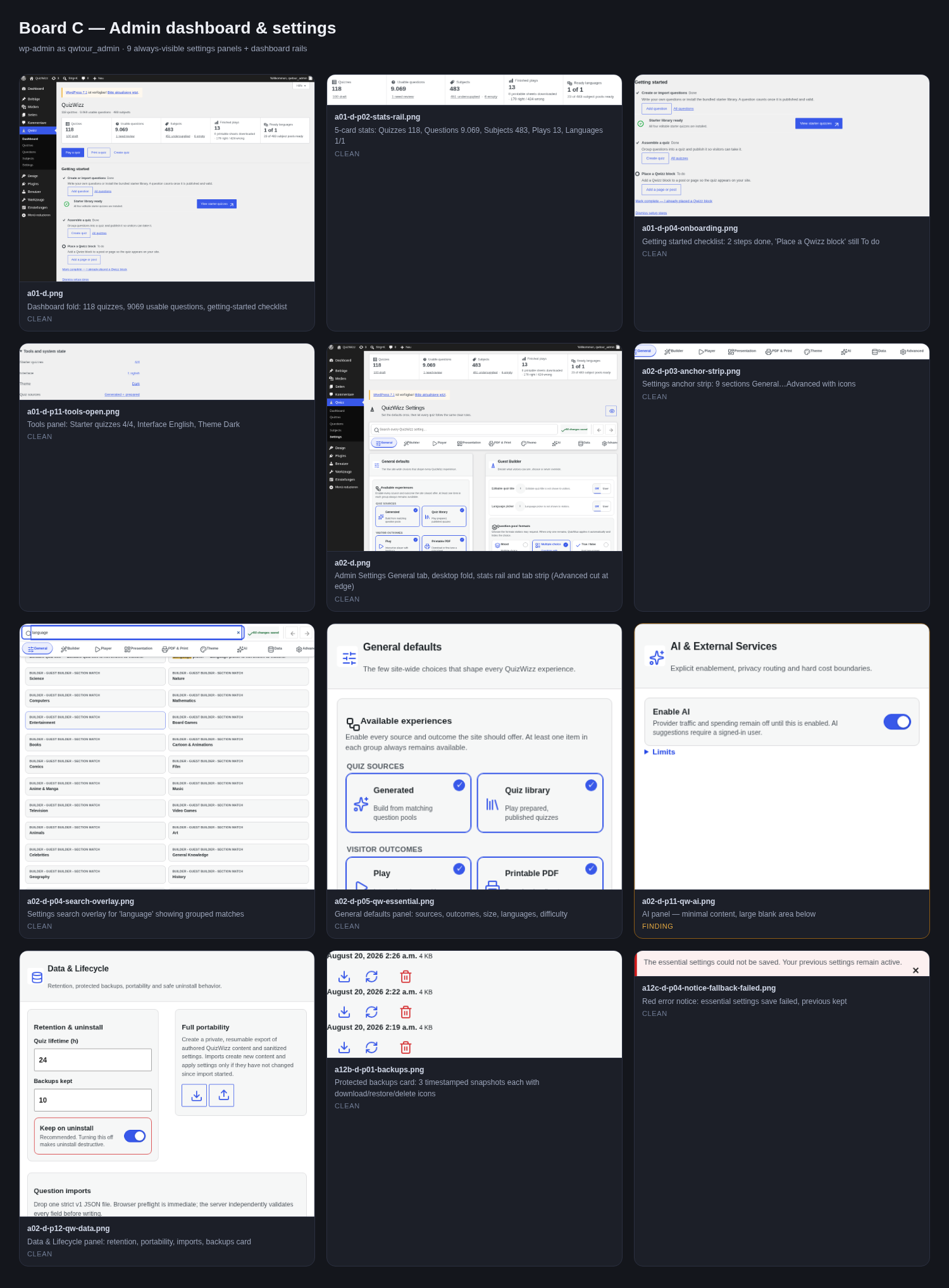 board-C-admin-dashboard-settings.png
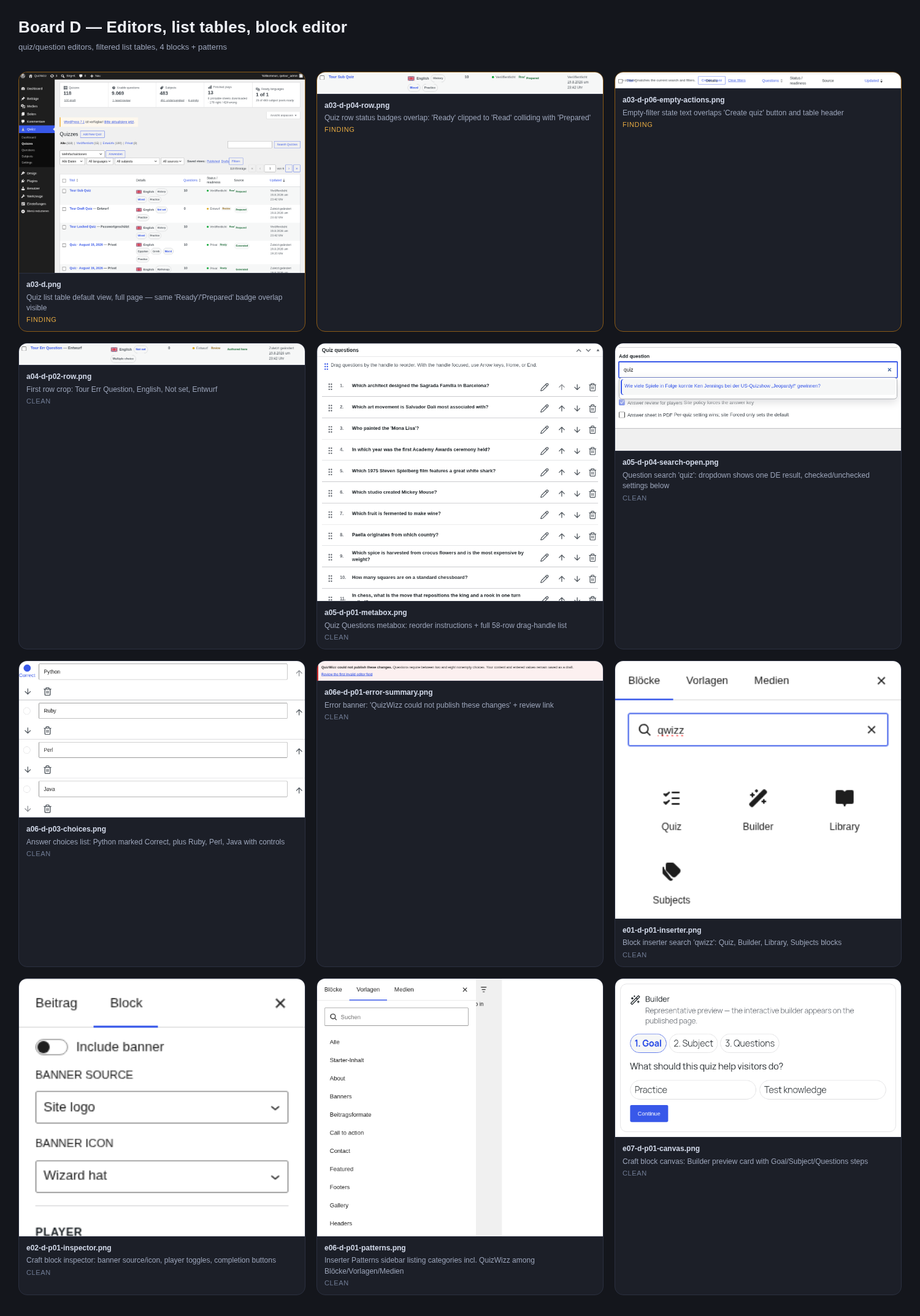 board-D-editors-lists-blocks.png
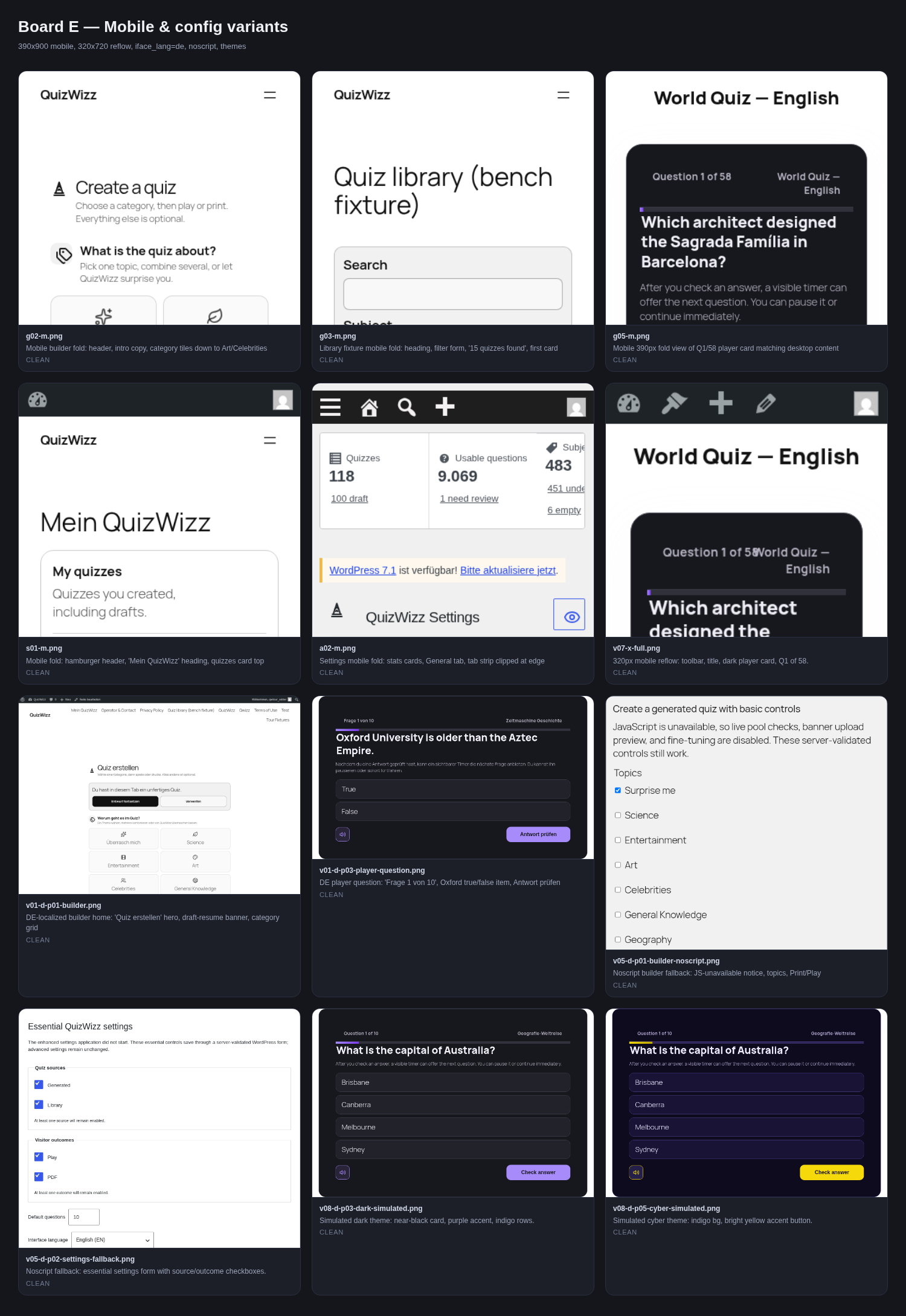 board-E-mobile-variants.png
Wave A — anonymous guest
g01 — landing/front page
/
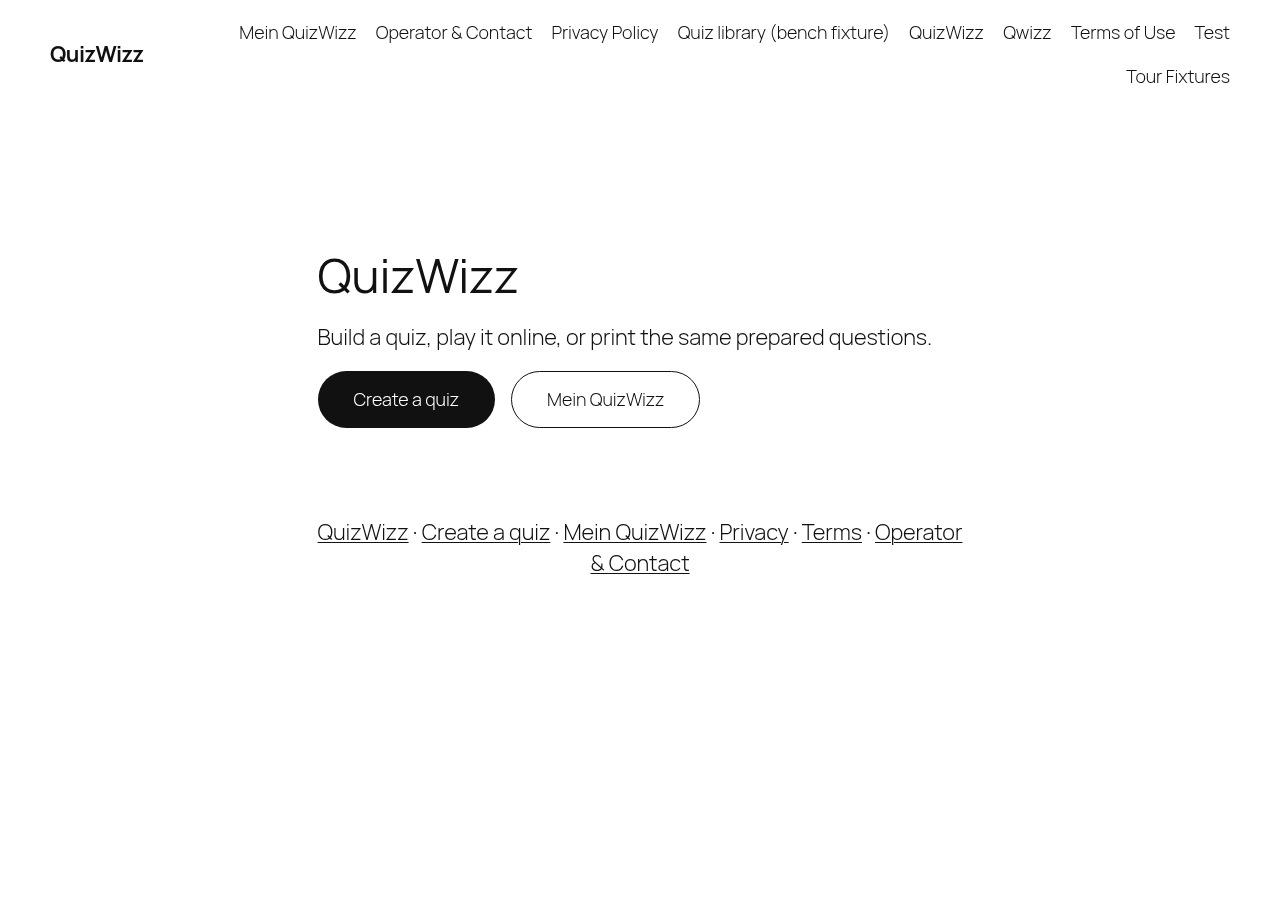 g01-d.png · desktop 1280x900 · fold
 g01-d-full.png · desktop 1280x900 · full page
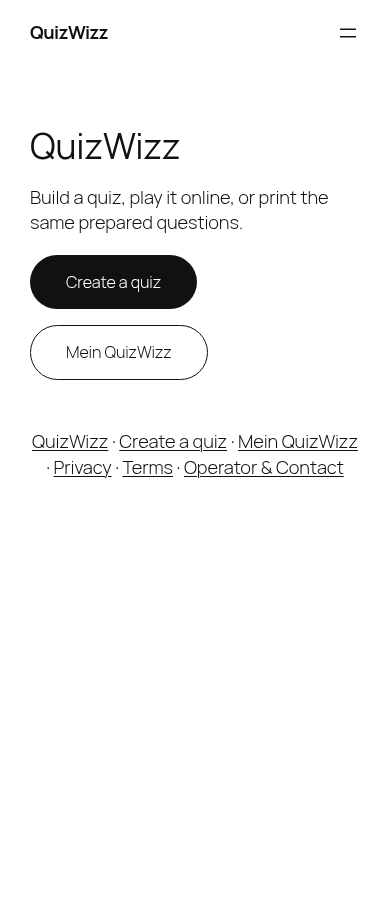 g01-m.png · mobile 390x900 · fold
 g01-m-full.png · mobile 390x900 · full page
Feedback — g01
(awaiting tour notes)
g02 — Builder (craft)
/?page_id=57
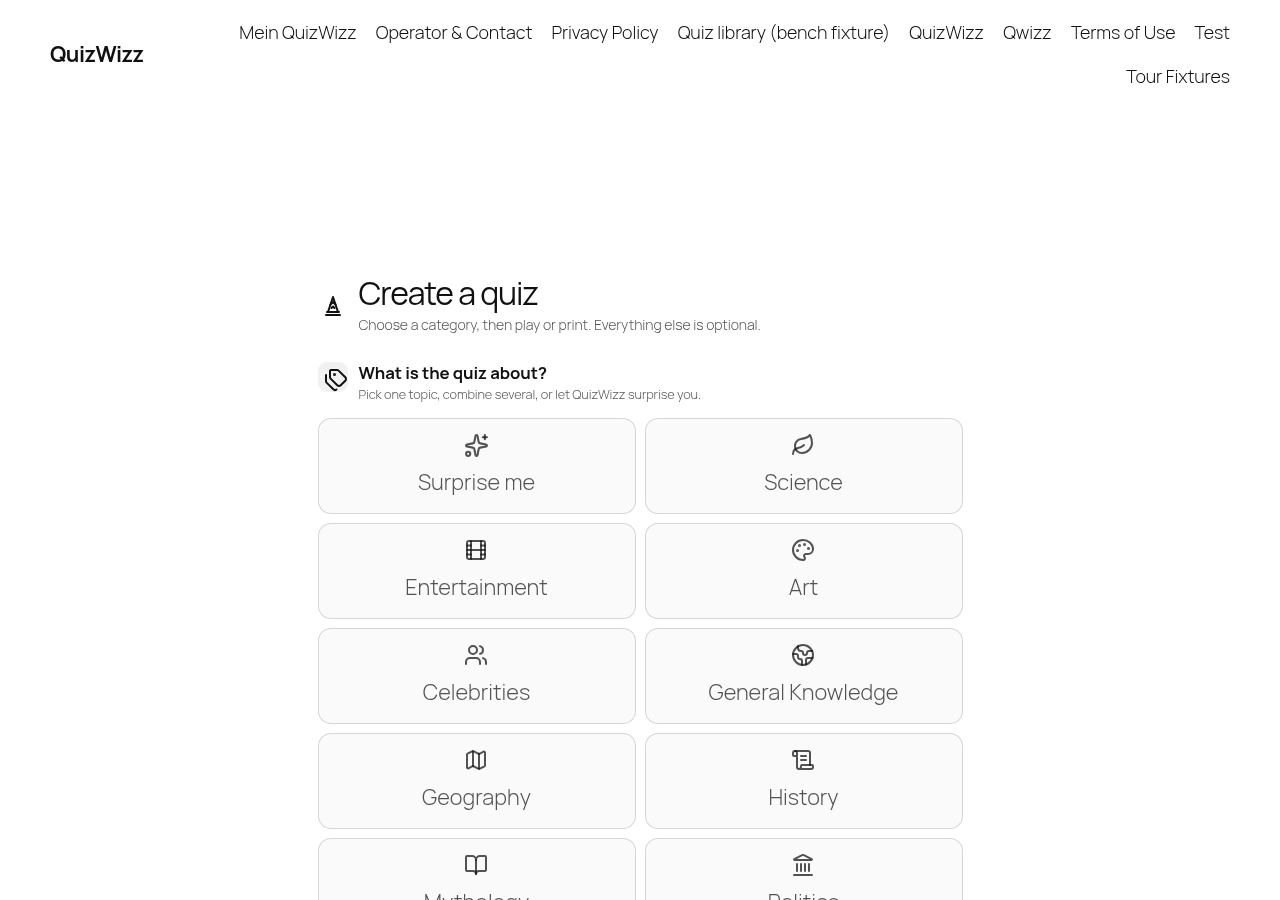 g02-d.png · desktop 1280x900 · fold
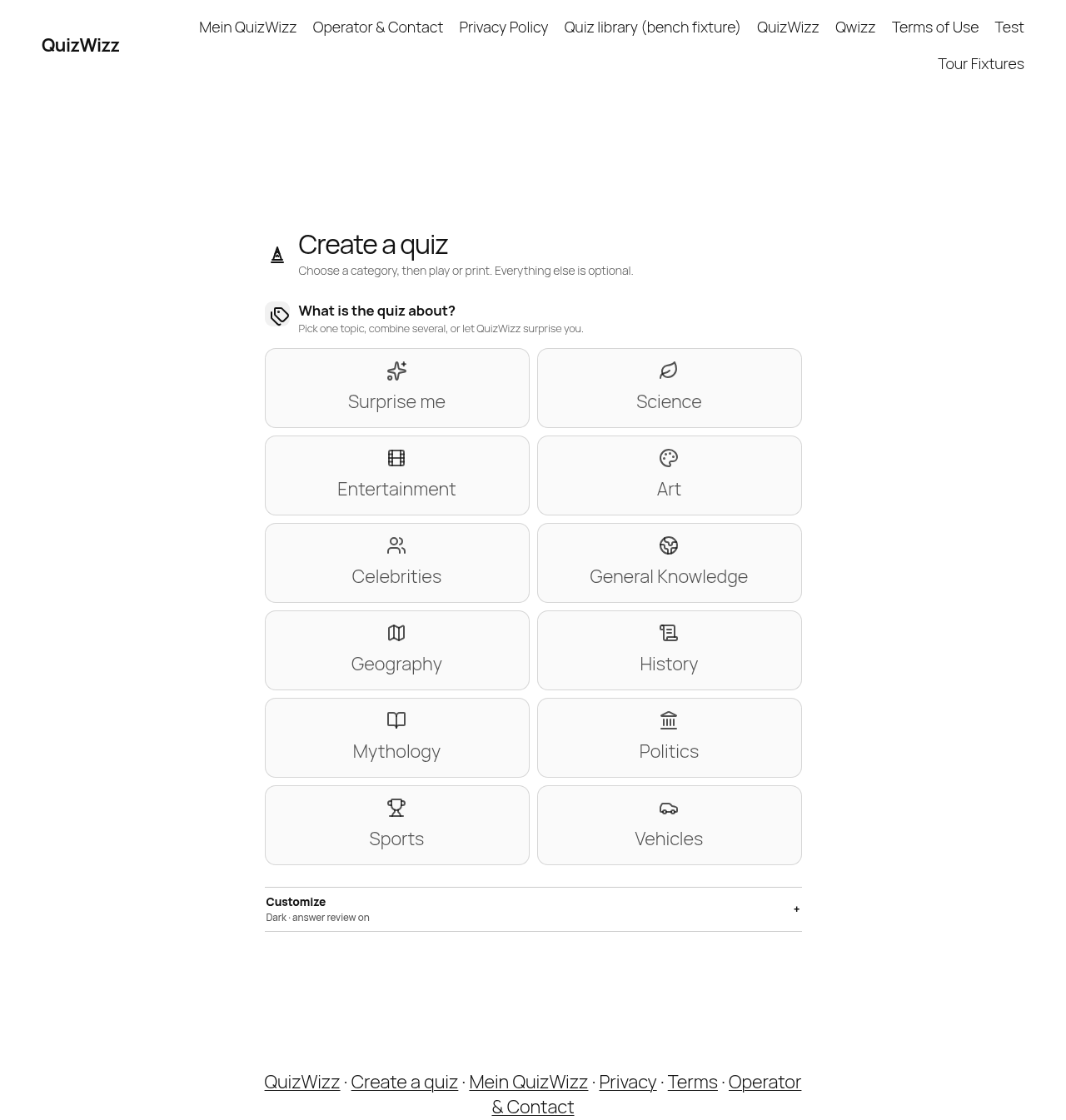 g02-d-full.png · desktop 1280x900 · full page
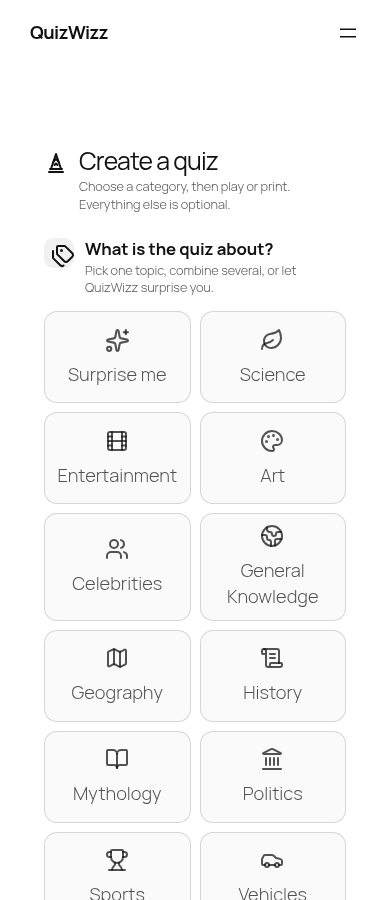 g02-m.png · mobile 390x900 · fold
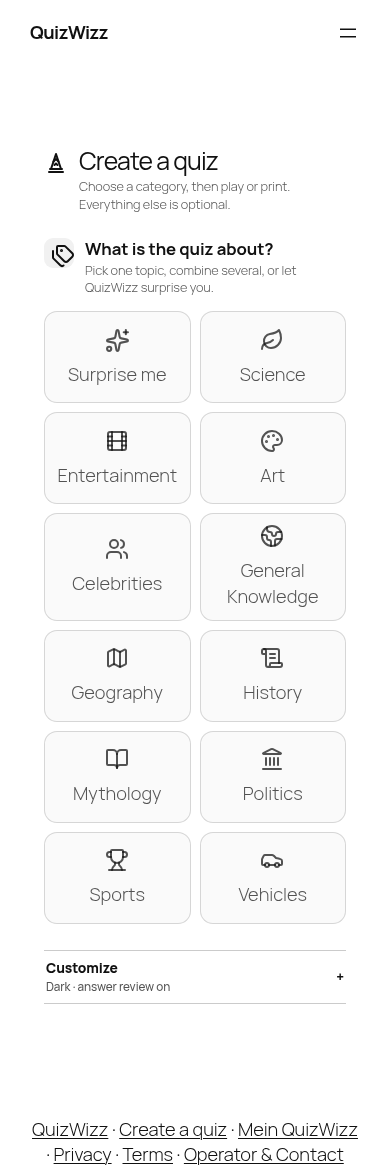 g02-m-full.png · mobile 390x900 · full page
 g02-d-p01-brand.png · desktop 1280x900 · element crop · ⚠️ finding
 g02-d-p02-title.png · desktop 1280x900 · element crop
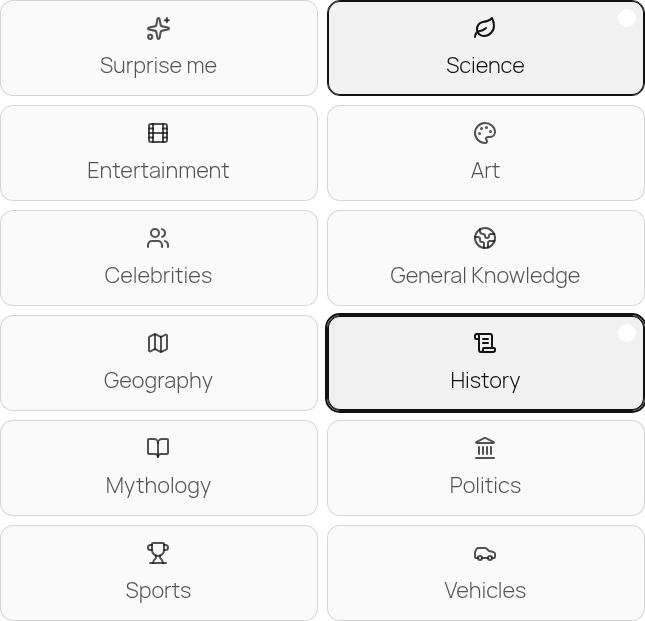 g02-d-p03-categories-multi.png · desktop 1280x900 · element crop
 g02-d-p03-categories-none.png · desktop 1280x900 · element crop
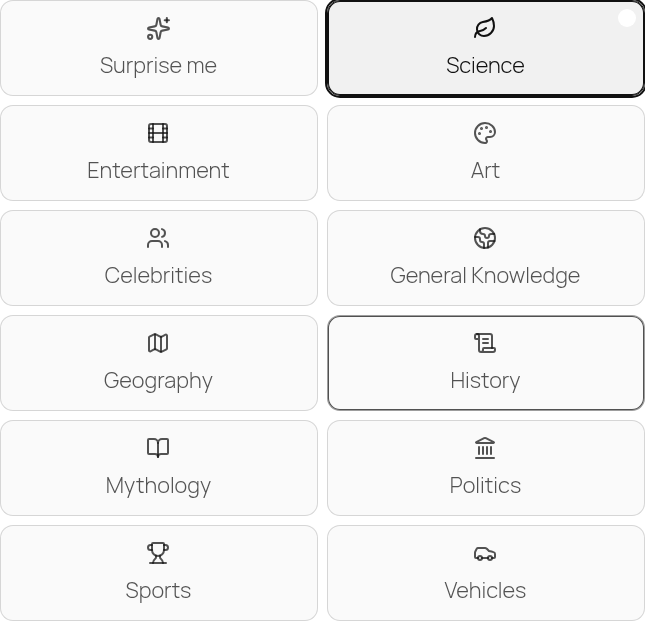 g02-d-p03-categories-one.png · desktop 1280x900 · element crop
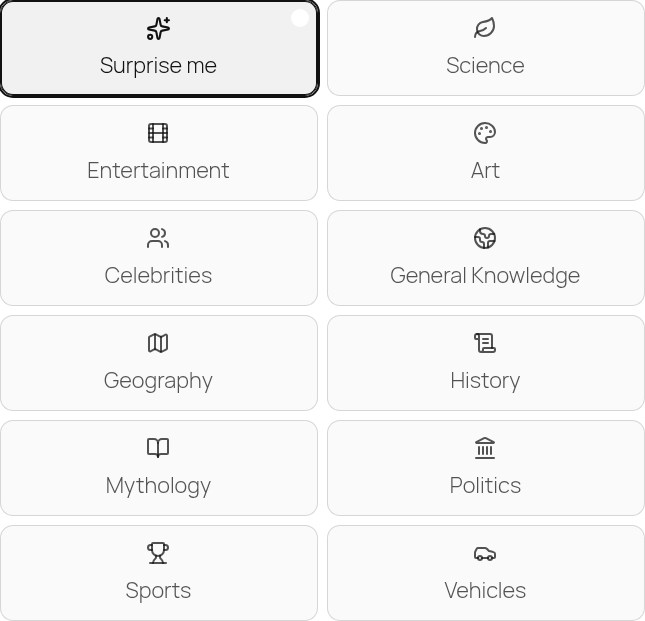 g02-d-p03-categories-surprise.png · desktop 1280x900 · element crop
 g02-d-p04-advanced-closed.png · desktop 1280x900 · element crop
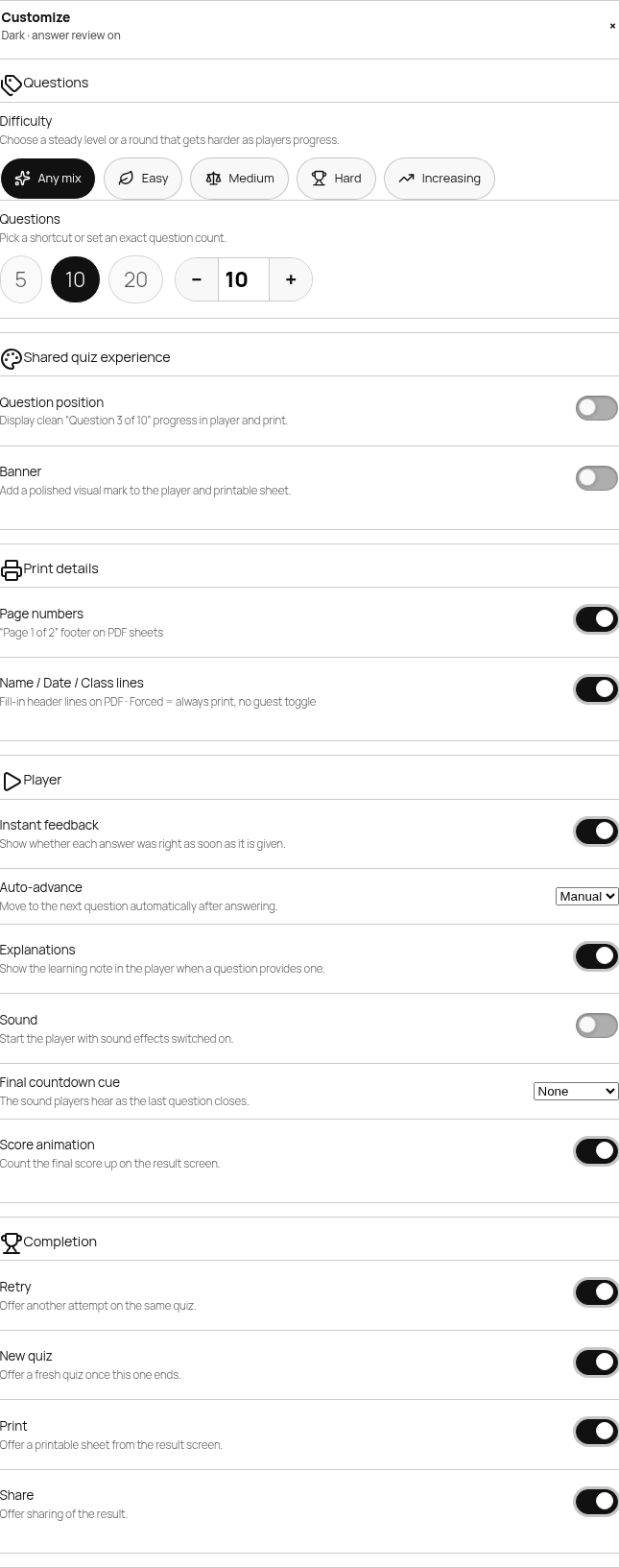 g02-d-p05-advanced-open.png · desktop 1280x900 · element crop
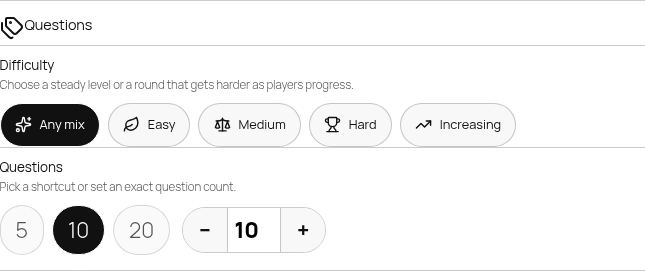 g02-d-p06-group-questions.png · desktop 1280x900 · element crop
 g02-d-p07-difficulty.png · desktop 1280x900 · element crop
 g02-d-p08-qtypes.png · desktop 1280x900 · element crop
 g02-d-p09-langs.png · desktop 1280x900 · element crop
 g02-d-p10-count.png · desktop 1280x900 · element crop
 g02-d-p11-title-field.png · desktop 1280x900 · element crop
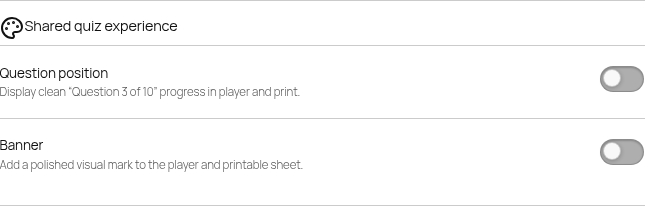 g02-d-p12-group-shared-off.png · desktop 1280x900 · element crop
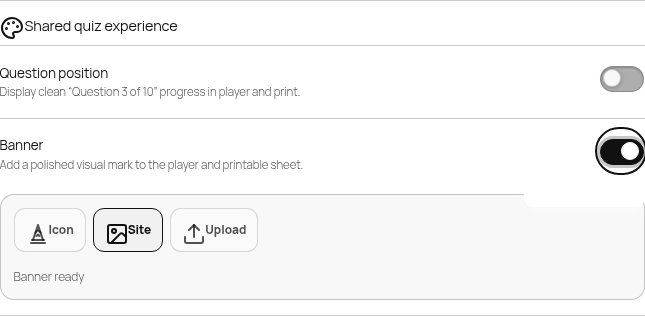 g02-d-p12-group-shared-on.png · desktop 1280x900 · element crop
 g02-d-p13-banner-panel-icon.png · desktop 1280x900 · element crop · ⚠️ finding
 g02-d-p13-banner-panel-preview.png · desktop 1280x900 · element crop · ⚠️ finding
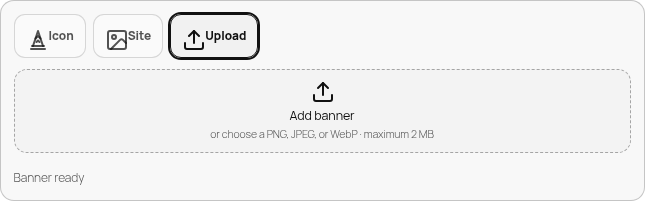 g02-d-p13-banner-panel-upload.png · desktop 1280x900 · element crop
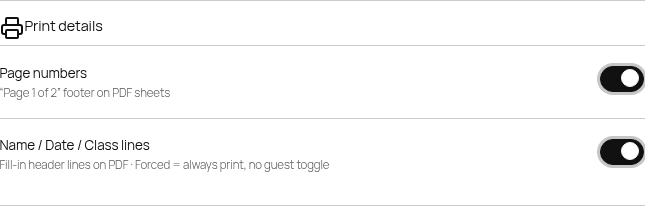 g02-d-p14-group-print.png · desktop 1280x900 · element crop
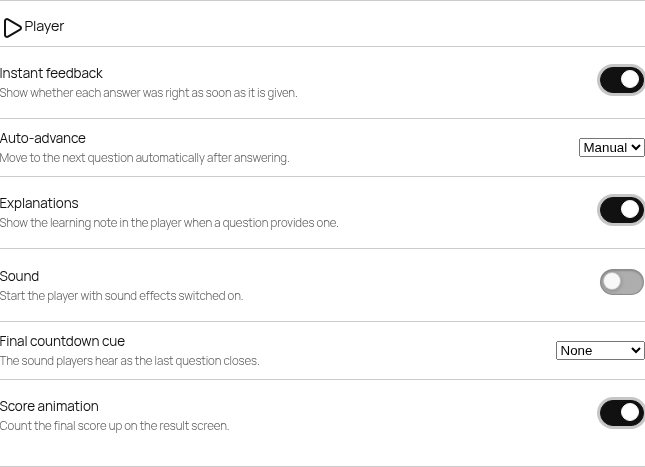 g02-d-p15-group-player.png · desktop 1280x900 · element crop
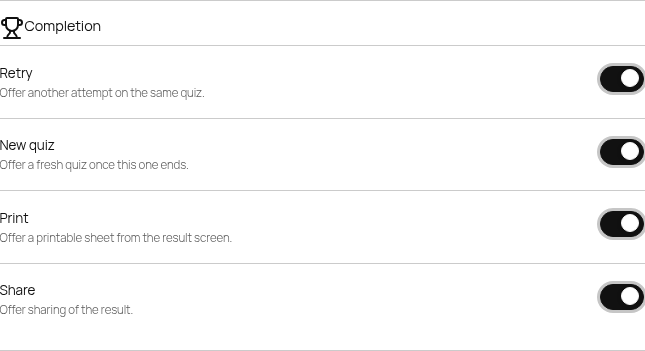 g02-d-p16-group-completion.png · desktop 1280x900 · element crop
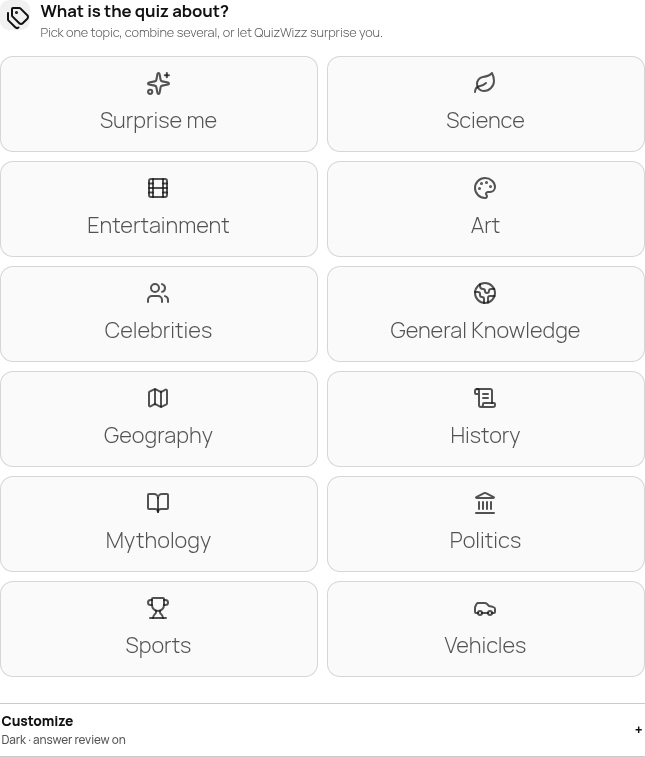 g02-d-p17-outcome-hidden.png · desktop 1280x900 · element crop
 g02-d-p18-outcome-available.png · desktop 1280x900 · element crop
 g02-d-p19-outcome-empty.png · desktop 1280x900 · element crop
 g02-d-p20-error-alert.png · desktop 1280x900 · element crop
 g02-d-p21-draft-resume.png · desktop 1280x900 · element crop
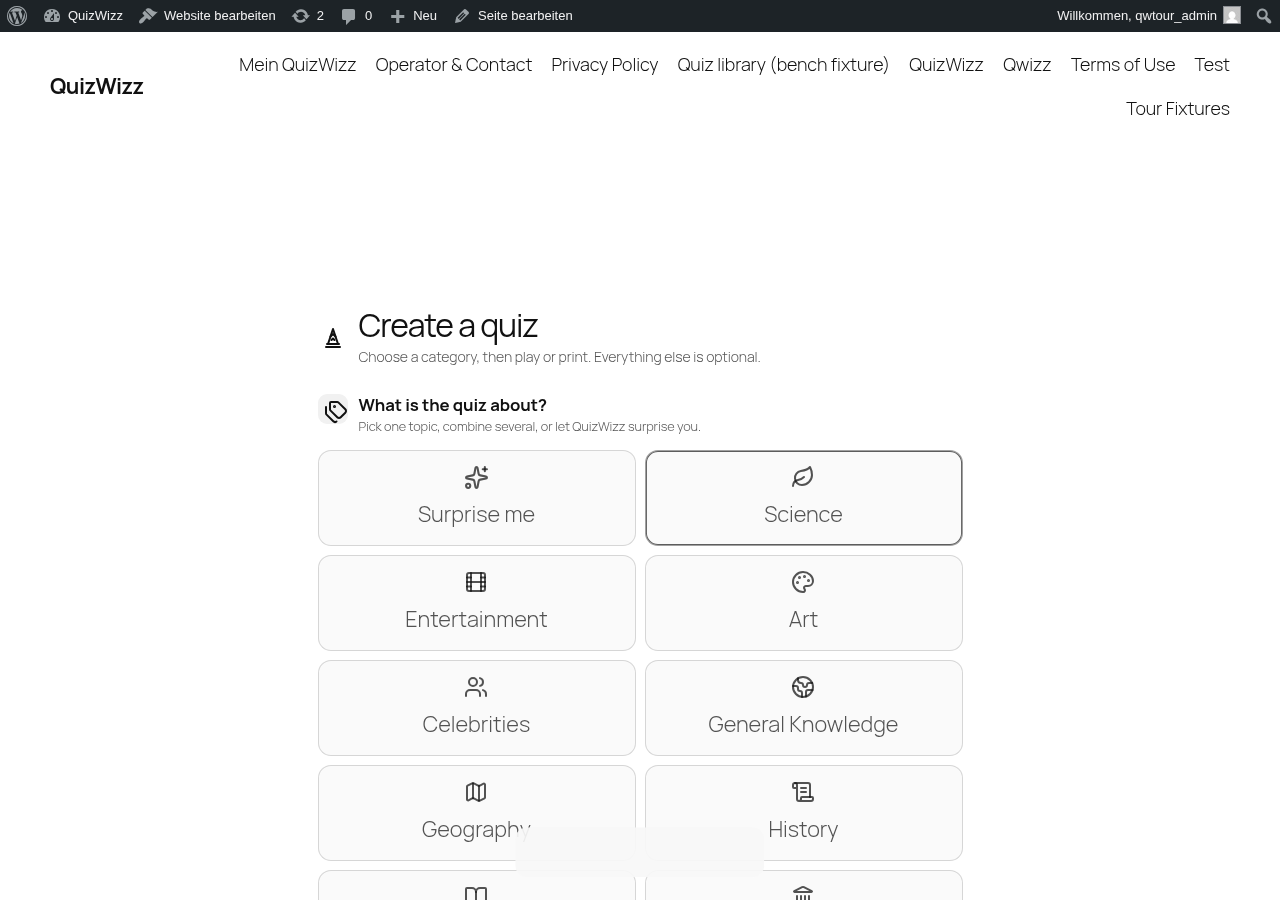 g02-d-p22-toast.png · desktop 1280x900 · element crop · ⚠️ finding · re-captured logged-in as
 qwtour_admin (admin bar visible); the toast defect is persona-independent
Findings in this route
g02-d-p01-brand.png— Selector ‘header.qwizz-builder__brand’ crop renders the same ‘Create a quiz’ heading + subtext as the title panel, with no visible logo/brand mark distinguishing it from p02-title.g02-d-p13-banner-panel-icon.png— Filename says ‘icon’ but the screenshot shows the ‘Site’ button highlighted/active with ‘Banner ready’ text — no icon-picker UI (icon swatches/color options) is visible, so the captured state does not match the labeled Icon-picker panelg02-d-p13-banner-panel-preview.png— Filename implies a banner preview state but the image is pixel-equivalent to g02-d-p13-banner-panel-icon.png: same Site-selected Icon/Site/Upload row and ‘Banner ready’ text, with no visible preview thumbnail/image — suggests this state either wasn’t reached or the preview UI shows no thumbnail even when ‘Banner ready’g02-d-p22-toast.png— Toast text is invisible: computed background-color and color are both color(srgb 0.972 0.972 0.972). CSS assets/css/qwizz-builder.css sets .qwizz-toast{background:var(—qw-ink);color:var(—qw-card)} while the token layer resolves —qw-ink to currentColor and —qw-card to color-mix(in srgb, currentColor 3%, ffffff), collapsing both to the same near-white value.g02-d-p22-toast.png— DOM text “Saved draft discarded.” is announced via role=status aria-live=polite but never visible to sighted users.
Feedback — g02
(awaiting tour notes)
g02f — Fine-tune print studio modal
/?page_id=57 (Print → fine-tune modal; requires editor exposure — current bench config)
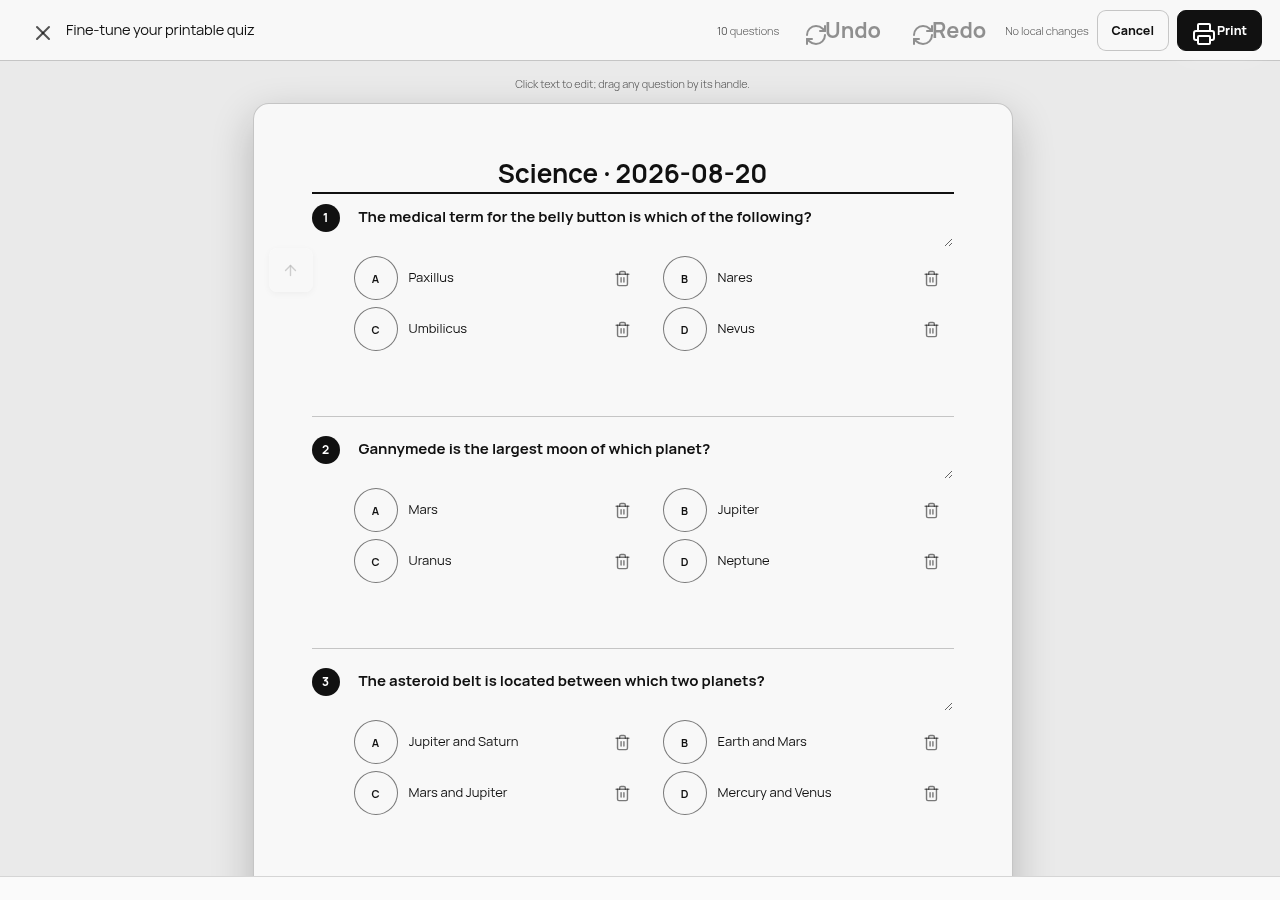 g02f-d-p01-modal.png · desktop 1280x900 · element crop
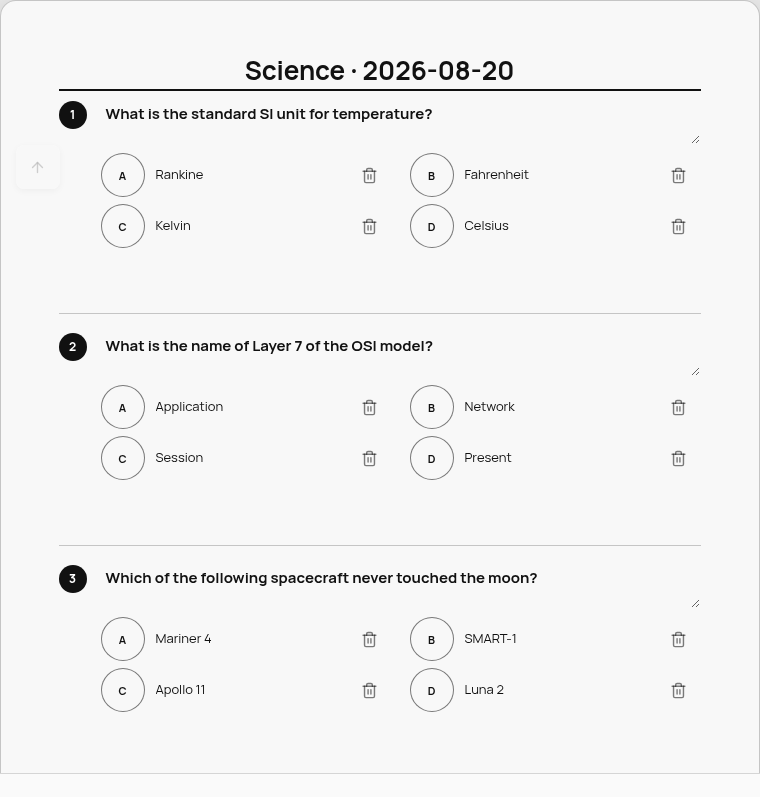 g02f-d-p02-paper.png · desktop 1280x900 · element crop
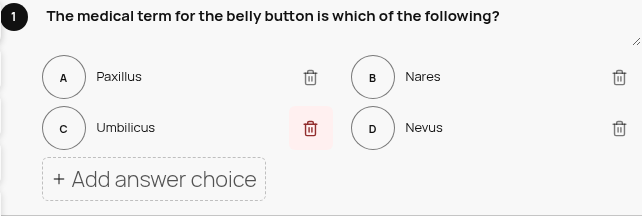 g02f-d-p03-row-actions.png · desktop 1280x900 · element crop
 g02f-d-p04-status.png · desktop 1280x900 · element crop
 g02f-d-p05-footer.png · desktop 1280x900 · element crop
Feedback — g02f
(awaiting tour notes)
g03 — Library fixture
/?page_id=1289
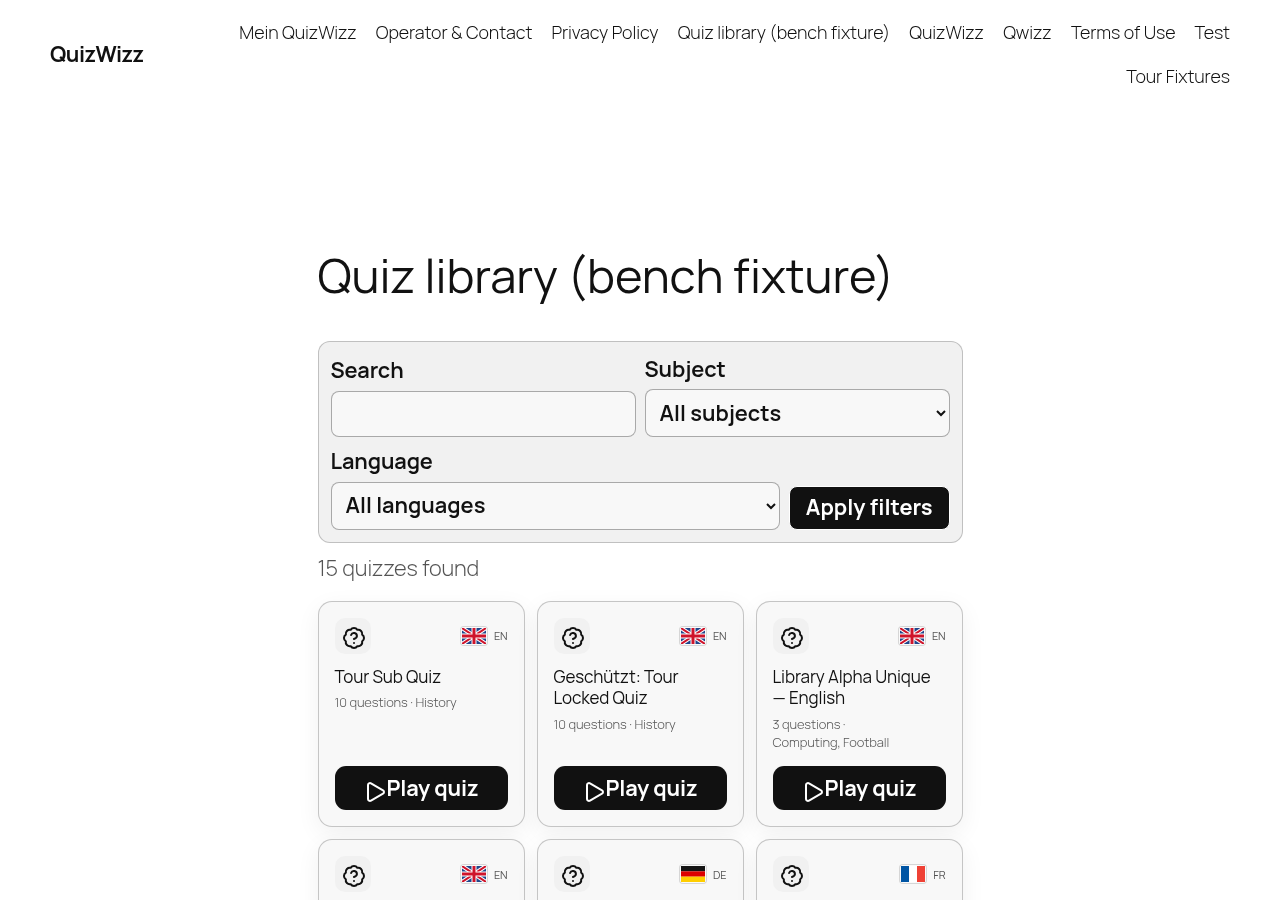 g03-d.png · desktop 1280x900 · fold
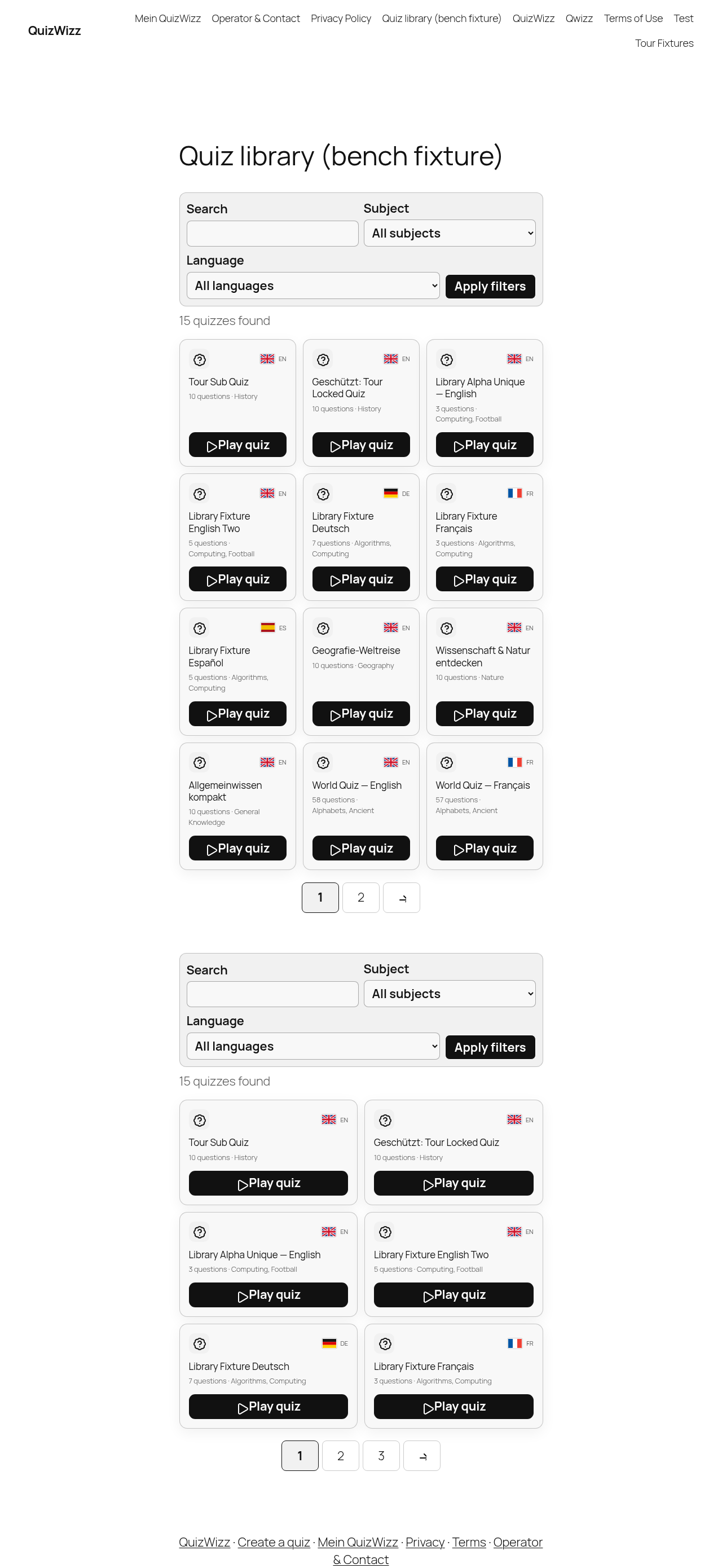 g03-d-full.png · desktop 1280x900 · full page
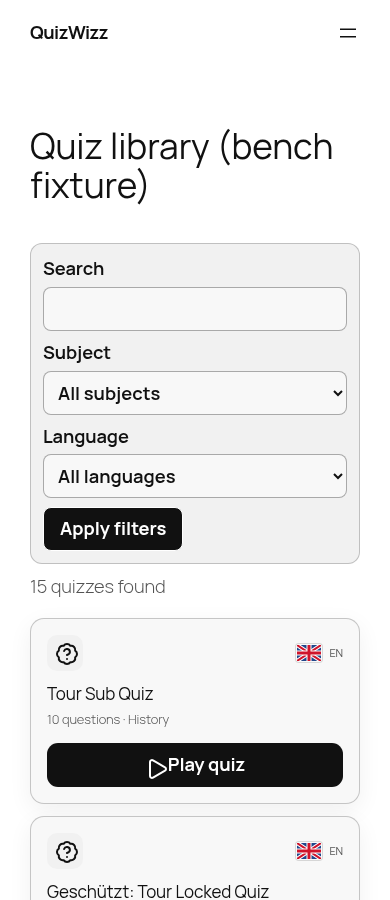 g03-m.png · mobile 390x900 · fold
 g03-m-full.png · mobile 390x900 · full page
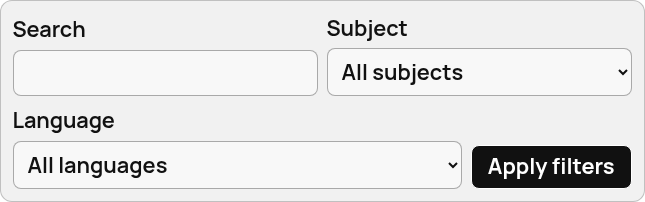 g03-d-p01-toolbar.png · desktop 1280x900 · element crop
 g03-d-p02-count.png · desktop 1280x900 · element crop
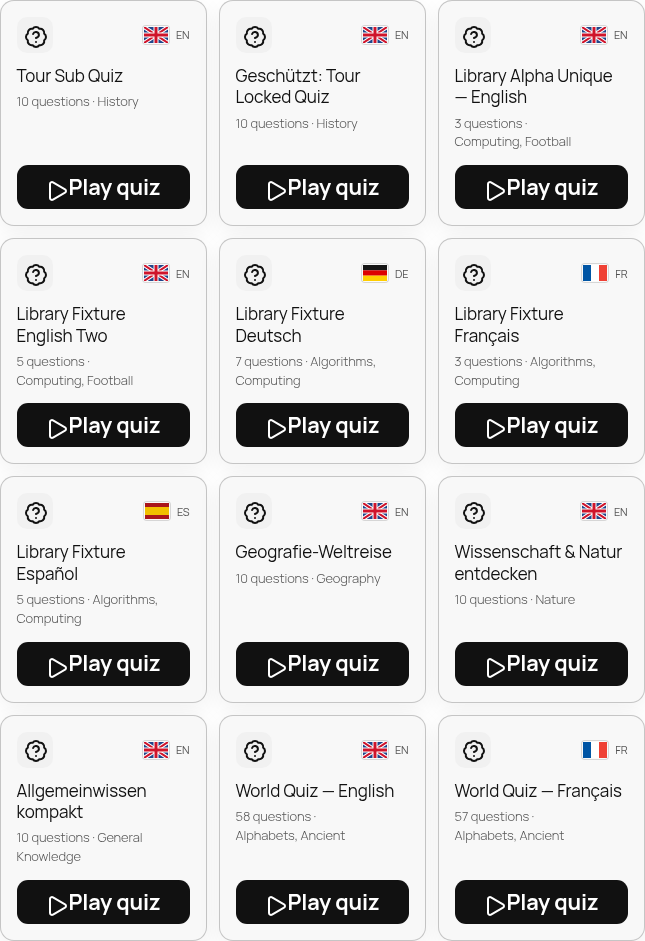 g03-d-p03-grid.png · desktop 1280x900 · element crop
 g03-d-p04-card.png · desktop 1280x900 · element crop
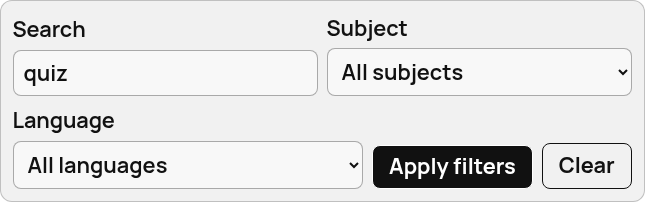 g03-d-p05-filters-active.png · desktop 1280x900 · element crop
 g03-d-p06-empty.png · desktop 1280x900 · element crop
 g03-d-p07-pagination.png · desktop 1280x900 · element crop
Feedback — g03
(awaiting tour notes)
g04 — quiz archive (theme-rendered)
/?post_type=qw_quiz
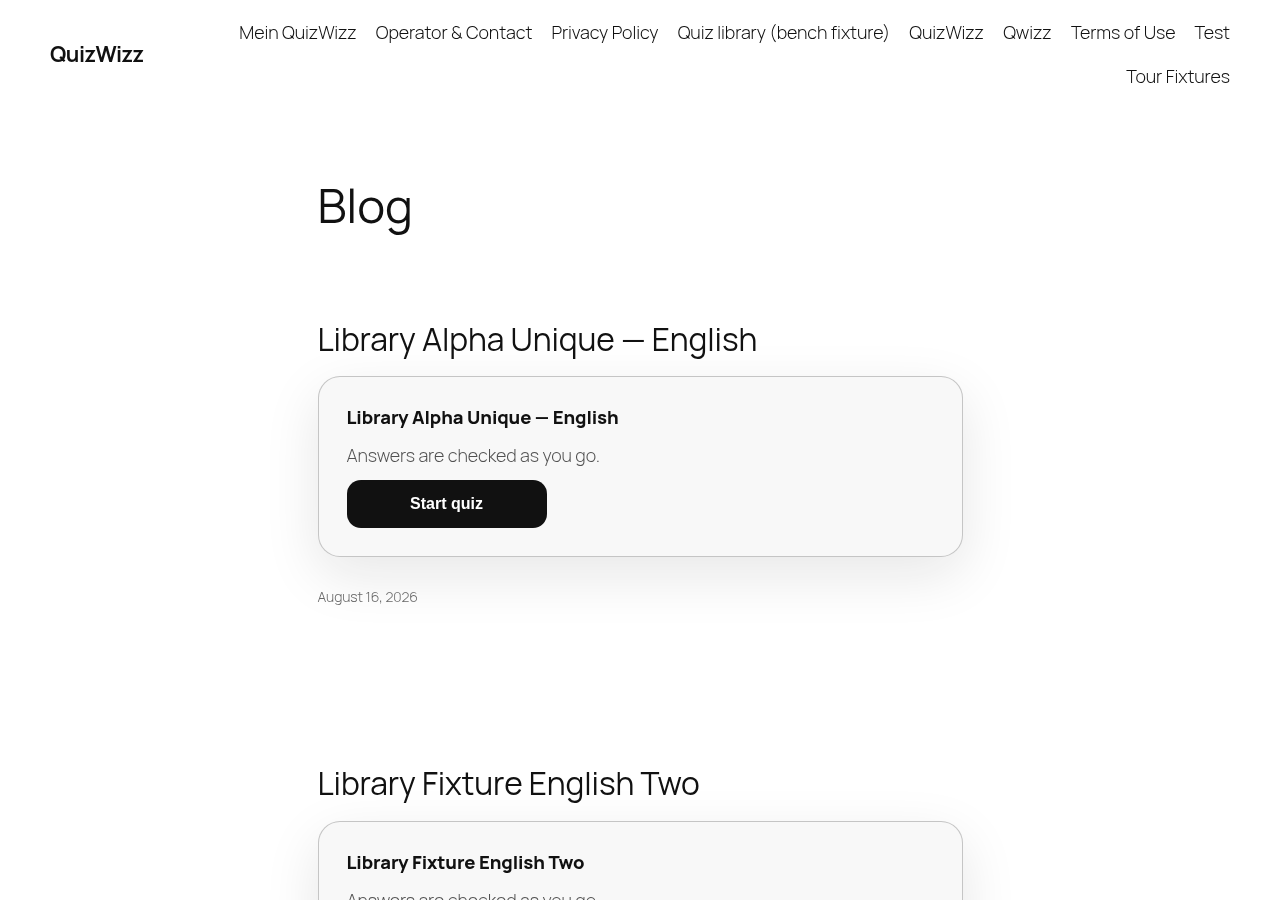 g04-d.png · desktop 1280x900 · fold · ⚠️ finding
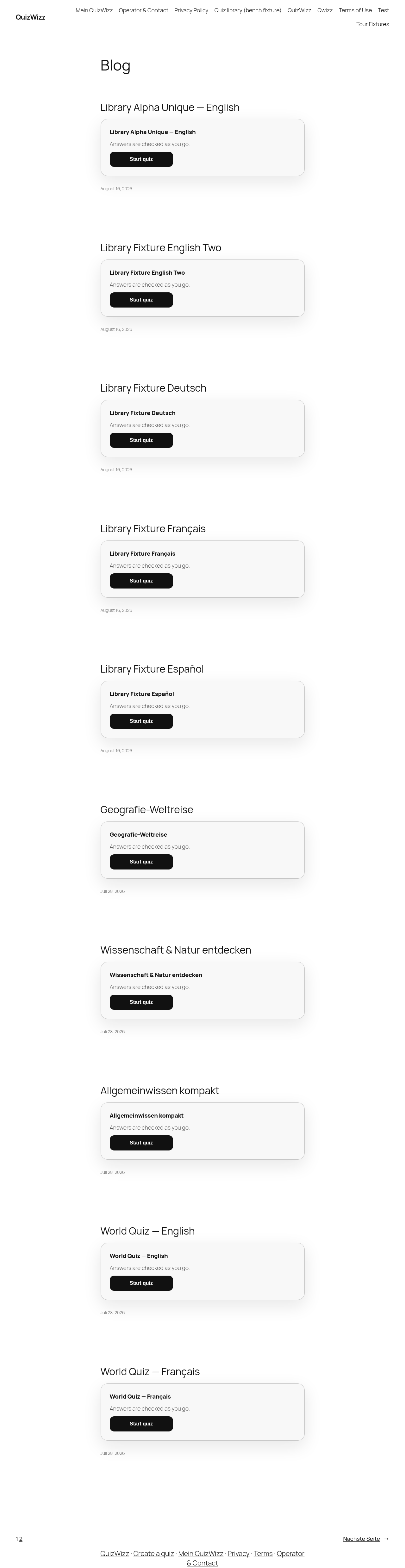 g04-d-full.png · desktop 1280x900 · full page · ⚠️ finding
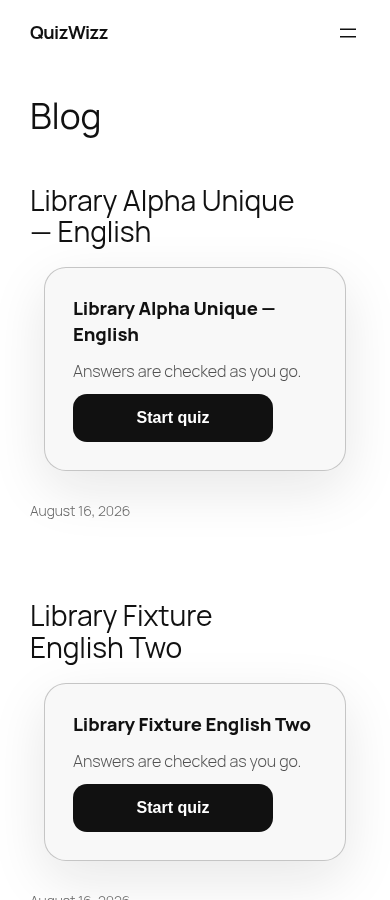 g04-m.png · mobile 390x900 · fold
 g04-m-full.png · mobile 390x900 · full page
Findings in this route
g04-d-full.png— Page heading reads ‘Blog’ for the qw_quiz post-type archive (/?post_type=qw_quiz), which is confusing theme-level UX — visitors landing on the quiz archive see a generic blog title, not ‘Quizzes’ or similarg04-d.png— Same ‘Blog’ heading mislabel visible at the fold: theme renders qw_quiz archive under a generic ‘Blog’ title with post-style teaser cards (‘Answers are checked as you go.’ + Start quiz + date), not a quiz-specific archive layout
Feedback — g04
(awaiting tour notes)
g05 — Single quiz + full player flow
/?qw_quiz=world-quiz-english
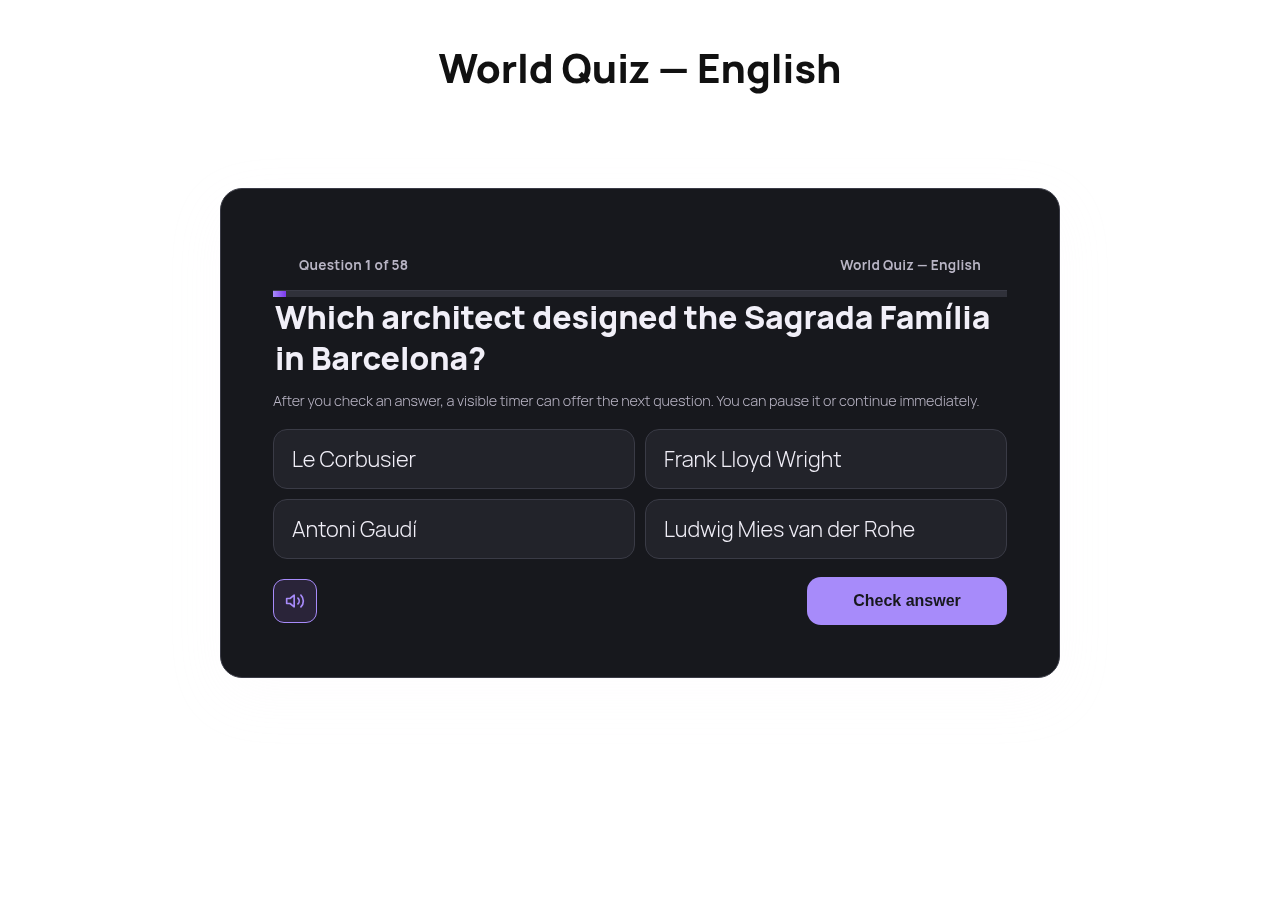 g05-d.png · desktop 1280x900 · fold
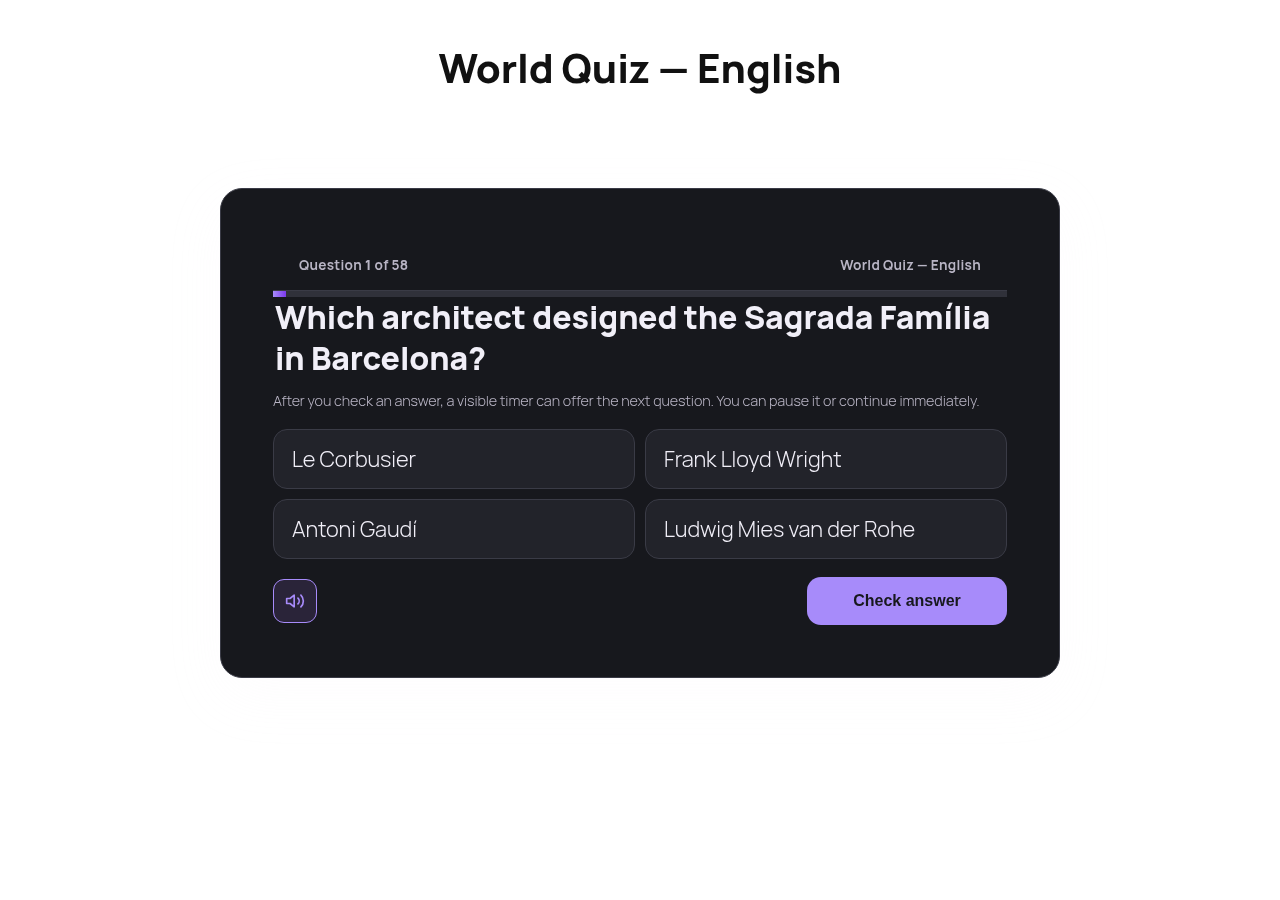 g05-d-full.png · desktop 1280x900 · full page
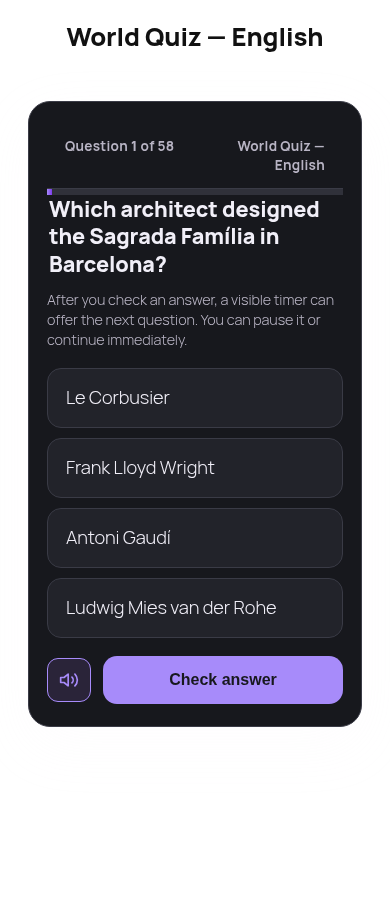 g05-m.png · mobile 390x900 · fold
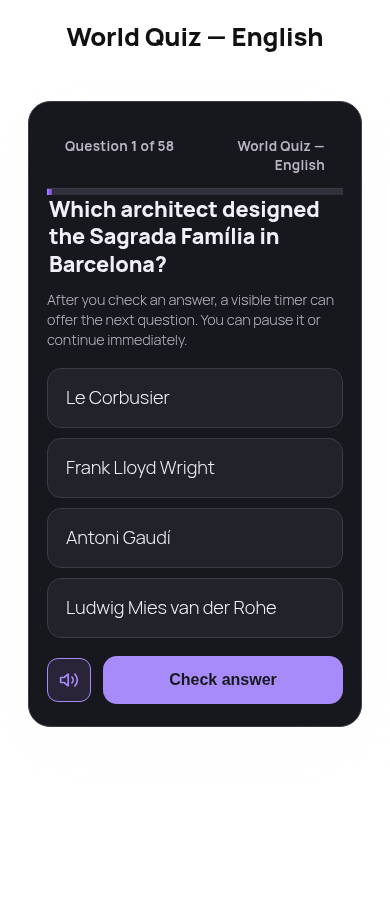 g05-m-full.png · mobile 390x900 · full page
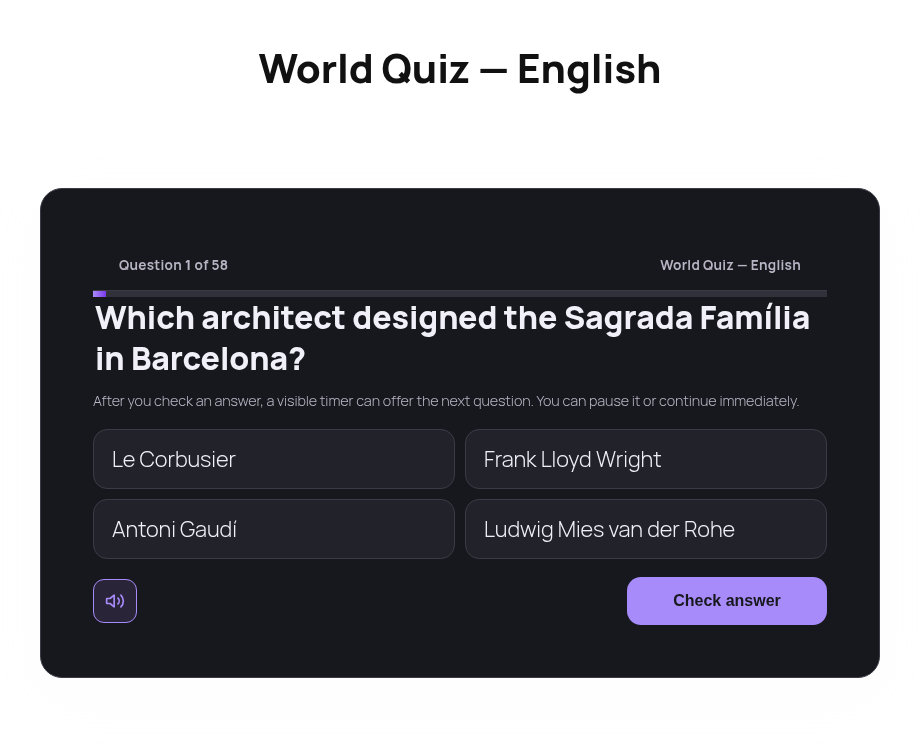 g05-d-p01-shell.png · desktop 1280x900 · element crop
 g05-d-p02-title.png · desktop 1280x900 · element crop
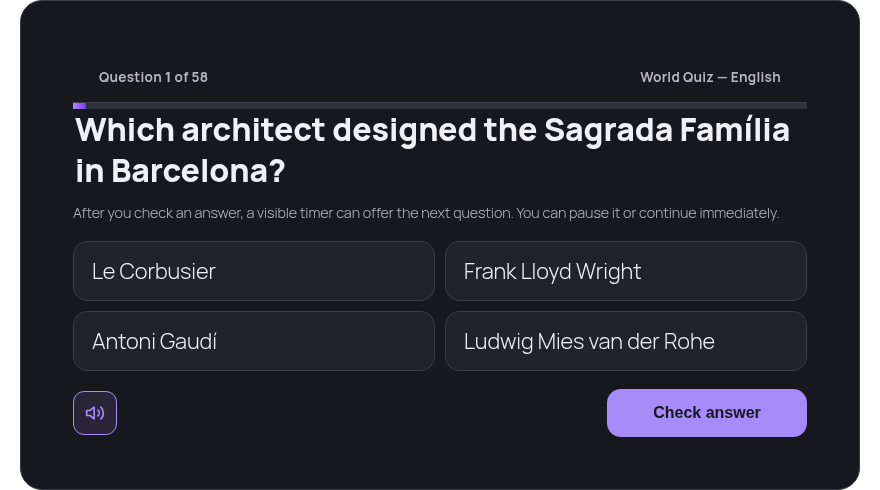 g05-d-p03-player-mount.png · desktop 1280x900 · element crop
 g05-d-p04-progress.png · desktop 1280x900 · element crop
 g05-d-p05-banner.png · desktop 1280x900 · element crop · ⚠️ finding
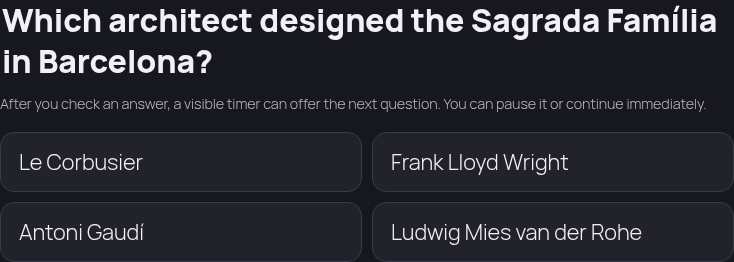 g05-d-p06-question.png · desktop 1280x900 · element crop
 g05-d-p07-answers.png · desktop 1280x900 · element crop
 g05-d-p08-validation-neutral.png · desktop 1280x900 · element crop
 g05-d-p09-feedback-correct.png · desktop 1280x900 · element crop
 g05-d-p10-correct-answer.png · desktop 1280x900 · element crop
 g05-d-p10-feedback-incorrect.png · desktop 1280x900 · element crop
 g05-d-p11-sound-toggle-off.png · desktop 1280x900 · element crop · ⚠️ finding
 g05-d-p11-sound-toggle-on.png · desktop 1280x900 · element crop · ⚠️ finding
 g05-d-p12-result.png · desktop 1280x900 · element crop · ⚠️ finding
 g05-d-p13-result-actions.png · desktop 1280x900 · element crop
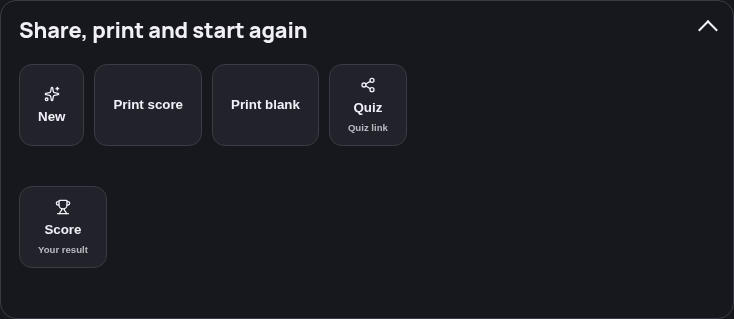 g05-d-p14-more-open.png · desktop 1280x900 · element crop
 g05-d-p15-share-status.png · desktop 1280x900 · element crop · ⚠️ finding
 g05-d-p16-review.png · desktop 1280x900 · element crop
 g05-d-p17-print-sheet.png · desktop 1280x900 · element crop
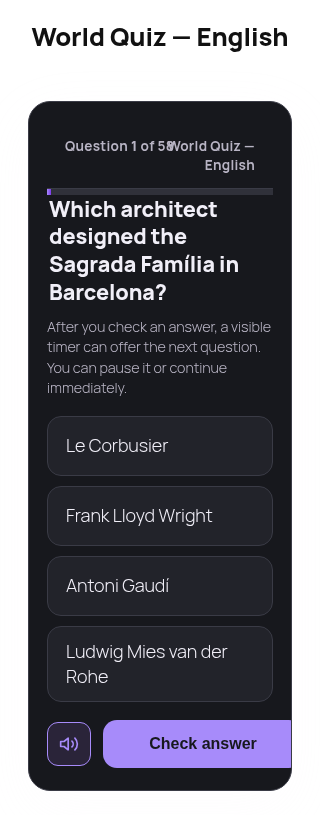 g05-x-full.png · narrow 320x720 · full page · ⚠️ finding
Findings in this route
g05-d-p05-banner.png— Banner panel (.qwizz-player__banner) shows only a small purple sparkle icon centered on an otherwise empty dark background — no title, logo, or supporting text, so the panel reads as mostly blank/low-content despite occupying full banner widthg05-d-p11-sound-toggle-off.png— File is labeled ‘sound-toggle-off’ but the rendered icon is the unmuted speaker-with-sound-waves glyph, which visually reads as the ‘sound on’ icon; icon/label appear swapped relative to g05-d-p11-sound-toggle-on.pngg05-d-p11-sound-toggle-on.png— File is labeled ‘sound-toggle-on’ but the rendered icon is a muted-speaker-with-X glyph, which visually reads as the ‘sound off/muted’ icon; icon/label appear swapped relative to g05-d-p11-sound-toggle-off.pngg05-d-p12-result.png— Element crop for ‘result’ (section.qwizz-player__result) rendered a 9312px-tall image containing the full question-by-question review (identical in content/height to g05-d-p16-review.png), not the compact ‘Quiz complete / score’ summary card; selector likely matched a wrapping container instead of the intended result-only elementg05-d-p15-share-status.png— Visible text ‘Could not share the quiz.’ indicates the share/copy-link action failed rather than succeeding; worth flagging to the tour owner as a functional share-feature issue rather than a capture artifactg05-x-full.png— header row ‘Question 1 of 58 / World Quiz — English’ visually collides with the purple progress bar directly beneath it at 320px width — text baseline sits almost on top of the bar, tighter than the 390px/1280px renders
Feedback — g05
(awaiting tour notes)
g06 — DE-content single quiz
/?qw_quiz=allgemeinwissen-kompakt
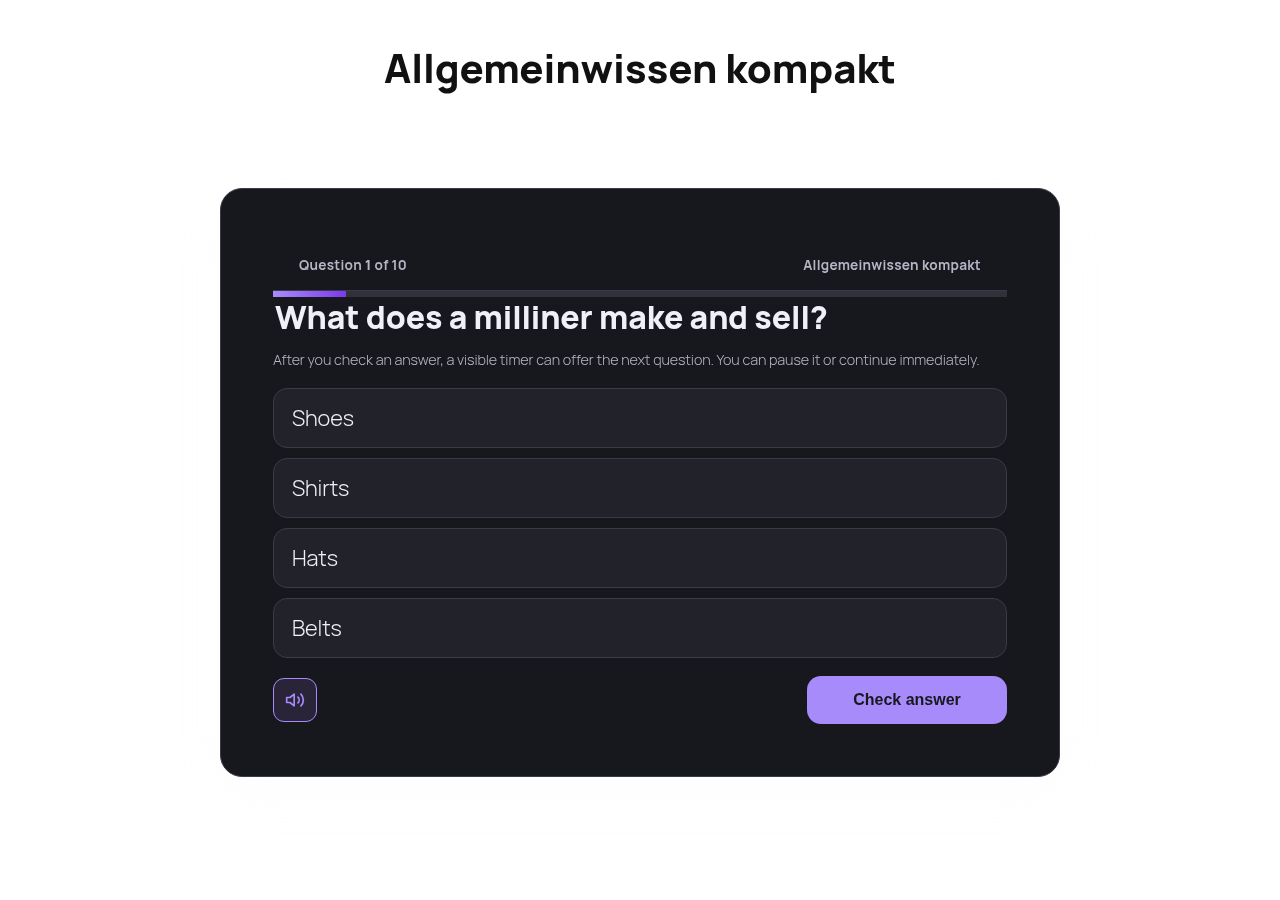 g06-d.png · desktop 1280x900 · fold
 g06-d-full.png · desktop 1280x900 · full page
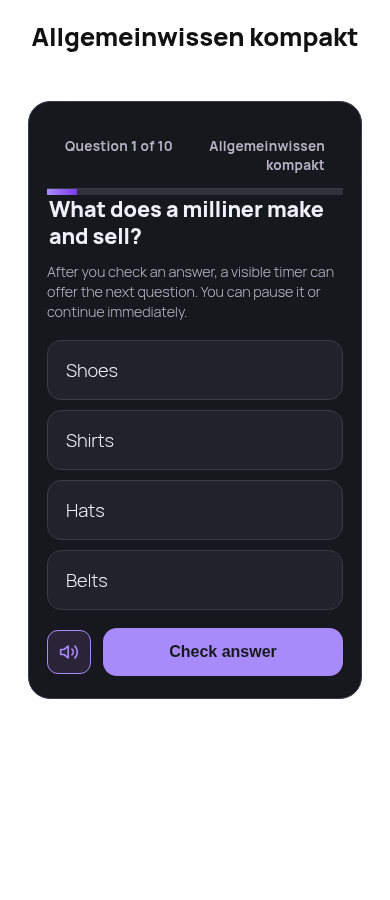 g06-m.png · mobile 390x900 · fold
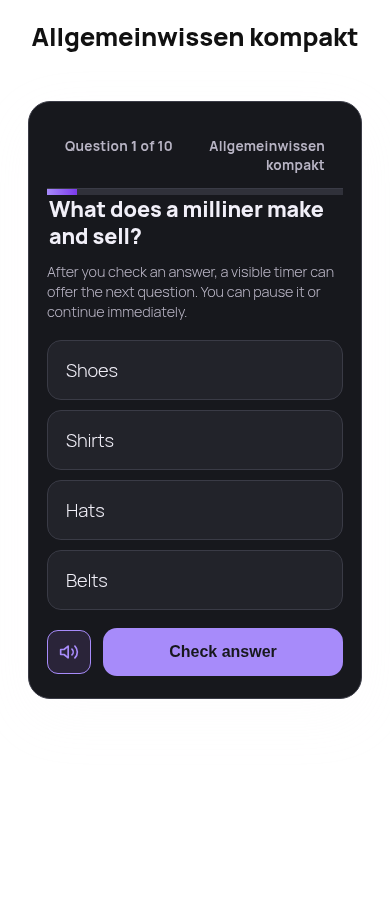 g06-m-full.png · mobile 390x900 · full page
Feedback — g06
(awaiting tour notes)
g07 — user surfaces anonymous → sign-in prompt
/?page_id=865
 g07-d.png · desktop 1280x900 · fold · ⚠️ finding
 g07-d-full.png · desktop 1280x900 · full page · ⚠️ finding
 g07-m.png · mobile 390x900 · fold · ⚠️ finding
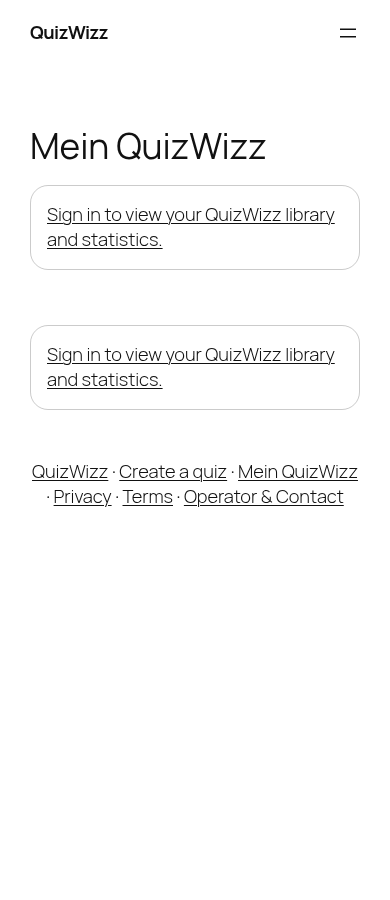 g07-m-full.png · mobile 390x900 · full page · ⚠️ finding
 g07-d-p01-sign-in.png · desktop 1280x900 · element crop
Findings in this route
g07-d-full.png— both the library card and the stats card render the exact same text ‘Sign in to view your QuizWizz library and statistics.’ side by side, giving no visual distinction between the two panels for a signed-out visitorg07-d.png— Two duplicate ‘Sign in to view your QuizWizz library and statistics.’ cards render side-by-side under the same ‘Mein QuizWizz’ heading — redundant panel, likely an un-deduped double shortcode instanceg07-m-full.png— Same duplicated ‘Sign in to view your QuizWizz library and statistics.’ card appears twice, stacked, on the mobile full-page renderg07-m.png— Duplicate ‘Sign in to view your QuizWizz library and statistics.’ card repeated twice, stacked, visible without scrolling
Feedback — g07
(awaiting tour notes)
g08 — search with matches
/?s=quiz
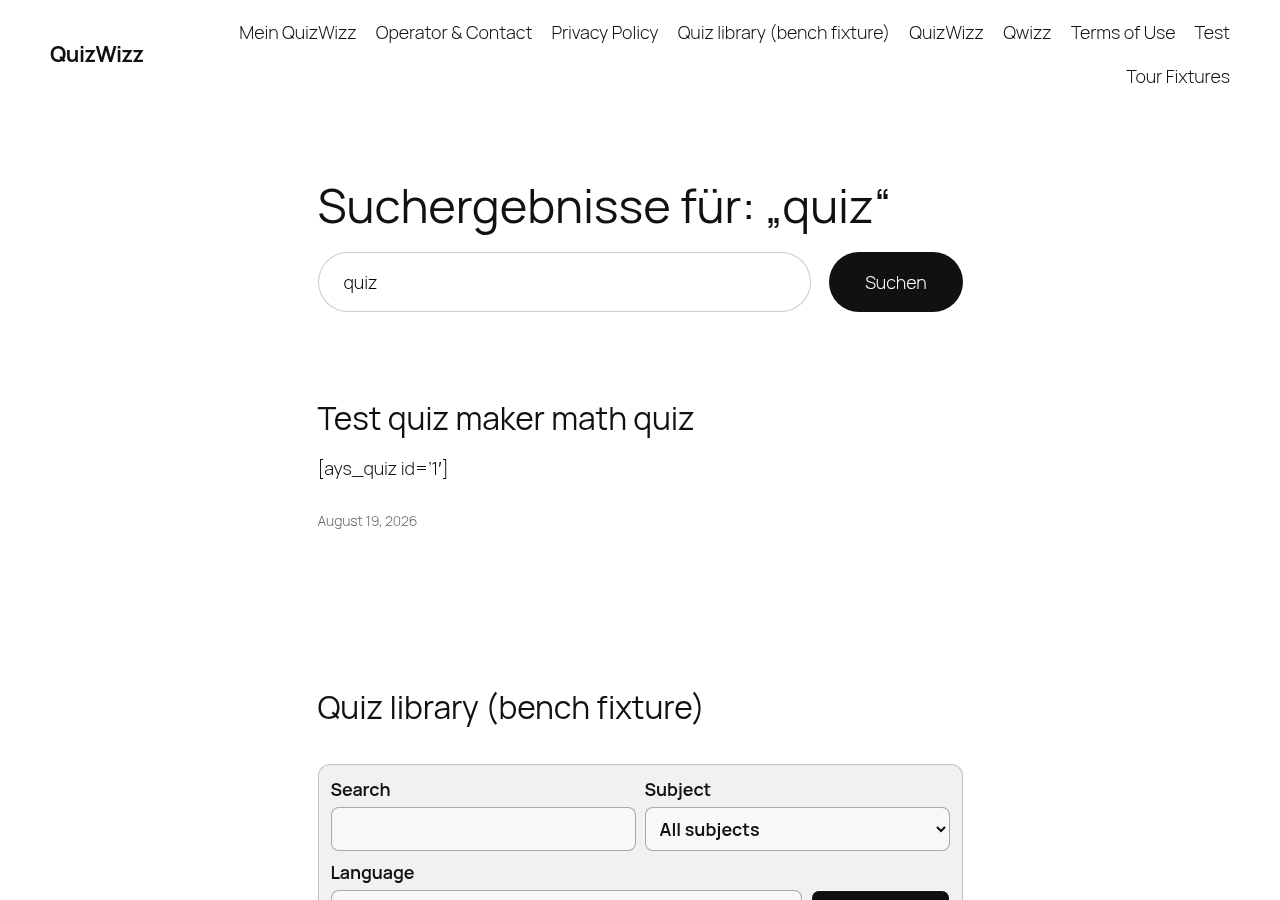 g08-d.png · desktop 1280x900 · fold
 g08-d-full.png · desktop 1280x900 · full page
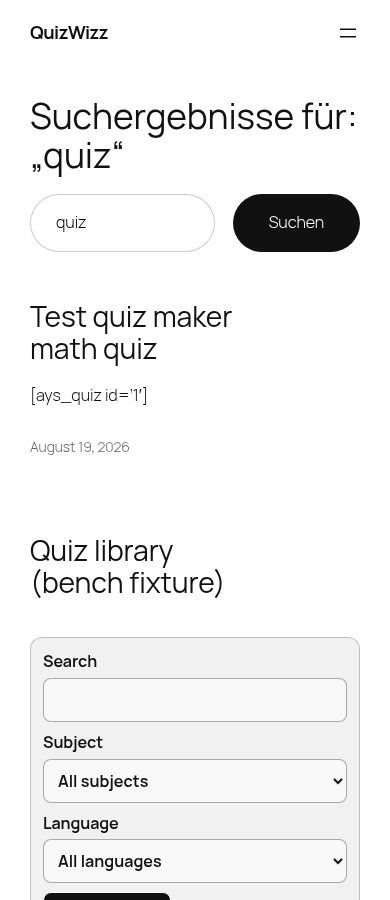 g08-m.png · mobile 390x900 · fold
 g08-m-full.png · mobile 390x900 · full page
Feedback — g08
(awaiting tour notes)
g09 — search empty
/?s=zzzznomatch
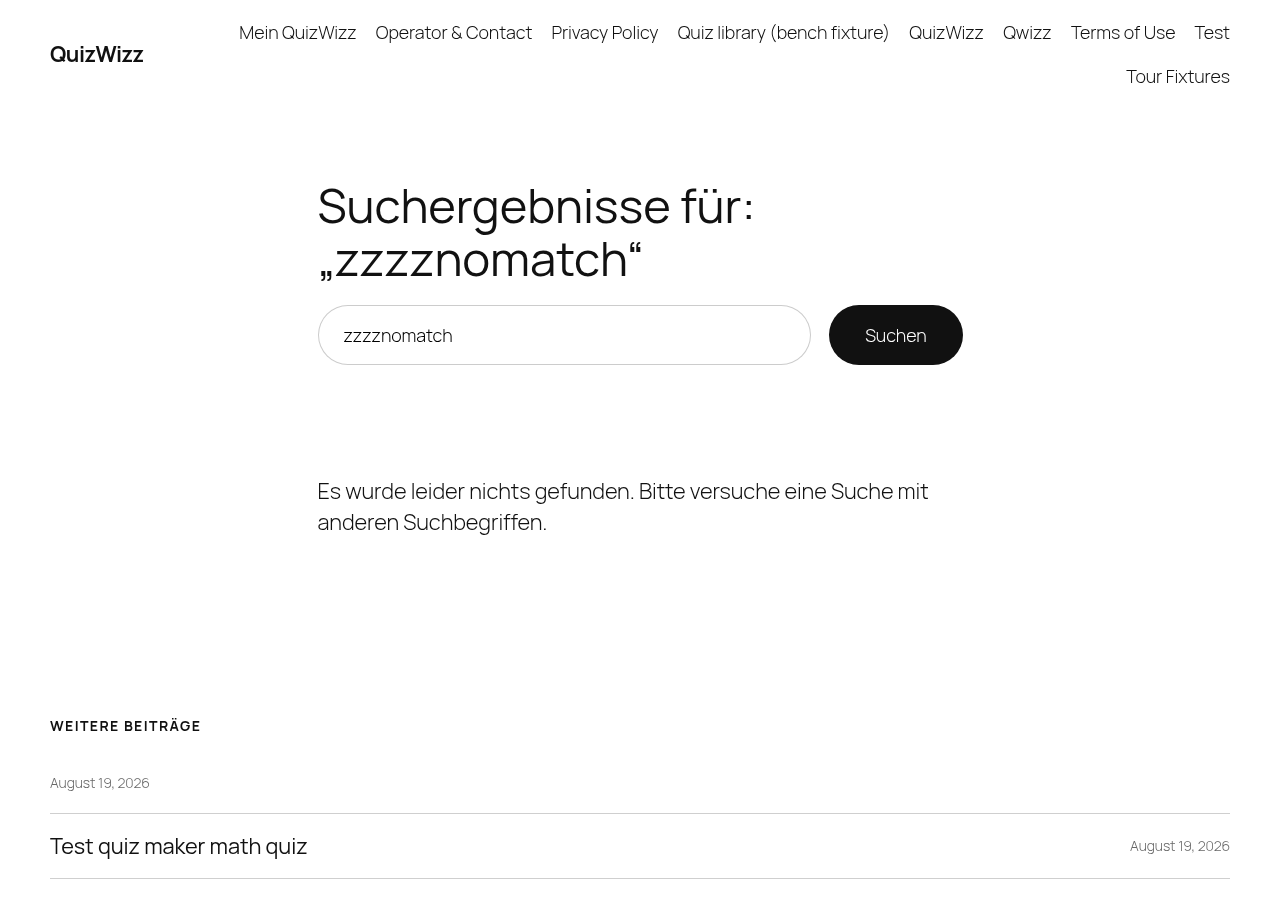 g09-d.png · desktop 1280x900 · fold
 g09-d-full.png · desktop 1280x900 · full page
 g09-m.png · mobile 390x900 · fold
 g09-m-full.png · mobile 390x900 · full page
Feedback — g09
(awaiting tour notes)
g10 — subject term archive
/?qw_subject=science-computers
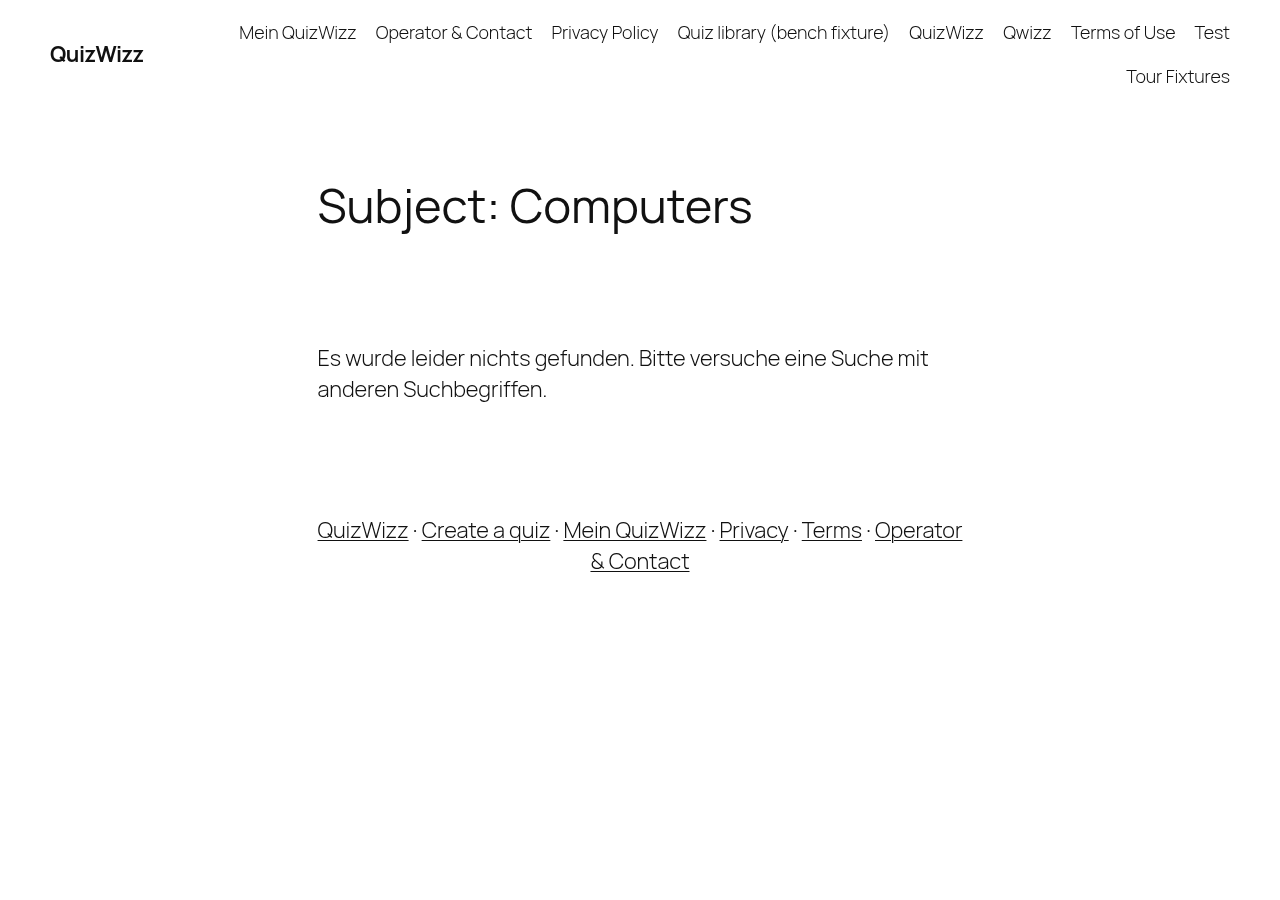 g10-d.png · desktop 1280x900 · fold · ⚠️ finding
 g10-d-full.png · desktop 1280x900 · full page · ⚠️ finding
 g10-m.png · mobile 390x900 · fold · ⚠️ finding
 g10-m-full.png · mobile 390x900 · full page · ⚠️ finding
Findings in this route
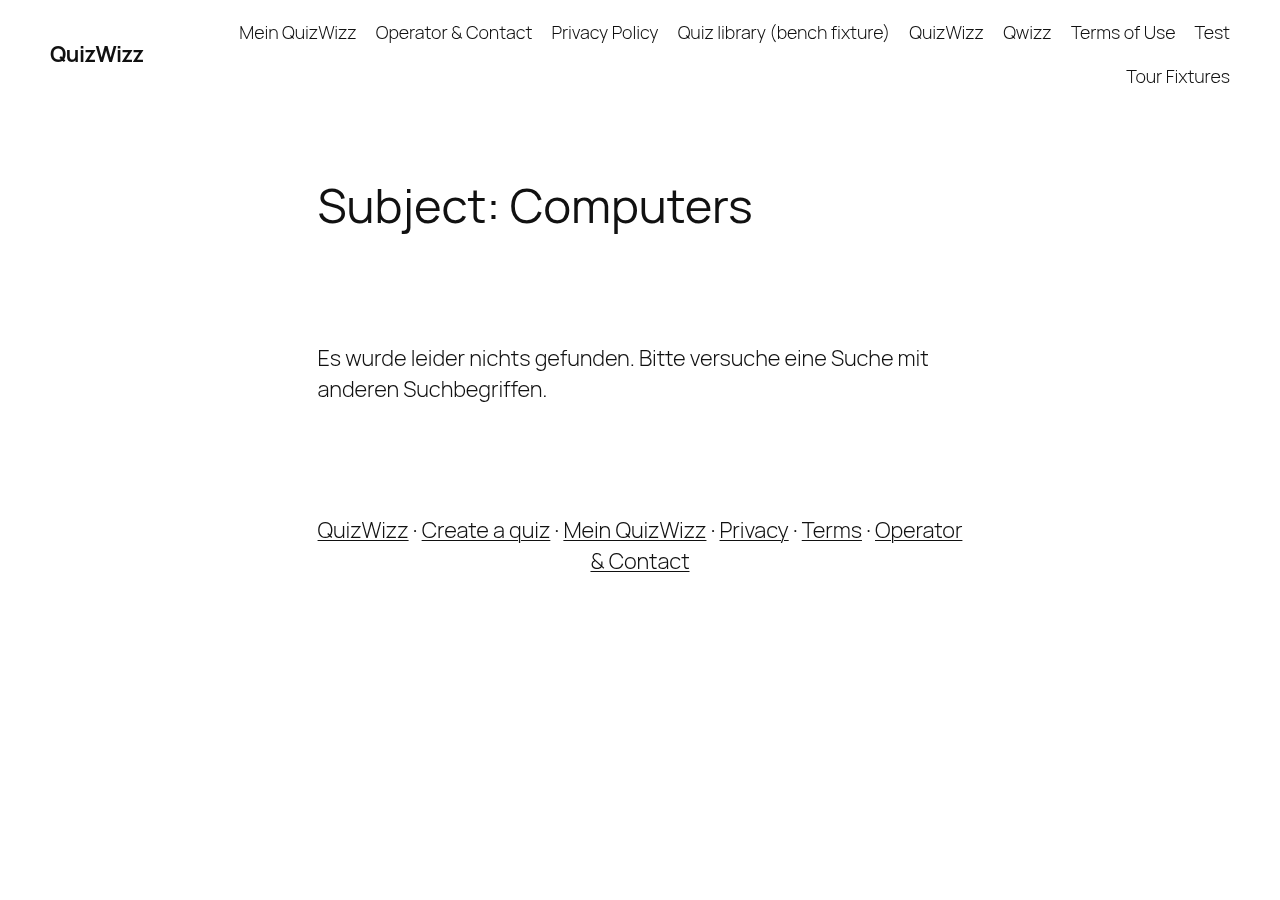
g10-d-full.png— Page nav/header is English (QuizWizz, Terms of Use, etc.) but the empty-state copy reads ‘Es wurde leider nichts gefunden. Bitte versuche eine Suche mit anderen Suchbegriffen.’ — locale mismatch on the term archive fallback textg10-d.png— Same German fallback copy ‘Es wurde leider nichts gefunden…’ visible under an all-English header/navg10-m-full.png— German no-results sentence persists on mobile viewport despite English site chromeg10-m.png— Locale mismatch reproduced at mobile fold: German ‘Es wurde leider nichts gefunden…’ under English heading
Feedback — g10
(awaiting tour notes)
g11 — Privacy Policy
/?page_id=3
 g11-d.png · desktop 1280x900 · fold · ⚠️ finding
![Privacy Policy full-height — every legal value is unfilled [INSERT-YOUR-DATA-HERE]](../../assets/qwizz-tour/2026-08-20/shots/g11-d-full.png) g11-d-full.png · desktop 1280x900 · full page · ⚠️ finding
g11-d-full.png · desktop 1280x900 · full page · ⚠️ finding
 g11-m.png · mobile 390x900 · fold · ⚠️ finding
 g11-m-full.png · mobile 390x900 · full page · ⚠️ finding
Findings in this route
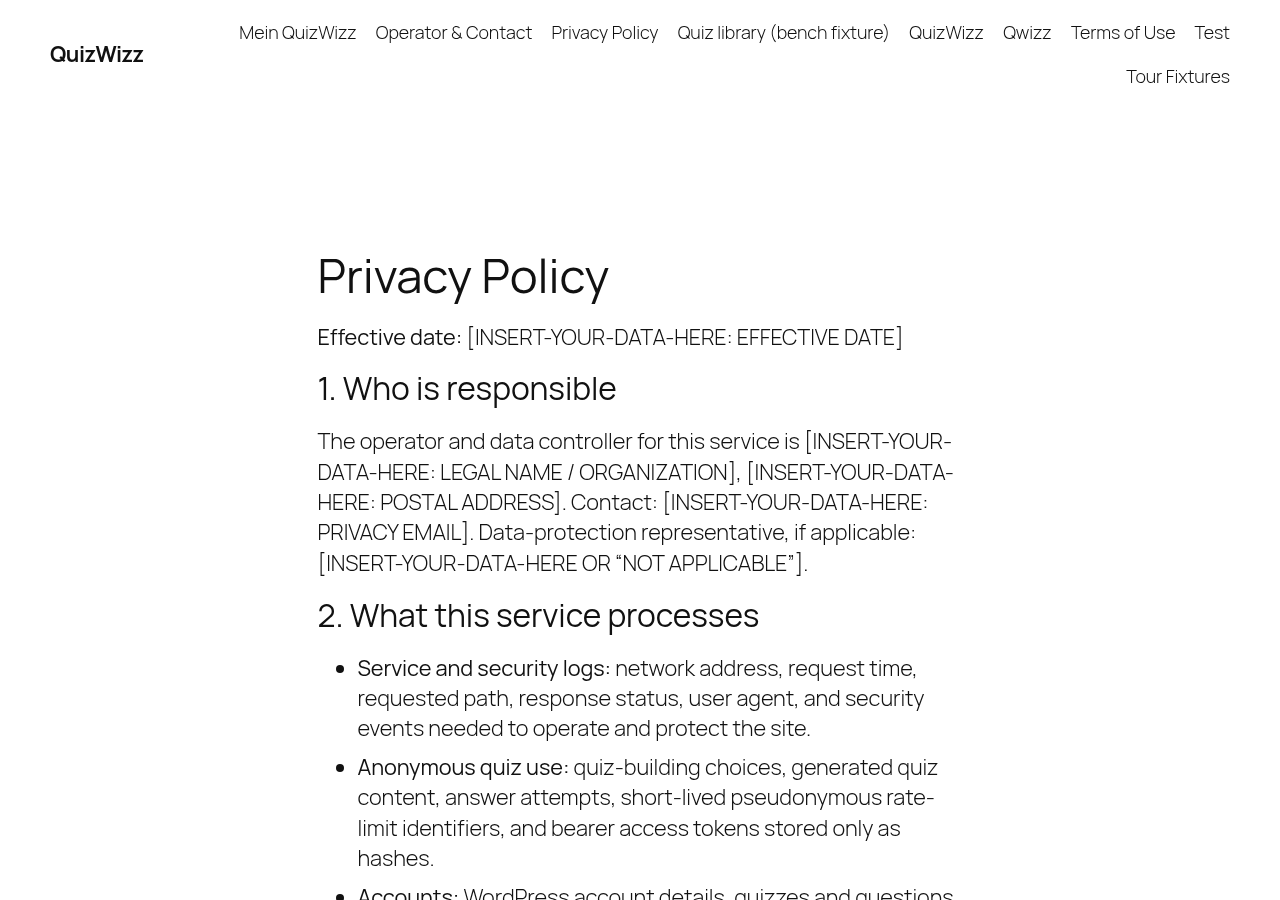
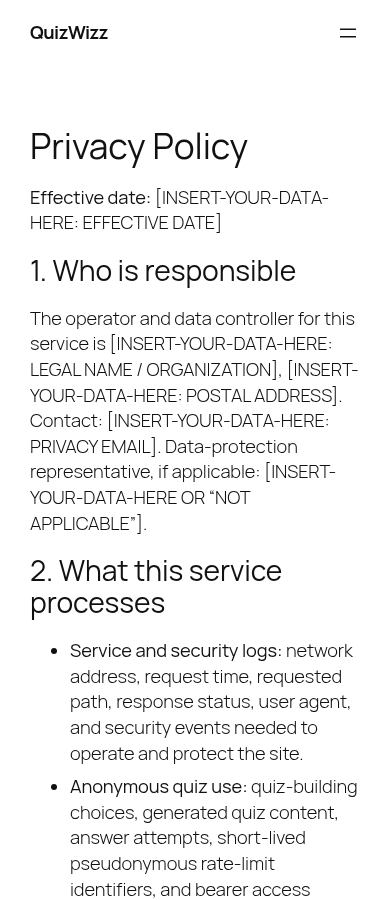
g11-d-full.png— Effective date, legal name, address, privacy email, retention/legal-basis fields, provider name, AI enablement date etc. all still read literal placeholder tokens like ‘[INSERT-YOUR-DATA-HERE: EFFECTIVE DATE]’ and ‘[INSERT-YOUR-DATA-HERE: LEGAL NAME / ORGANIZATION]’ — page is template-only, not production copyg11-d.png— Visible unfilled tokens: ‘[INSERT-YOUR-DATA-HERE: EFFECTIVE DATE]’, legal name/address/privacy email all bracketed placeholdersg11-m-full.png— Same unfilled [INSERT-YOUR-DATA-HERE: …] tokens throughout retention, transfers, rights, and security sections on mobile viewportg11-m.png— ‘[INSERT-YOUR-DATA-HERE: EFFECTIVE DATE]’ and legal-name/address/email placeholders visible immediately below the fold
Feedback — g11
(awaiting tour notes)
g12 — Terms of Use
/?page_id=1057
 g12-d.png · desktop 1280x900 · fold · ⚠️ finding
![Terms of Use page entirely unfilled: every clause reads [INSERT-YOUR-DATA-HERE]](../../assets/qwizz-tour/2026-08-20/shots/g12-d-full.png) g12-d-full.png · desktop 1280x900 · full page · ⚠️ finding
g12-d-full.png · desktop 1280x900 · full page · ⚠️ finding
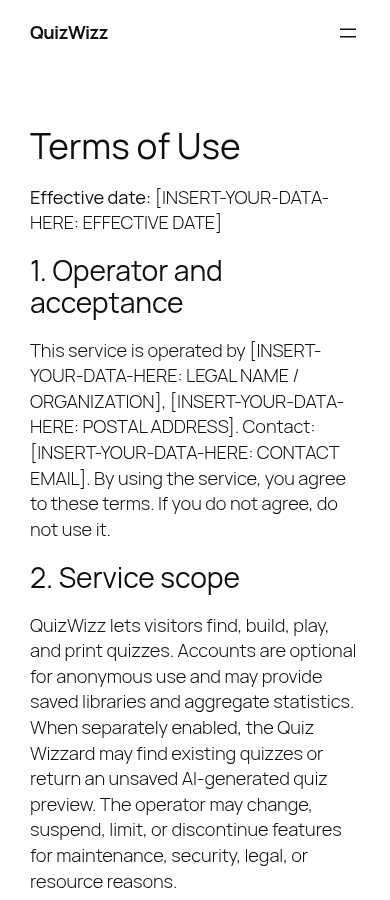 g12-m.png · mobile 390x900 · fold · ⚠️ finding
 g12-m-full.png · mobile 390x900 · full page · ⚠️ finding
Findings in this route
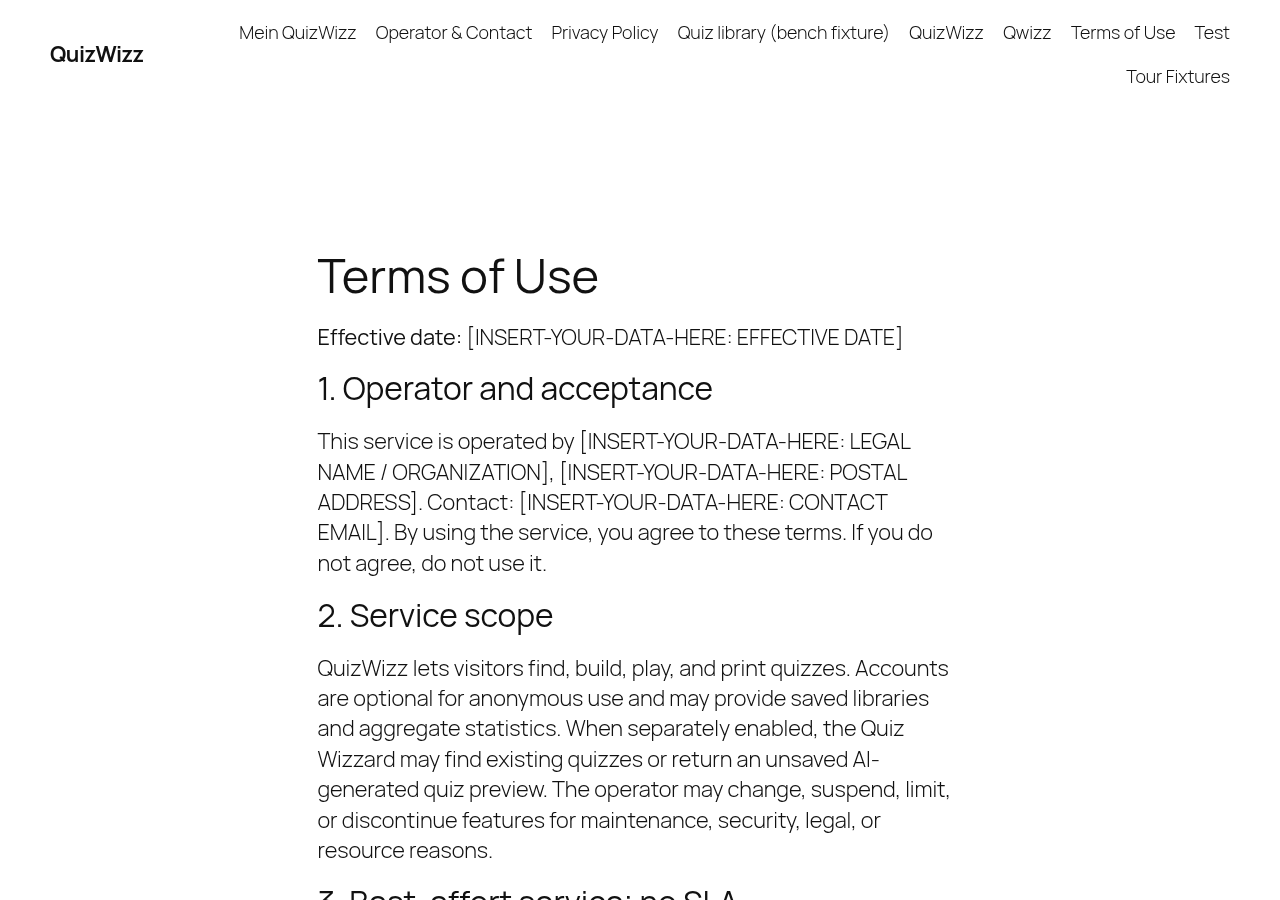
g12-d-full.png— Every legal field (effective date, operator name, address, contact email, jurisdiction, liability terms) shows literal placeholder text ‘[INSERT-YOUR-DATA-HERE…]’ instead of real content — page is publicly reachable in this stateg12-d.png— Heading ‘Terms of Use’, effective date and Section 1 ‘Operator and acceptance’ all show ‘[INSERT-YOUR-DATA-HERE: …]’ placeholdersg12-m-full.png— Mobile rendering confirms desktop finding — all 10 numbered sections contain unfilled ‘[INSERT-YOUR-DATA-HERE]’ bracketed placeholdersg12-m.png— Same placeholder-text defect visible above the fold on mobile viewport
Feedback — g12
(awaiting tour notes)
g13 — Operator/Contact
/?page_id=1058
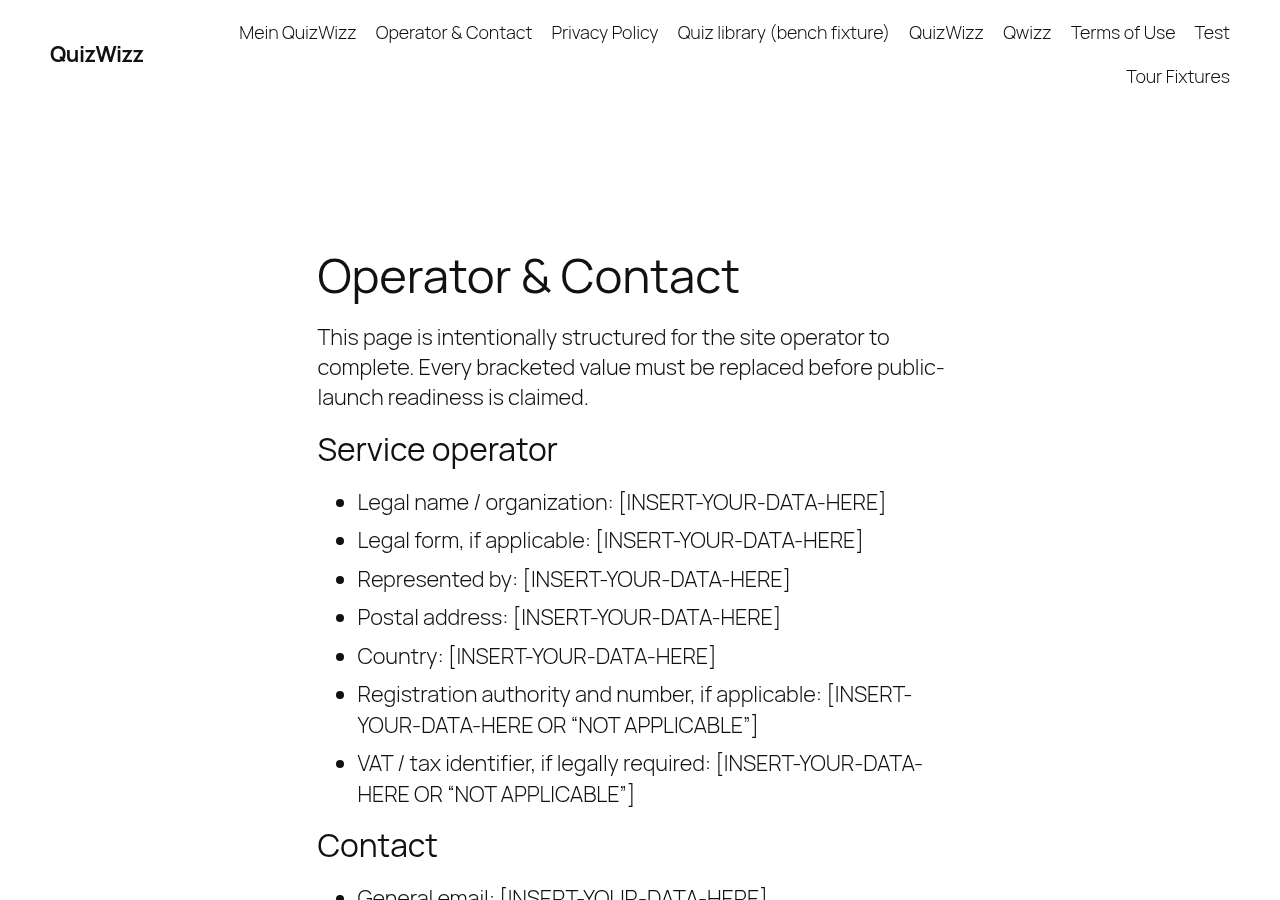 g13-d.png · desktop 1280x900 · fold · ⚠️ finding
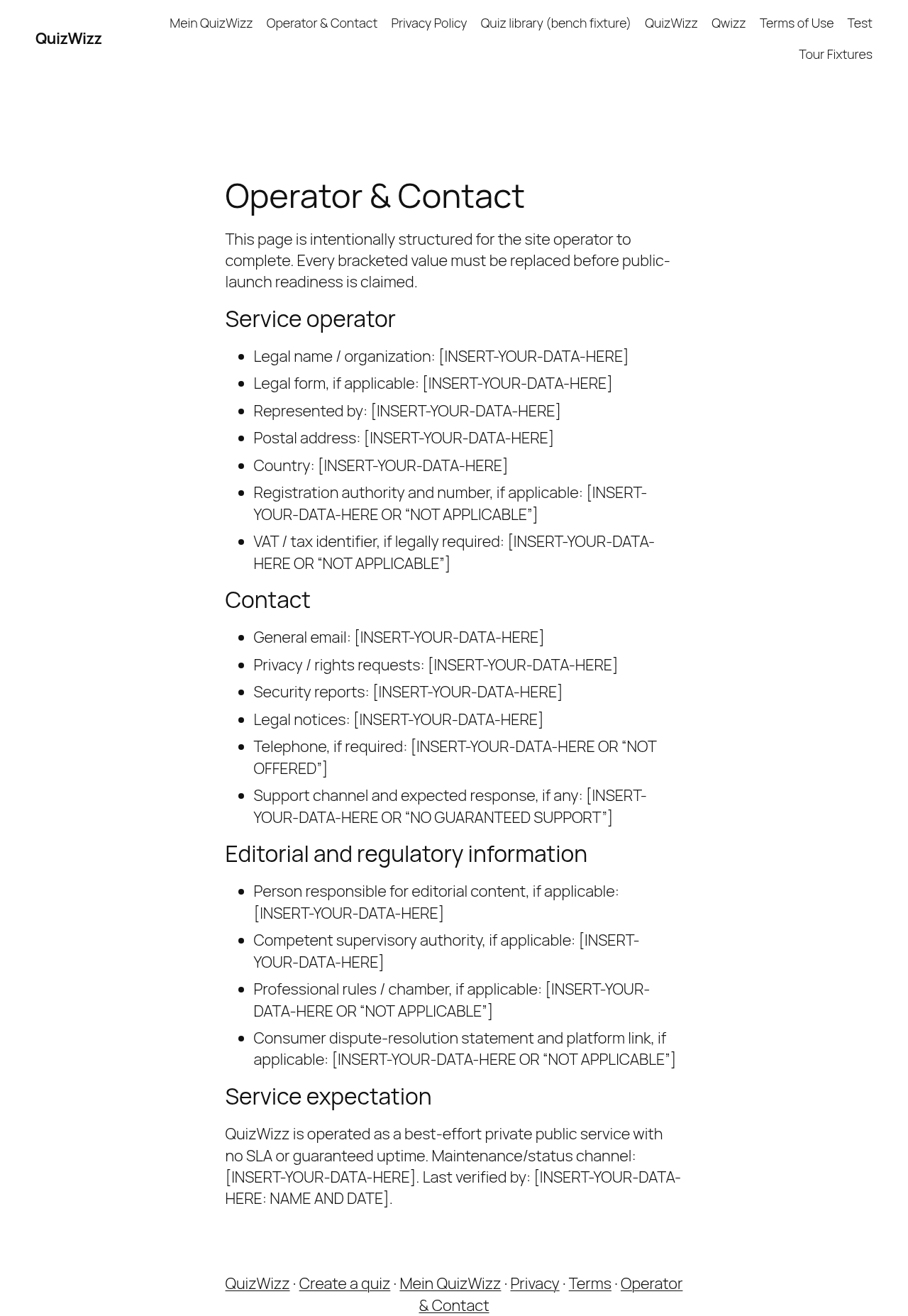 g13-d-full.png · desktop 1280x900 · full page · ⚠️ finding
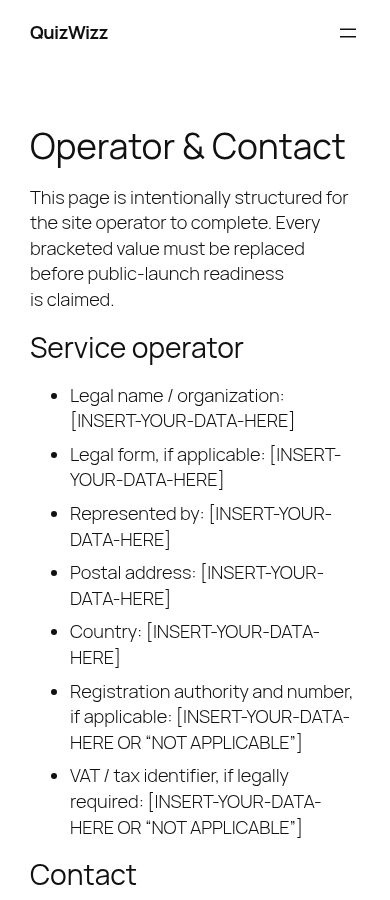 g13-m.png · mobile 390x900 · fold · ⚠️ finding
 g13-m-full.png · mobile 390x900 · full page · ⚠️ finding
Findings in this route
g13-d-full.png— Page explicitly states ‘This page is intentionally structured for the site operator to complete’ yet is live with every field ([Legal name/organization], [Postal address], [General email], etc.) still showing ‘[INSERT-YOUR-DATA-HERE]’g13-d.png— Visible notice admits page is a template to be completed; ‘Legal name / organization: [INSERT-YOUR-DATA-HERE]’ and similar fields are unfilledg13-m-full.png— Confirms desktop finding on mobile — every bracketed operator, contact, and regulatory field is still ‘[INSERT-YOUR-DATA-HERE]’g13-m.png— Same unfilled-placeholder defect visible above the fold on mobile viewport
Feedback — g13
(awaiting tour notes)
g14 — bare share-play doc (autostart
/?qwizz_play=110
 g14-d.png · desktop 1280x900 · fold
 g14-d-full.png · desktop 1280x900 · full page
 g14-m.png · mobile 390x900 · fold
 g14-m-full.png · mobile 390x900 · full page
Feedback — g14
(awaiting tour notes)
g15 — denied share-play 404
/?qwizz_play=999999
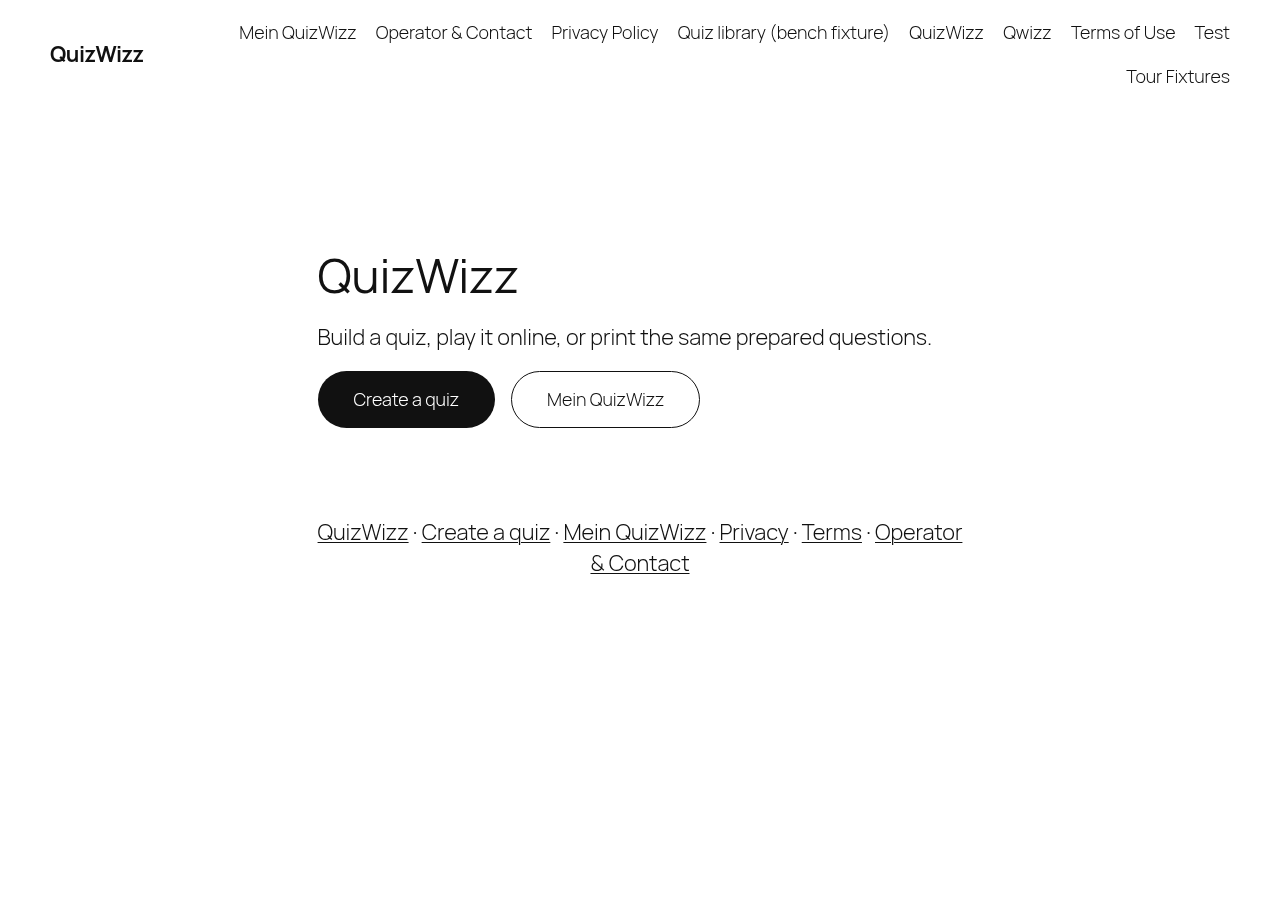 g15-d.png · desktop 1280x900 · fold · ⚠️ finding
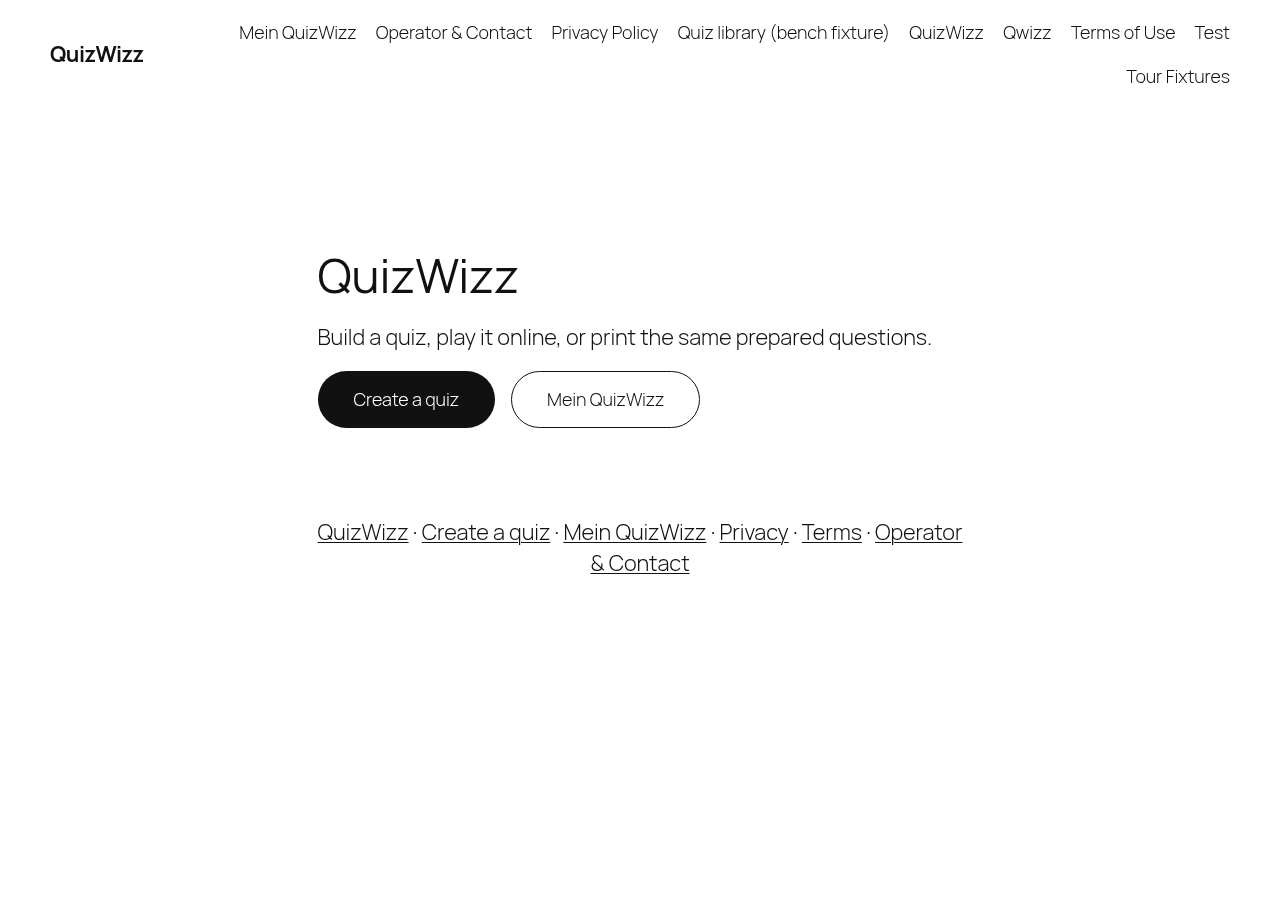 g15-d-full.png · desktop 1280x900 · full page · ⚠️ finding
 g15-m.png · mobile 390x900 · fold · ⚠️ finding
 g15-m-full.png · mobile 390x900 · full page · ⚠️ finding
Findings in this route
g15-d-full.png— Route qw?qwizz_play=999999 is documented as ‘denied share-play 404’ but the shot shows the ordinary QuizWizz homepage (nav ‘Mein QuizWizz · Operator & Contact · Privacy Policy · Quiz library (bench fixture) · QuizWizz · Qwizz · Terms of Use · Test · Tour Fixtures’, hero ‘QuizWizz / Build a quiz, play it online, or print the same prepared questions.’ with Create a quiz / Mein QuizWizz buttons) — no error/denied copy or 404 status visible anywhere in the pixelsg15-d.png— Same as g15-d-full: expected denied-quiz state but pixels show full site homepage nav+hero with no error textg15-m-full.png— Mobile viewport of the same qwizz_play=999999 route shows the standard homepage (hamburger nav, ‘QuizWizz’ hero, Create a quiz / Mein QuizWizz buttons, footer links) — no denial or not-found messaging presentg15-m.png— Fold crop confirms no denied/404 UI is shown for the invalid share-play id — just the ordinary homepage hero and CTA buttons
Feedback — g15
(awaiting tour notes)
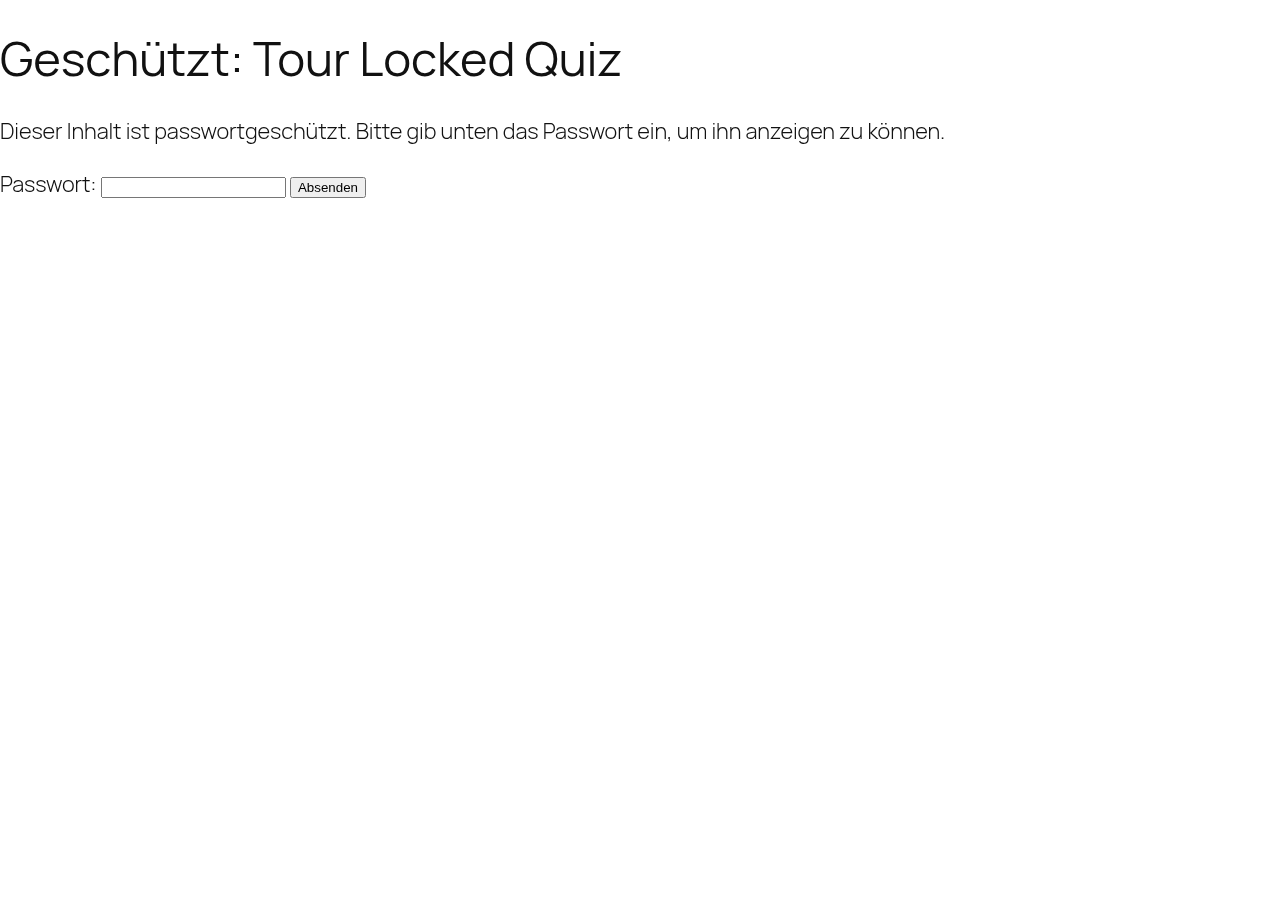
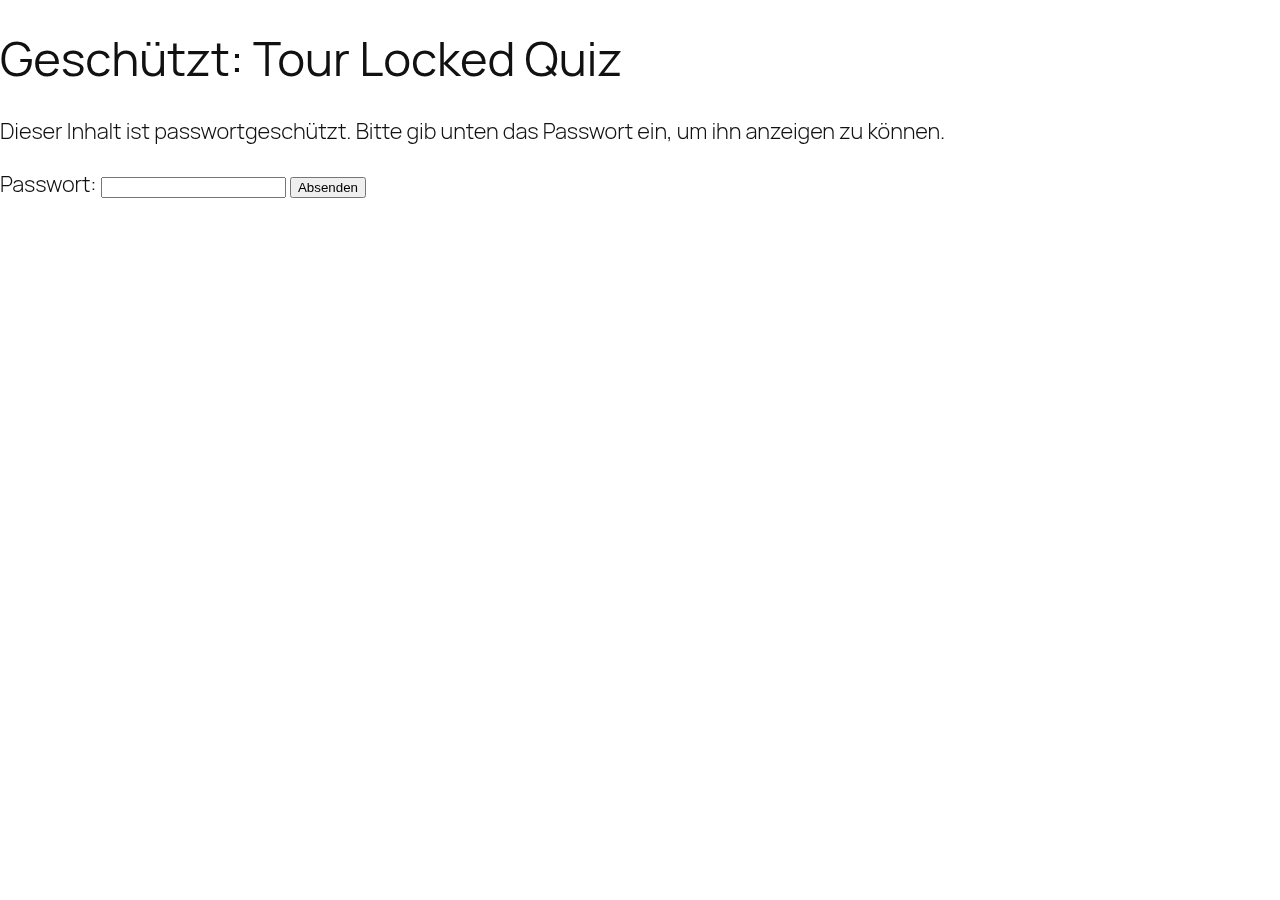
g16 — locked single (core password form)
/?qw_quiz=tour-locked-quiz
 g16-d.png · desktop 1280x900 · fold
 g16-d-full.png · desktop 1280x900 · full page
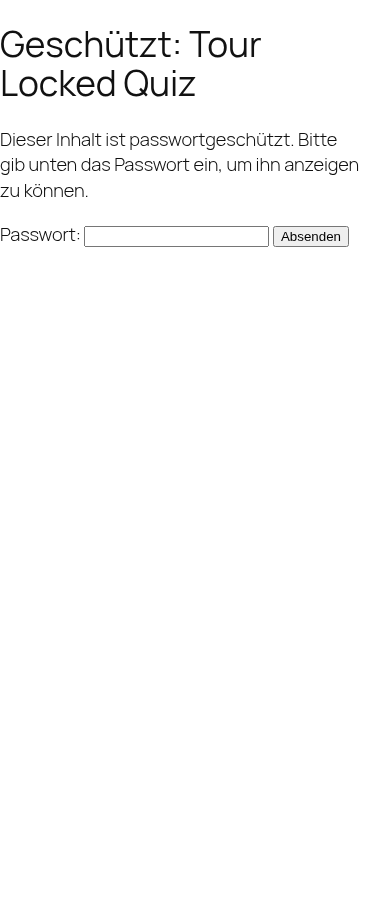 g16-m.png · mobile 390x900 · fold
 g16-m-full.png · mobile 390x900 · full page
 g16-d-p01-form.png · desktop 1280x900 · element crop
 g16-d-p02-wrong-pw.png · desktop 1280x900 · element crop
Feedback — g16
(awaiting tour notes)
g17 — fixtures page (4 embed states in one document)
/?page_id=<tour_fixtures_page>
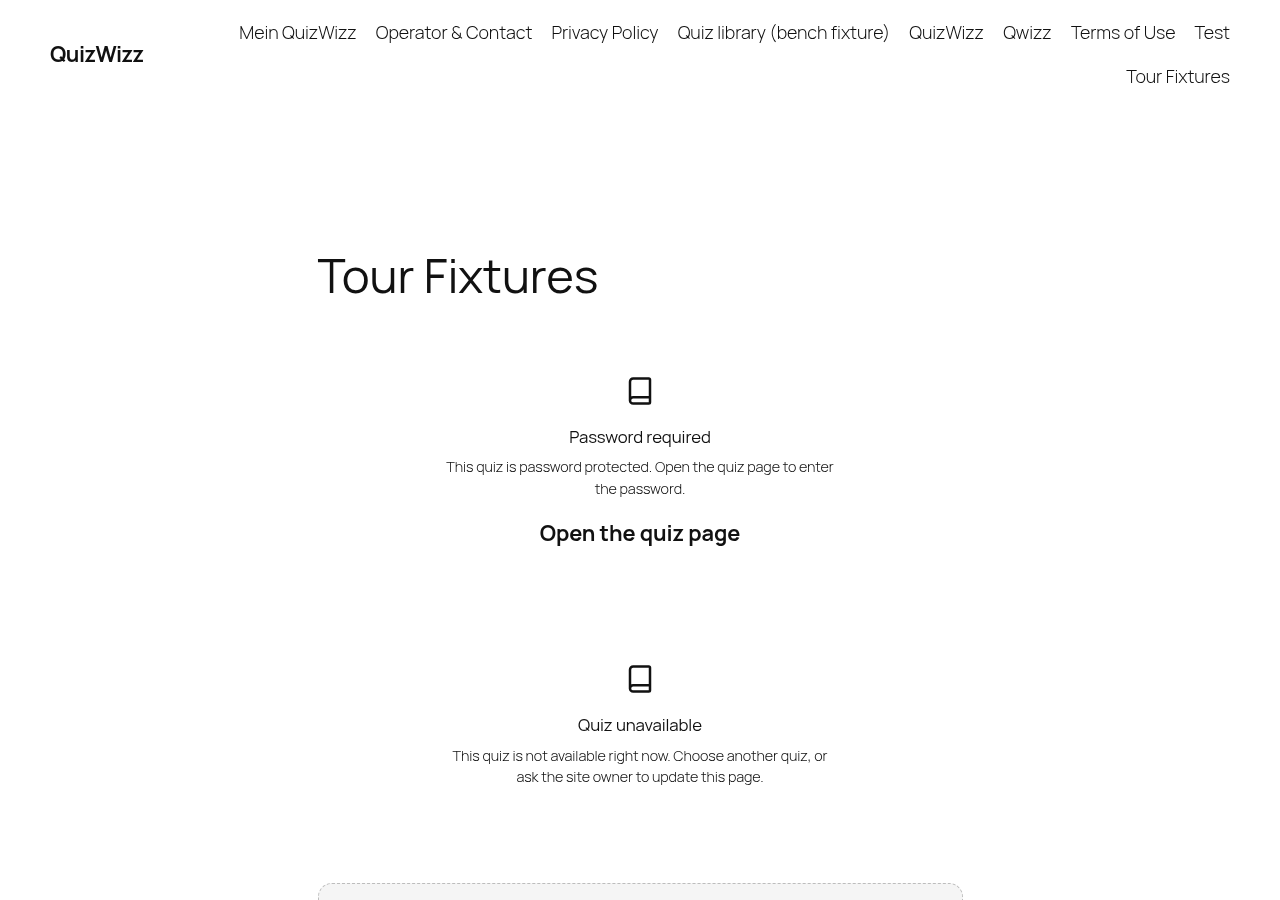 g17-d.png · desktop 1280x900 · fold
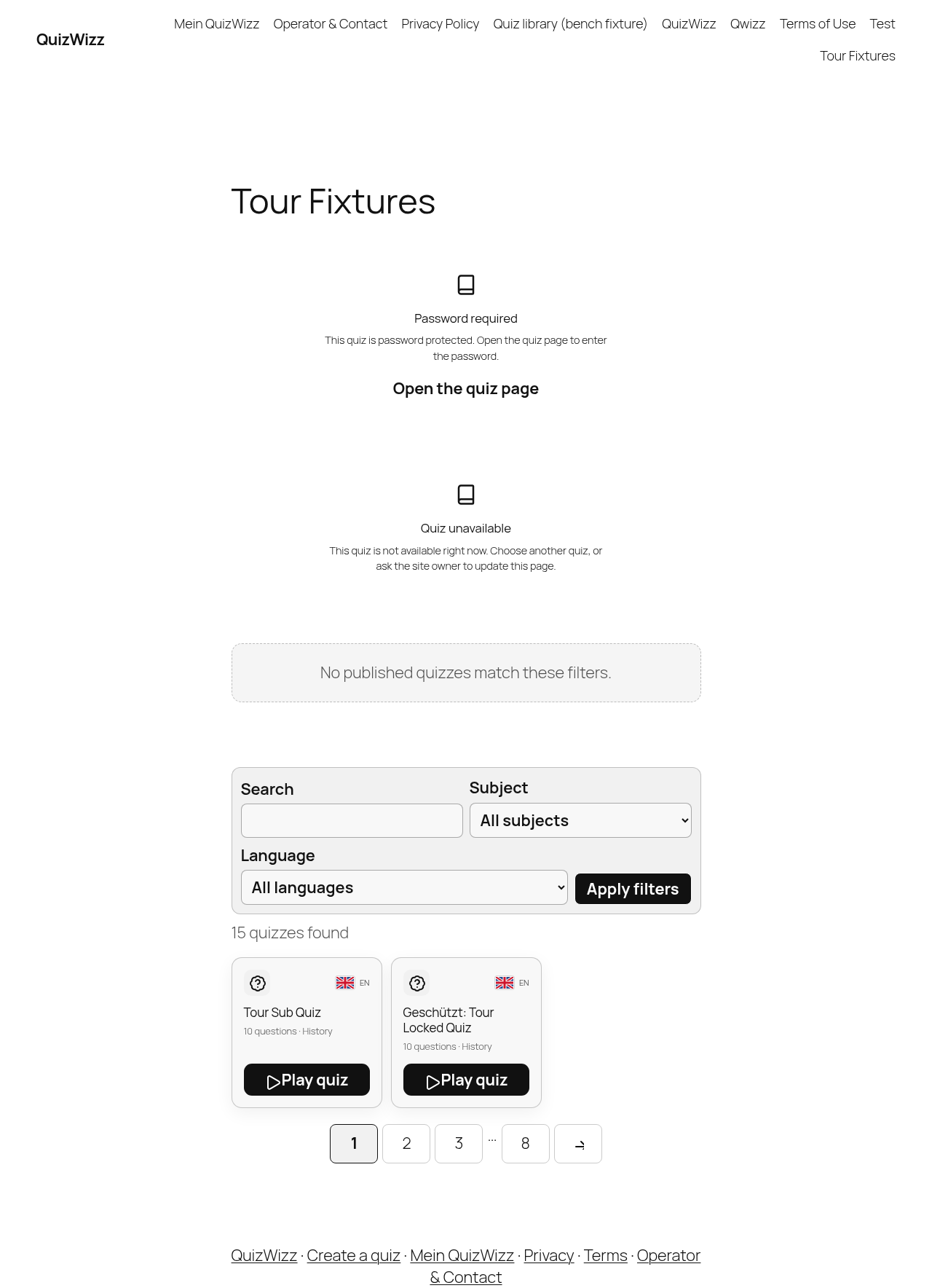 g17-d-full.png · desktop 1280x900 · full page
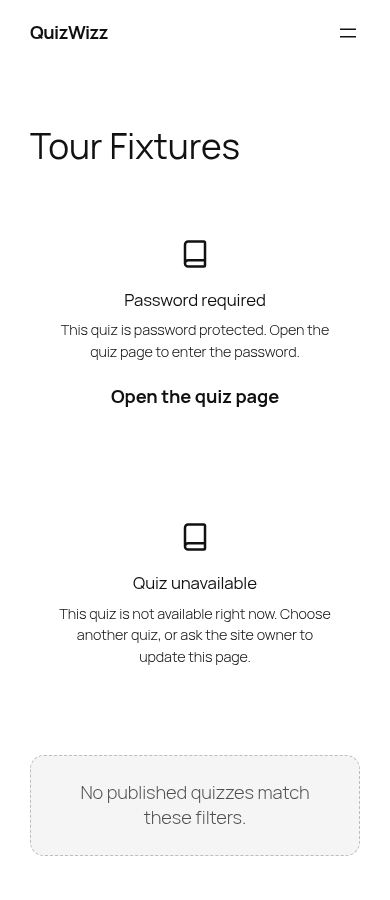 g17-m.png · mobile 390x900 · fold
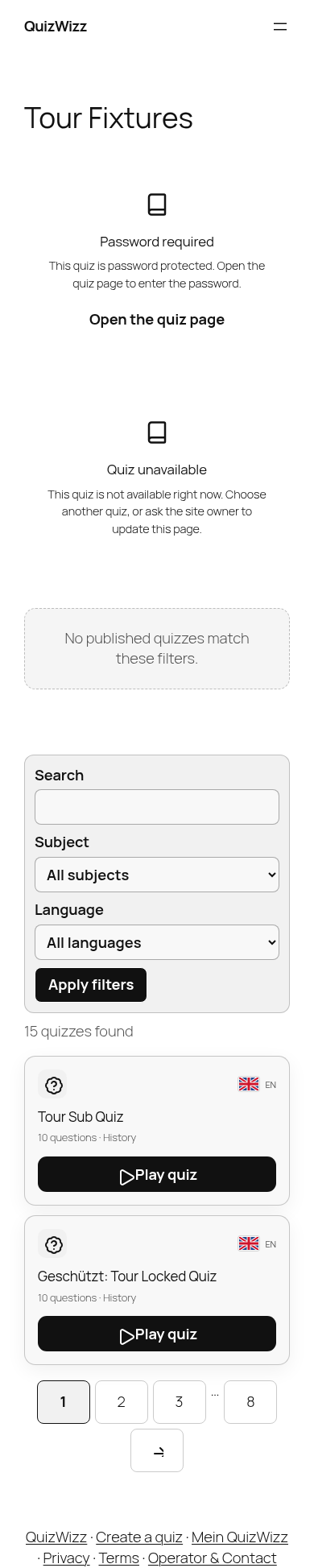 g17-m-full.png · mobile 390x900 · full page
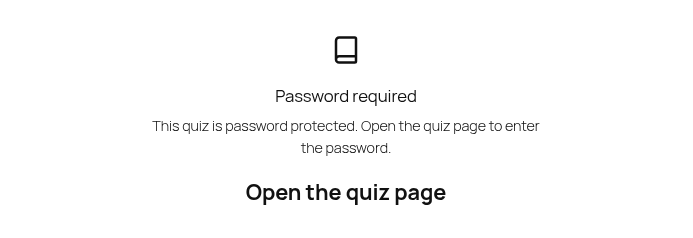 g17-d-p01-locked-embed.png · desktop 1280x900 · element crop
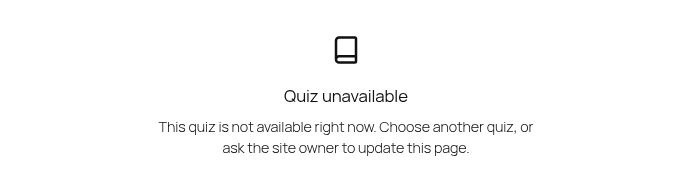 g17-d-p02-unavailable-embed.png · desktop 1280x900 · element crop
 g17-d-p03-zero-pool-library.png · desktop 1280x900 · element crop
 g17-d-p04-pagination.png · desktop 1280x900 · element crop
Feedback — g17
(awaiting tour notes)
g18 — PDF inline artifact in browser viewer
POST admin-post.php action=qw_pdf via builder Print
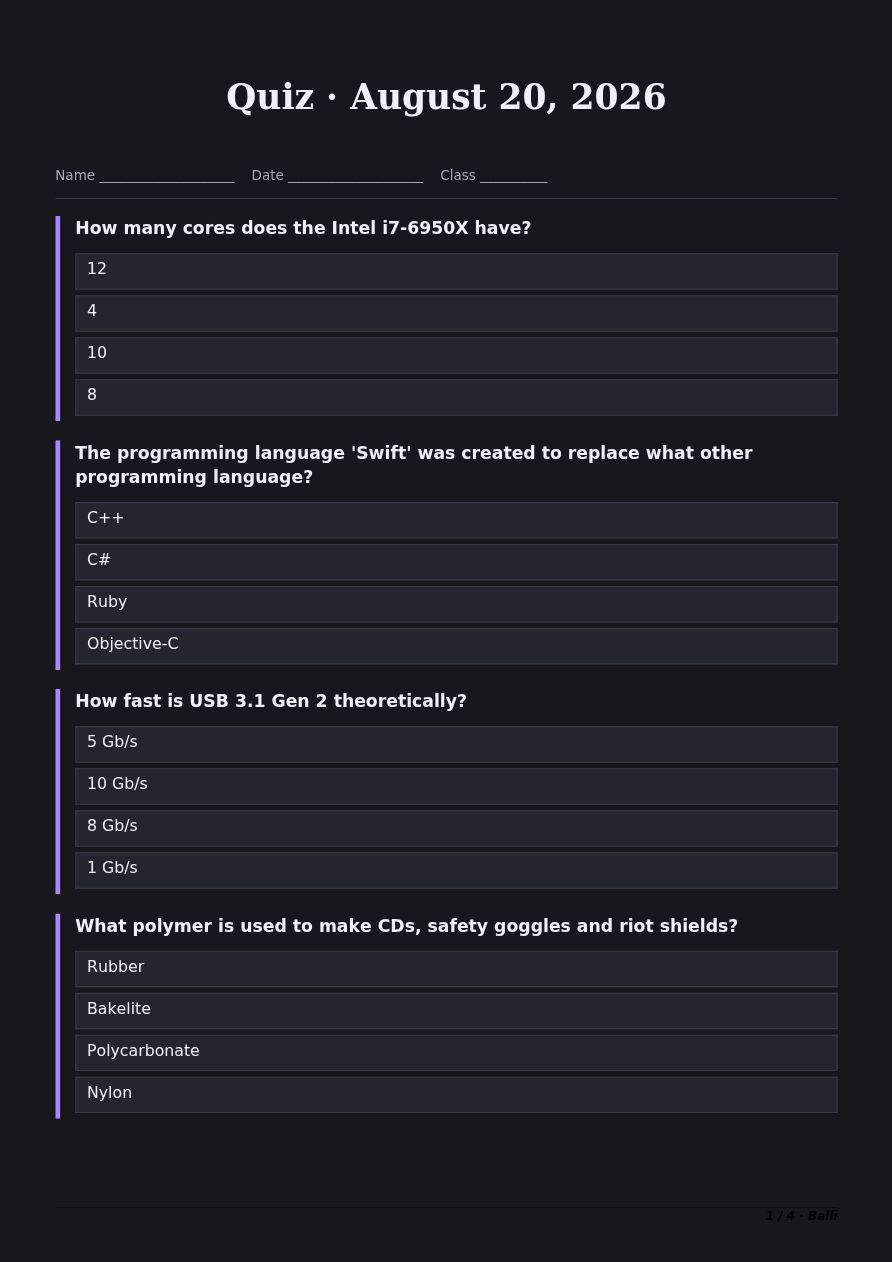 g18-d-full.png · desktop 1280x900 · full page
Feedback — g18
(awaiting tour notes)
g19 — guest question-count ceiling
/?page_id=57 (logged-out vs g-in comparison shot of count stepper max)
 g19-d-p01-size-row.png · desktop 1280x900 · element crop
Feedback — g19
(awaiting tour notes)
g20 — themed player (data-theme=light)
/?qw_quiz=geografie-weltreise
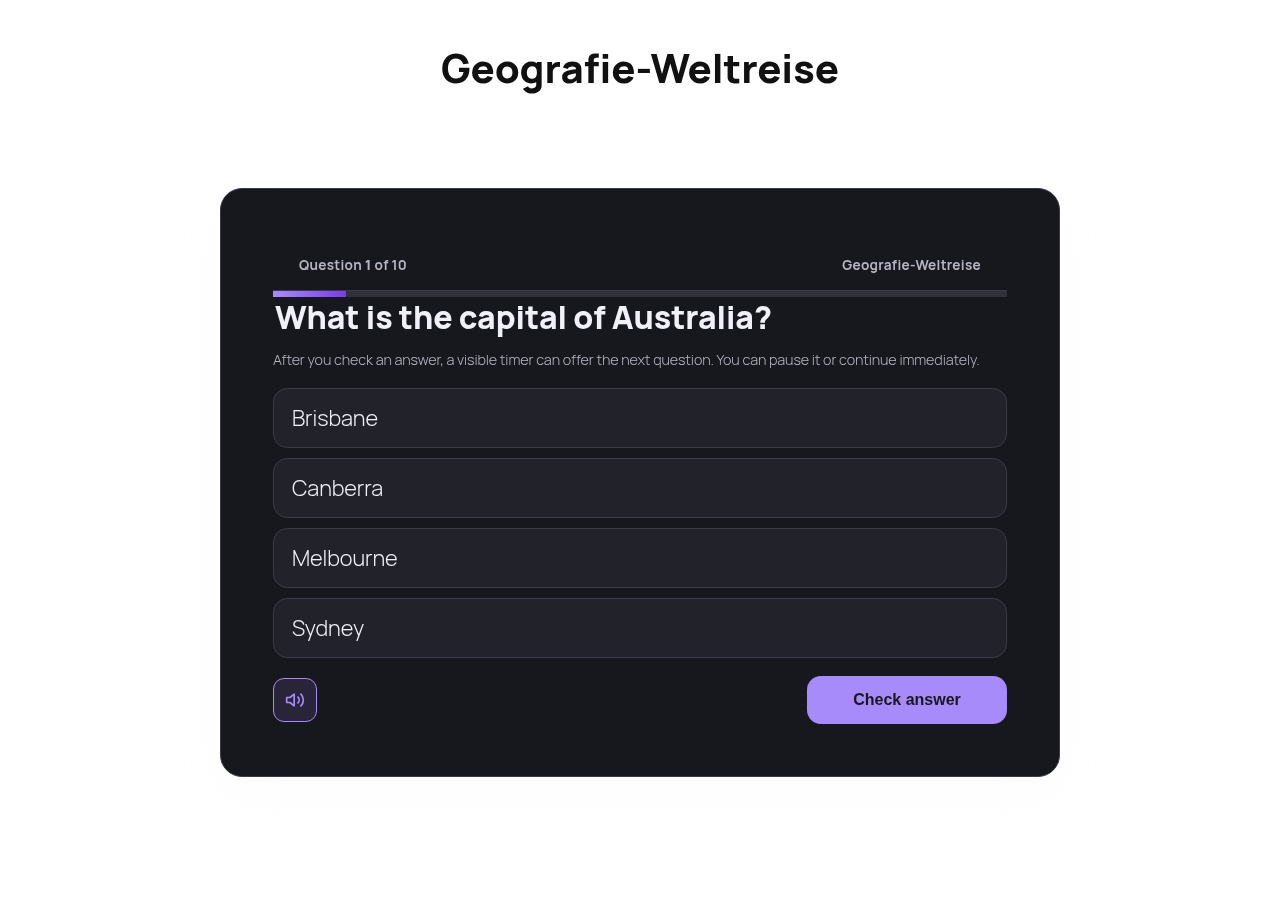 g20-d.png · desktop 1280x900 · fold
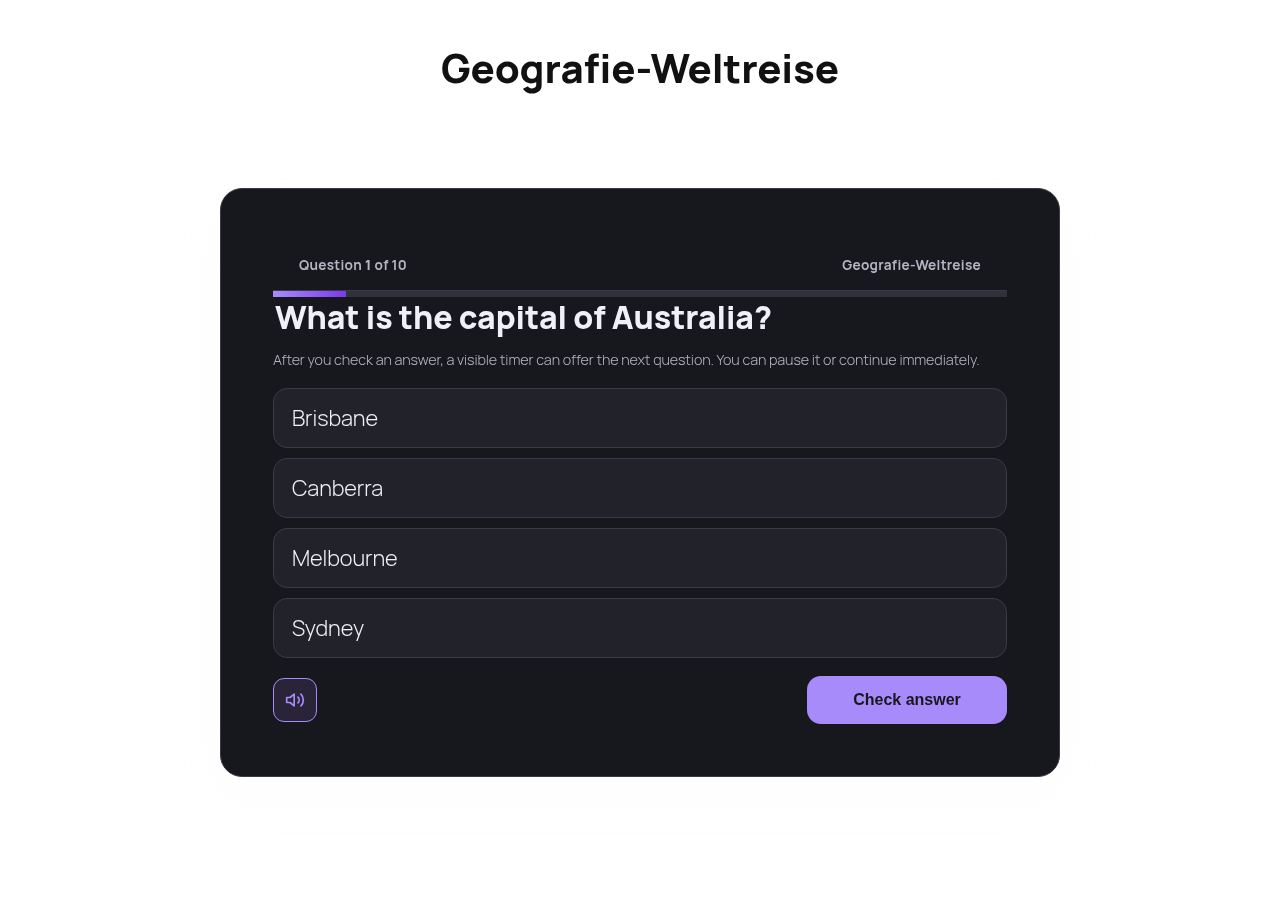 g20-d-full.png · desktop 1280x900 · full page
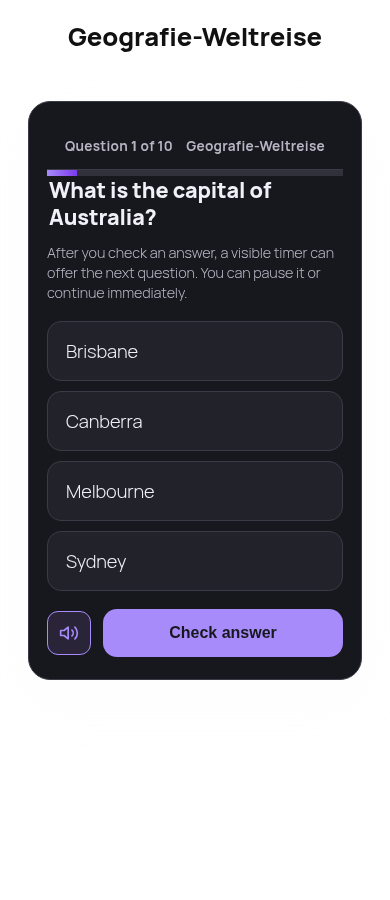 g20-m.png · mobile 390x900 · fold
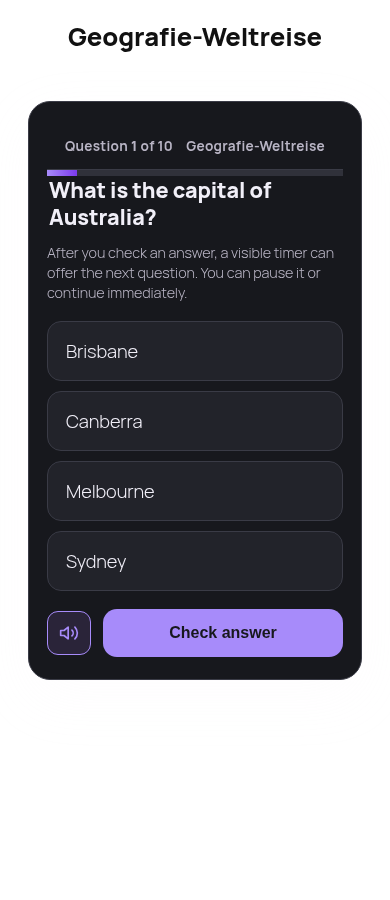 g20-m-full.png · mobile 390x900 · full page
Feedback — g20
(awaiting tour notes)
Wave B — subscriber
s01 — user surfaces populated
/?page_id=865
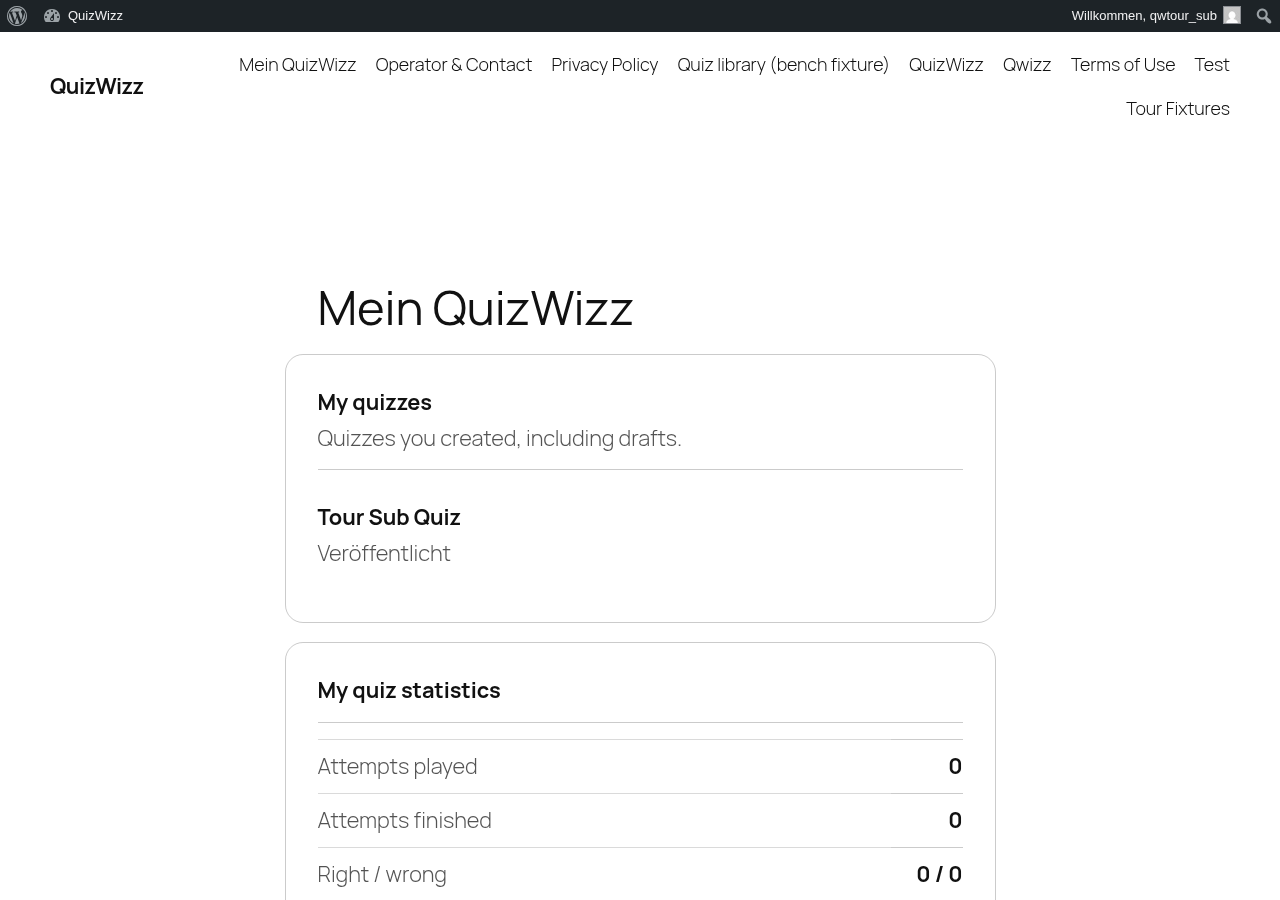 s01-d.png · desktop 1280x900 · fold
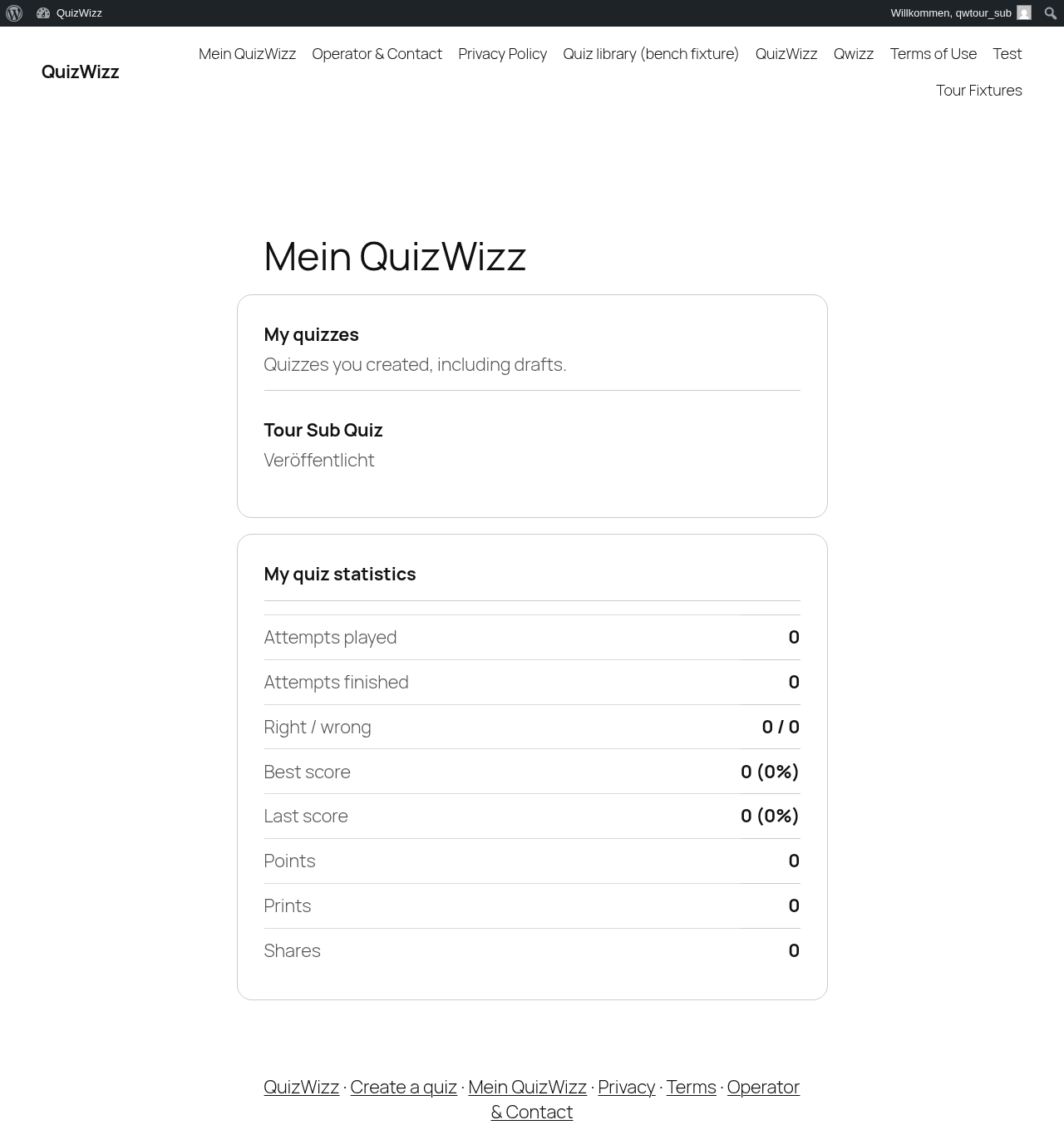 s01-d-full.png · desktop 1280x900 · full page
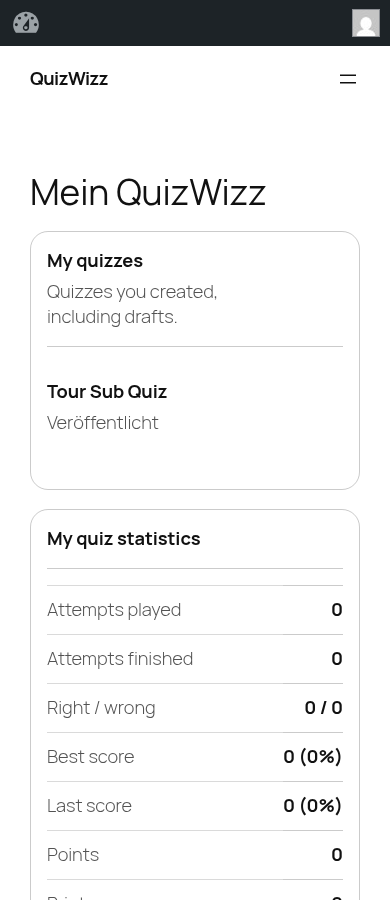 s01-m.png · mobile 390x900 · fold
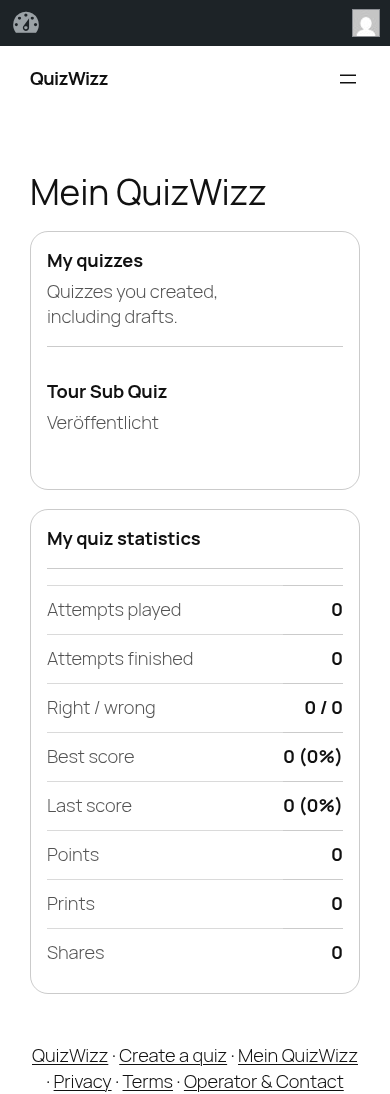 s01-m-full.png · mobile 390x900 · full page
 s01-d-p01-my-quizzes.png · desktop 1280x900 · element crop
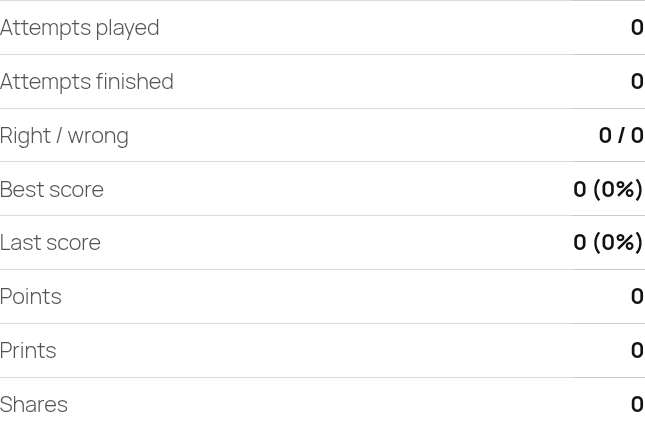 s01-d-p02-my-stats-zero.png · desktop 1280x900 · element crop
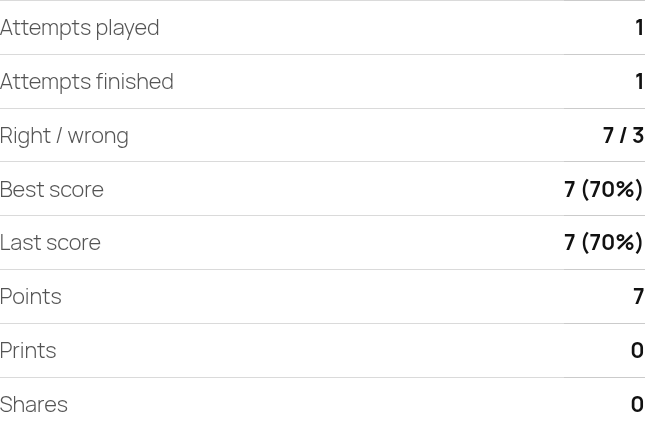 s01-d-p03-my-stats-populated.png · desktop 1280x900 · element crop
Feedback — s01
(awaiting tour notes)
s02 — library as subscriber
/?page_id=1289
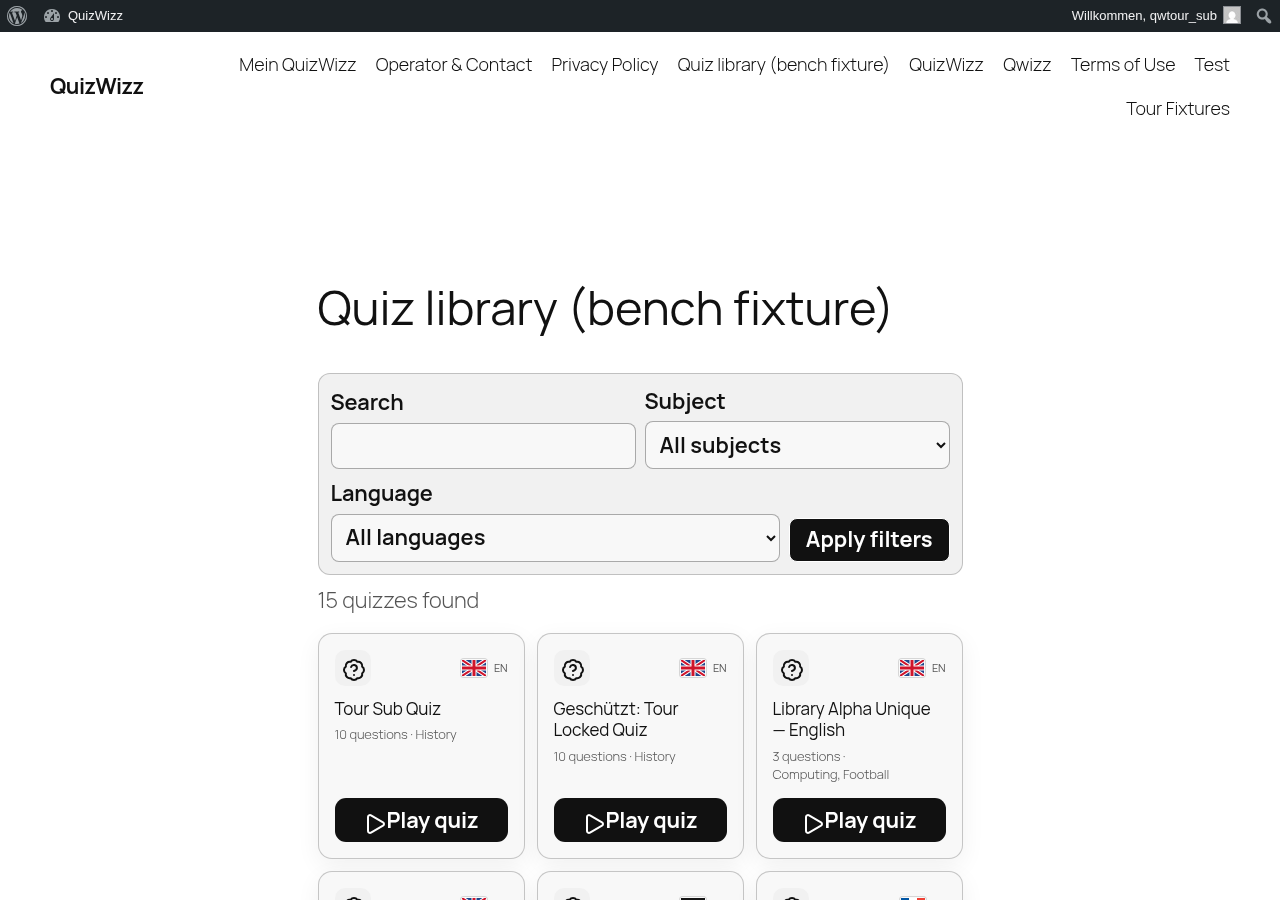 s02-d.png · desktop 1280x900 · fold
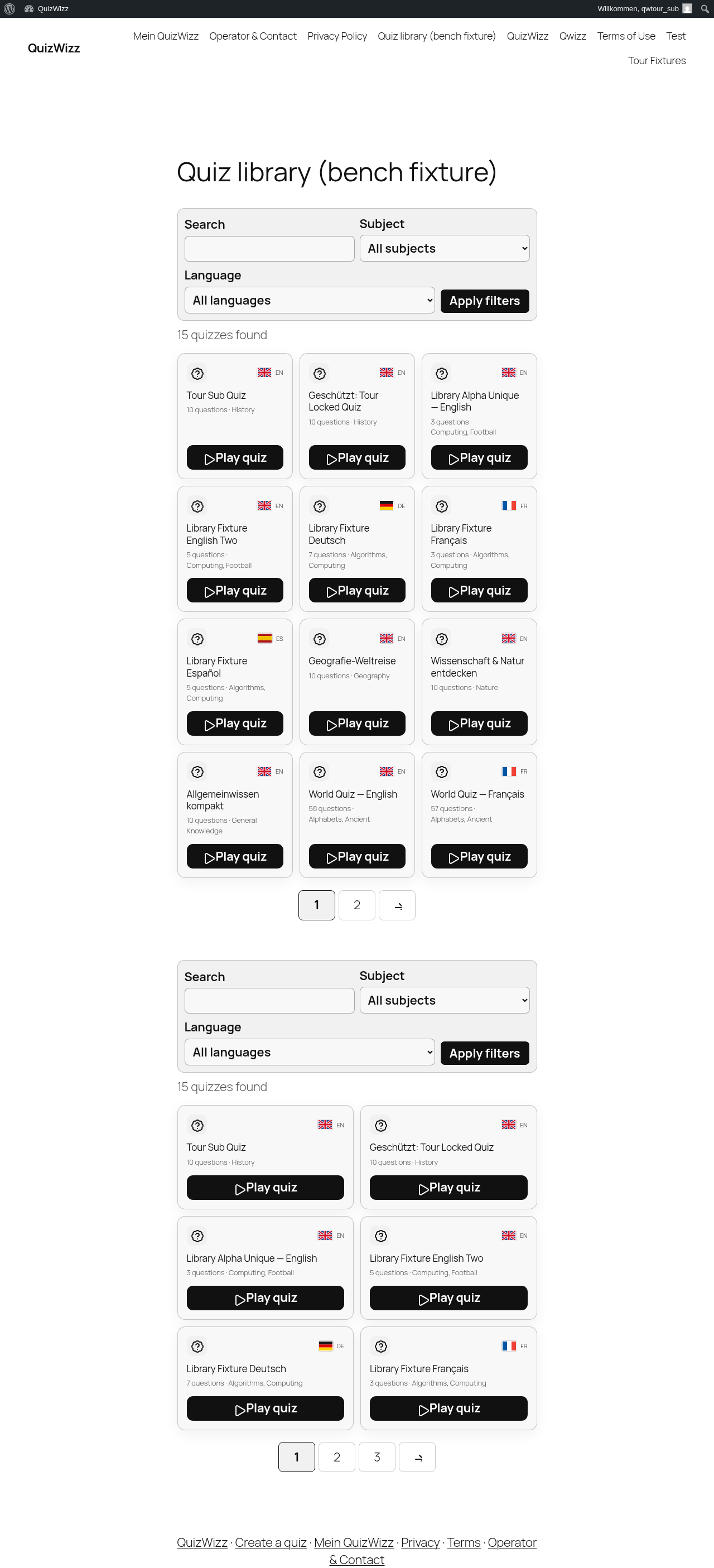 s02-d-full.png · desktop 1280x900 · full page
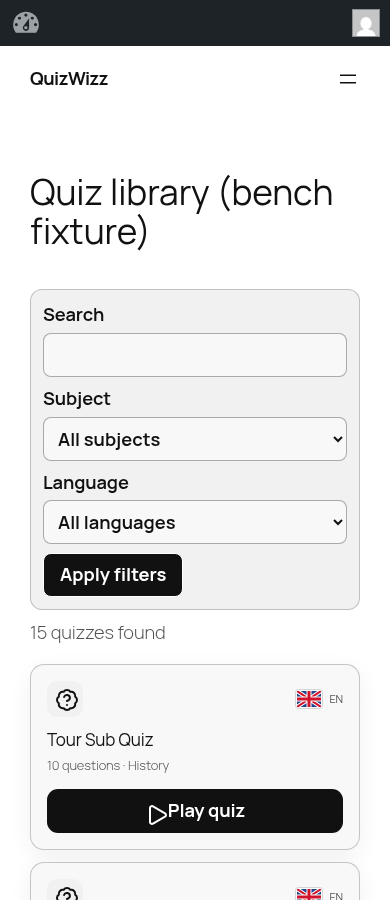 s02-m.png · mobile 390x900 · fold
 s02-m-full.png · mobile 390x900 · full page
Feedback — s02
(awaiting tour notes)
s03 — builder as logged-in (higher count ceiling)
/?page_id=57
 s03-d-p01-size-row.png · desktop 1280x900 · element crop
Feedback — s03
(awaiting tour notes)
s04 — player logged-in (nonce present)
/?qw_quiz=world-quiz-english
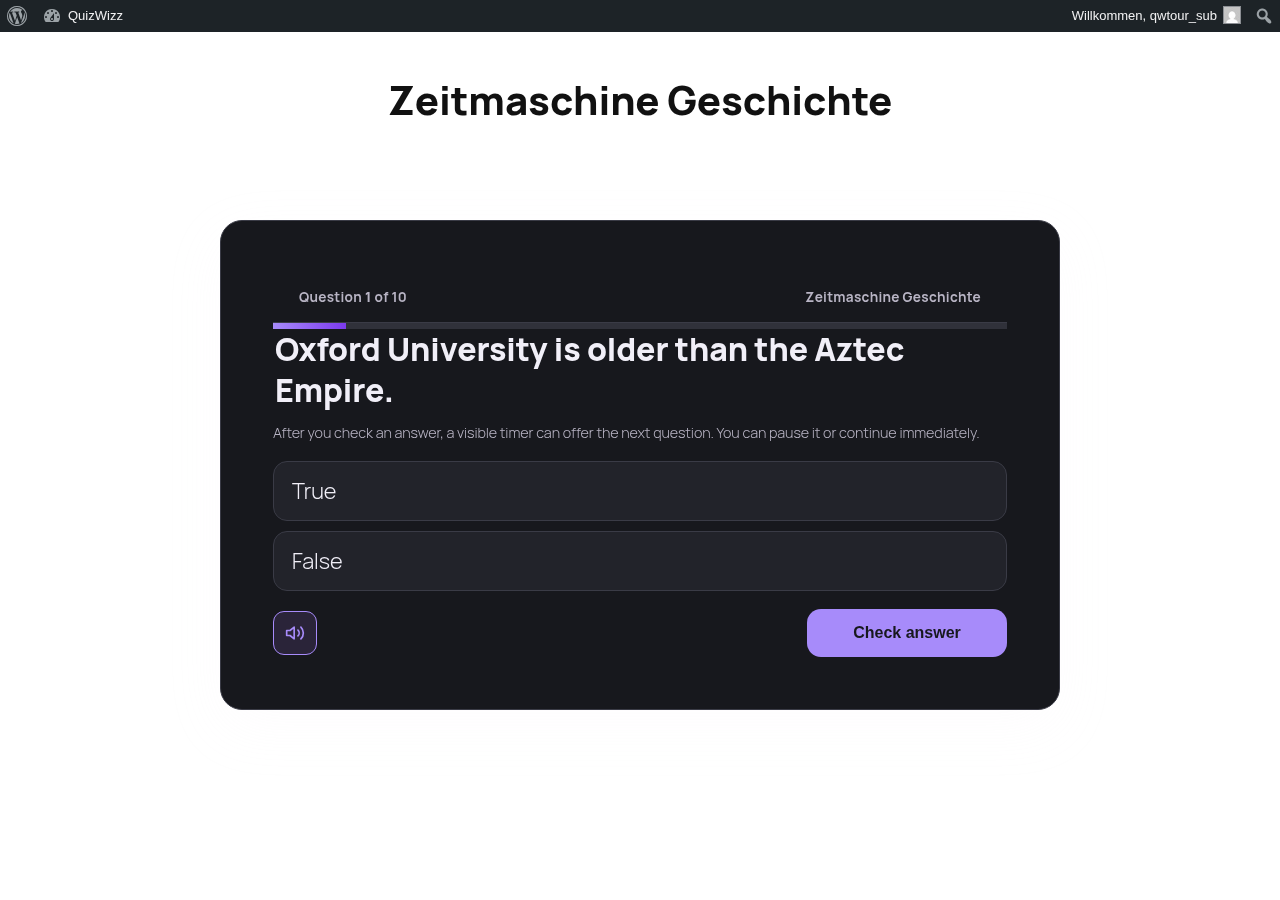 s04-d.png · desktop 1280x900 · fold
Feedback — s04
(awaiting tour notes)
Wave C — wp-admin (administrator + editor)
a01 — QuizWizz Dashboard
/wp-admin/admin.php?page=qw-dashboard
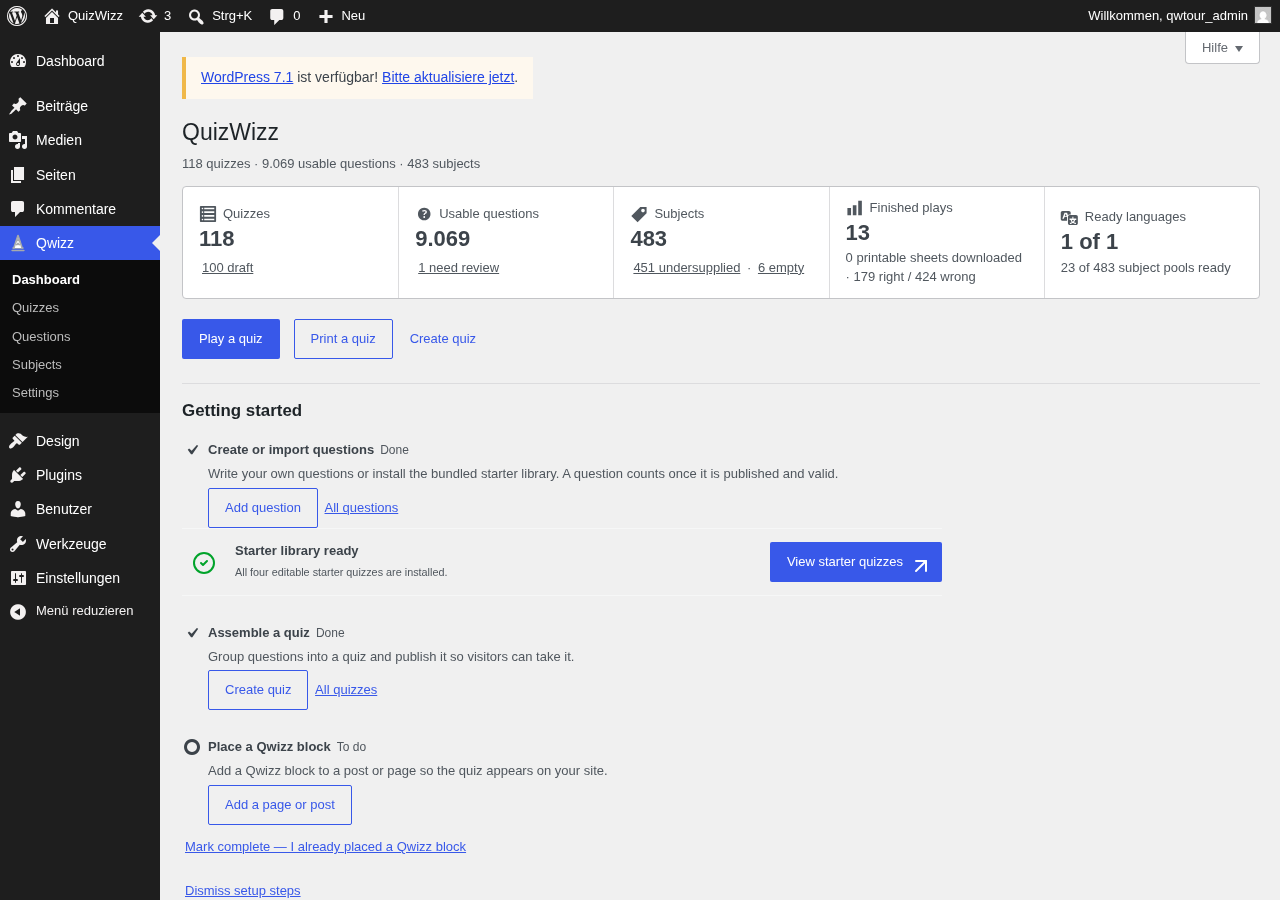 a01-d.png · desktop 1280x900 · fold
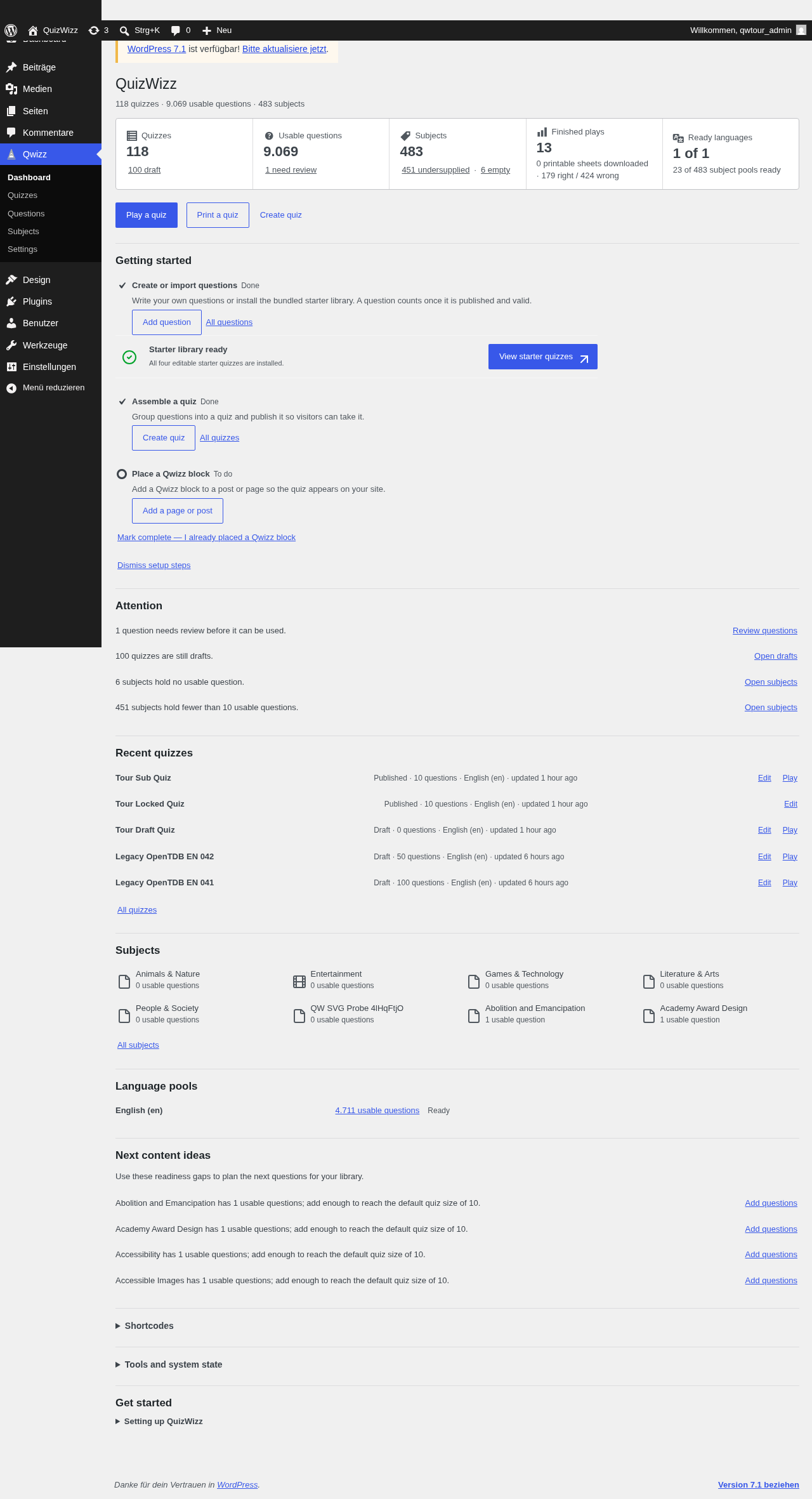 a01-d-full.png · desktop 1280x900 · full page
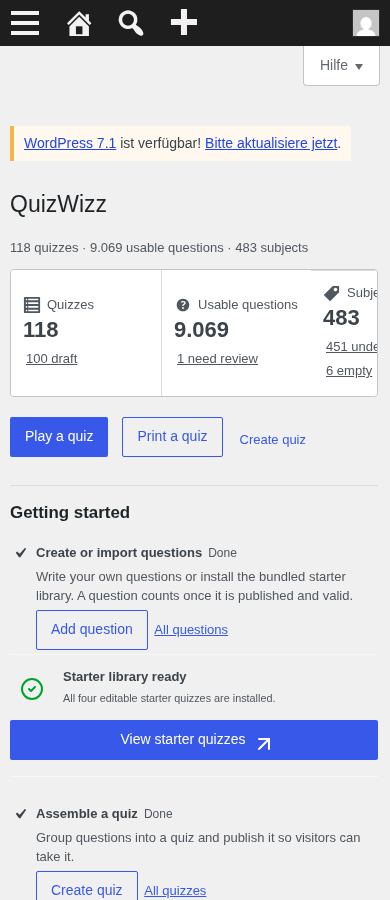 a01-m.png · mobile 390x900 · fold
 a01-m-full.png · mobile 390x900 · full page
 a01-d-p01-header.png · desktop 1280x900 · element crop
 a01-d-p02-stats-rail.png · desktop 1280x900 · element crop
 a01-d-p03-actions.png · desktop 1280x900 · element crop
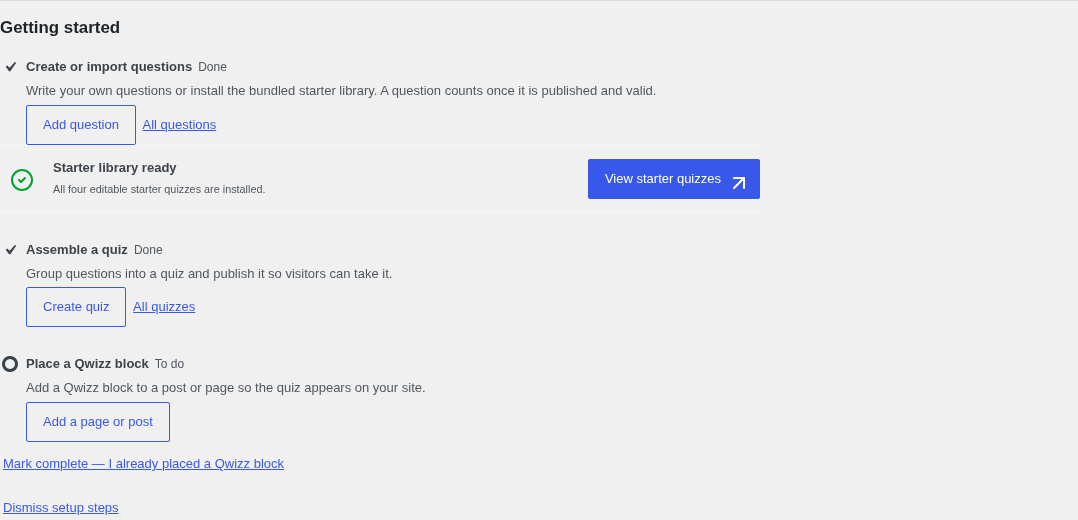 a01-d-p04-onboarding.png · desktop 1280x900 · element crop
 a01-d-p05-attention.png · desktop 1280x900 · element crop
 a01-d-p06-recent.png · desktop 1280x900 · element crop · ⚠️ finding
 a01-d-p07-subjects.png · desktop 1280x900 · element crop · ⚠️ finding
 a01-d-p08-languages.png · desktop 1280x900 · element crop
 a01-d-p09-ideas.png · desktop 1280x900 · element crop · ⚠️ finding
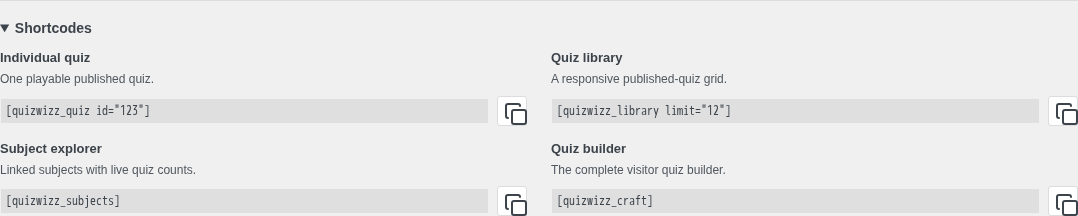 a01-d-p10-shortcodes-open.png · desktop 1280x900 · element crop
 a01-d-p11-tools-open.png · desktop 1280x900 · element crop
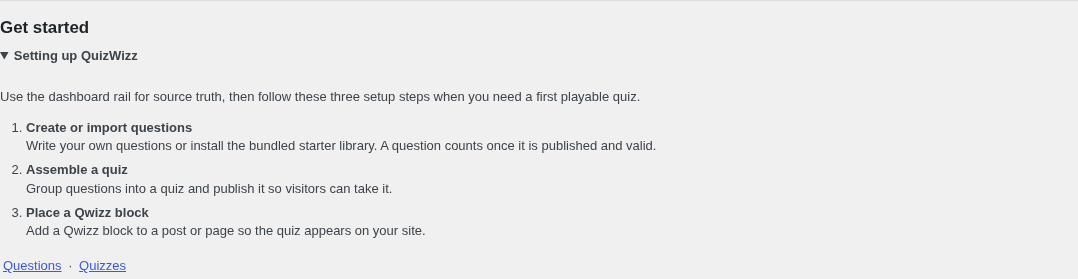 a01-d-p12-help.png · desktop 1280x900 · element crop
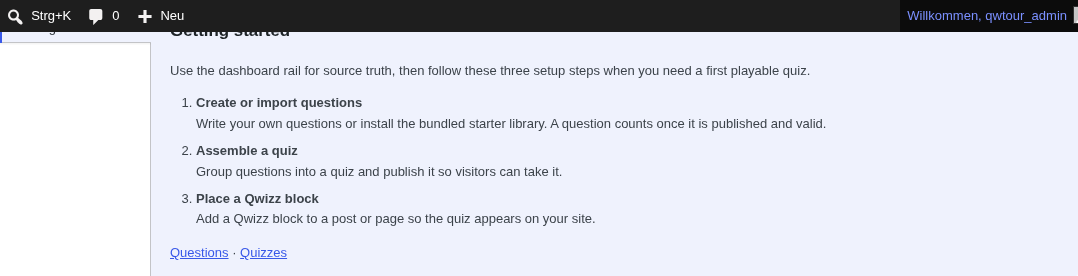 a01-d-p13-help-tab.png · desktop 1280x900 · element crop
Findings in this route
a01-d-p06-recent.png— Row ‘Tour Locked Quiz’ has no visible Play link even though status is Published — only ‘Edit’ is shown, unlike every other published row which has ‘Edit Play’a01-d-p07-subjects.png— Subject tile reads ‘QW SVG Probe 4lHqFtjO’ — a debug/test artifact term is present and rendered as a normal subject on the live dashboard, indistinguishable from real contenta01-d-p09-ideas.png— Filename/selector implies this crop targets ‘Next content ideas’ (readiness-gap suggestions e.g. ‘Abolition and Emancipation has 1 usable questions…’), but the captured pixels are identical in content to a01-d-p05-attention.png (same 4 lines about review/drafts/empty/undersupplied subjects) — wrong panel captured, likely a selector/anchor mismatch
Feedback — a01
(awaiting tour notes)
a02 — Settings (full admin, 9 always-visible panels)
/wp-admin/admin.php?page=qw-settings
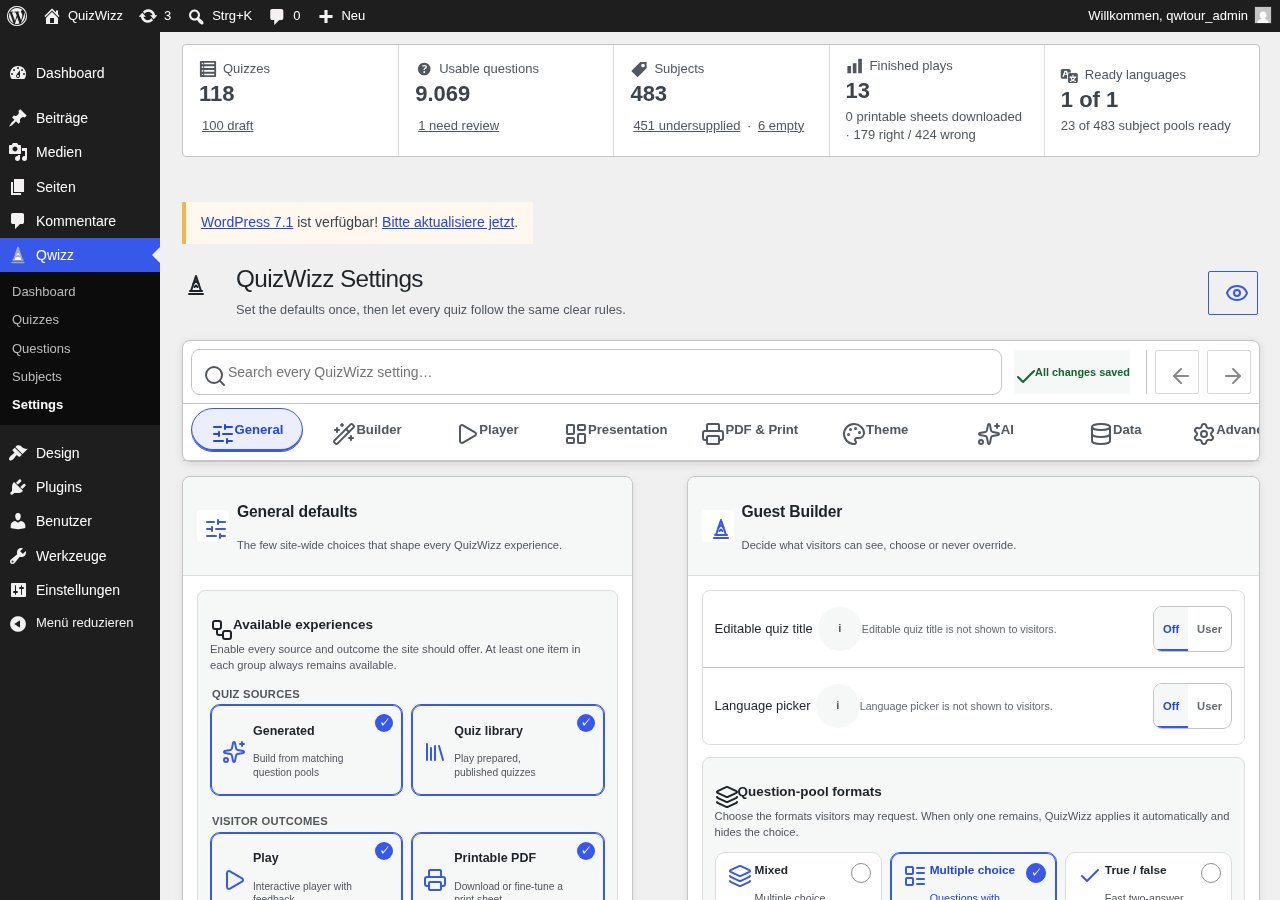 a02-d.png · desktop 1280x900 · fold
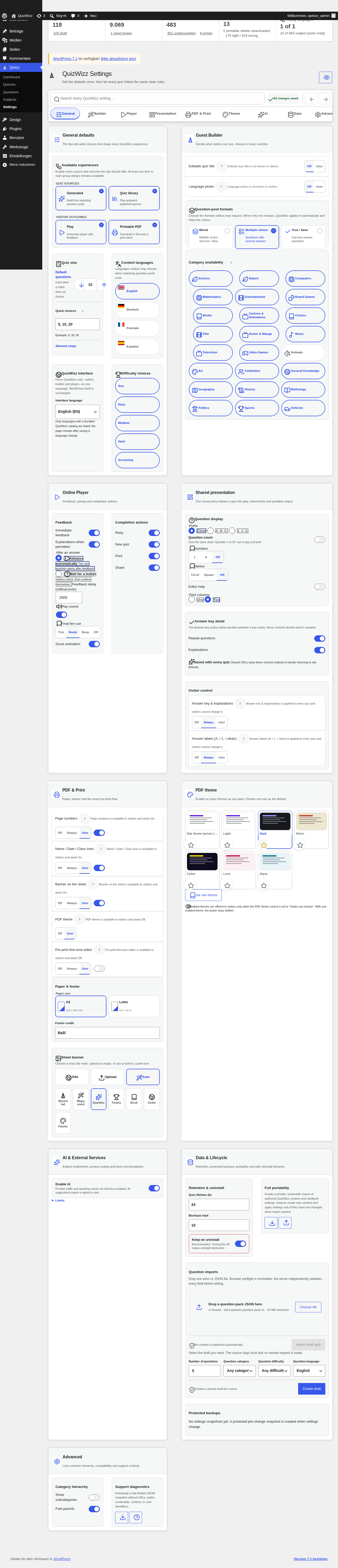 a02-d-full.png · desktop 1280x900 · full page
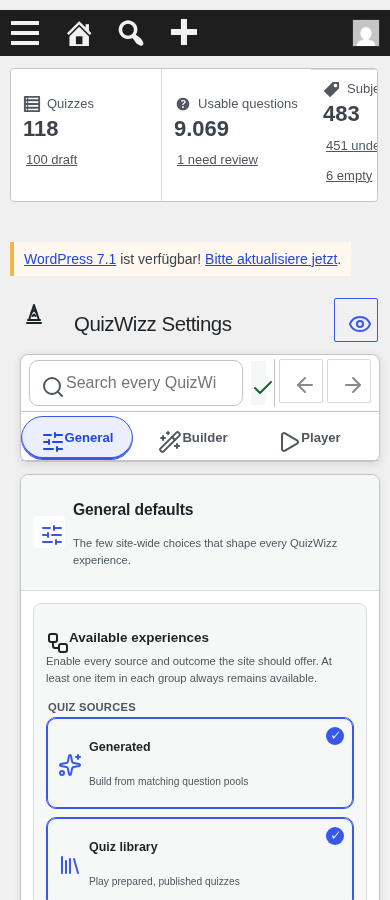 a02-m.png · mobile 390x900 · fold
 a02-m-full.png · mobile 390x900 · full page
 a02-d-p01-hero.png · desktop 1280x900 · element crop
 a02-d-p02-toolbar.png · desktop 1280x900 · element crop
 a02-d-p03-anchor-strip.png · desktop 1280x900 · element crop
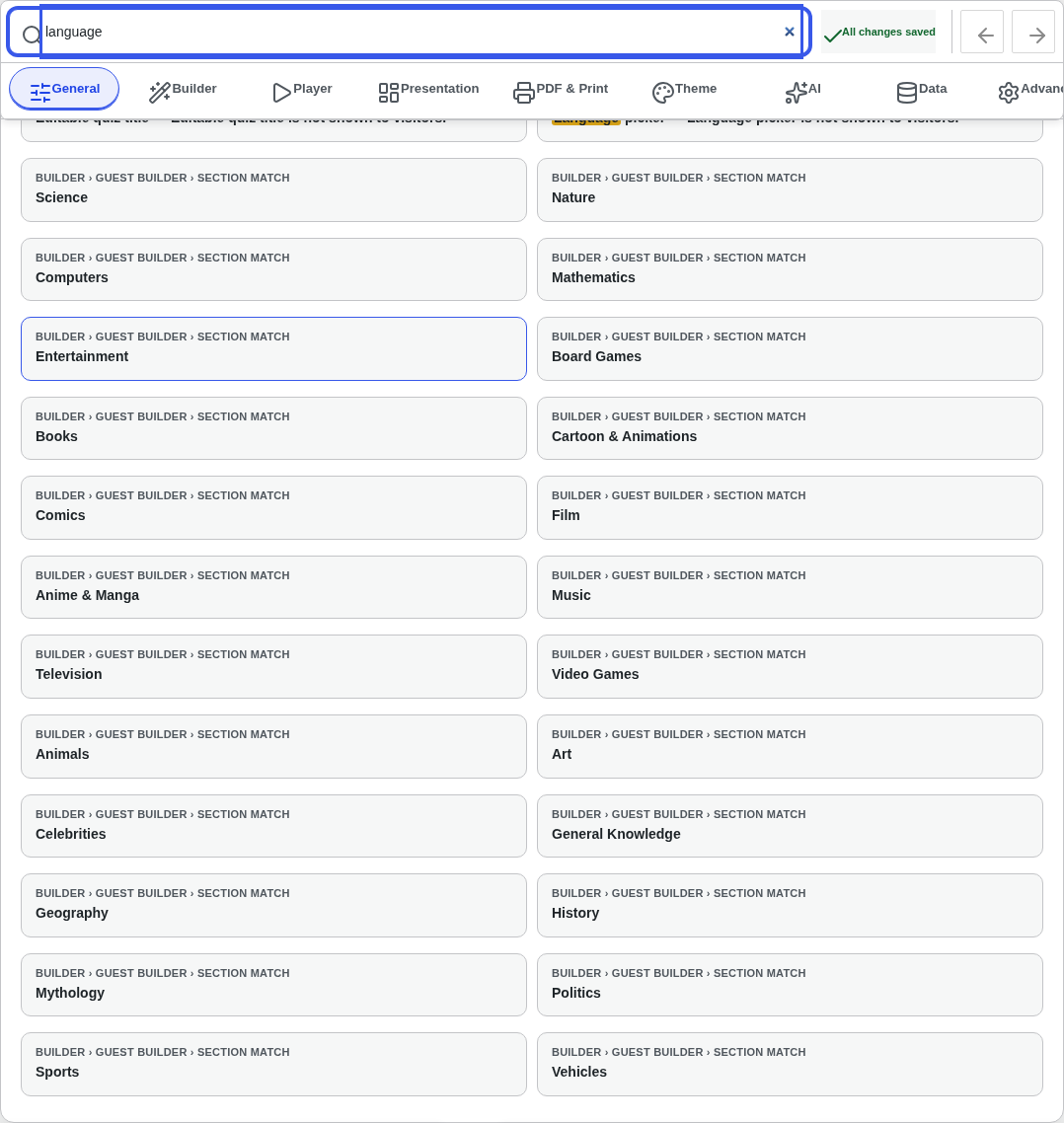 a02-d-p04-search-overlay.png · desktop 1280x900 · element crop
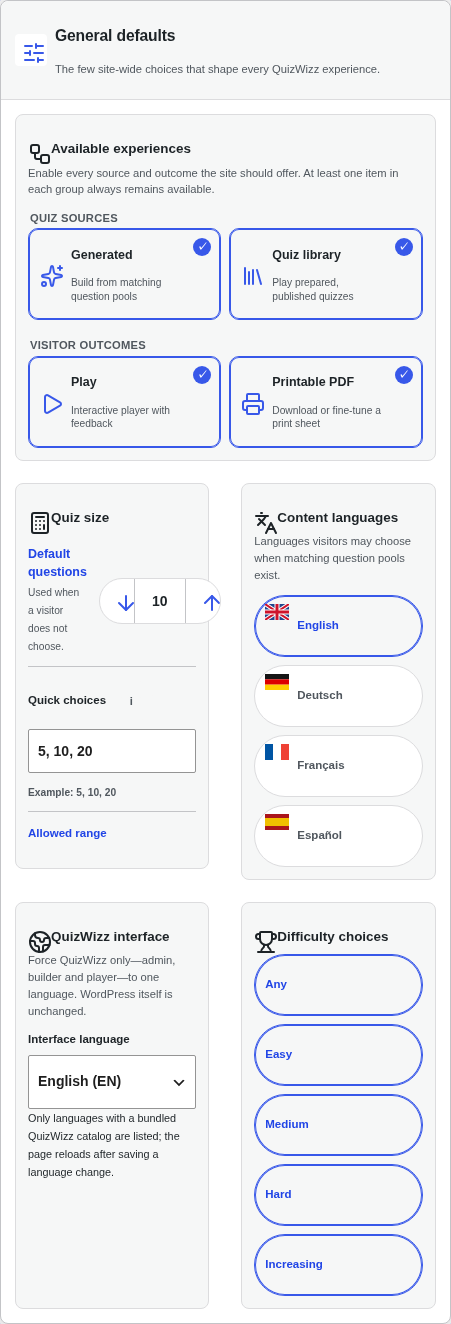 a02-d-p05-qw-essential.png · desktop 1280x900 · element crop
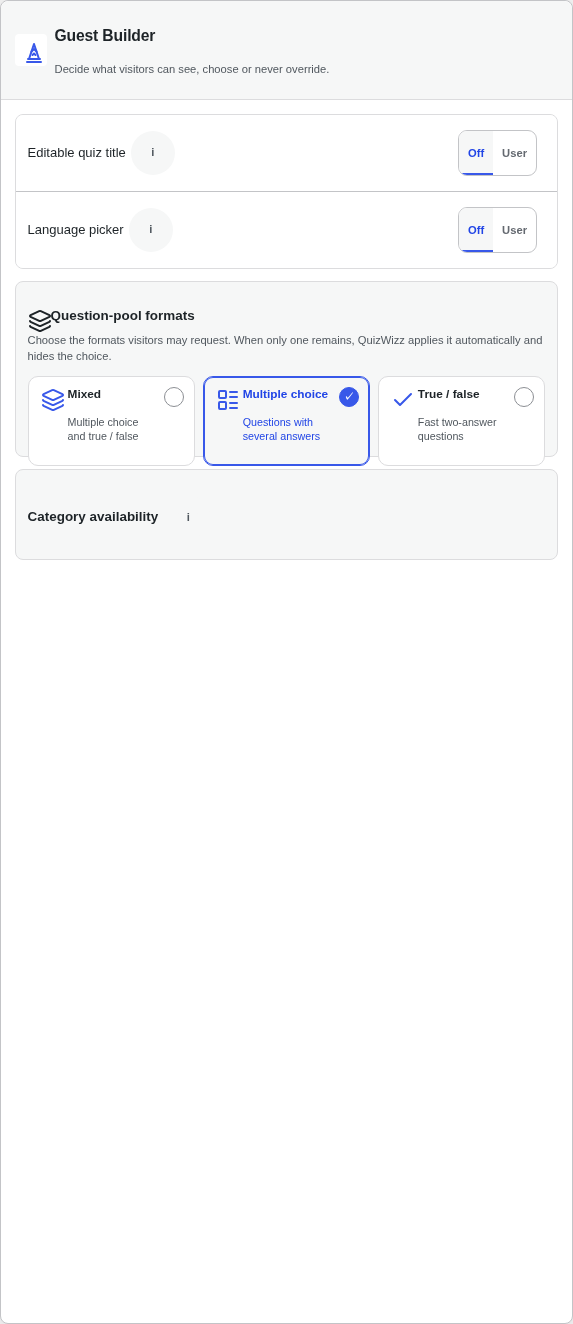 a02-d-p06-qw-builder.png · desktop 1280x900 · element crop · ⚠️ finding
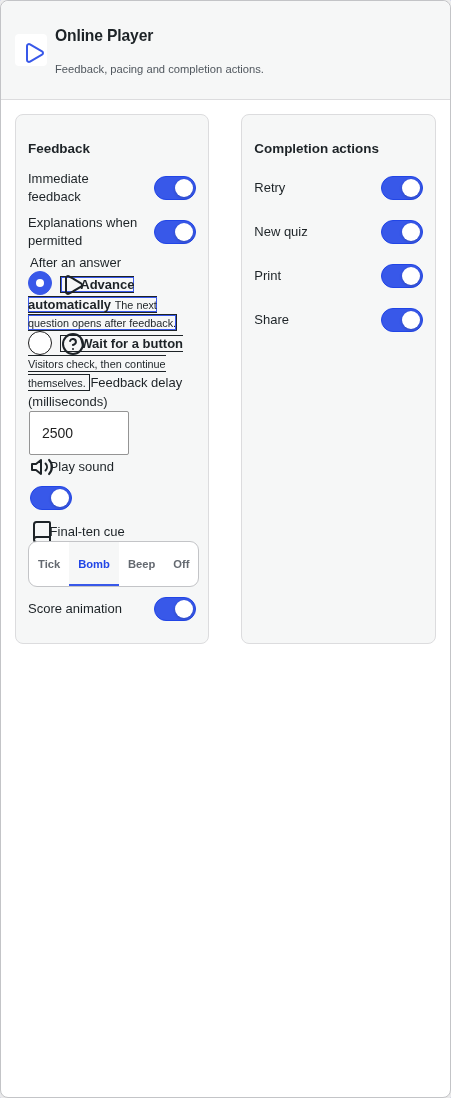 a02-d-p07-qw-player.png · desktop 1280x900 · element crop · ⚠️ finding
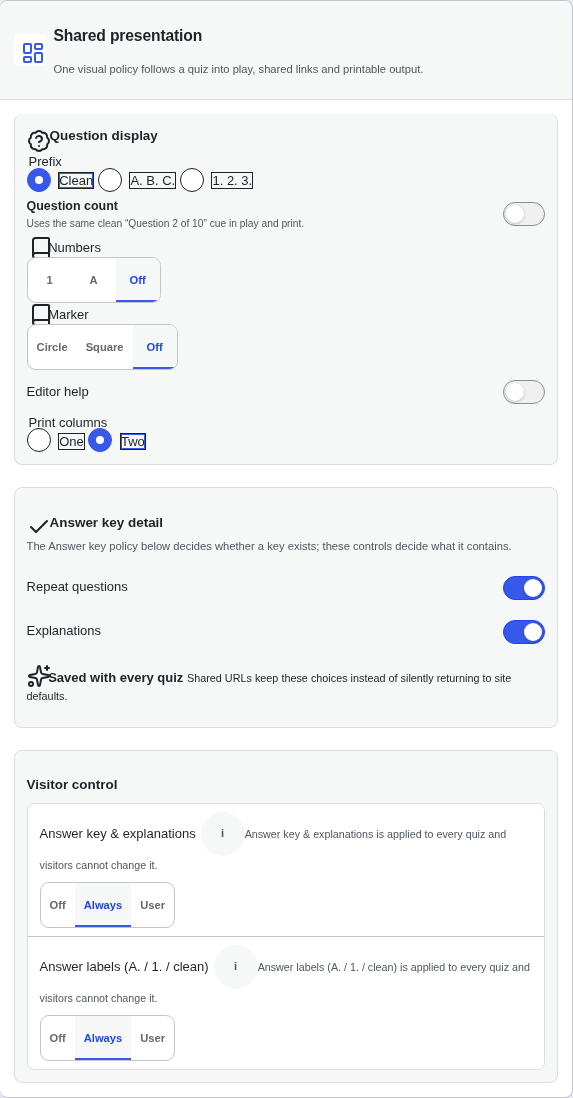 a02-d-p08-qw-presentation.png · desktop 1280x900 · element crop · ⚠️ finding
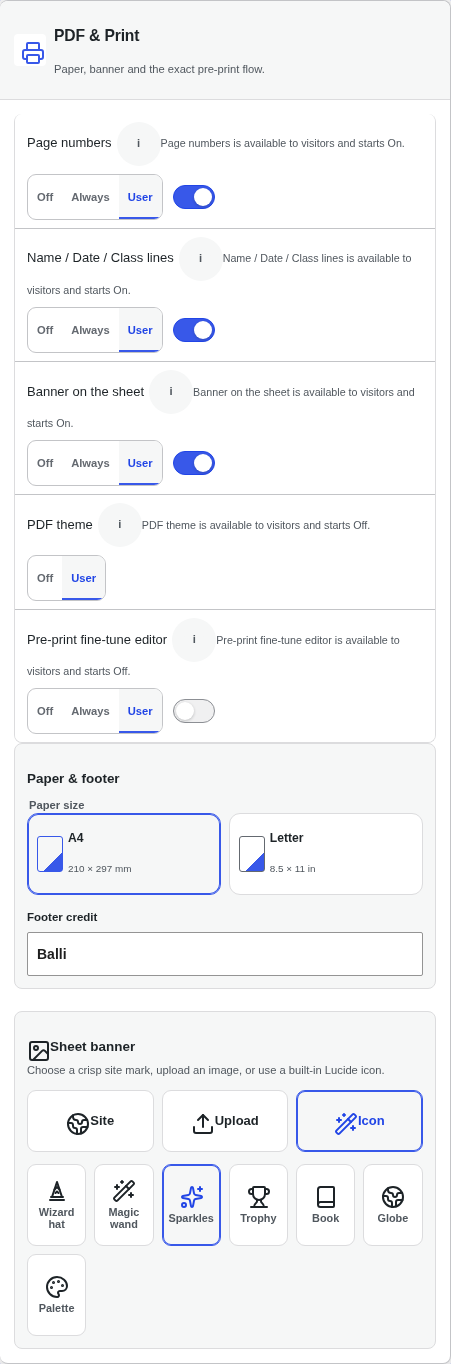 a02-d-p09-qw-pdf.png · desktop 1280x900 · element crop
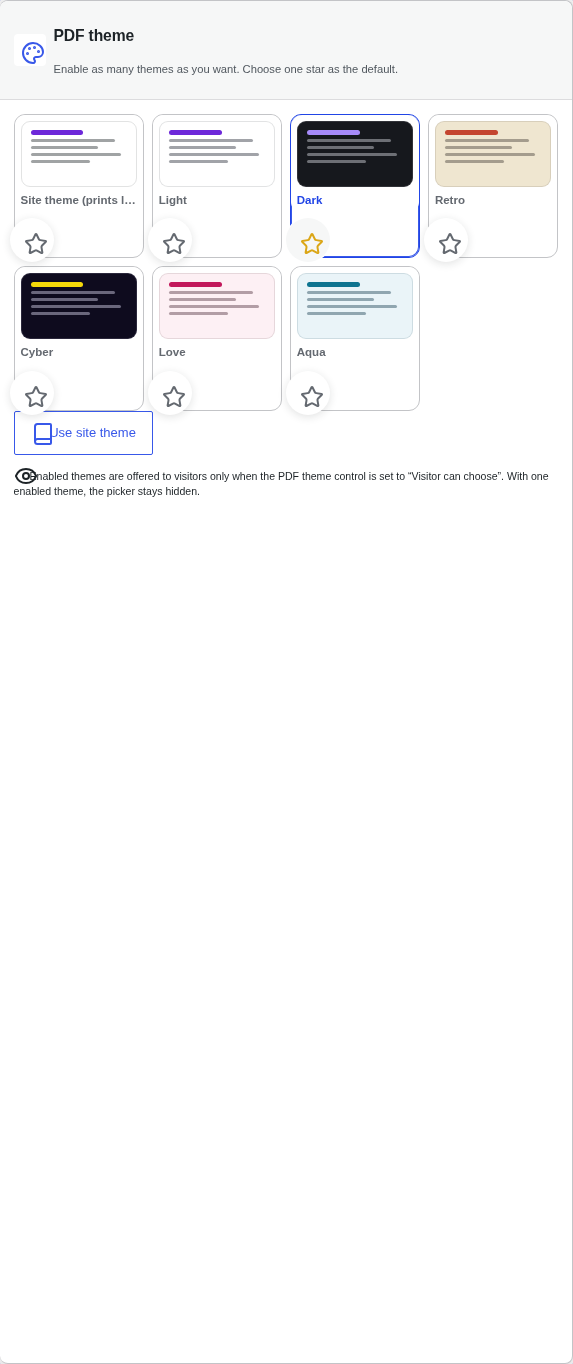 a02-d-p10-qw-theme.png · desktop 1280x900 · element crop · ⚠️ finding
 a02-d-p11-qw-ai.png · desktop 1280x900 · element crop · ⚠️ finding
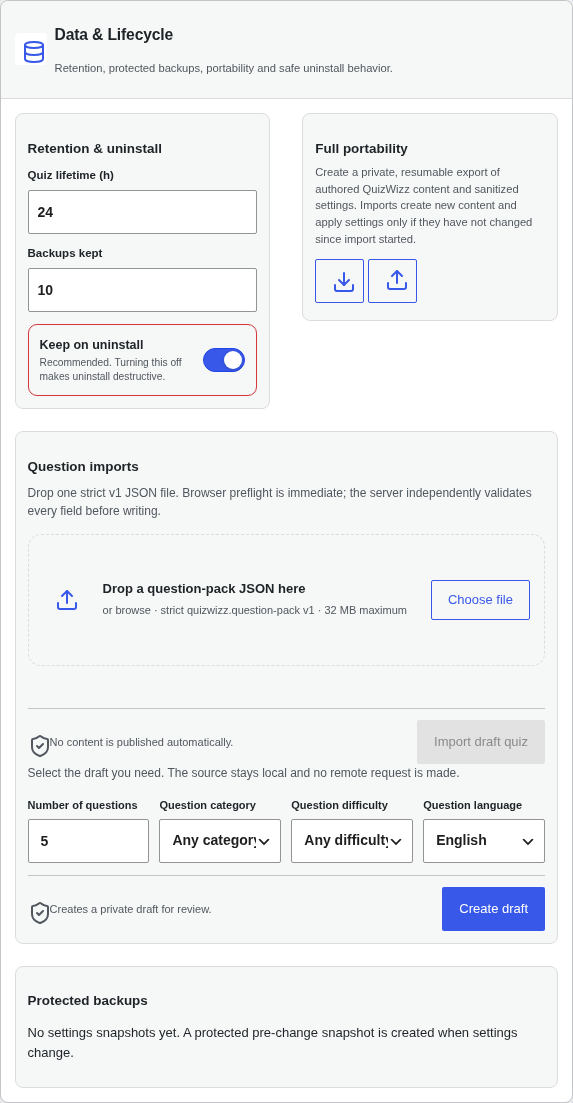 a02-d-p12-qw-data.png · desktop 1280x900 · element crop
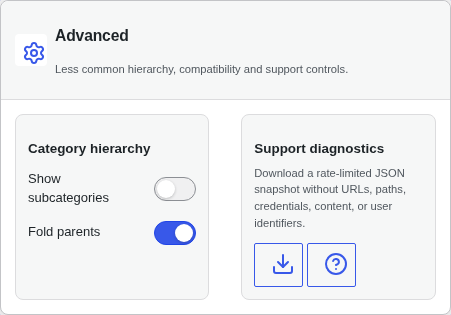 a02-d-p13-qw-advanced.png · desktop 1280x900 · element crop
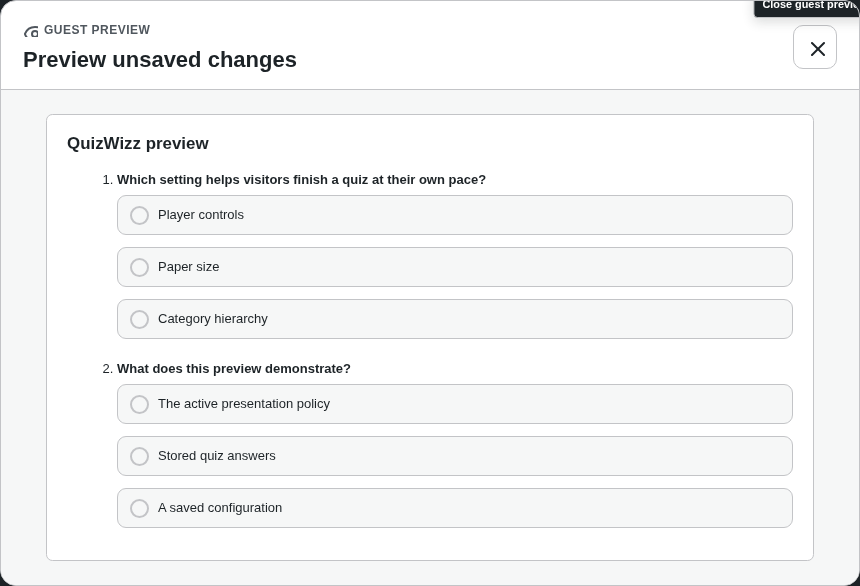 a02-d-p15-preview-modal-player.png · desktop 1280x900 · element crop
Findings in this route
a02-d-p06-qw-builder.png— Panel content (Editable quiz title, Language picker, Question-pool formats, Category availability) ends around y≈560 but the section container extends to ~y≈1310, leaving roughly 750px of blank white space with only the card border visible — looks like a fixed/min-height on the section not matching its contenta02-d-p07-qw-player.png— ‘Advance automatically’ and ‘Wait for a button’ radio labels are wrapped in visible rectangular border boxes that don’t match the rest of the form’s styling (looks like a stray/default outline, not styled to match the toggle rows below)a02-d-p08-qw-presentation.png— The selected ‘Clean’ prefix option and ‘Two’ print-columns option render with visible rectangular outline boxes around just the text, inconsistent with the pill/segmented-control styling used elsewhere on the same panel (e.g. Off/Always/User toggles have no such artifact)a02-d-p10-qw-theme.png— The blue selected-outline box around the star icon under the ‘Dark’ theme card looks offset/oversized relative to the star glyph, unlike the plain circular star buttons under the other theme cardsa02-d-p11-qw-ai.png— Only ~200px of real content (Enable AI card + collapsed Limits disclosure) followed by roughly 850px of blank white space in the cropped panel, same excessive-empty-container pattern as the Guest Builder panela02-d-p12-qw-data.png— Both import forms in Settings > Data & Lifecycle render WITHOUT their nonce fields: live DOM inputs are only [action, qw_return, question_pack] for form.qw-question-pack-form and [action, qw_return, quiz_title, amount, submit] for form.qw-import-form (no *_nonce, no _wp_http_referer).a02-d-p12-qw-data.png— Source cause: includes/Admin/ImportPage.php:96 and :123 call wp_nonce_field(name,true,false) inside a bare tag; the 4th argument false makes wp_nonce_field RETURN the markup instead of echoing it, so it is discarded.a02-d-p12-qw-data.png— Handlers require those nonces (ImportPage.php:149 AdminGuard::authorize_all(…, “qwizz_import_question_pack”, “qwizz_question_pack_nonce”)), so a real submit is rejected. Observed live: POST to admin-post.php with the form fields returned HTTP 403.
Feedback — a02
(awaiting tour notes)
a02x — editor-role import-only variant (qwtour_editor)
/wp-admin/admin.php?page=qw-settings
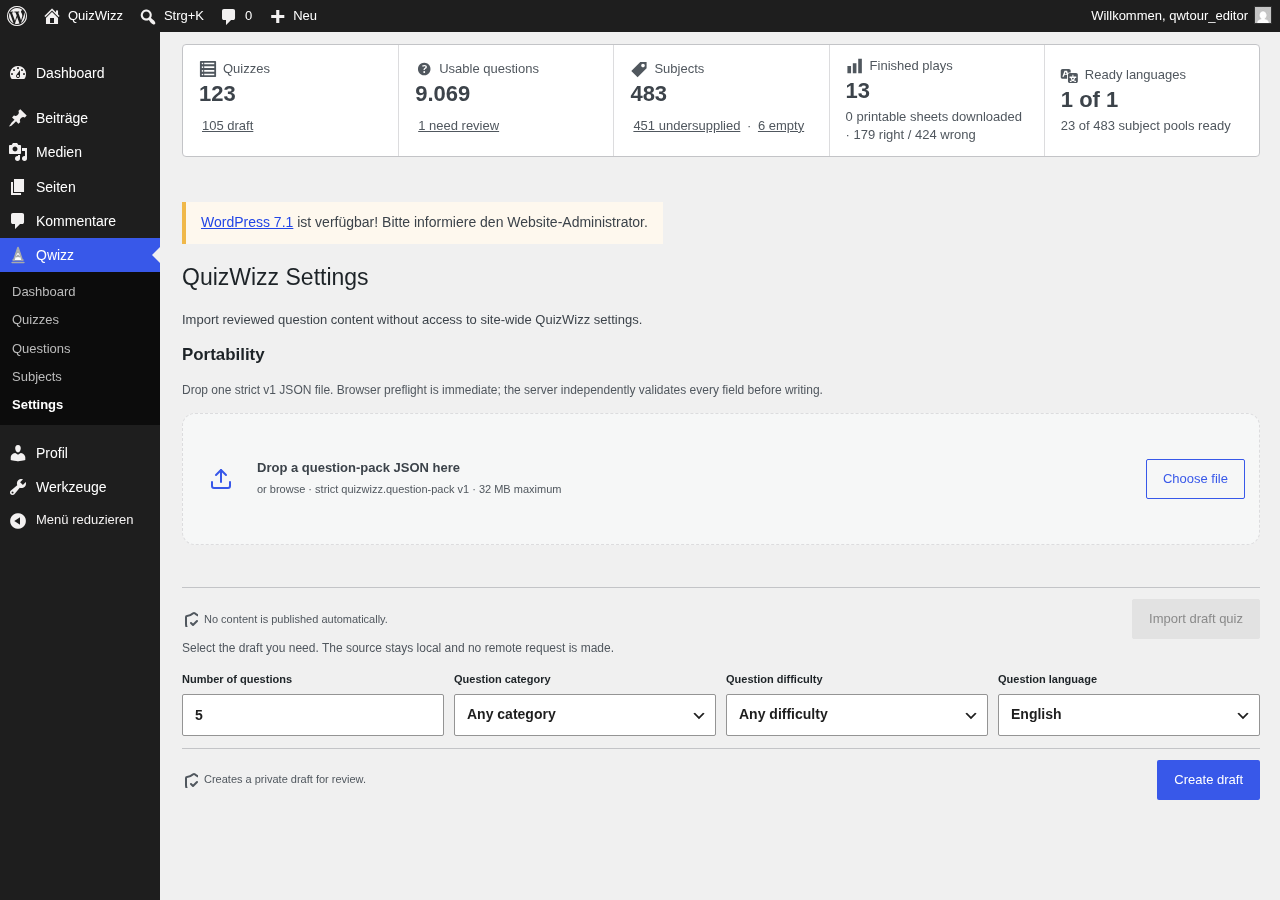 a02x-d.png · desktop 1280x900 · fold
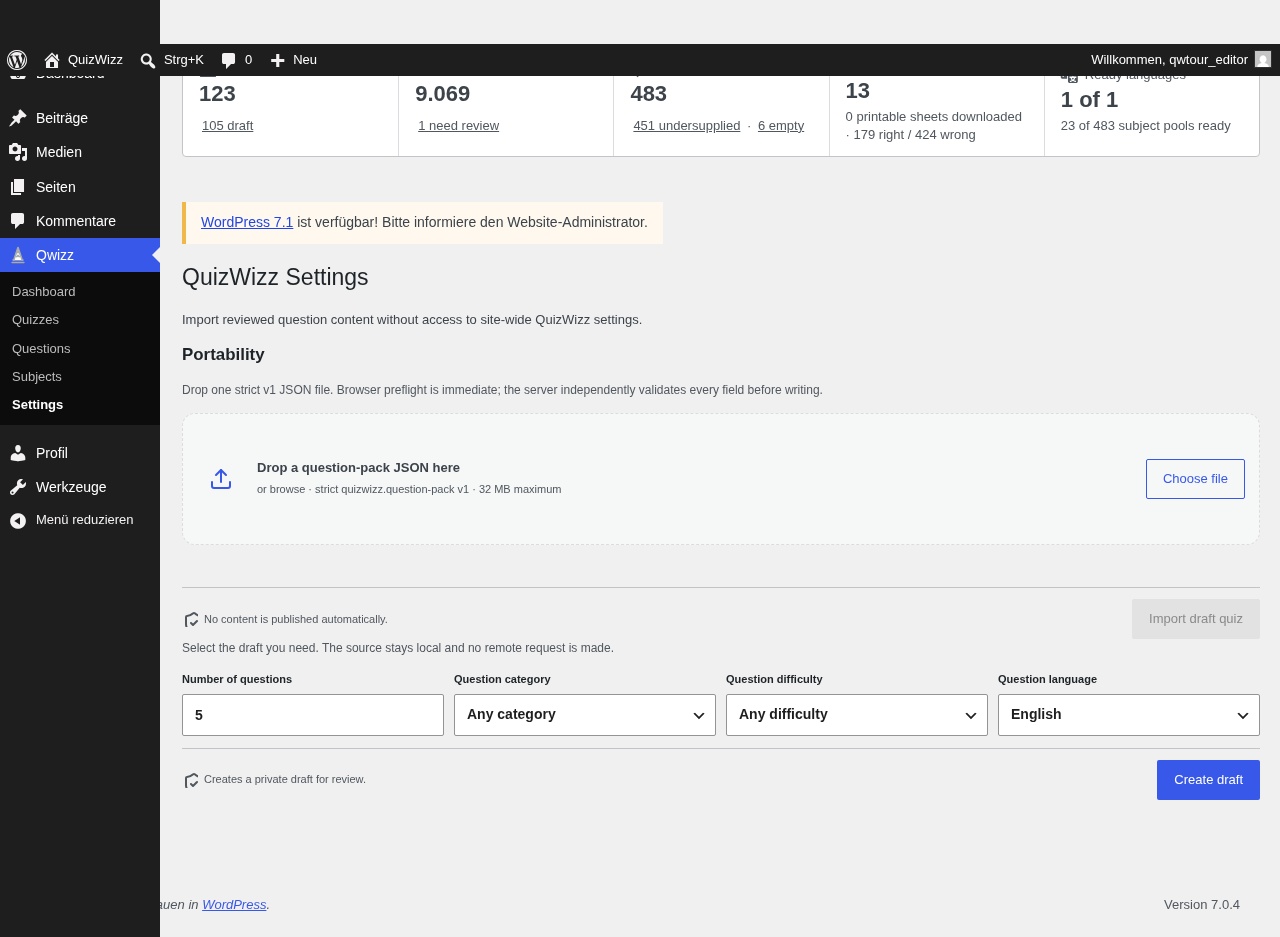 a02x-d-full.png · desktop 1280x900 · full page
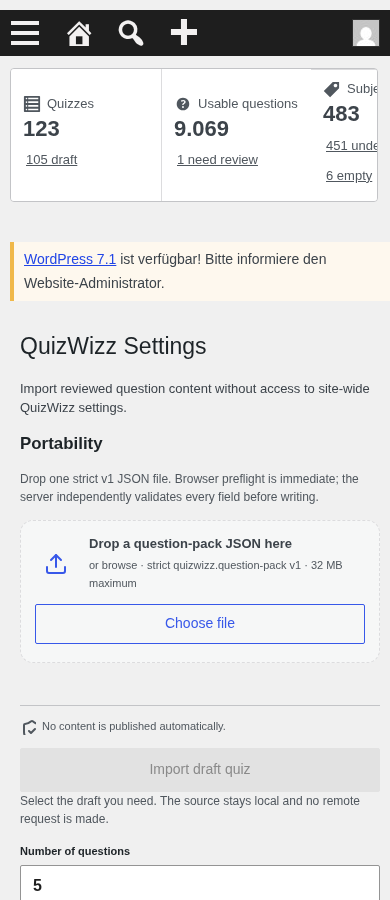 a02x-m.png · mobile 390x900 · fold
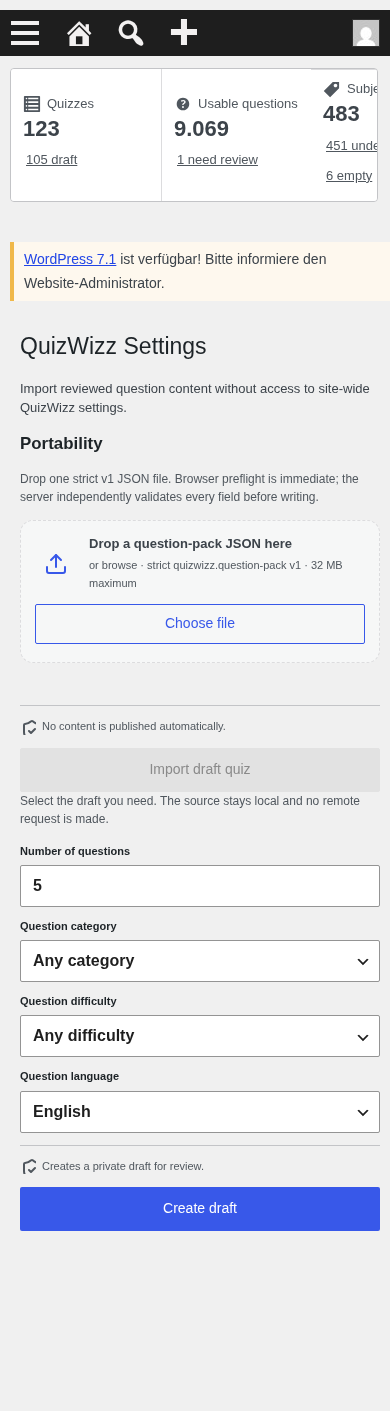 a02x-m-full.png · mobile 390x900 · full page
Feedback — a02x
(awaiting tour notes)
a03 — quiz list table
/wp-admin/edit.php?post_type=qw_quiz
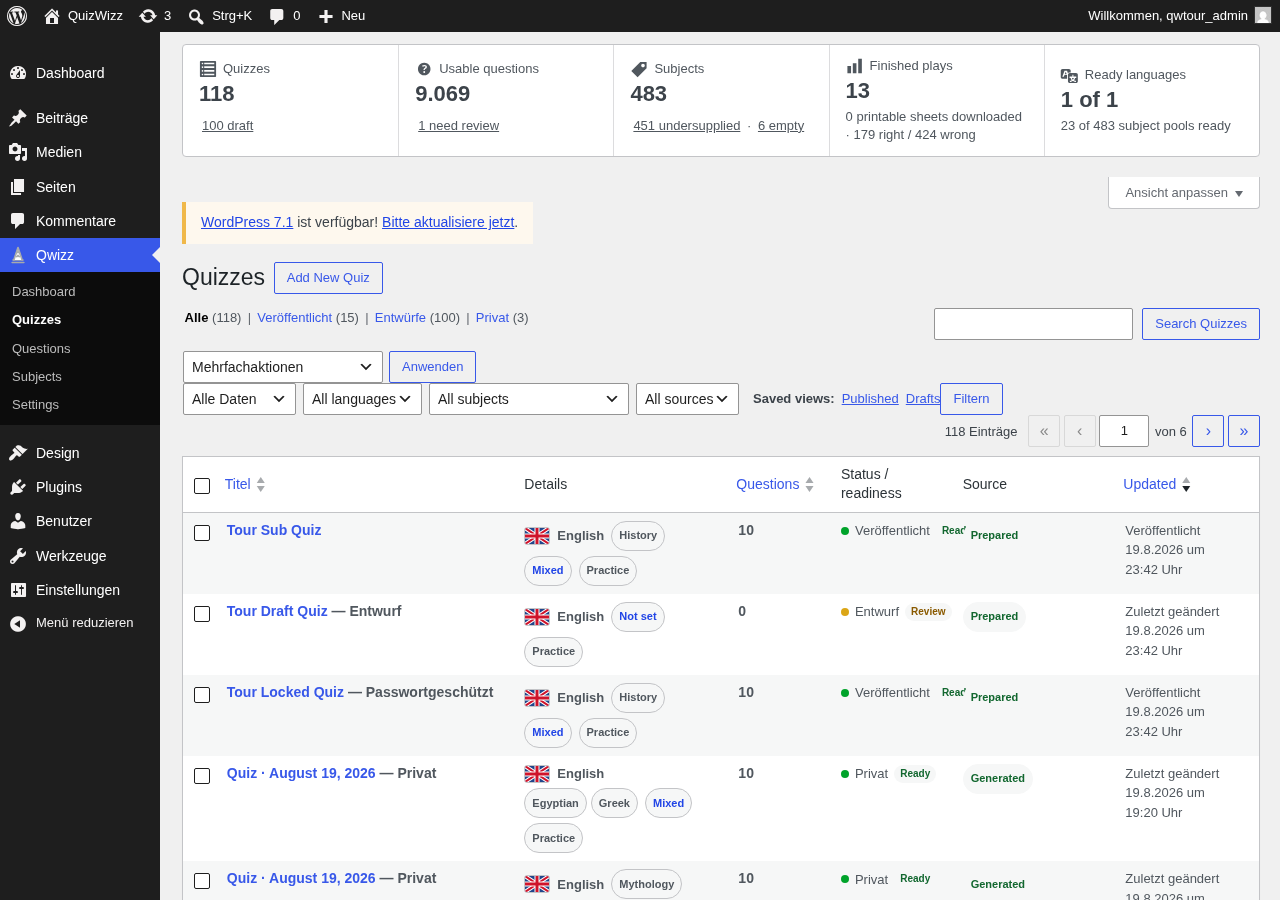 a03-d.png · desktop 1280x900 · fold · ⚠️ finding
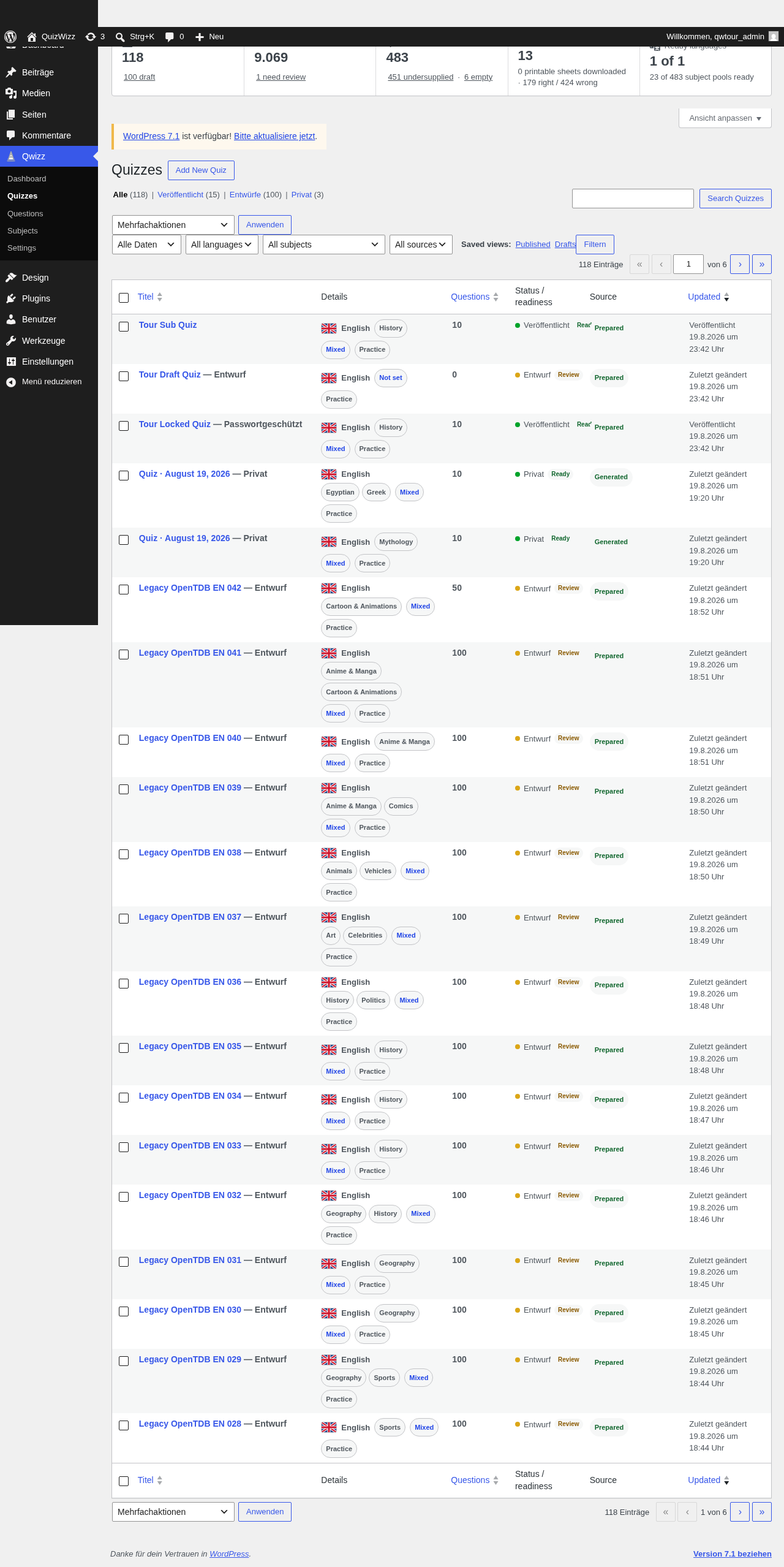 a03-d-full.png · desktop 1280x900 · full page
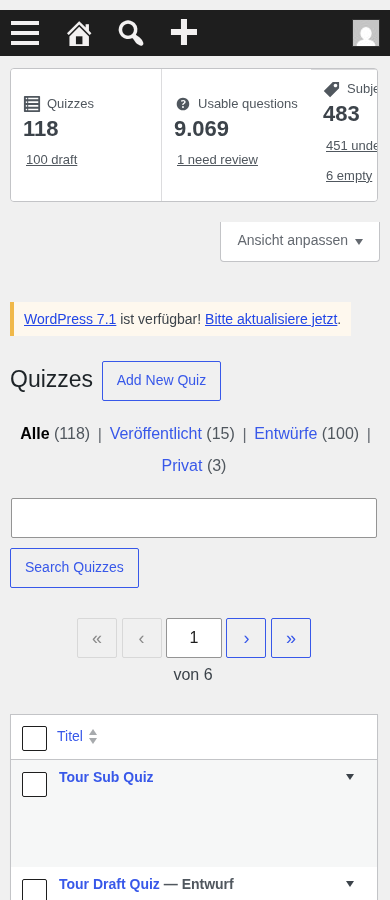 a03-m.png · mobile 390x900 · fold
 a03-m-full.png · mobile 390x900 · full page
 a03-d-p01-rail.png · desktop 1280x900 · element crop
 a03-d-p02-filters.png · desktop 1280x900 · element crop
 a03-d-p03-columns.png · desktop 1280x900 · element crop
 a03-d-p04-row.png · desktop 1280x900 · element crop · ⚠️ finding
 a03-d-p05-active-filters.png · desktop 1280x900 · element crop
 a03-d-p06-empty-actions.png · desktop 1280x900 · element crop · ⚠️ finding
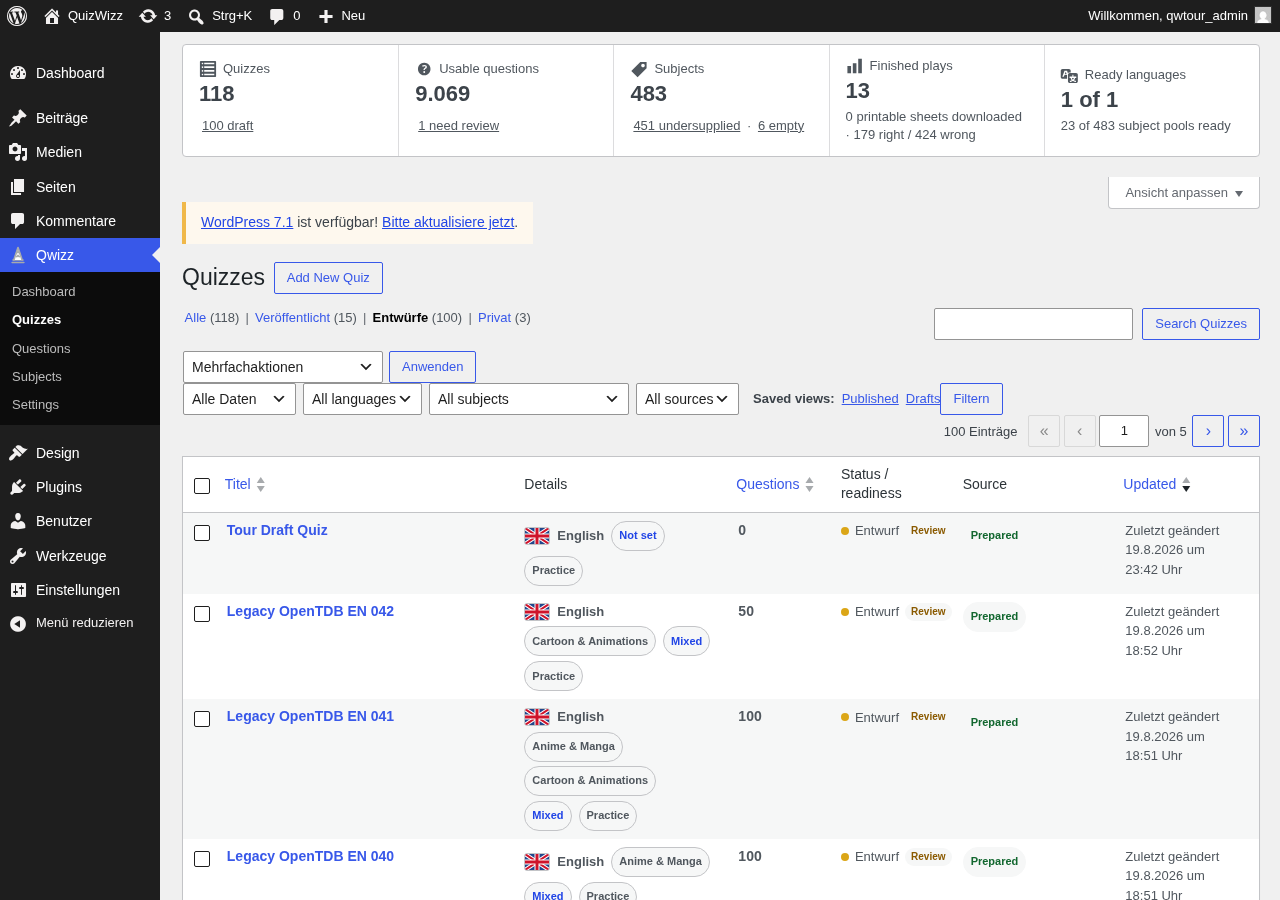 a03-d-x01-draft.png · desktop 1280x900 · element crop
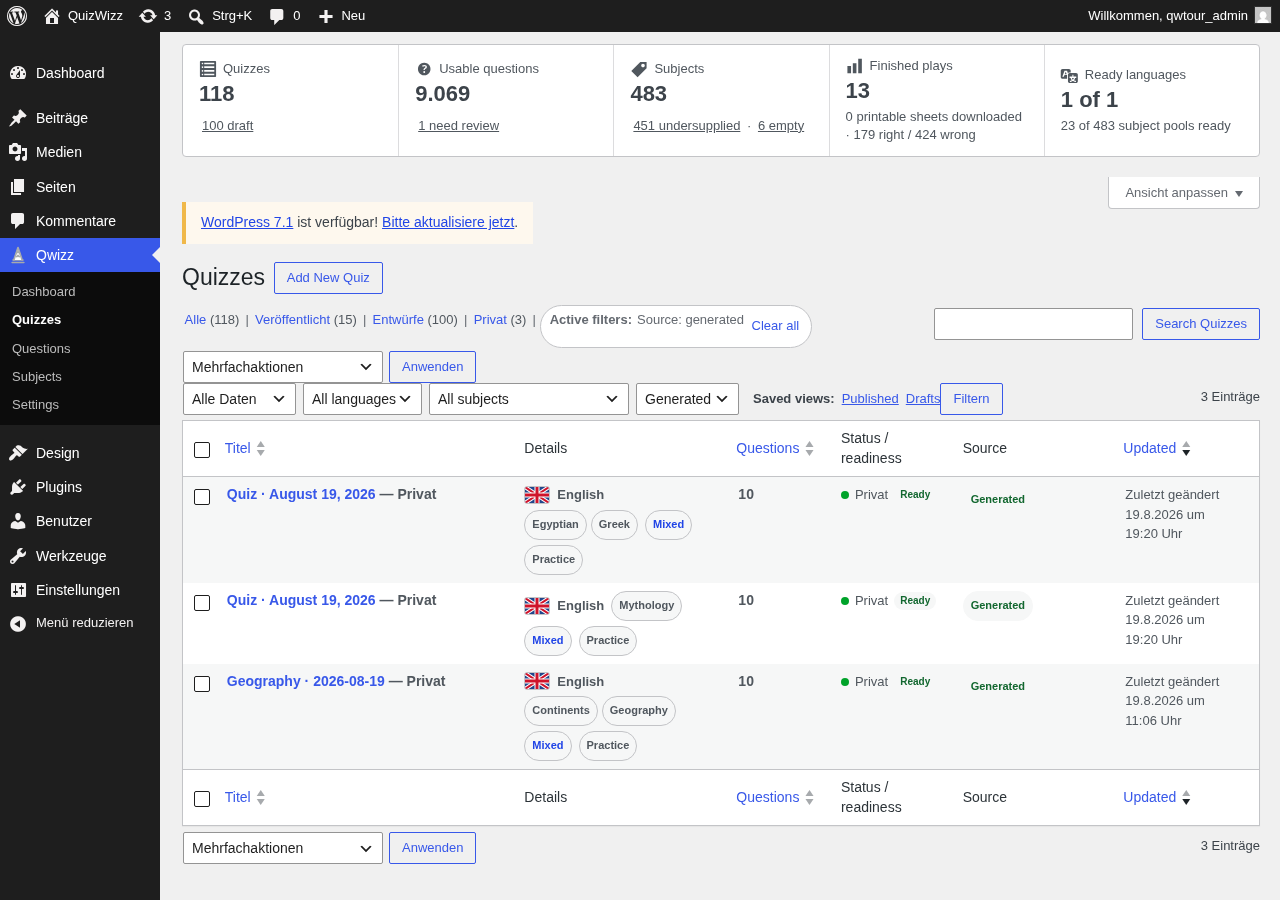 a03-d-x02-source-generated.png · desktop 1280x900 · element crop
Findings in this route
a03-d-p04-row.png— Status/readiness cell shows ‘Veröffentlicht Read Prepared’ — the ‘Ready’ pill text is truncated to ‘Read’ and visually overlaps the adjacent ‘Prepared’ pill instead of wrapping/spacing normallya03-d-p06-empty-actions.png— The empty-results message ‘content matches the current search and filters.’ visually overlaps the ‘Details’ column header and is interleaved with the ‘Create quiz’ / ‘Clear filters’ button text, making both illegible at this cropa03-d.png— Row ‘Tour Sub Quiz’ shows ‘Veröffentlicht Read Prepared’ with ‘Ready’ truncated/overlapping ‘Prepared’, same defect as a03-d-p04-row.png
Feedback — a03
(awaiting tour notes)
a04 — question list table
/wp-admin/edit.php?post_type=qw_question
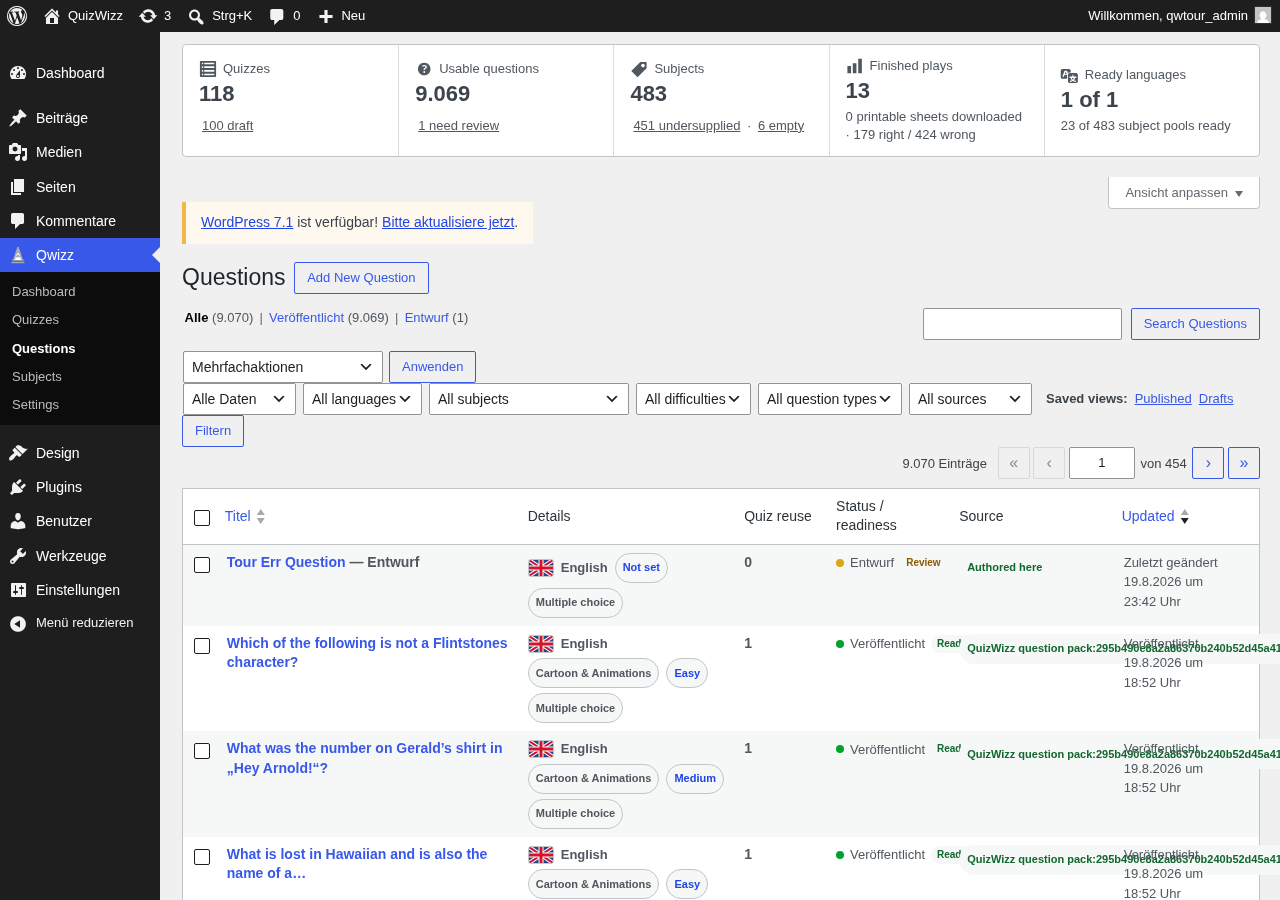 a04-d.png · desktop 1280x900 · fold · ⚠️ finding
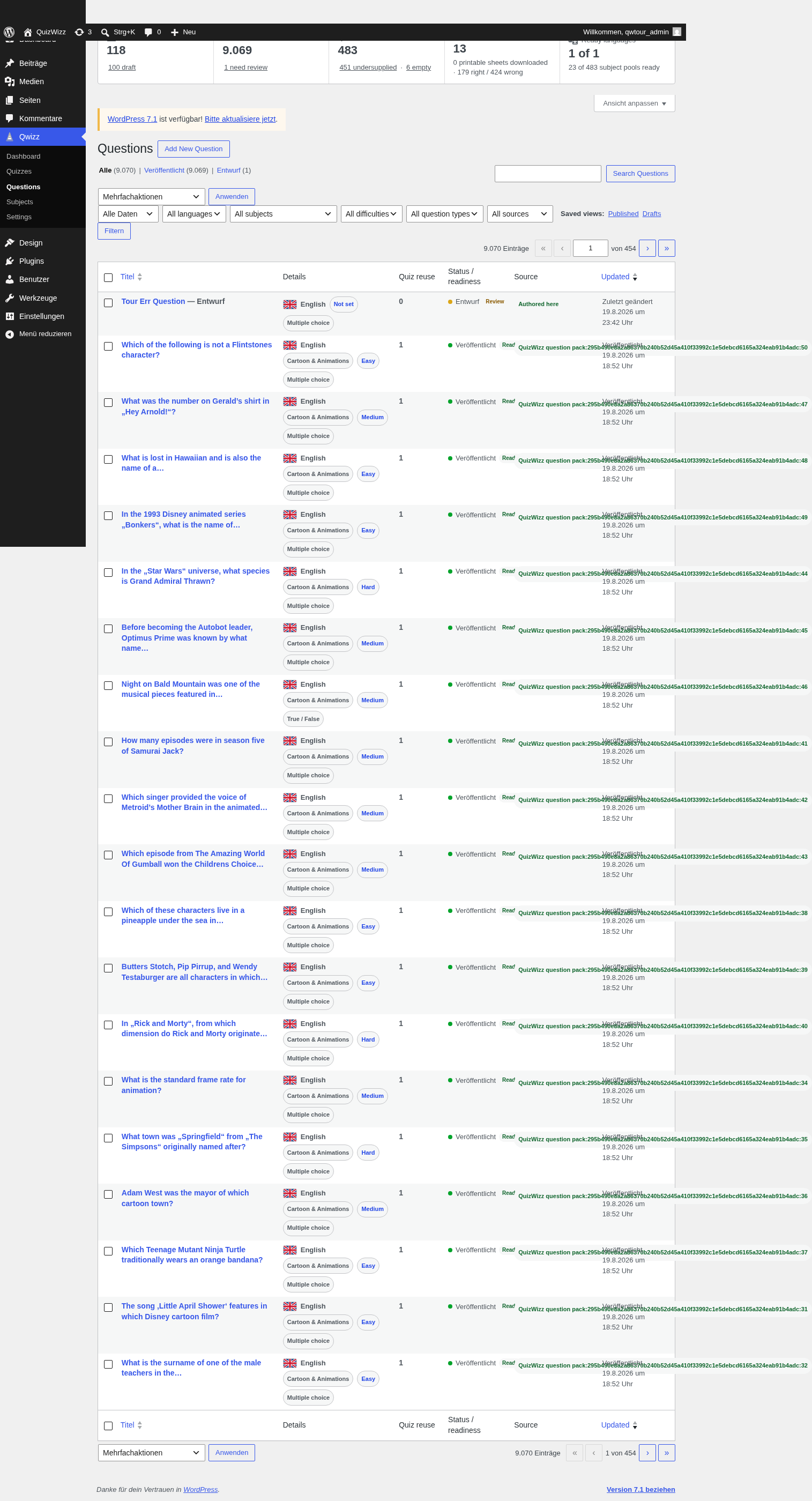 a04-d-full.png · desktop 1280x900 · full page
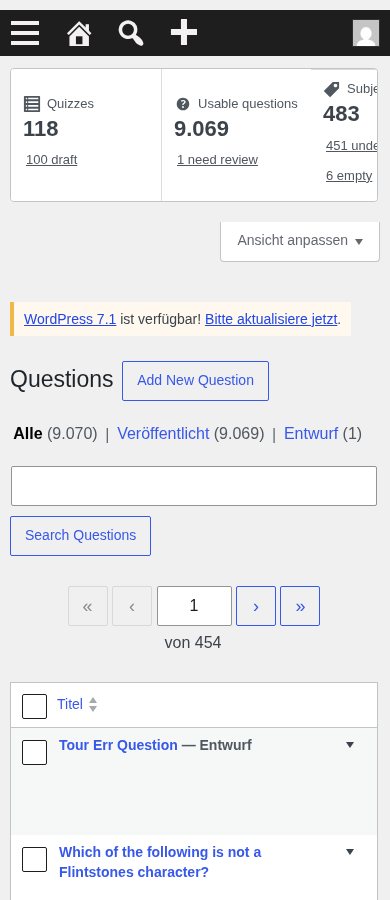 a04-m.png · mobile 390x900 · fold
 a04-m-full.png · mobile 390x900 · full page
 a04-d-p01-filters.png · desktop 1280x900 · element crop
 a04-d-p02-row.png · desktop 1280x900 · element crop
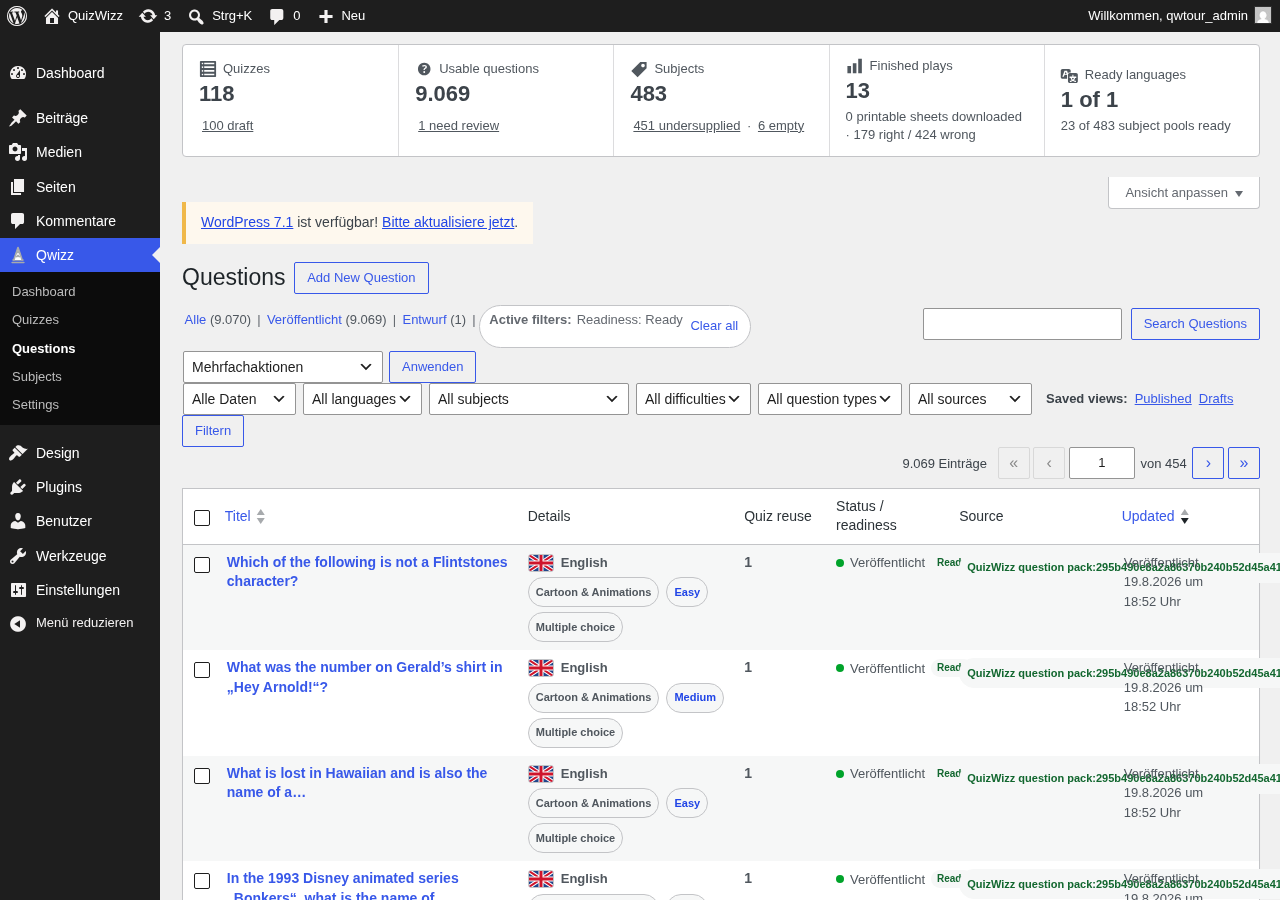 a04-d-x01-valid.png · desktop 1280x900 · element crop
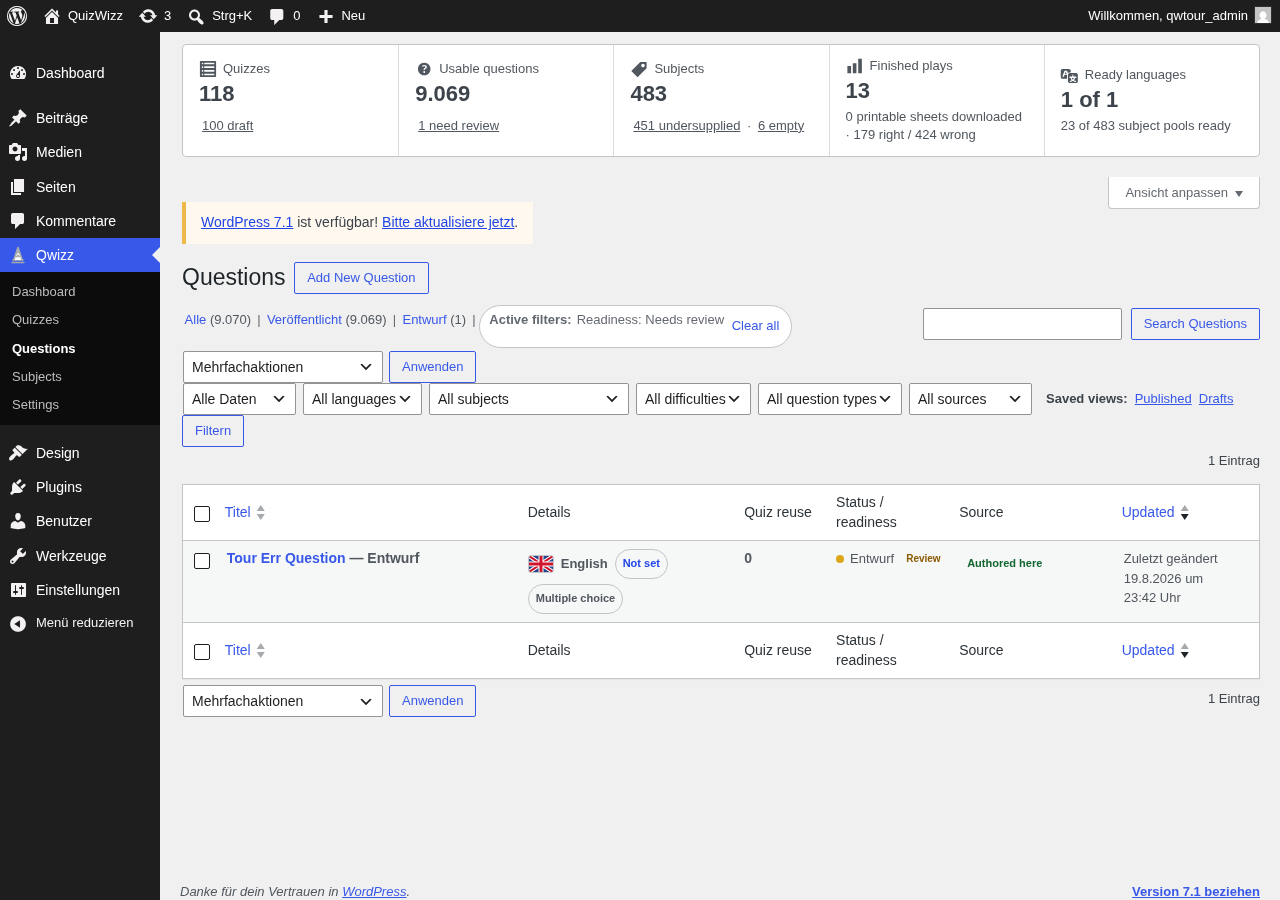 a04-d-x02-invalid.png · desktop 1280x900 · element crop
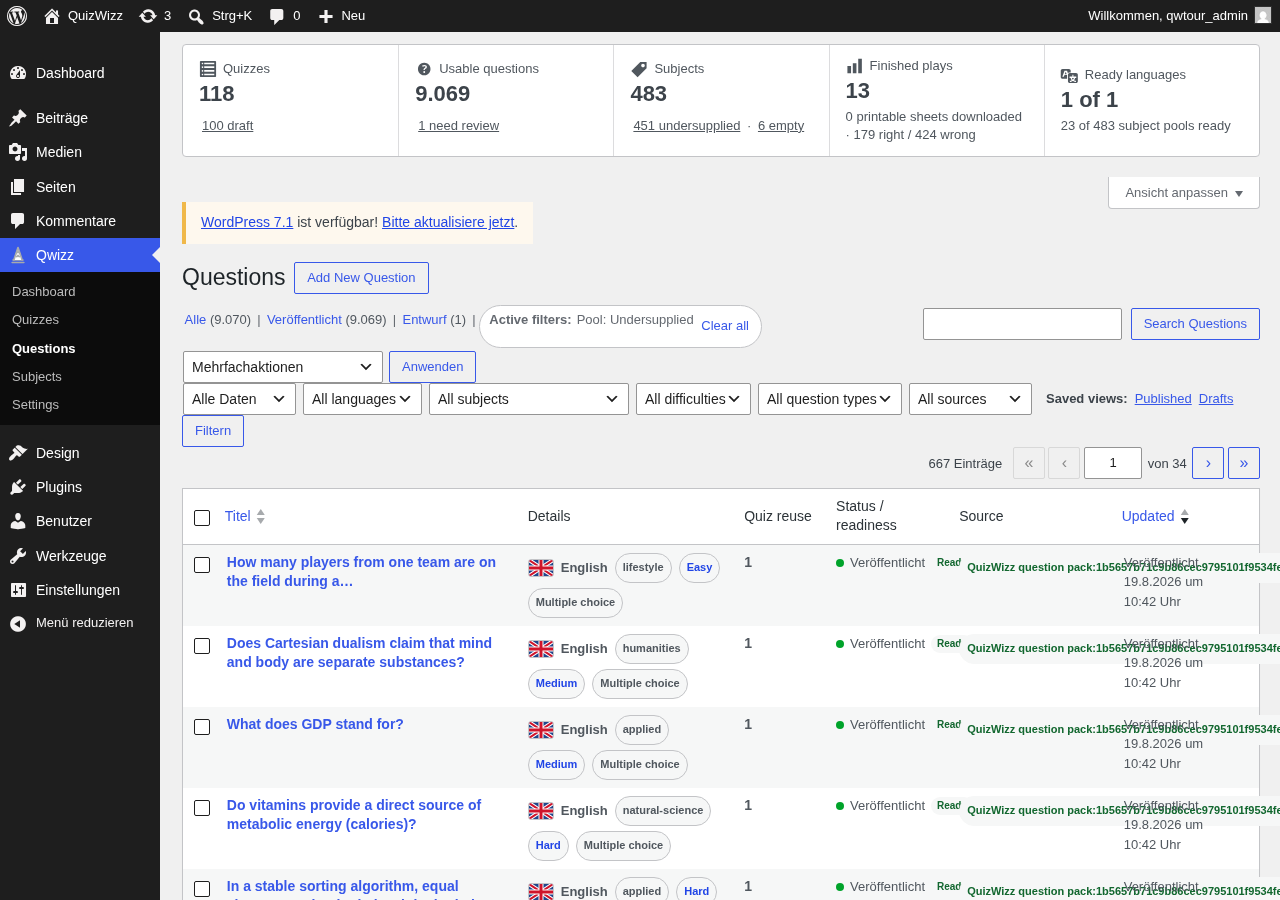 a04-d-x03-pool-under.png · desktop 1280x900 · element crop
Findings in this route
a04-d.png— Visible text ‘Active filters: Pool: Undersupplied — Clear all’ and ‘667 Einträge · 1 von 34’ appear in the plain a04-d capture, which per shotlist should be the unfiltered default Questions fold state; filter state appears to have bled over from the x03-pool-under capture, so this shot does not represent the intended baseline view
Feedback — a04
(awaiting tour notes)
a05 — quiz editor (58 questions)
/wp-admin/post.php?post=413&action=edit
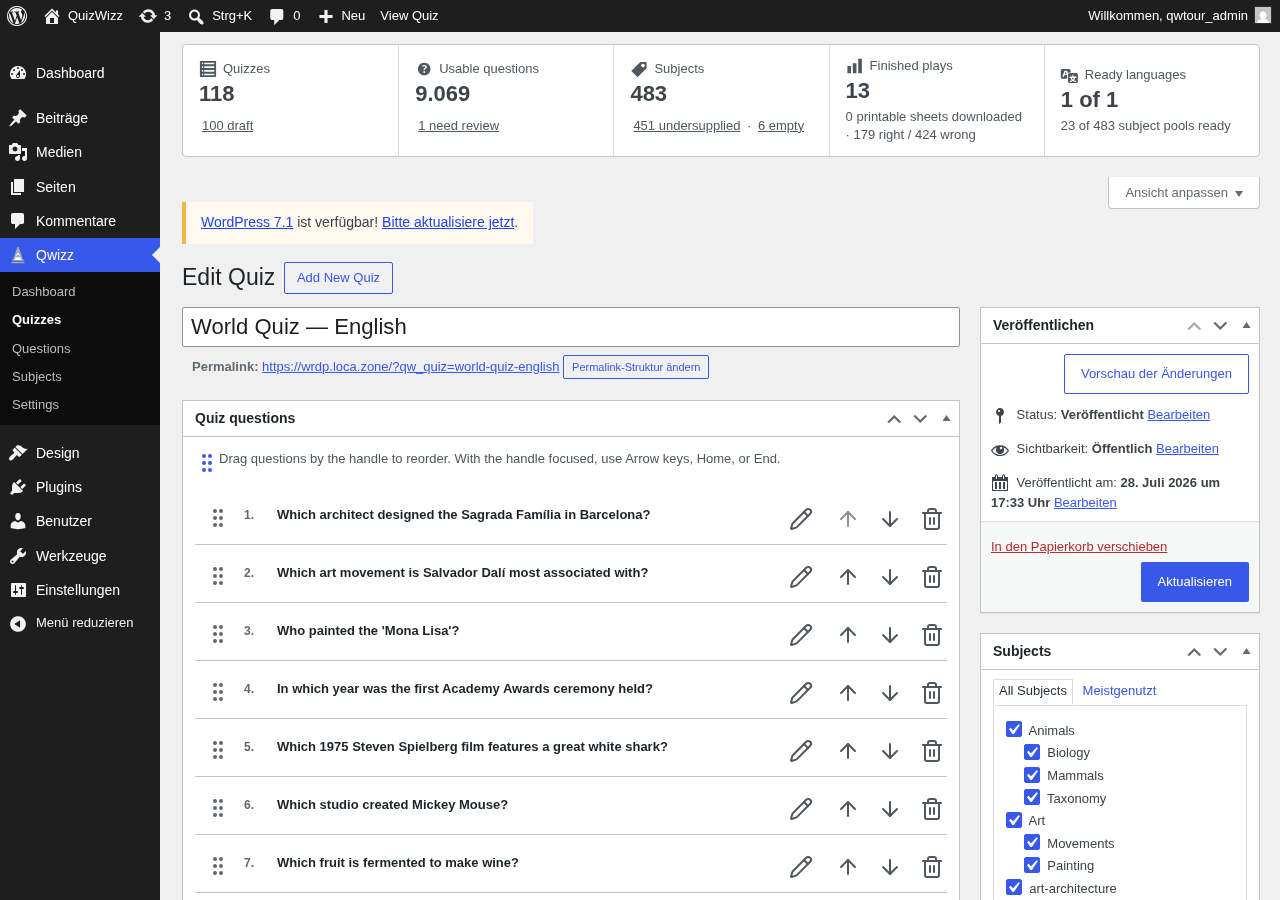 a05-d.png · desktop 1280x900 · fold
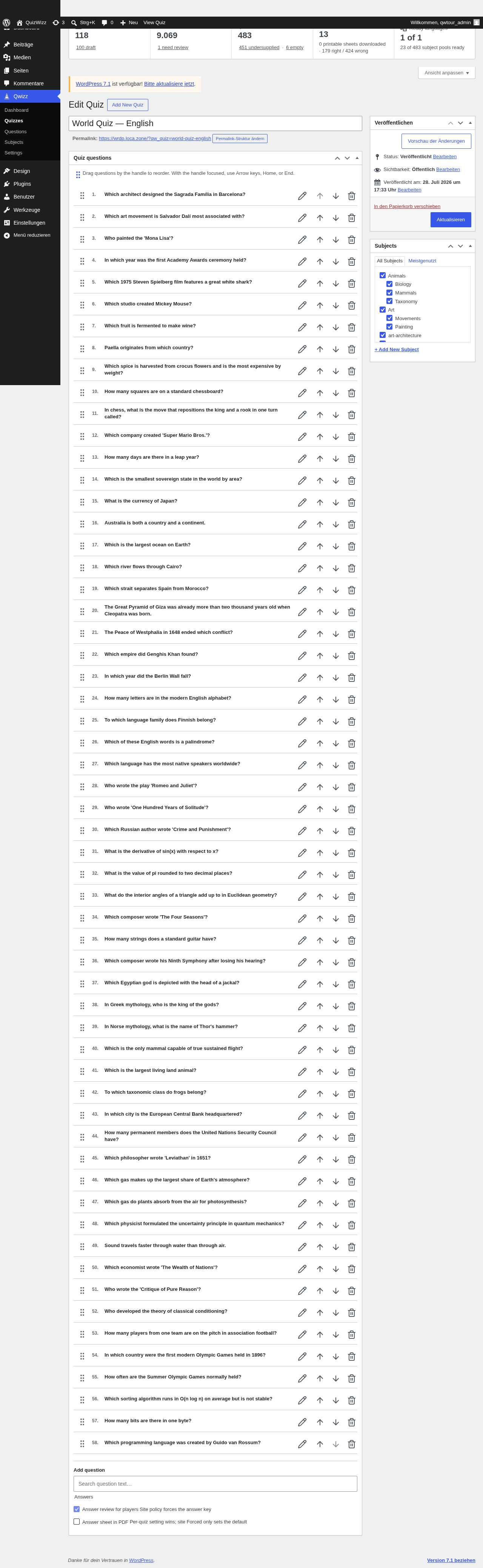 a05-d-full.png · desktop 1280x900 · full page
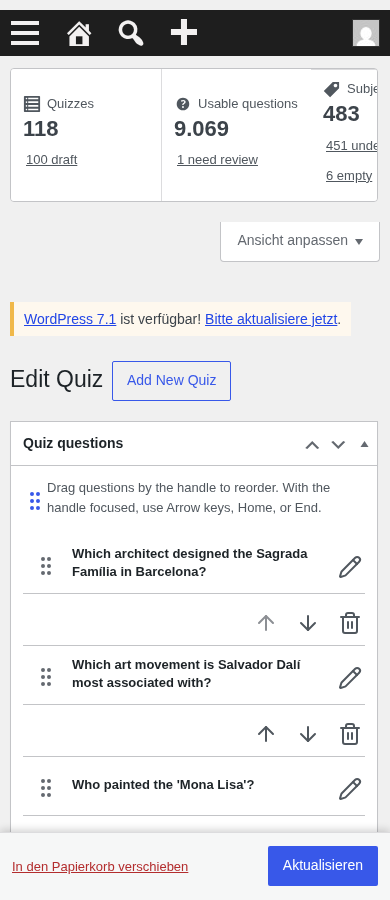 a05-m.png · mobile 390x900 · fold · ⚠️ finding
 a05-m-full.png · mobile 390x900 · full page · ⚠️ finding
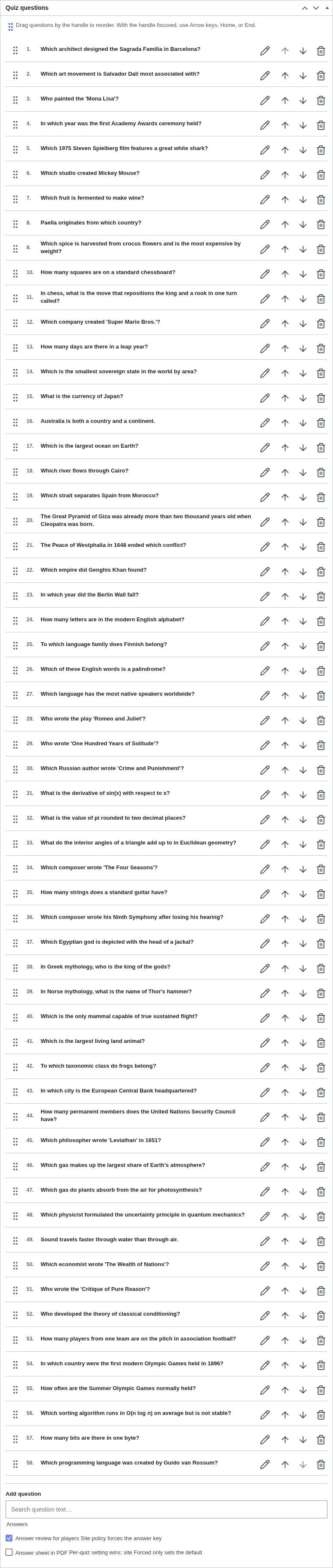 a05-d-p01-metabox.png · desktop 1280x900 · element crop
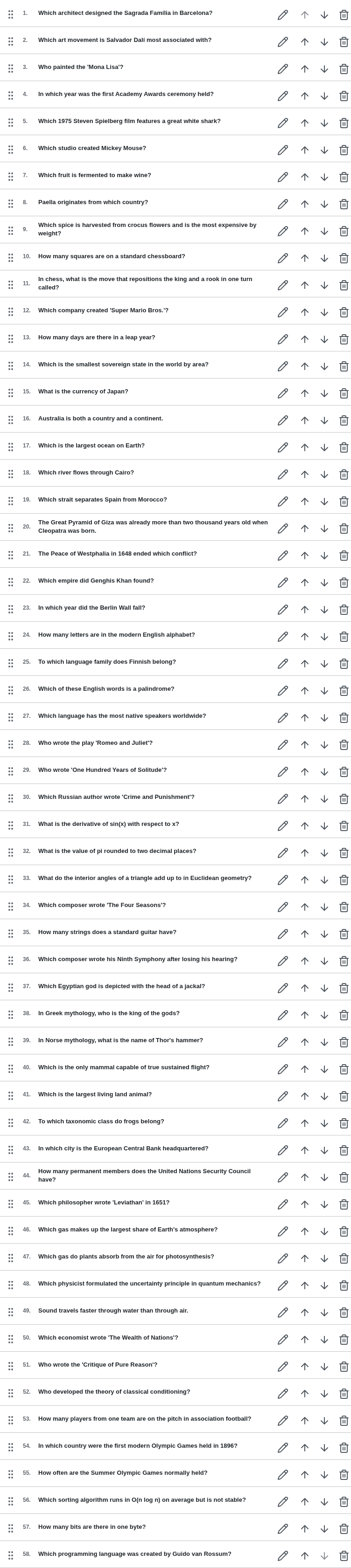 a05-d-p02-question-rows.png · desktop 1280x900 · element crop
 a05-d-p03-row-actions.png · desktop 1280x900 · element crop
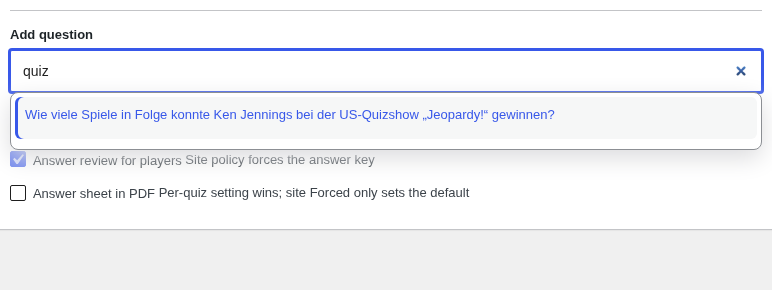 a05-d-p04-search-open.png · desktop 1280x900 · element crop
 a05-d-p05-answers-controls.png · desktop 1280x900 · element crop
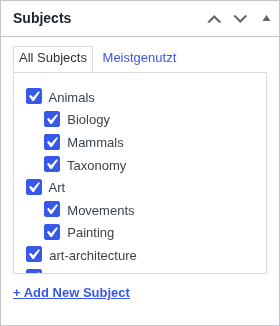 a05-d-p06-subjects-box.png · desktop 1280x900 · element crop
Findings in this route
a05-m-full.png— Third stat card label is truncated to ‘Subje’ at the viewport edge instead of wrapping or scrolling, matching the same overflow seen on a05-m.pnga05-m.png— Stats card row overflows the 390px viewport — third card shows only ‘Subje’ instead of full ‘Subjects’ label or counta05-m.png— Each question row’s up/down/trash icons are pushed onto a separate unlabeled line below the title+pencil row, disconnected from their parent row
Feedback — a05
(awaiting tour notes)
a05n — new quiz editor empty state
/wp-admin/post-new.php?post_type=qw_quiz
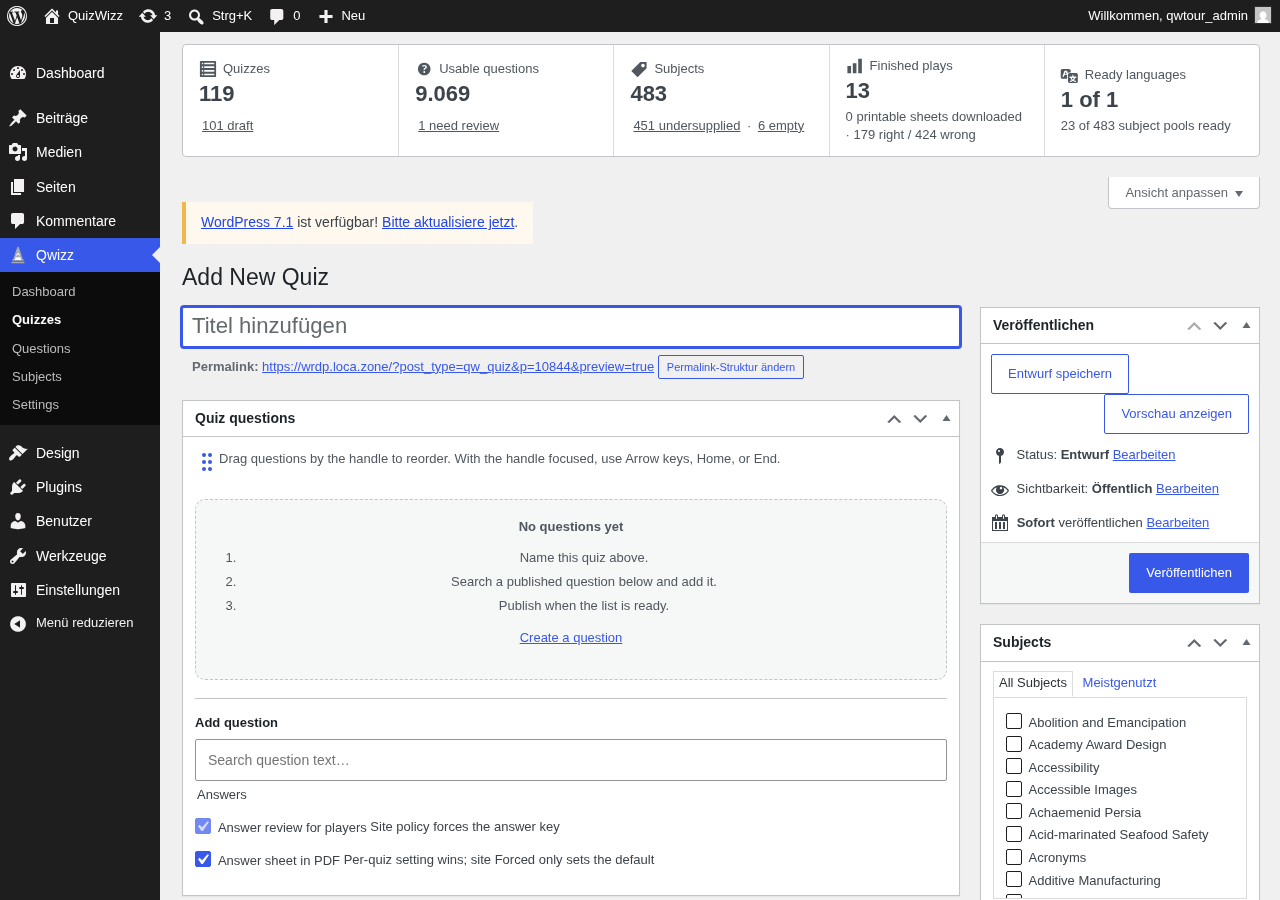 a05n-d.png · desktop 1280x900 · fold · ⚠️ finding
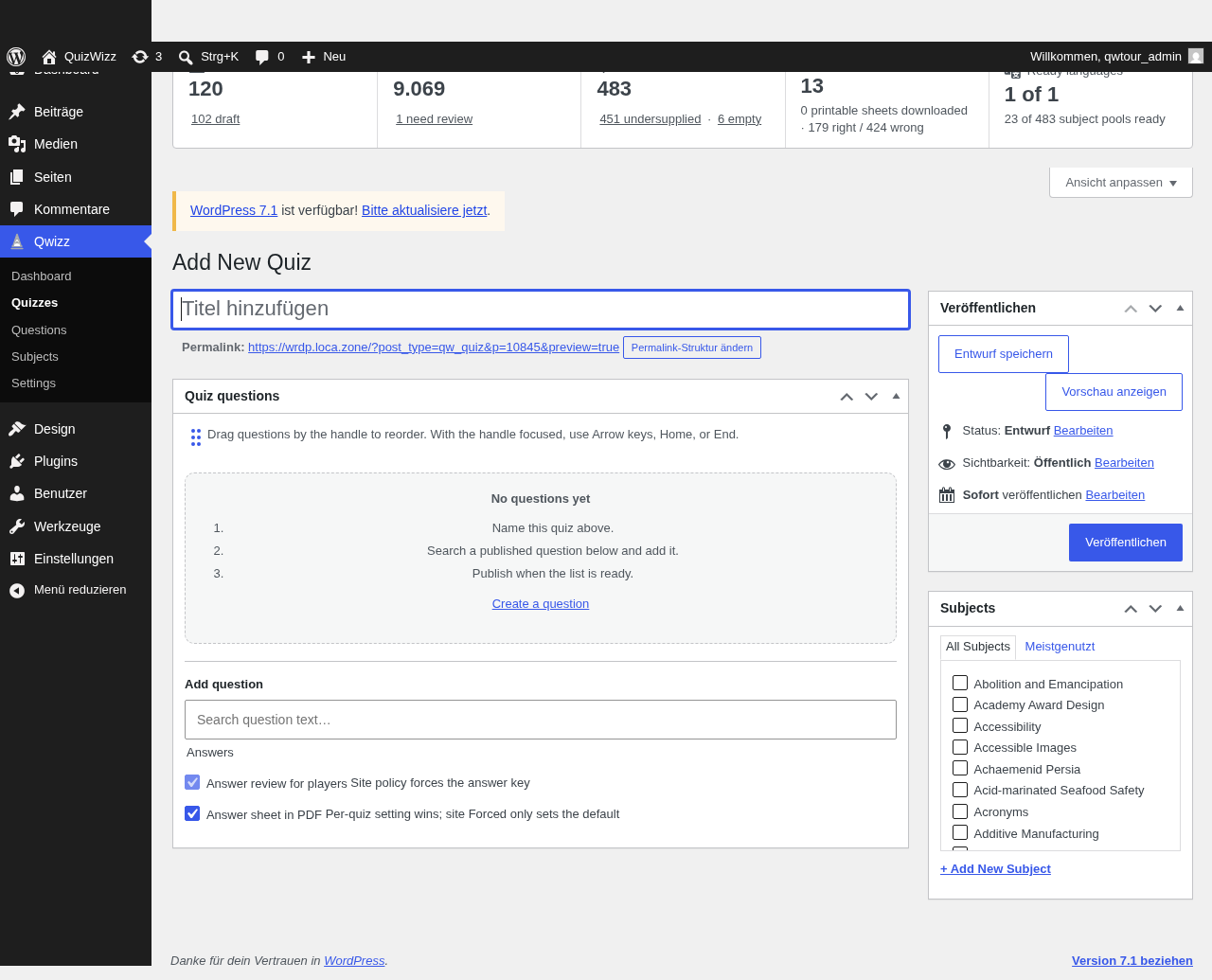 a05n-d-full.png · desktop 1280x900 · full page · ⚠️ finding
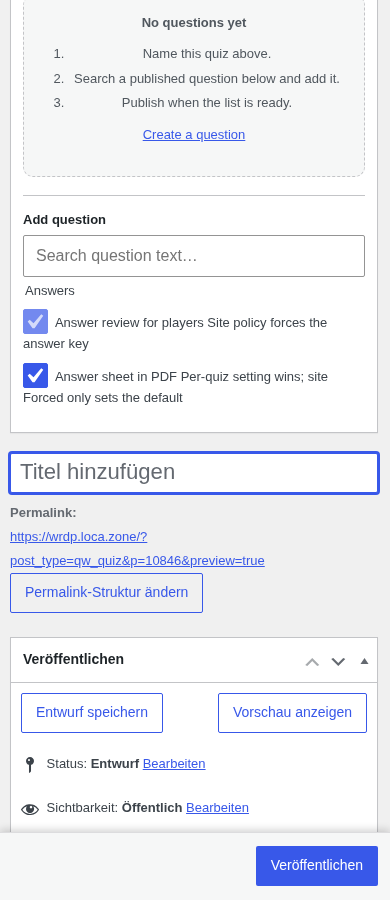 a05n-m.png · mobile 390x900 · fold · ⚠️ finding
 a05n-m-full.png · mobile 390x900 · full page · ⚠️ finding
 a05n-d-p01-empty-state.png · desktop 1280x900 · element crop
Findings in this route
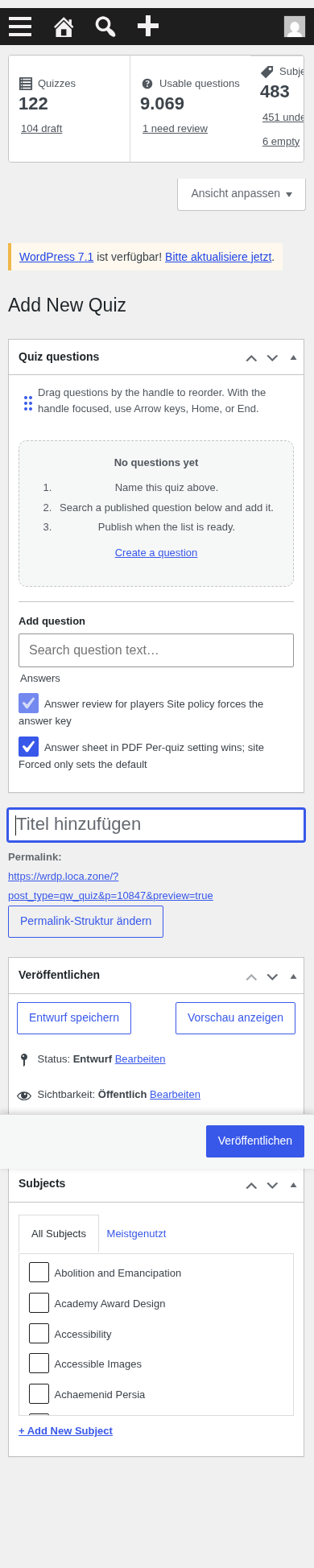
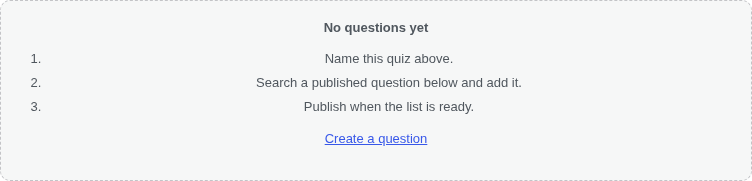
a05n-d-full.png— Answer checkbox labels run together with no separator: “Answer review for players Site policy forces the answer key” and “Answer sheet in PDF Per-quiz setting wins; site Forced only sets the default” read as one garbled sentence instead of a label + helper text.a05n-d.png— Same concatenated checkbox label/description text as a05n-d-full: “Answer review for players Site policy forces the answer key” has no visual break between the control’s own label and its explanatory clause.a05n-m-full.png— Same run-together checkbox text issue as desktop.a05n-m-full.png— Title field (‘Titel hinzufügen’) is stacked below the Quiz questions metabox instead of at the top of the page, so on mobile a new quiz can be created without ever seeing the title input first.a05n-m.png— Title input (‘Titel hinzufügen’) is not visible in the initial mobile fold at all — it only appears further down the page after the Quiz questions metabox, which is a discoverability problem for naming a new quiz.
Feedback — a05n
(awaiting tour notes)
a06 — question editor
/wp-admin/post.php?post=586&action=edit
 a06-d.png · desktop 1280x900 · fold
 a06-d-full.png · desktop 1280x900 · full page
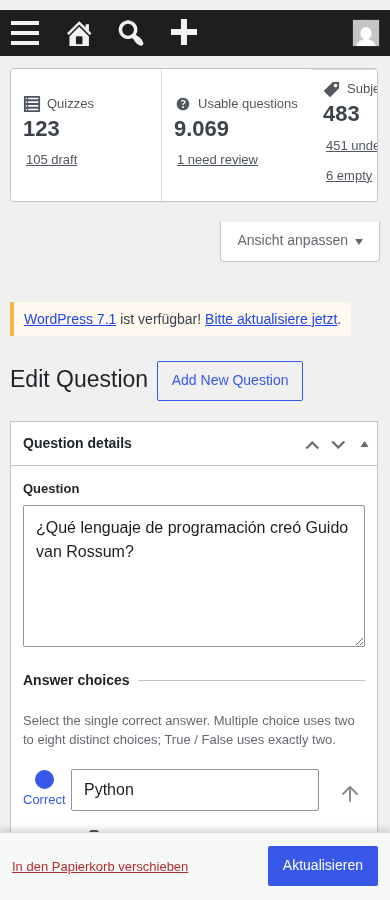 a06-m.png · mobile 390x900 · fold · ⚠️ finding
 a06-m-full.png · mobile 390x900 · full page · ⚠️ finding
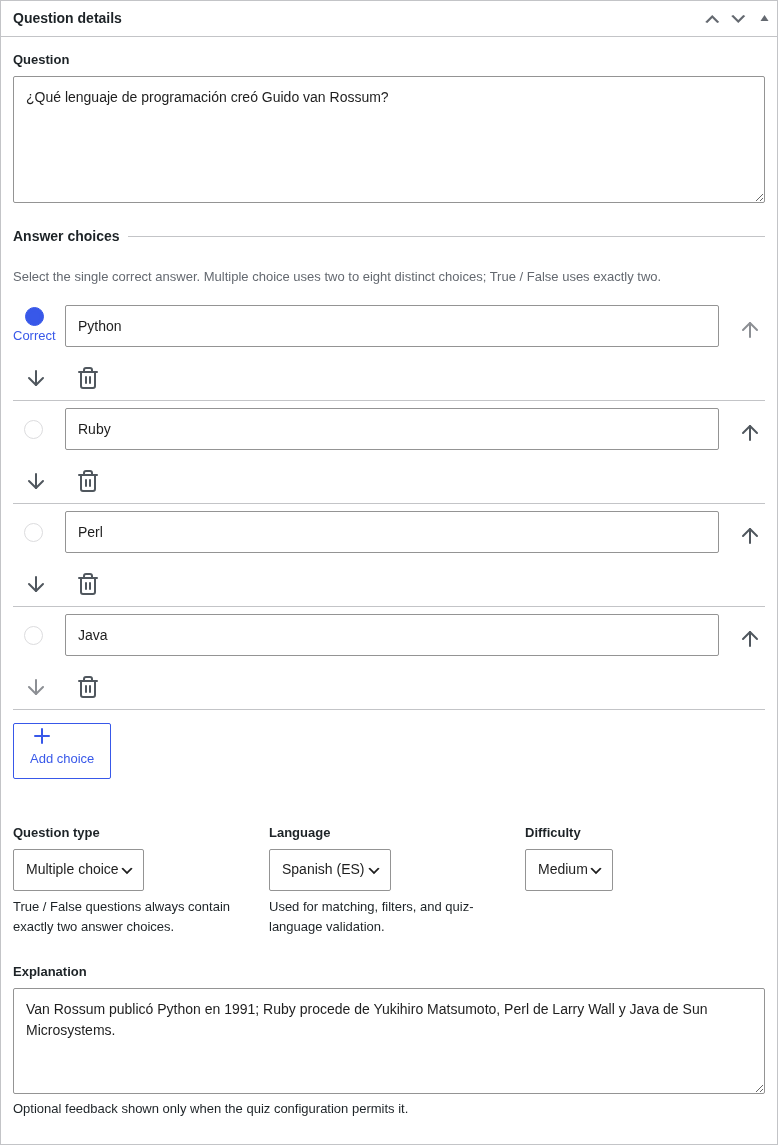 a06-d-p01-metabox.png · desktop 1280x900 · element crop
 a06-d-p02-stem.png · desktop 1280x900 · element crop
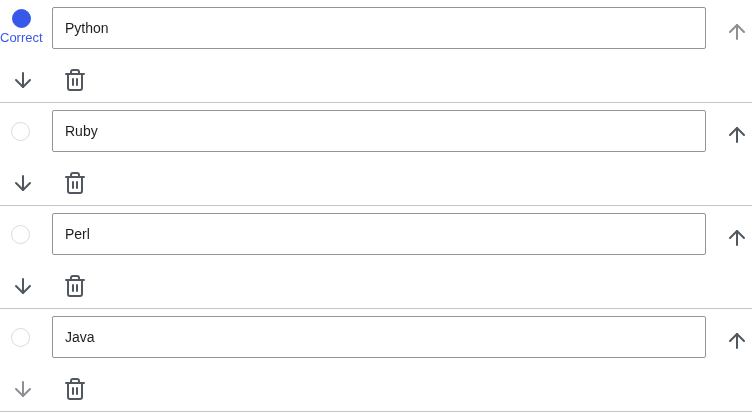 a06-d-p03-choices.png · desktop 1280x900 · element crop
 a06-d-p04-choice-row.png · desktop 1280x900 · element crop
 a06-d-p05-selects.png · desktop 1280x900 · element crop
 a06-d-p06-explanation.png · desktop 1280x900 · element crop
Findings in this route
a06-m-full.png— Top stats cards row overflows the 390px viewport horizontally — ‘Subje’ and ‘451 unde’ text is cut off at the right edge instead of wrapping/stacking; non-responsive dashboard summary cards.a06-m.png— Same as a06-m-full: stats cards row clipped/truncated at 390px width (‘Subje…’, ‘451 unde…’, ‘6 empty’ partly cut off), non-responsive grid.
Feedback — a06
(awaiting tour notes)
a06e — save-error summary notice (invalid save on FIXTURE only)
/wp-admin/post.php?post=<tour_err_question>&action=edit
 a06e-d-p01-error-summary.png · desktop 1280x900 · element crop
Feedback — a06e
(awaiting tour notes)
a06n — new question editor
/wp-admin/post-new.php?post_type=qw_question
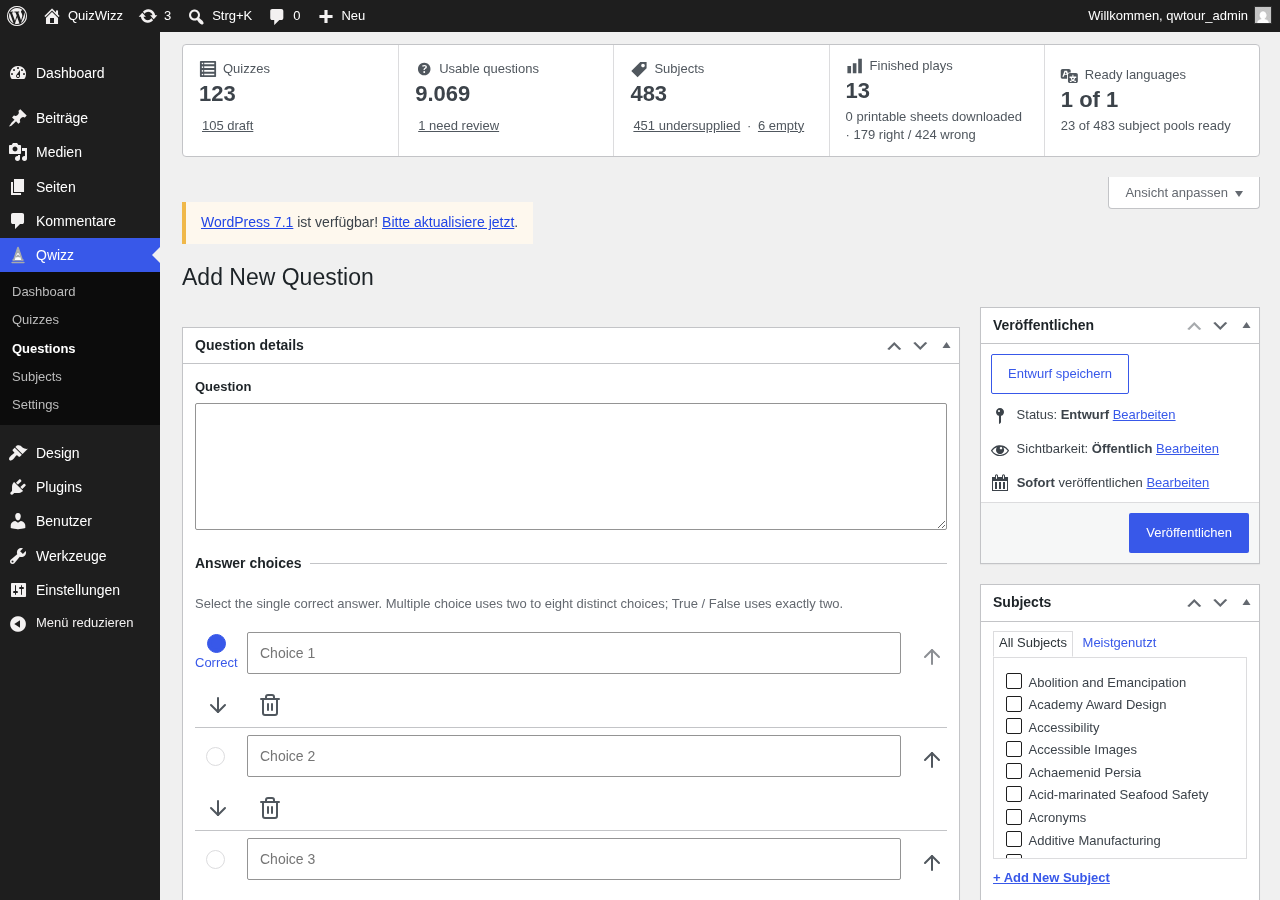 a06n-d.png · desktop 1280x900 · fold
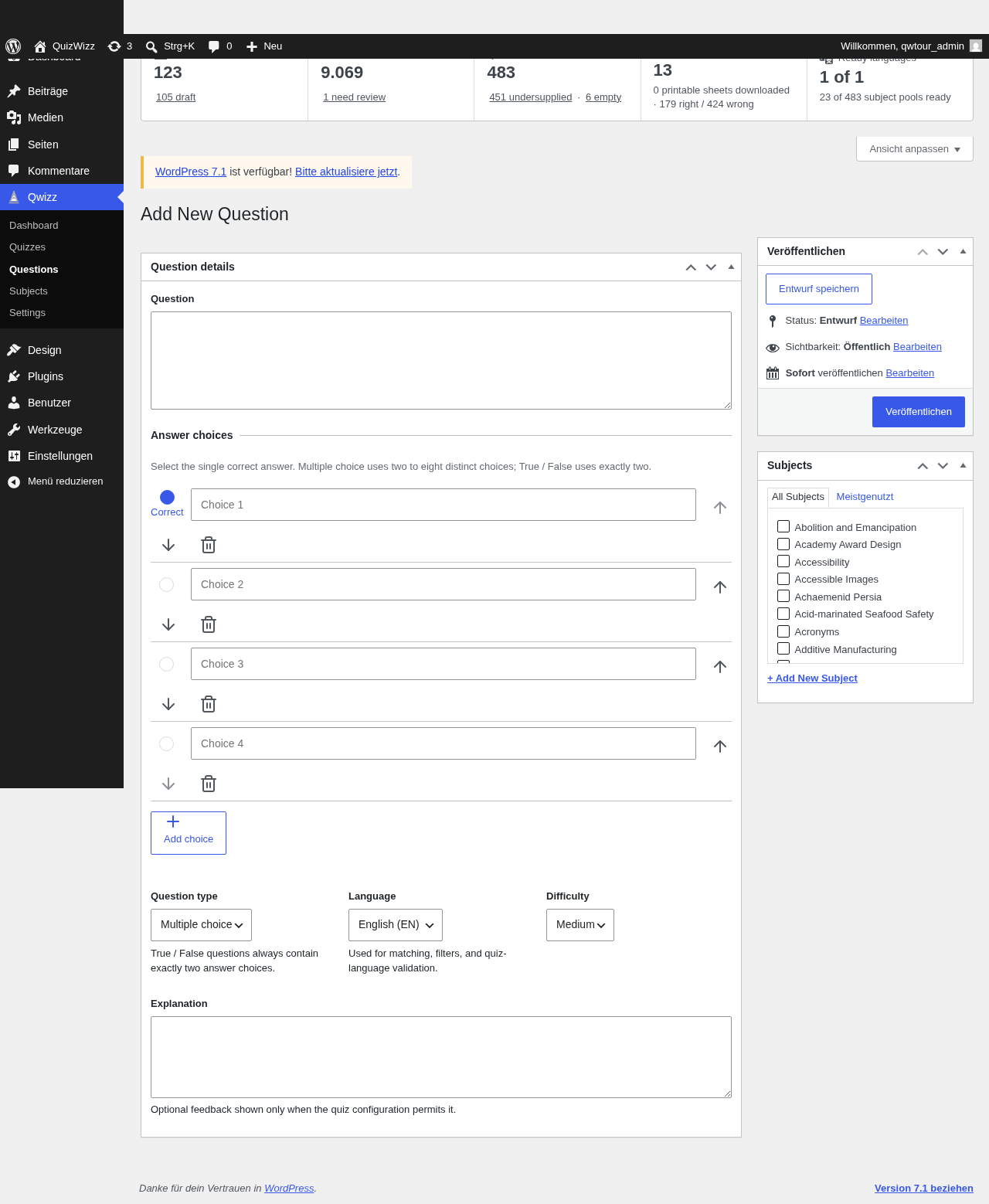 a06n-d-full.png · desktop 1280x900 · full page · ⚠️ finding
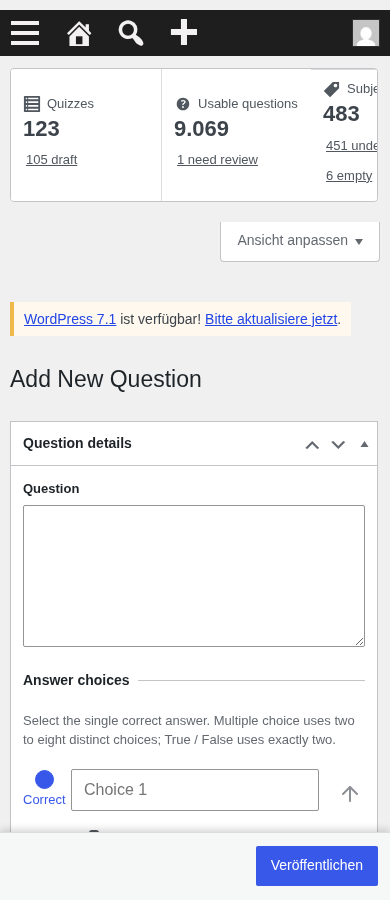 a06n-m.png · mobile 390x900 · fold
 a06n-m-full.png · mobile 390x900 · full page · ⚠️ finding
Findings in this route
a06n-d-full.png— Stats-cards row is clipped at the far right even at 1280px desktop width, suggesting a fixed-width/overflowing row rather than a fluid grid.a06n-m-full.png— Stats cards row overflows/truncates horizontally at 390px (‘Subje…’, ‘451 unde…’), identical defect to a06-m-full/a06-m.
Feedback — a06n
(awaiting tour notes)
a07 — subjects taxonomy screen
/wp-admin/edit-tags.php?taxonomy=qw_subject&post_type=qw_question
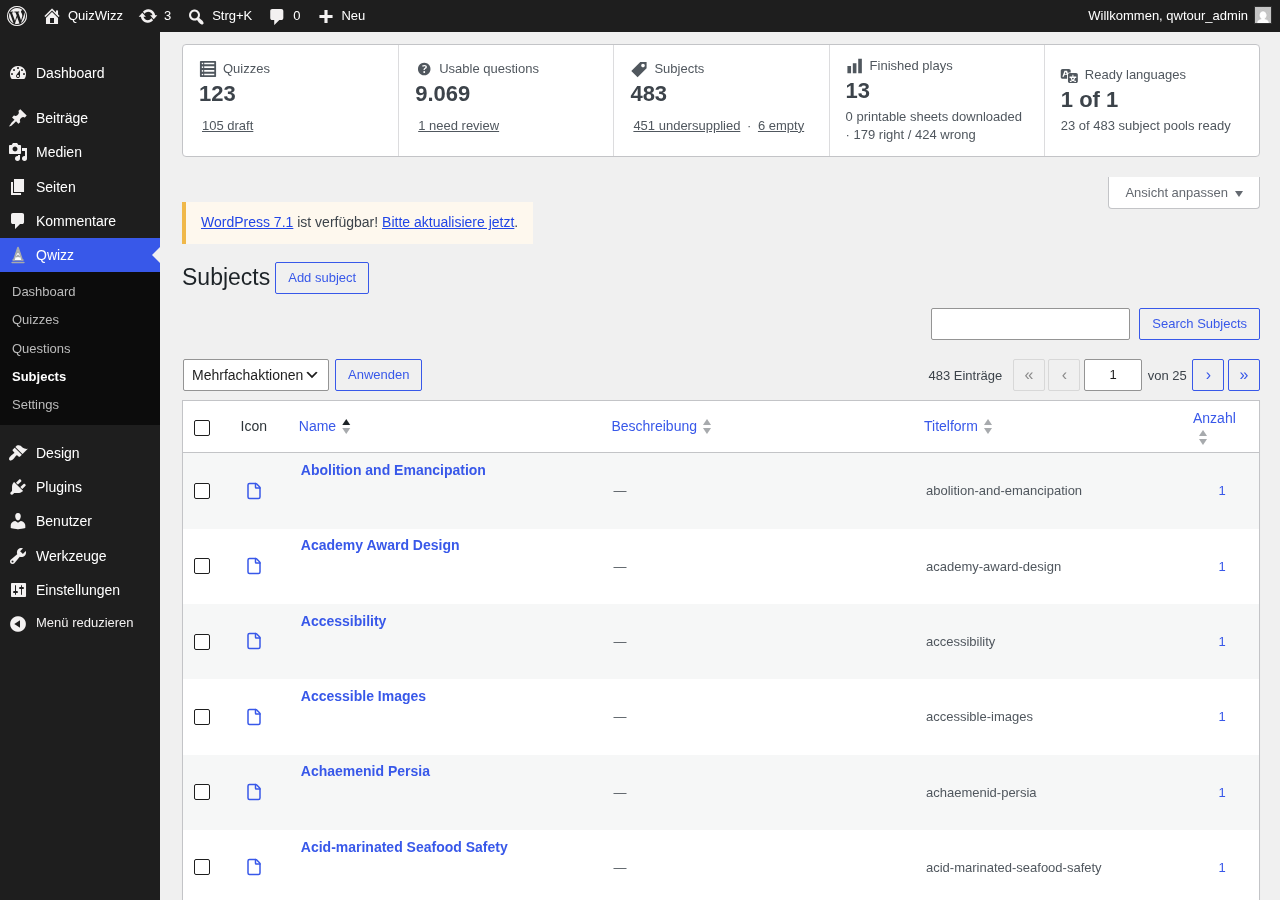 a07-d.png · desktop 1280x900 · fold · ⚠️ finding
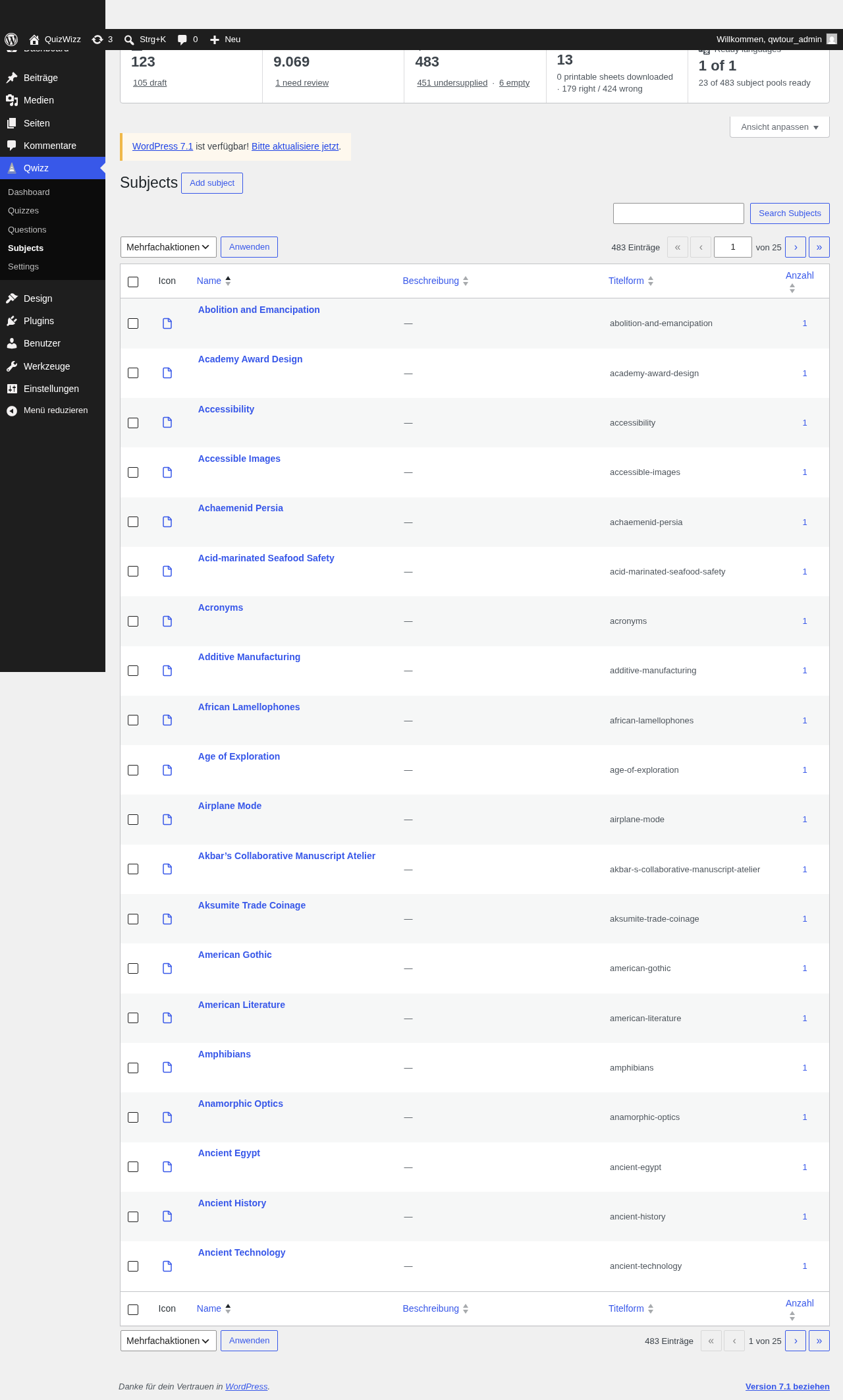 a07-d-full.png · desktop 1280x900 · full page · ⚠️ finding
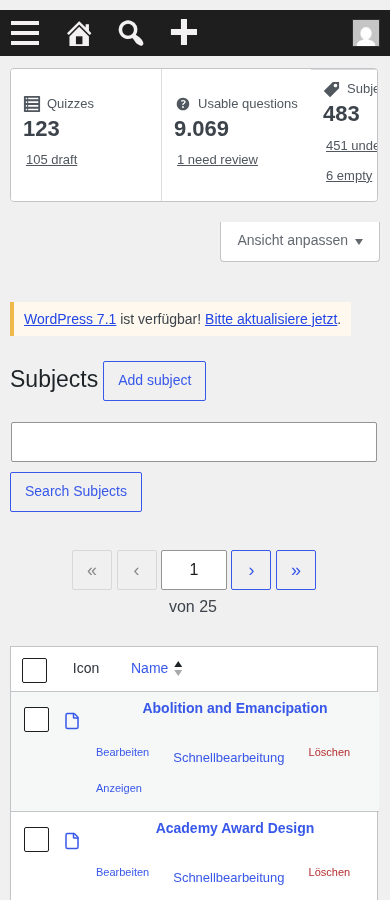 a07-m.png · mobile 390x900 · fold
 a07-m-full.png · mobile 390x900 · full page
 a07-d-p01-rail.png · desktop 1280x900 · element crop
 a07-d-p02-icon-column.png · desktop 1280x900 · element crop · ⚠️ finding
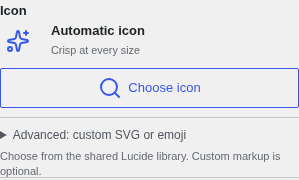 a07-d-p03-add-form-icon.png · desktop 1280x900 · element crop
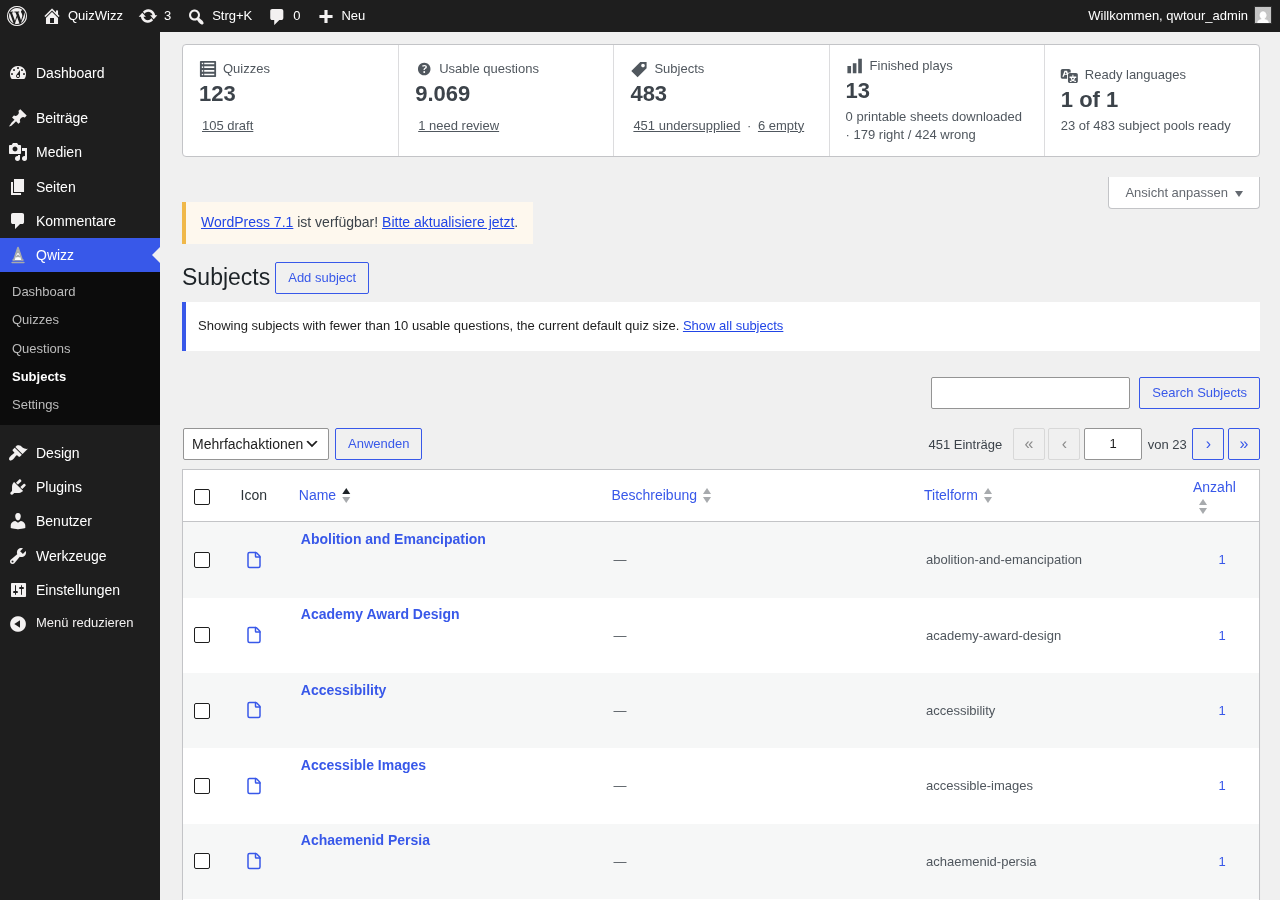 a07-d-x01-supply-under.png · desktop 1280x900 · element crop
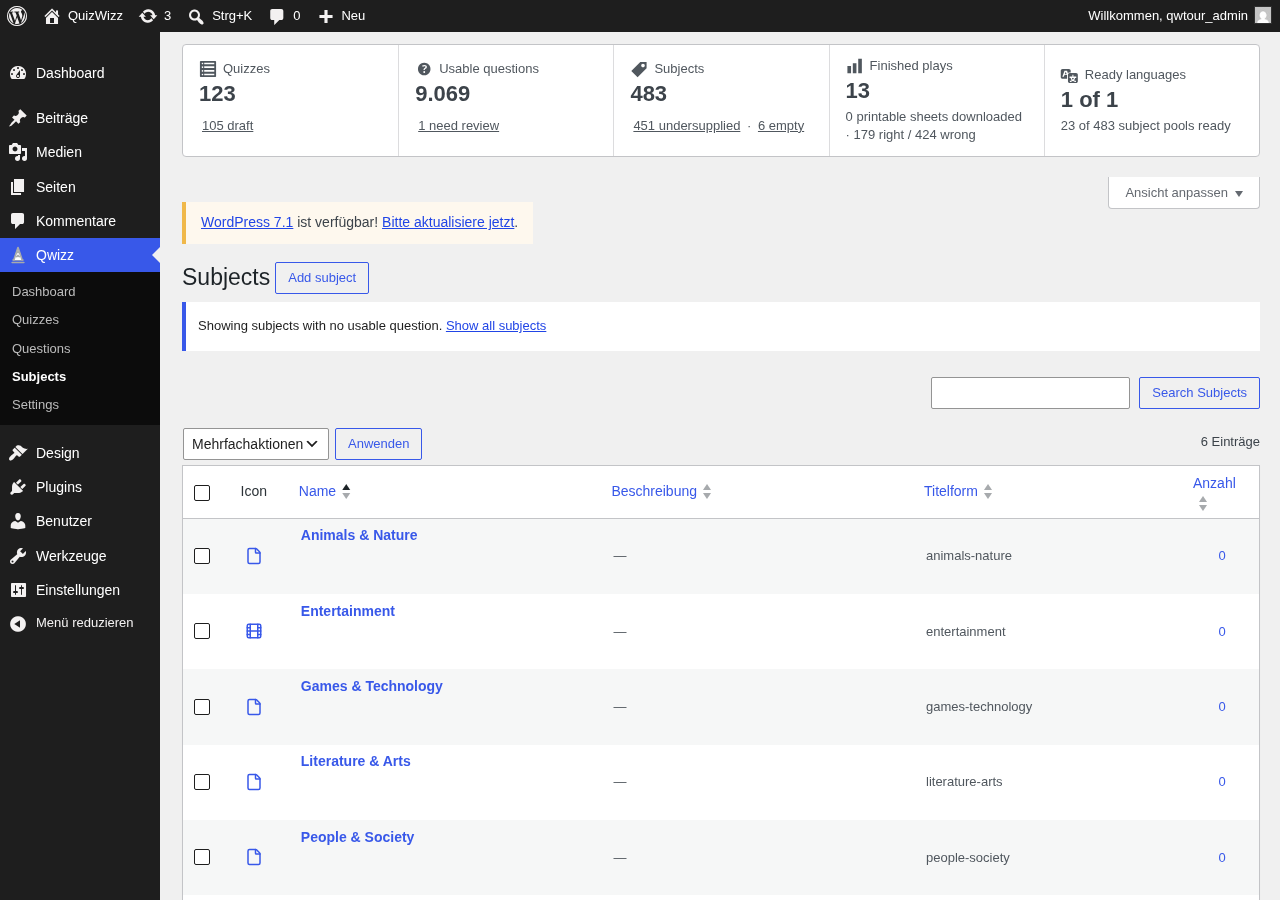 a07-d-x02-supply-empty.png · desktop 1280x900 · element crop
Findings in this route
a07-d-full.png— Title/buttons ‘Subjects’, ‘Add subject’, ‘Search Subjects’ stay English amid German ‘Beschreibung’/‘Anzahl’/‘von 25’a07-d-full.png— Every row’s Icon column is the identical generic placeholder icon, not per-subjecta07-d-p02-icon-column.png— Same placeholder document icon used for all 483 subjects instead of distinct iconsa07-d.png— EN/DE string mixing: ‘Subjects’, ‘Add subject’, ‘Search Subjects’ vs German ‘Anwenden’a07-d.png— Identical generic file icon repeated for every subject row
Feedback — a07
(awaiting tour notes)
a07t — term edit icon row
term.php?taxonomy=qw_subject&tag_ID=<science-computers-id>
 a07t-d-p01-icon-row.png · desktop 1280x900 · element crop
Feedback — a07t
(awaiting tour notes)
a08 — Site Health status (QuizWizz checks expanded)
/wp-admin/site-health.php
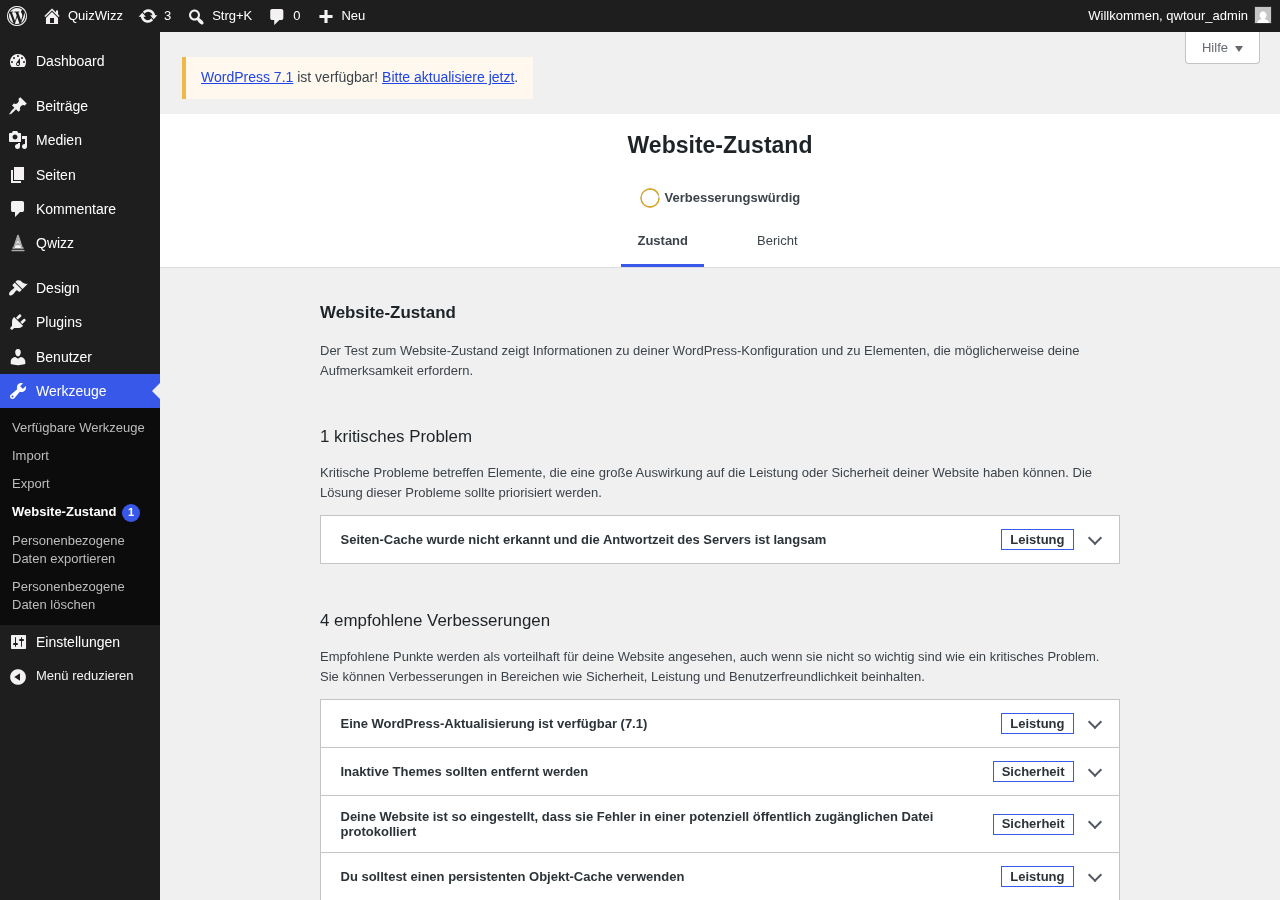 a08-d.png · desktop 1280x900 · fold
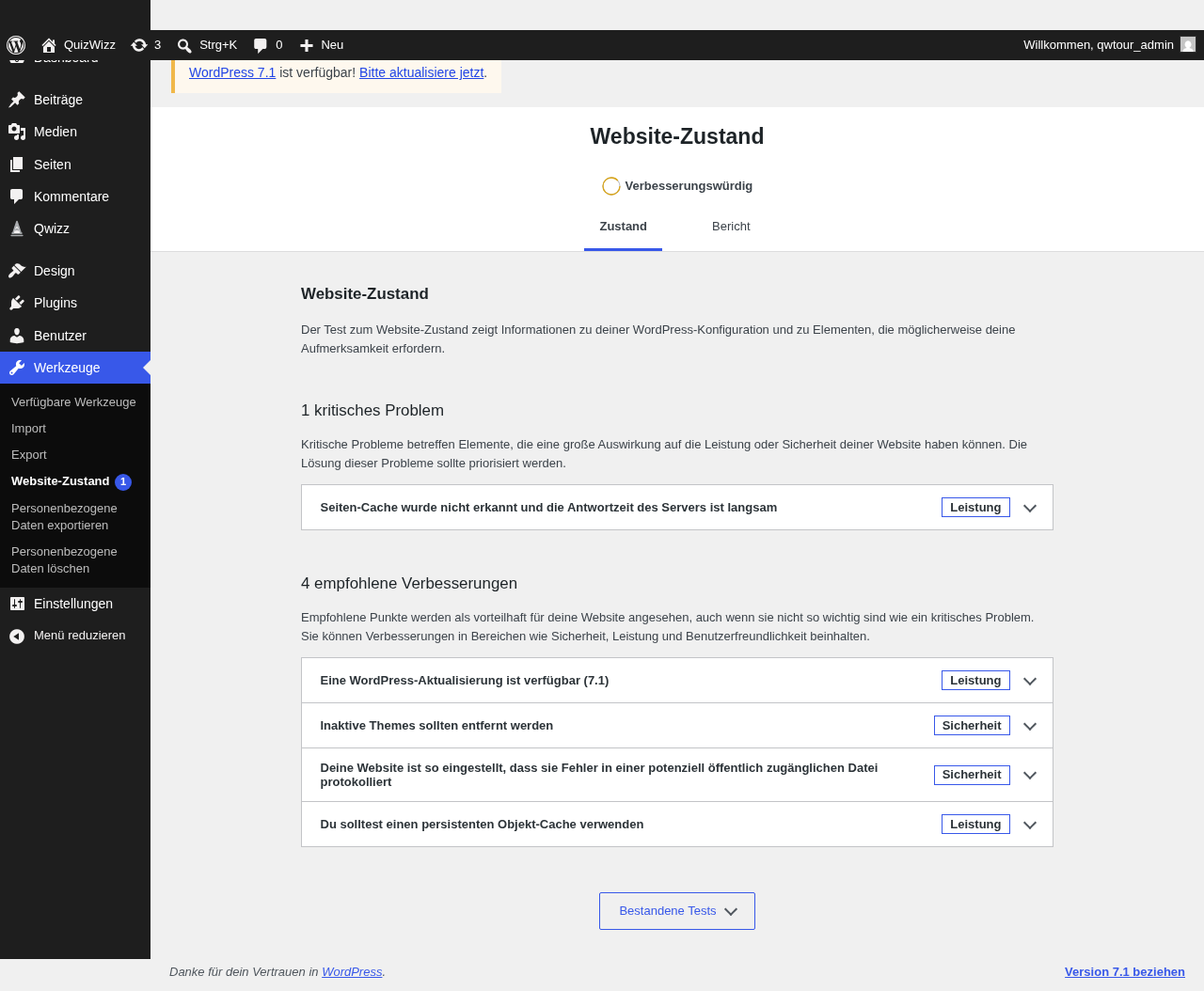 a08-d-full.png · desktop 1280x900 · full page
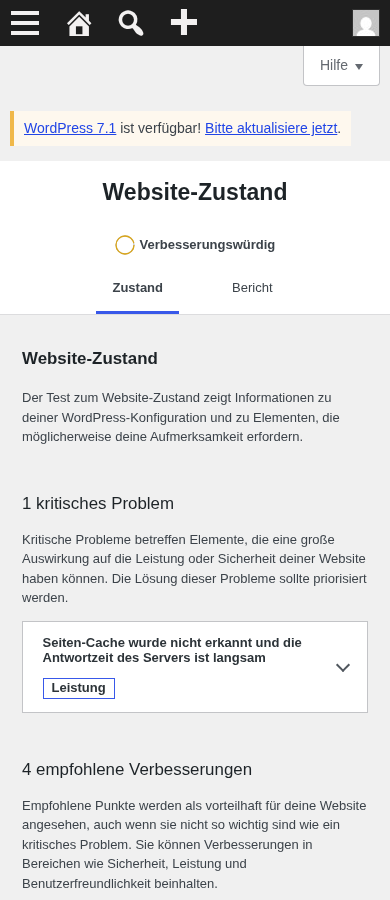 a08-m.png · mobile 390x900 · fold
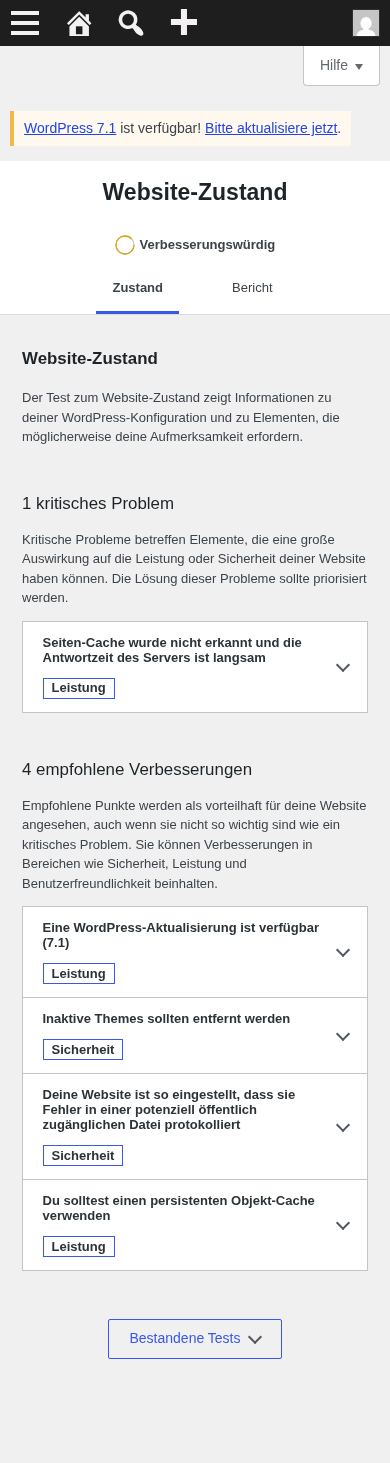 a08-m-full.png · mobile 390x900 · full page
Feedback — a08
(awaiting tour notes)
a08i — Site Health Info QuizWizz section expanded
/wp-admin/site-health.php?tab=debug
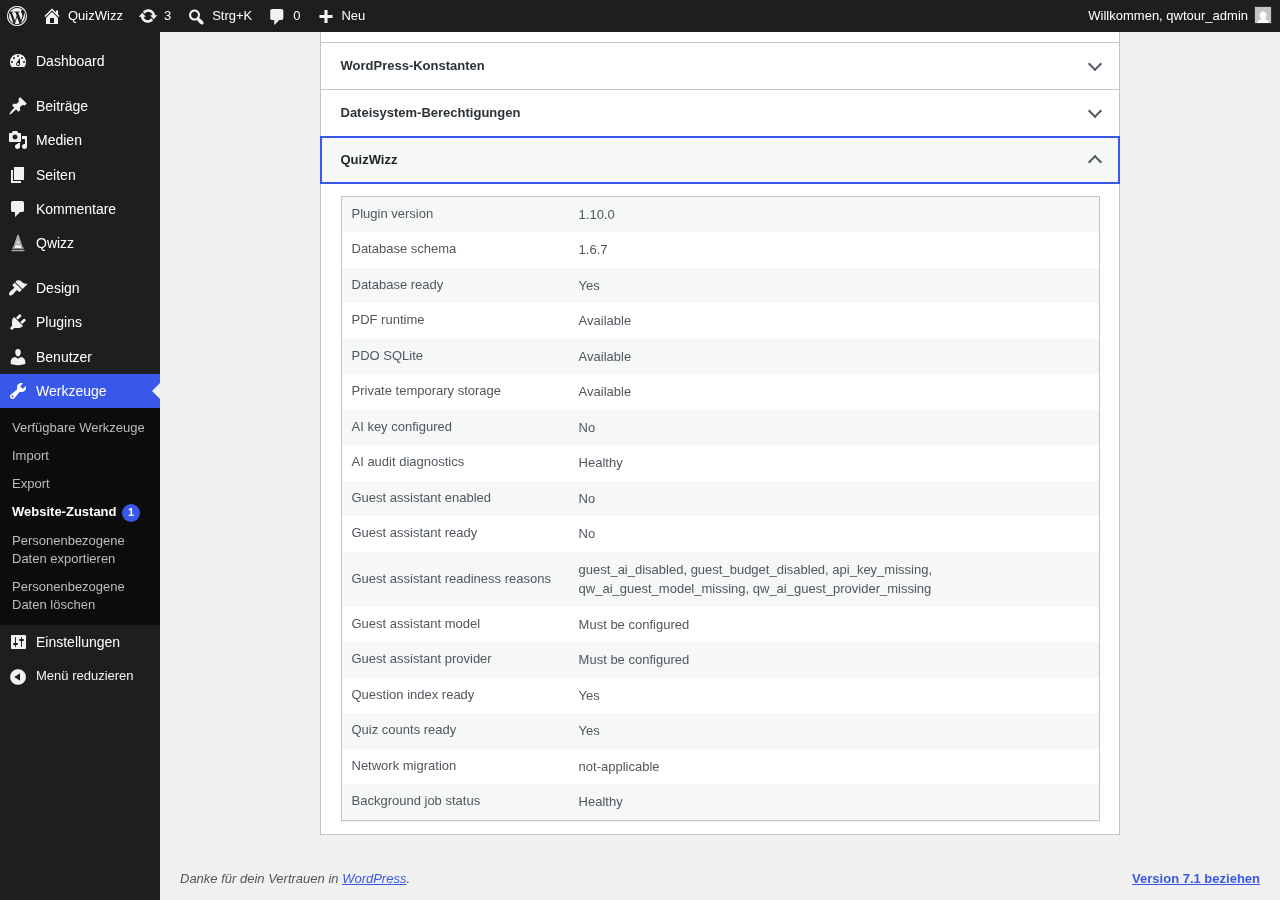 a08i-d.png · desktop 1280x900 · fold
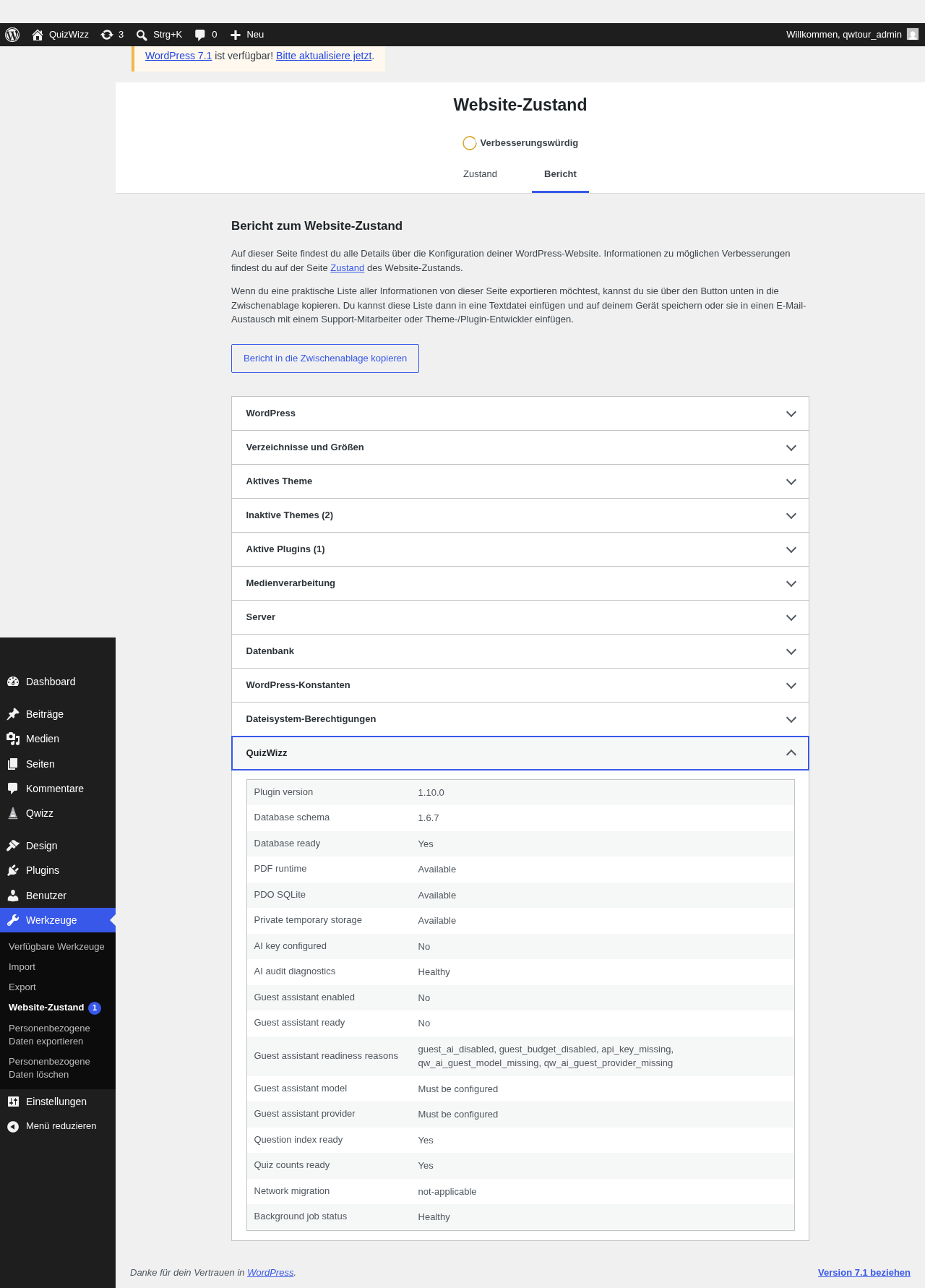 a08i-d-full.png · desktop 1280x900 · full page
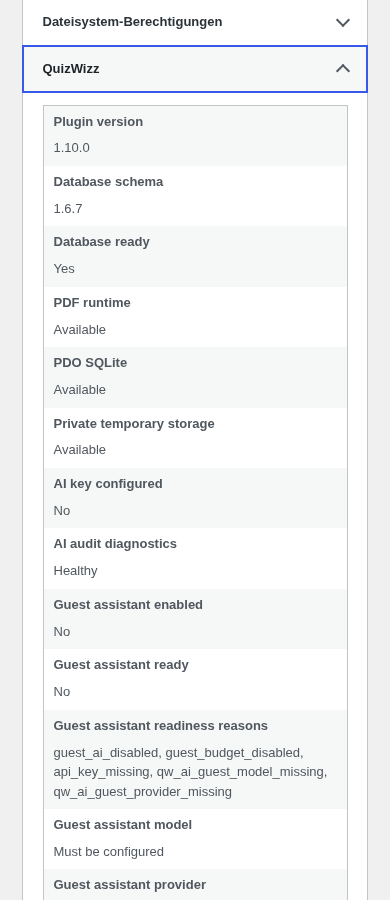 a08i-m.png · mobile 390x900 · fold
 a08i-m-full.png · mobile 390x900 · full page
Feedback — a08i
(awaiting tour notes)
a09 — Privacy Guide QuizWizz panel expanded
/wp-admin/options-privacy.php?tab=policyguide
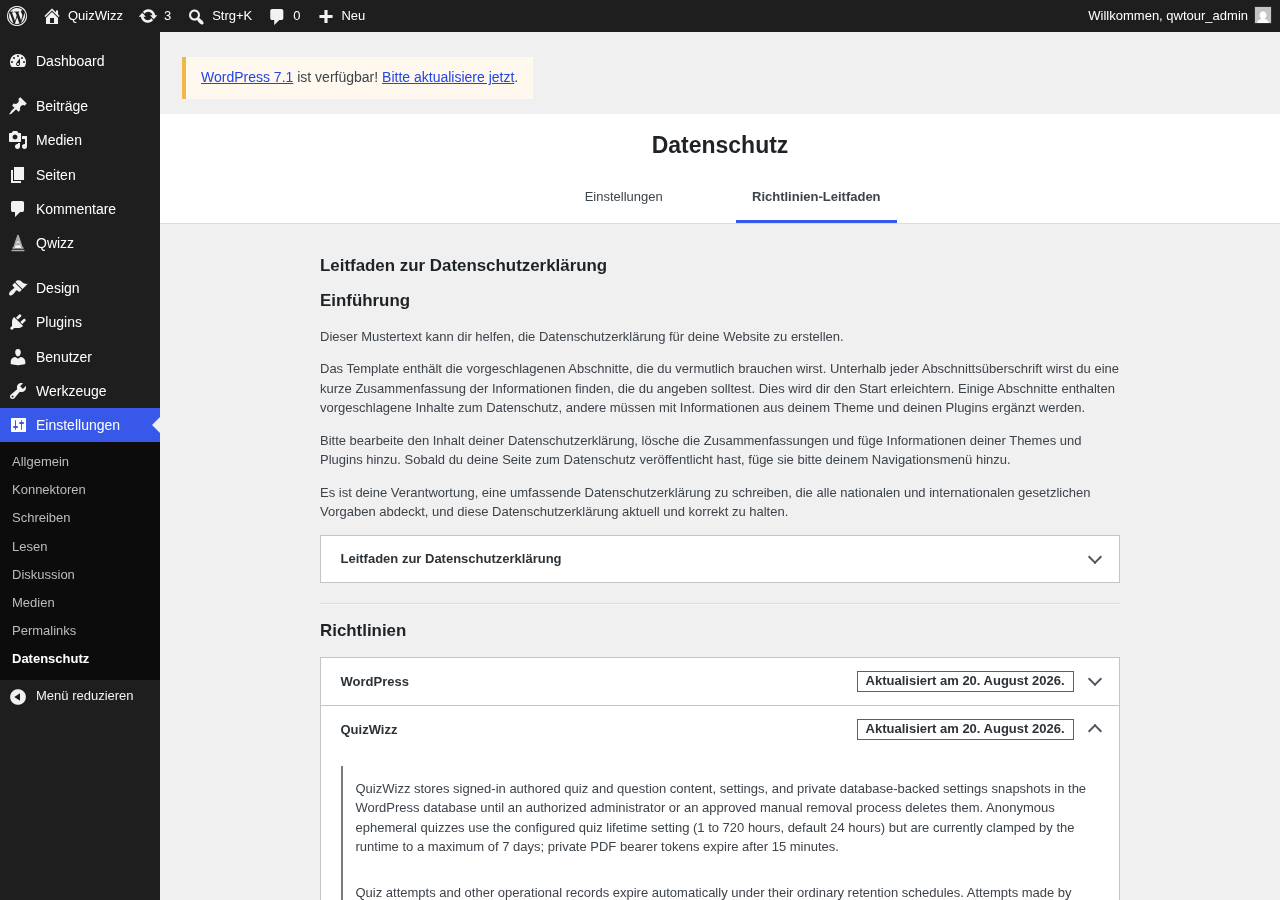 a09-d.png · desktop 1280x900 · fold
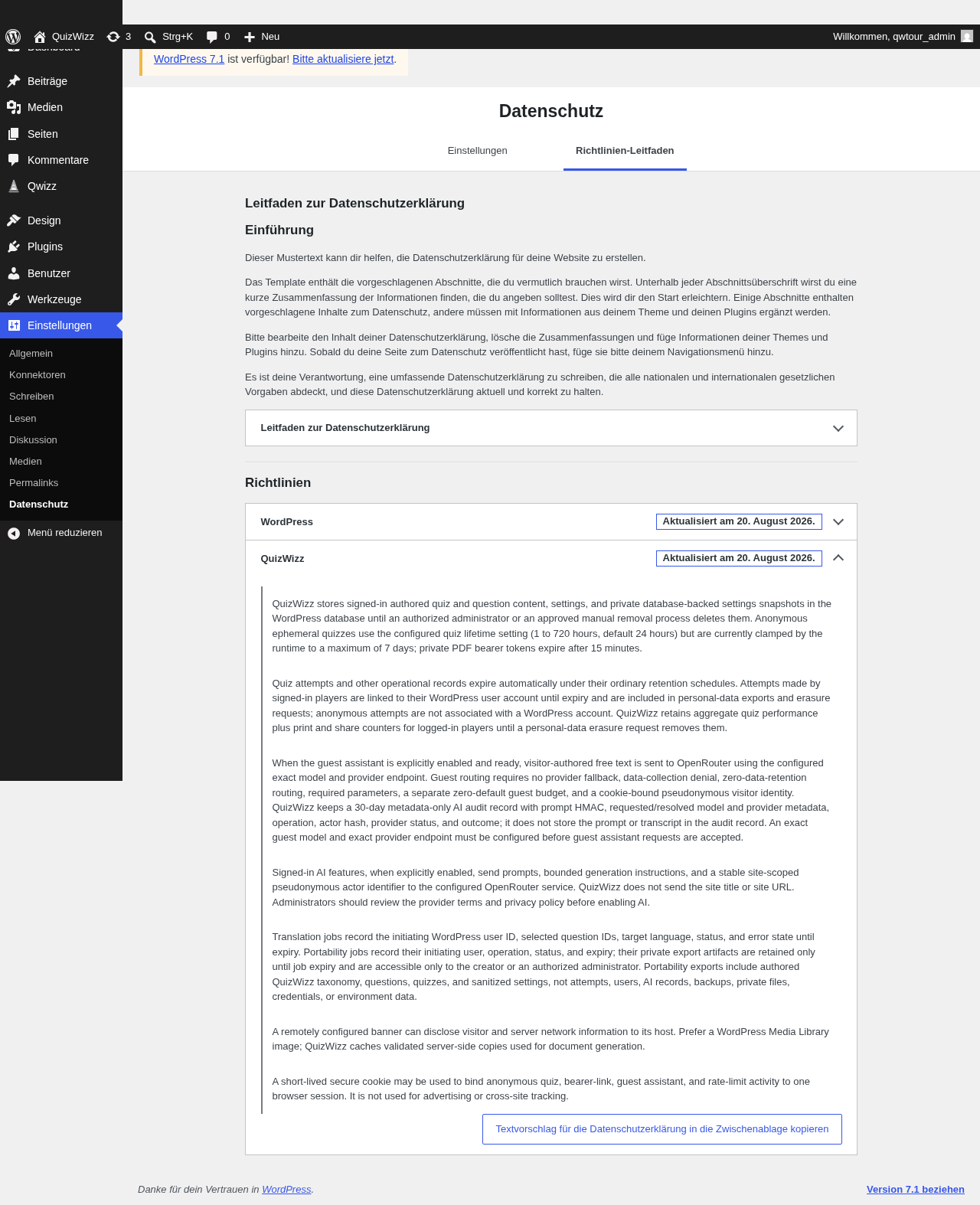 a09-d-full.png · desktop 1280x900 · full page
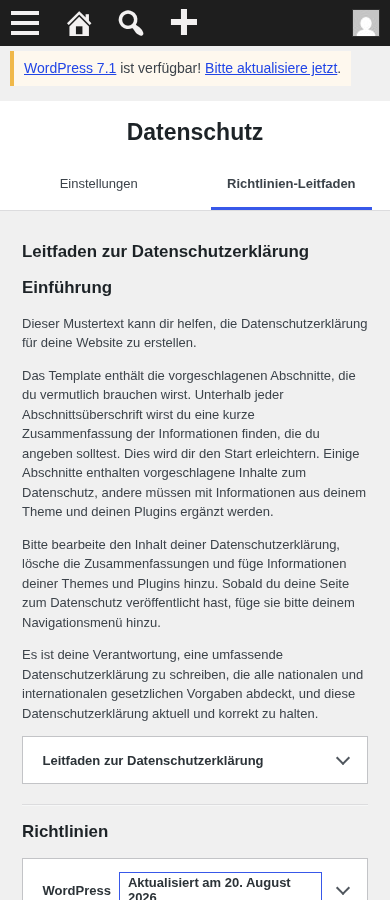 a09-m.png · mobile 390x900 · fold
 a09-m-full.png · mobile 390x900 · full page
Feedback — a09
(awaiting tour notes)
a10 — plugin row + Dashboard action
/wp-admin/plugins.php
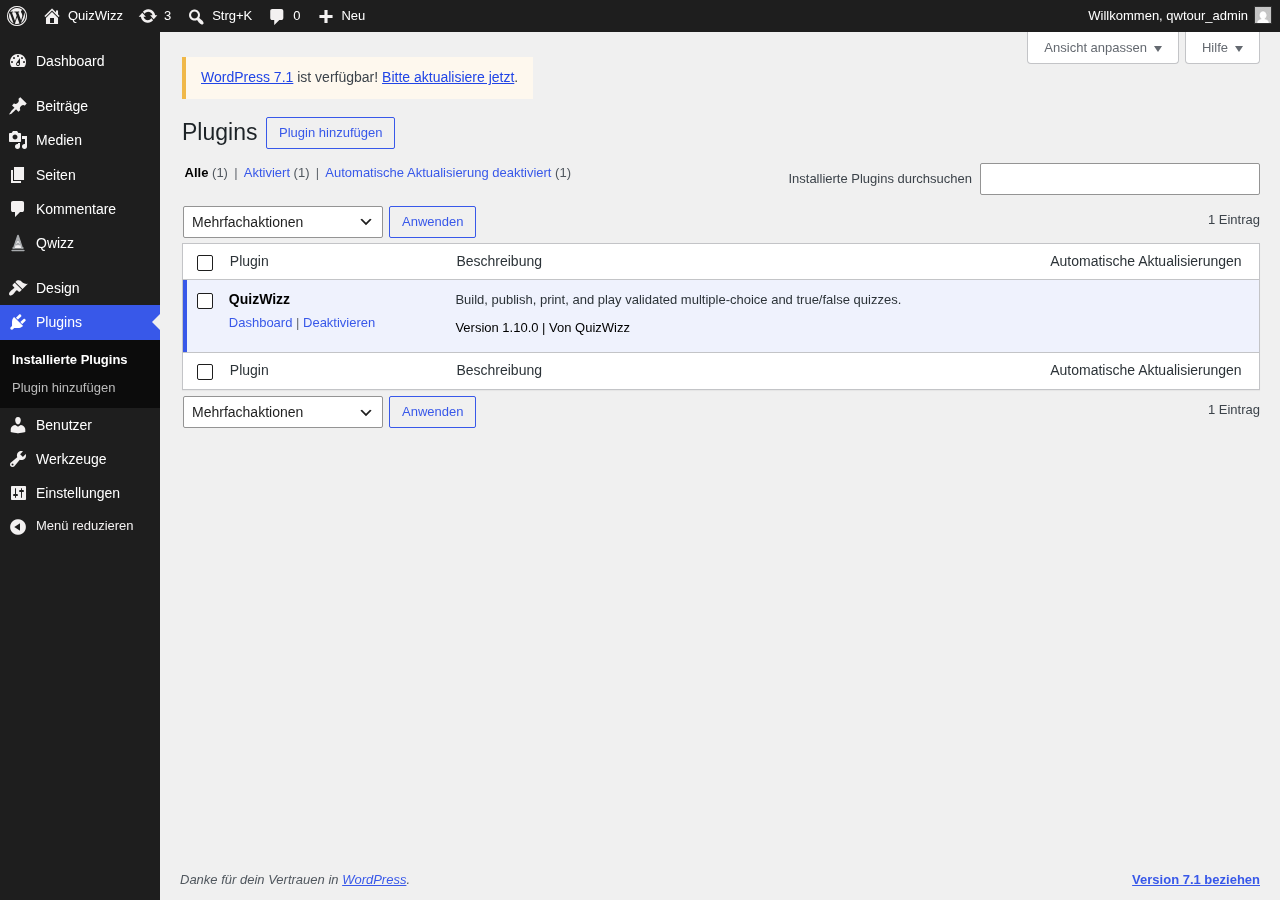 a10-d.png · desktop 1280x900 · fold
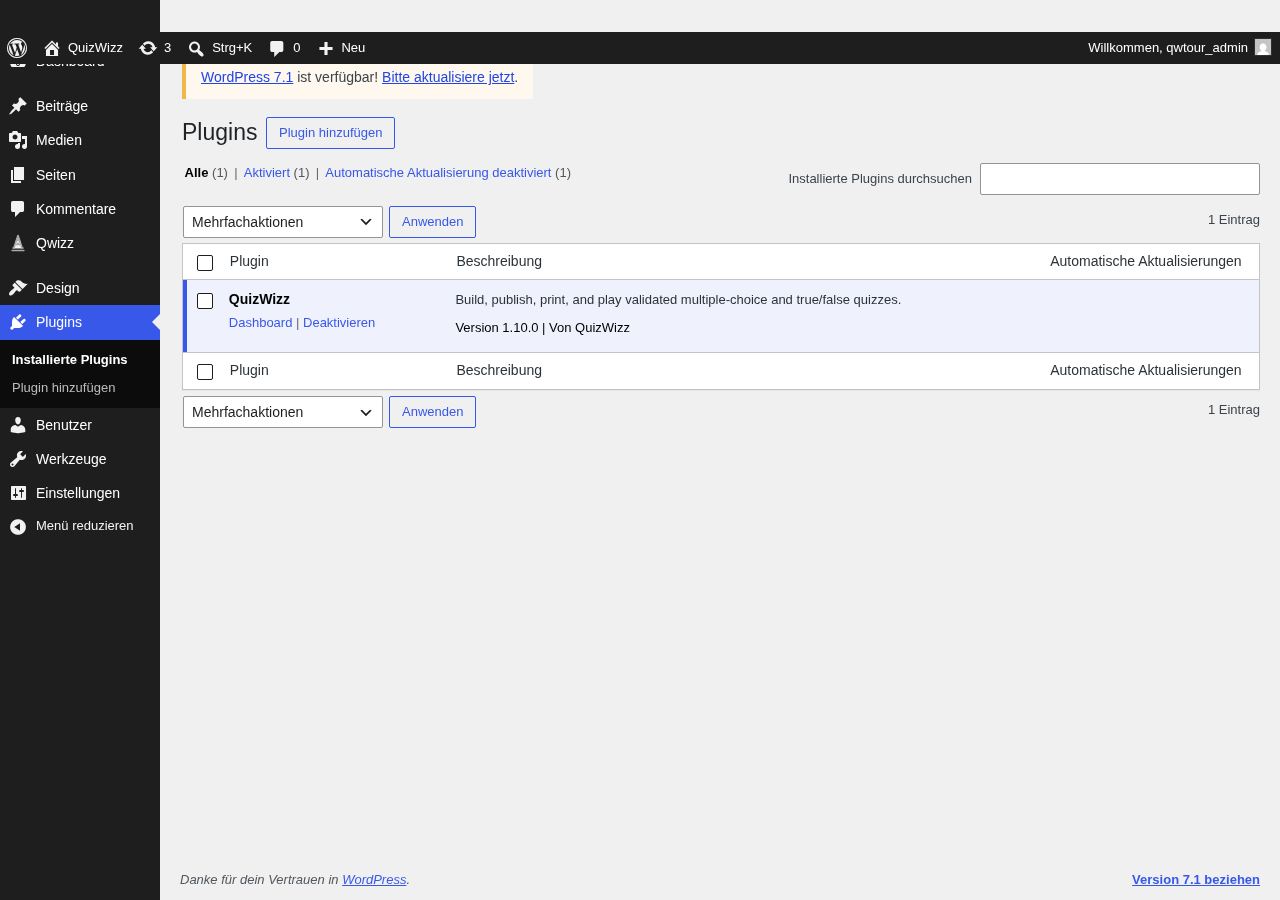 a10-d-full.png · desktop 1280x900 · full page
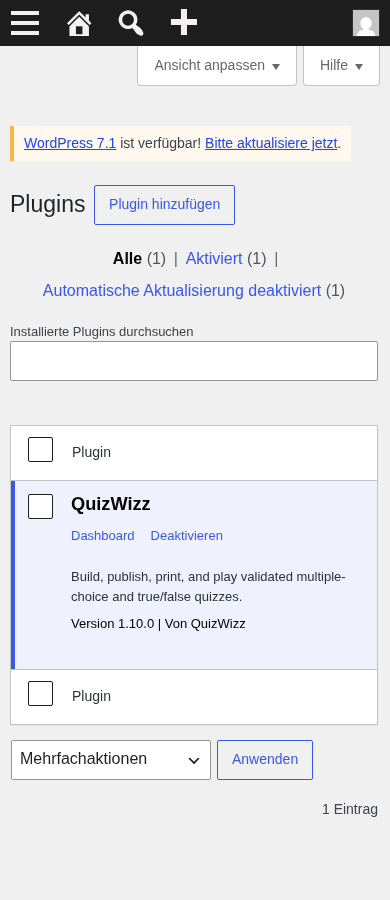 a10-m.png · mobile 390x900 · fold
 a10-m-full.png · mobile 390x900 · full page
 a10-d-p01-plugin-row.png · desktop 1280x900 · element crop
Feedback — a10
(awaiting tour notes)
a11 — personal data exporter page
/wp-admin/export-personal-data.php
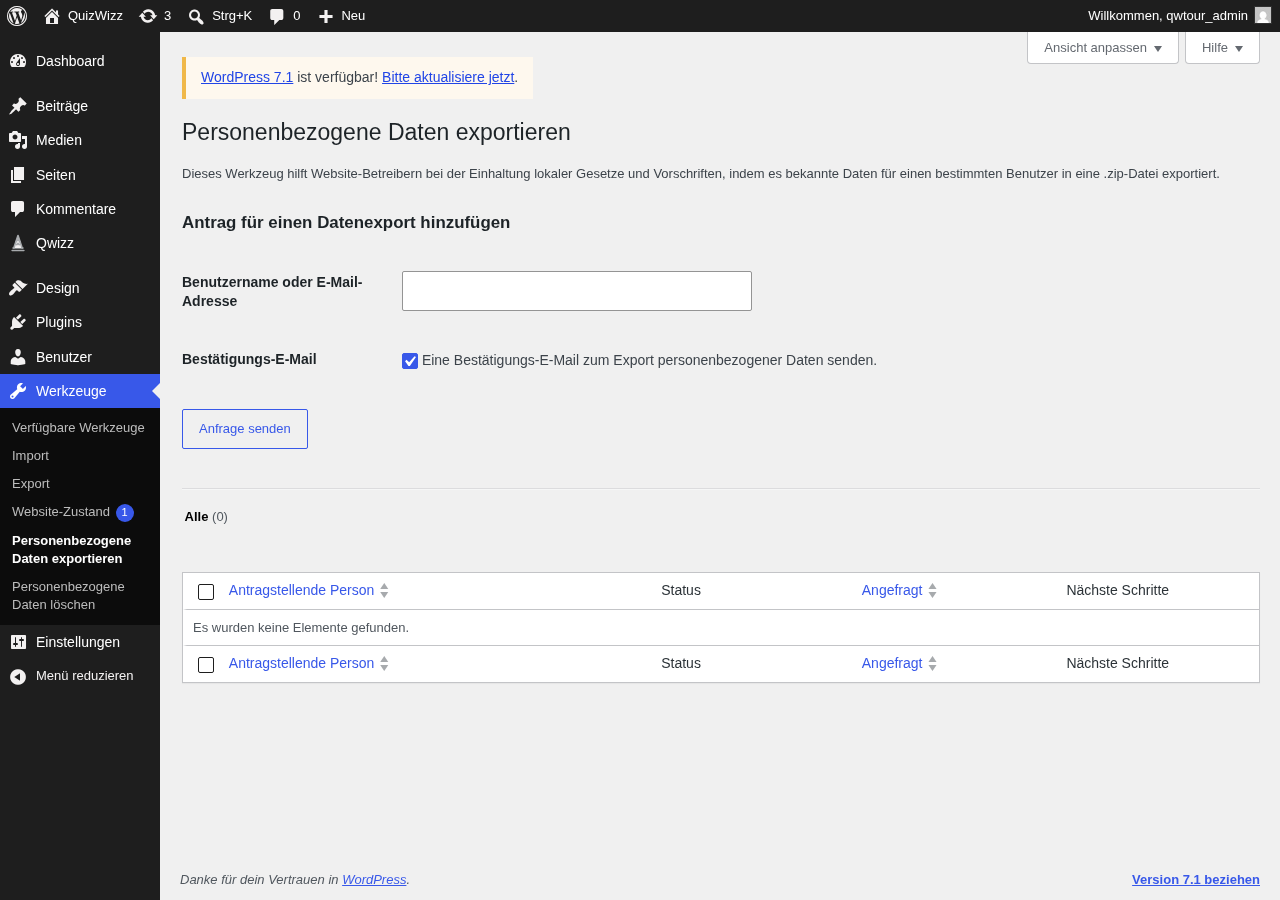 a11-d.png · desktop 1280x900 · fold
Feedback — a11
(awaiting tour notes)
a11e — personal data eraser page
/wp-admin/erase-personal-data.php
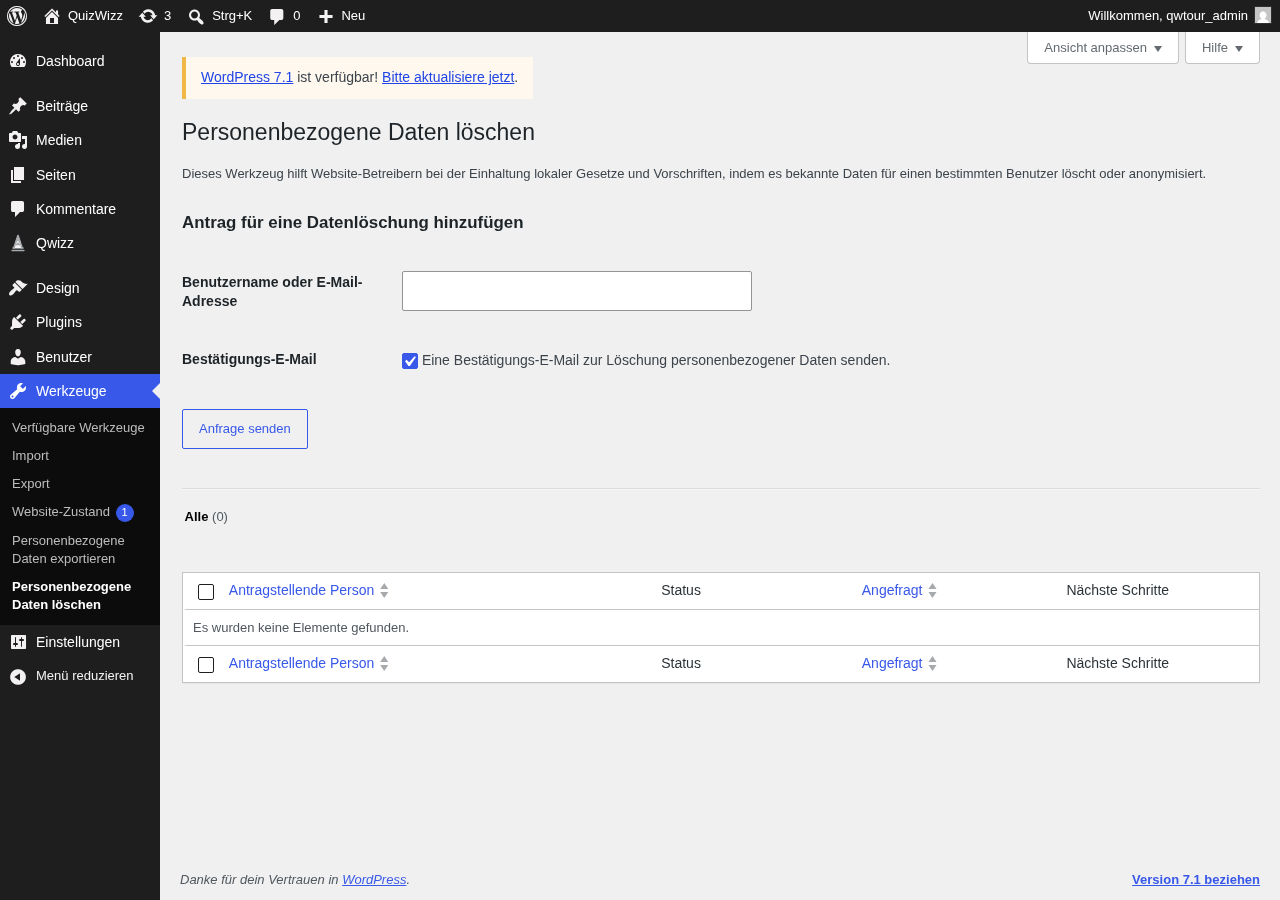 a11e-d.png · desktop 1280x900 · fold
Feedback — a11e
(awaiting tour notes)
a12a — Protected backups EMPTY (fresh admin / post-cleanup)
qw-settings#qw-data
 a12a-d-p01-backups.png · desktop 1280x900 · element crop
Feedback — a12a
(awaiting tour notes)
a12b — Protected backups POPULATED (after v-wave mutations as same user)
qw-settings#qw-data
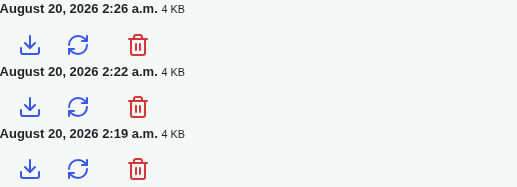 a12b-d-p01-backups.png · desktop 1280x900 · element crop
Feedback — a12b
(awaiting tour notes)
a12c — Settings action-notice banner (coverage-critic addition)
 a12c-d-p01-notice-restored.png · desktop 1280x900 · element crop
 a12c-d-p02-notice-deleted.png · desktop 1280x900 · element crop
 a12c-d-p03-notice-fallback-saved.png · desktop 1280x900 · element crop
 a12c-d-p04-notice-fallback-failed.png · desktop 1280x900 · element crop
 a12c-d-p05-notice-fallback-conflict.png · desktop 1280x900 · element crop
Feedback — a12c
(awaiting tour notes)
a13 — legacy redirect → dashboard#help landing
/wp-admin/admin.php?page=qw-get-started
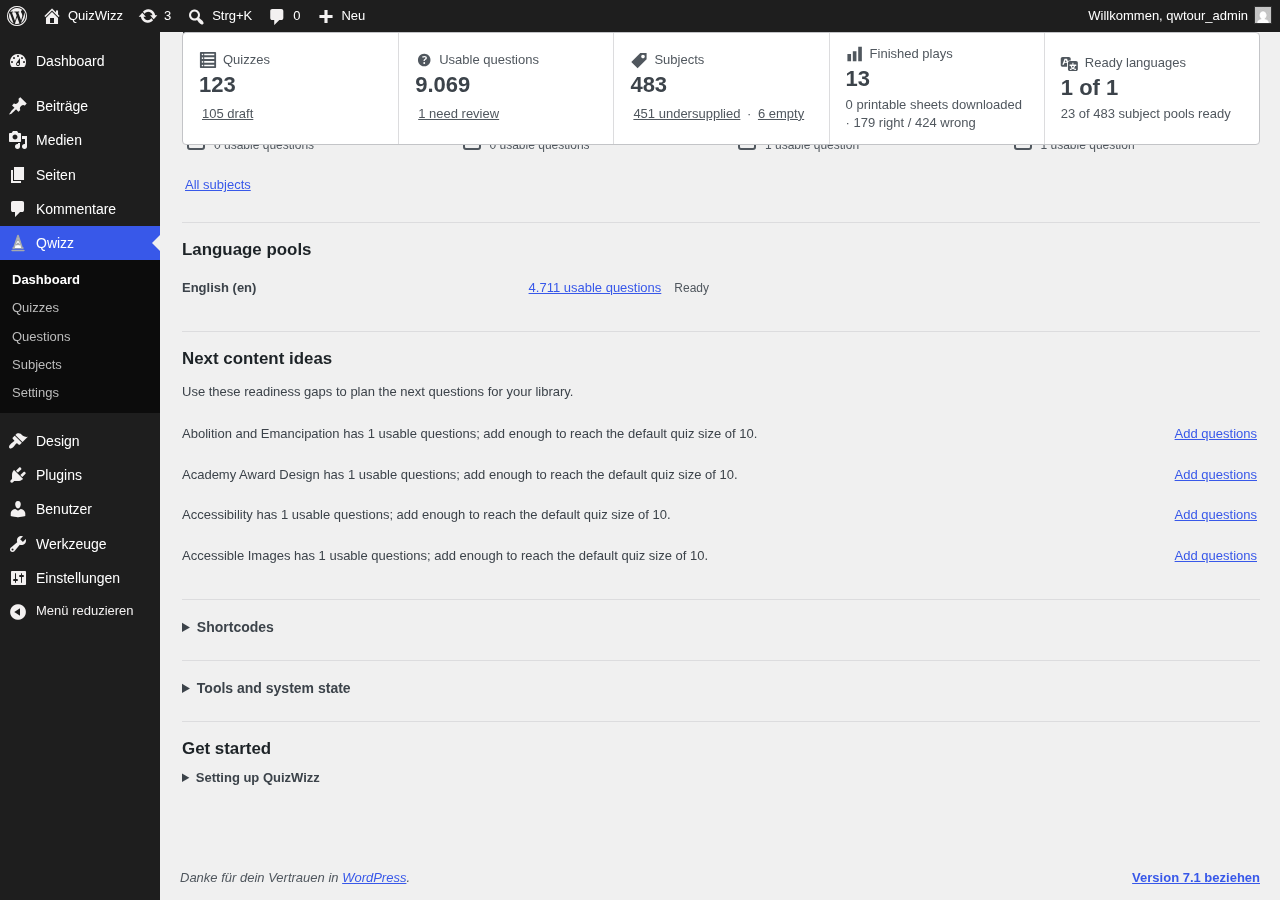 a13-d.png · desktop 1280x900 · fold
Feedback — a13
(awaiting tour notes)
a13i — legacy redirect → settings#advanced-portability landing
/wp-admin/admin.php?page=qw-import
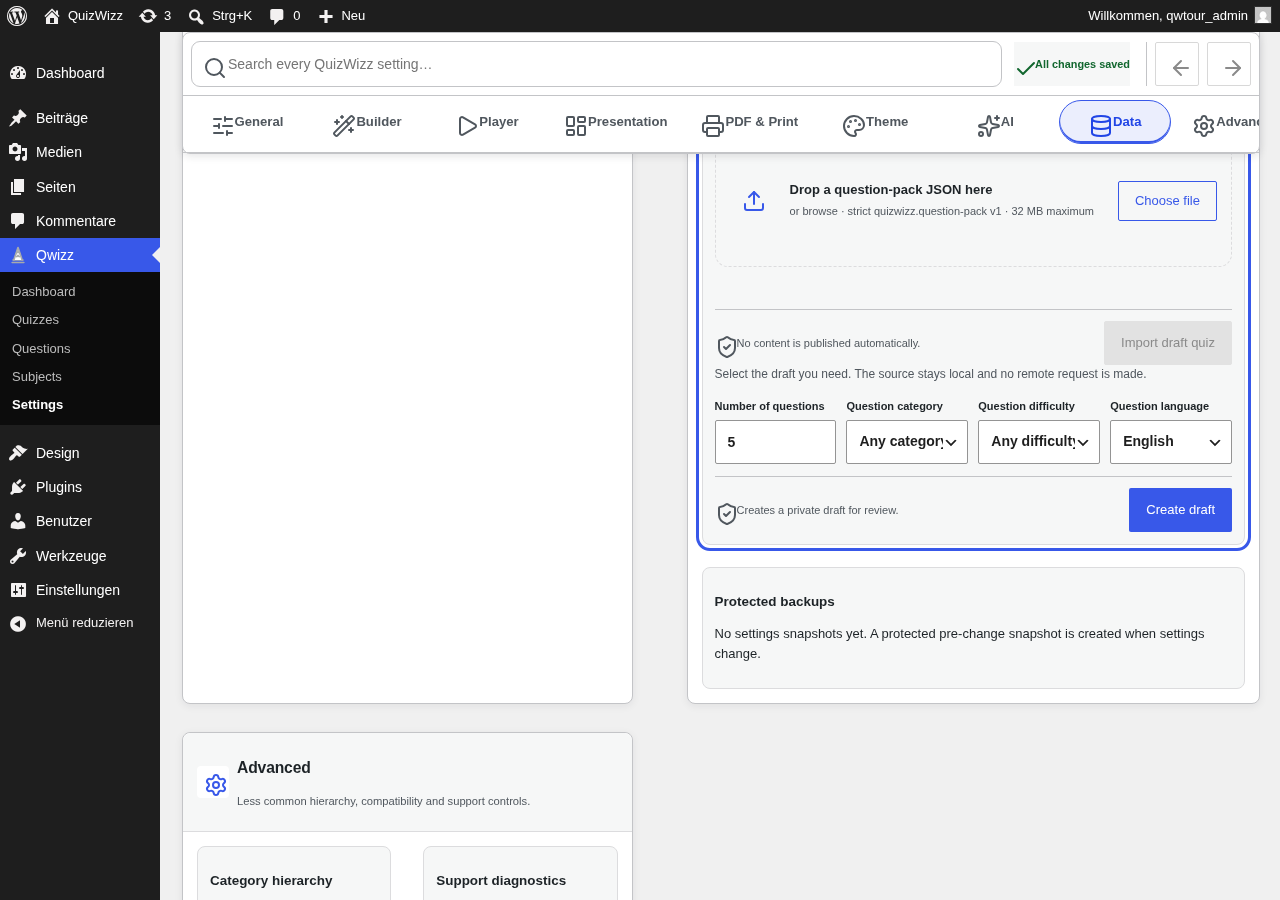 a13i-d.png · desktop 1280x900 · fold
Feedback — a13i
(awaiting tour notes)
a14a — portability idle
qw-settings#qw-data
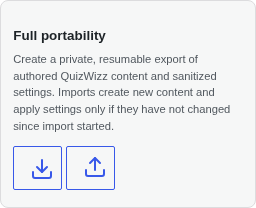 a14a-d-p01-portability.png · desktop 1280x900 · element crop
Feedback — a14a
(awaiting tour notes)
a14b — portability export job running (then Cancel)
qw-settings#qw-data
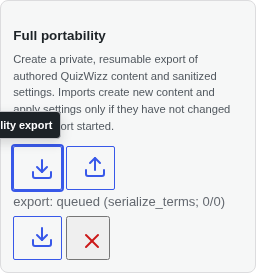 a14b-d-p01-portability.png · desktop 1280x900 · element crop · ⚠️ finding
Findings in this route
a14b-d-p01-portability.png— Tooltip text is truncated at the panel’s left crop edge, reading only ‘…lity export’ instead of the full label — the tooltip overflows/gets cut off by its container
Feedback — a14b
(awaiting tour notes)
Wave D — block editor
e01 — inserter Qwizz category (4 blocks)
/wp-admin/post-new.php?post_type=post
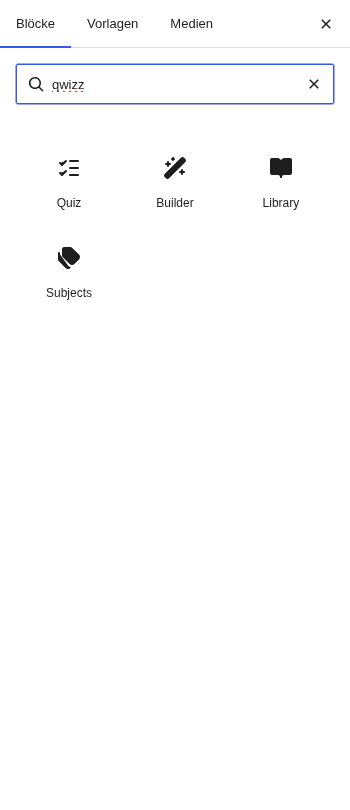 e01-d-p01-inserter.png · desktop 1280x900 · element crop
Feedback — e01
(awaiting tour notes)
e02 — quizwizz/craft Builder inspector (Profiles + Advanced groups incl. 25 controls)
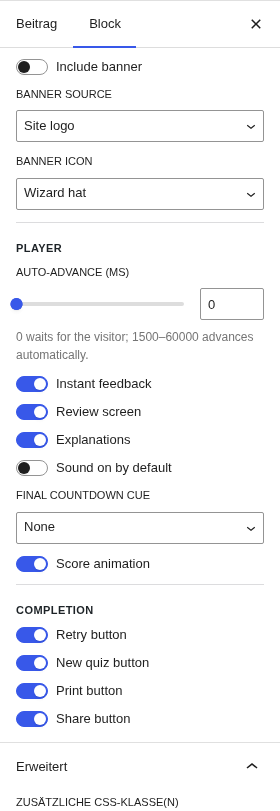 e02-d-p01-inspector.png · desktop 1280x900 · element crop
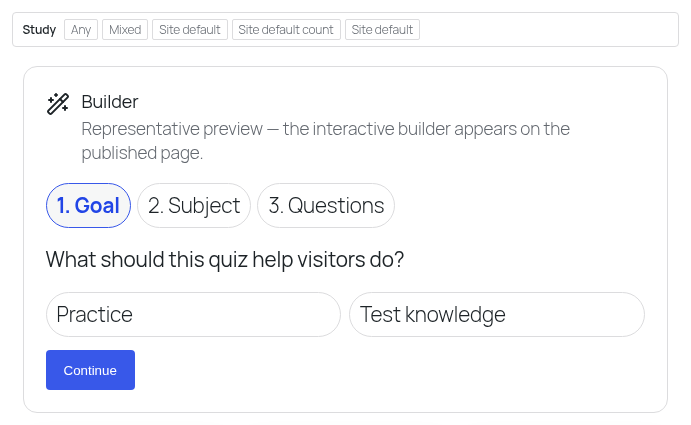 e02-d-p02-canvas.png · desktop 1280x900 · element crop · ⚠️ finding
Findings in this route
e02-d-p02-canvas.png— Top toolbar row reads ‘Study | Any | Mixed | Site default | Site default count | Site default’ — three separate controls share the identical visible label ‘Site default’ with no distinguishing text, so a user cannot tell which control does what from the toolbar alone
Feedback — e02
(awaiting tour notes)
e03 — quizwizz/quiz inspector
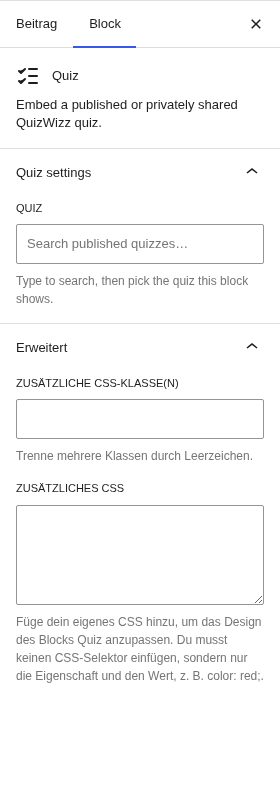 e03-d-p01-inspector.png · desktop 1280x900 · element crop
Feedback — e03
(awaiting tour notes)
e04 — quizwizz/library inspector
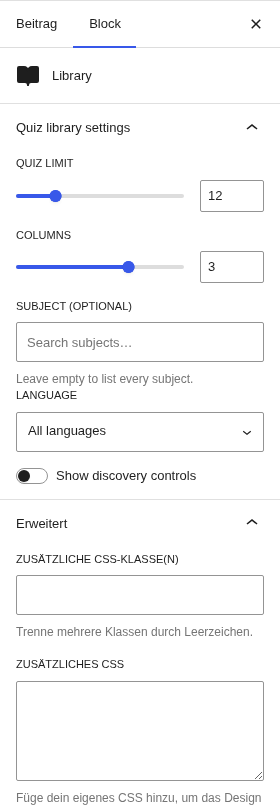 e04-d-p01-inspector.png · desktop 1280x900 · element crop
Feedback — e04
(awaiting tour notes)
e05 — quizwizz/subjects inspector
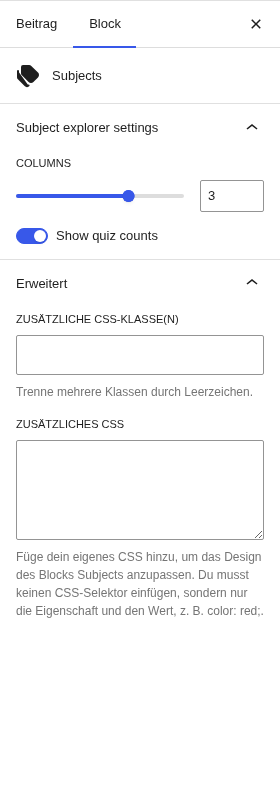 e05-d-p01-inspector.png · desktop 1280x900 · element crop
Feedback — e05
(awaiting tour notes)
e06 — patterns tab QuizWizz category (5 patterns)
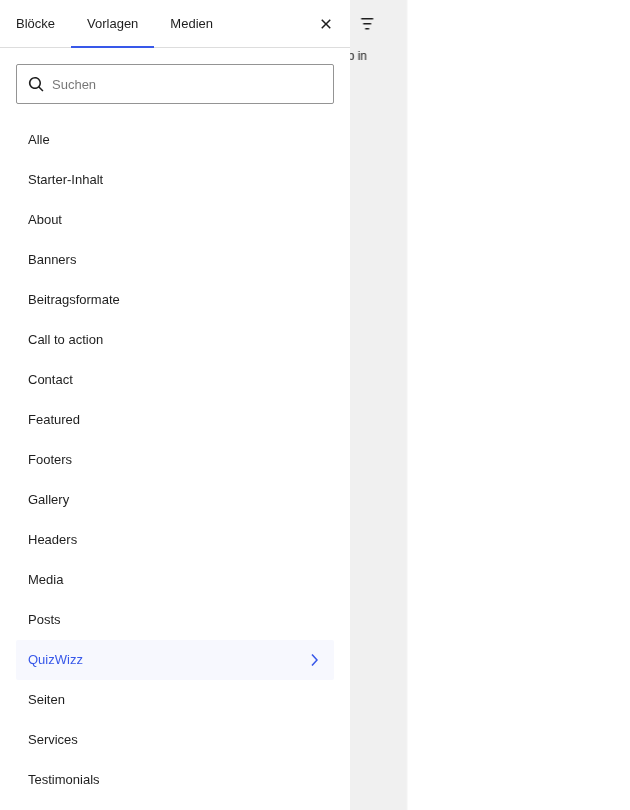 e06-d-p01-patterns.png · desktop 1280x900 · element crop
Feedback — e06
(awaiting tour notes)
e07 — builder block canvas summary
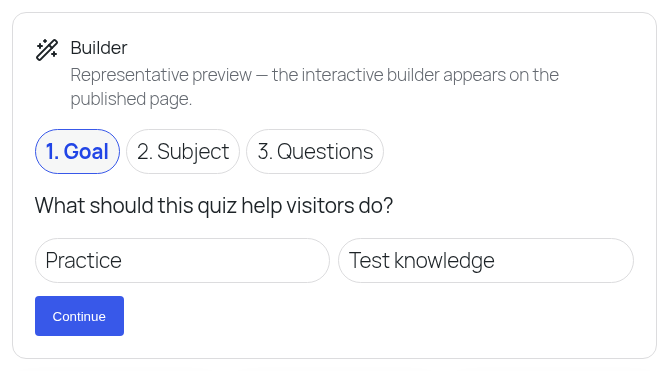 e07-d-p01-canvas.png · desktop 1280x900 · element crop
Feedback — e07
(awaiting tour notes)
Wave E — config & state variants
v01 — forced iface_lang=de — builder d
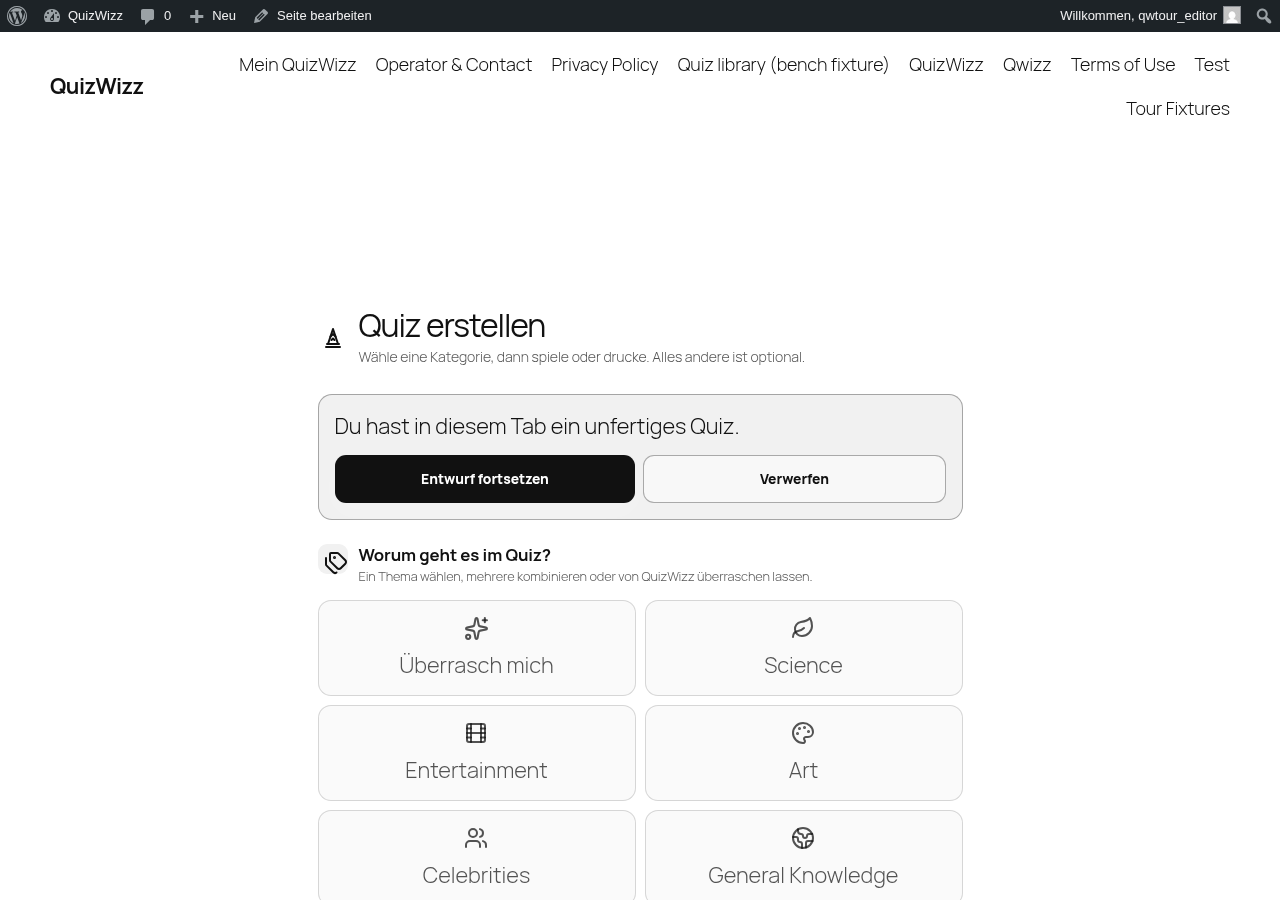 v01-d-p01-builder.png · desktop 1280x900 · element crop
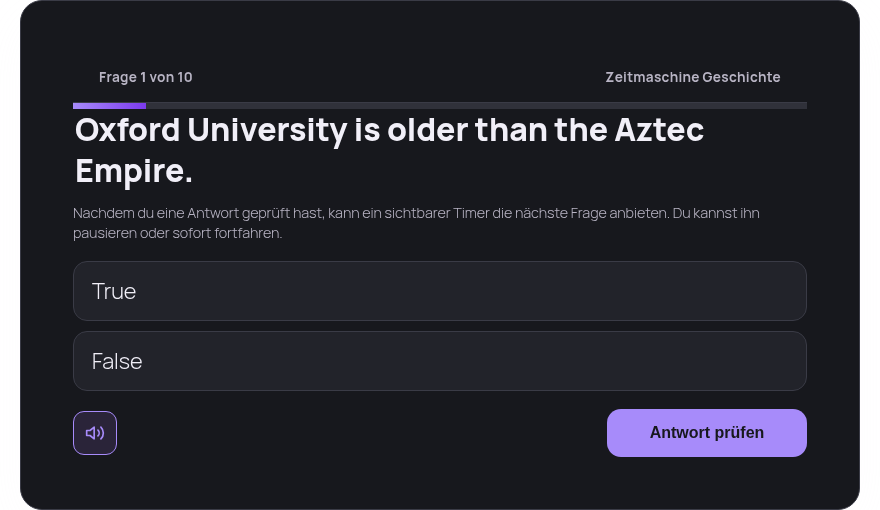 v01-d-p03-player-question.png · desktop 1280x900 · element crop
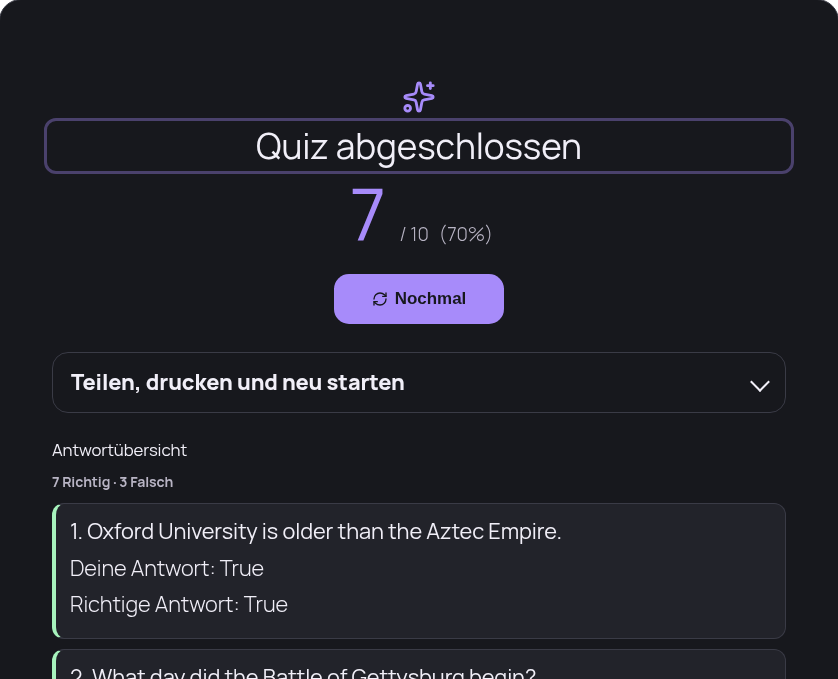 v01-d-p04-player-result.png · desktop 1280x900 · element crop
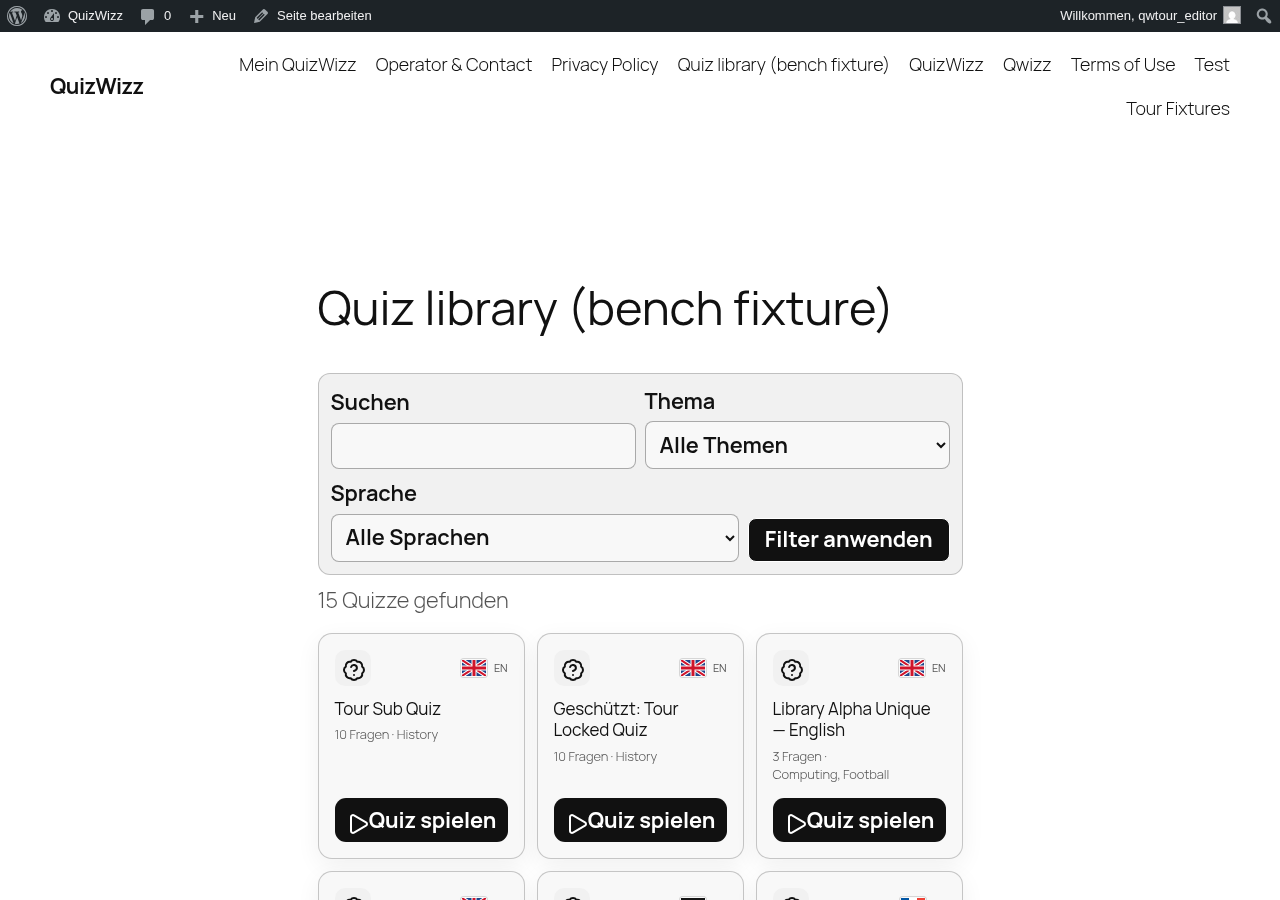 v01-d-p05-library.png · desktop 1280x900 · element crop
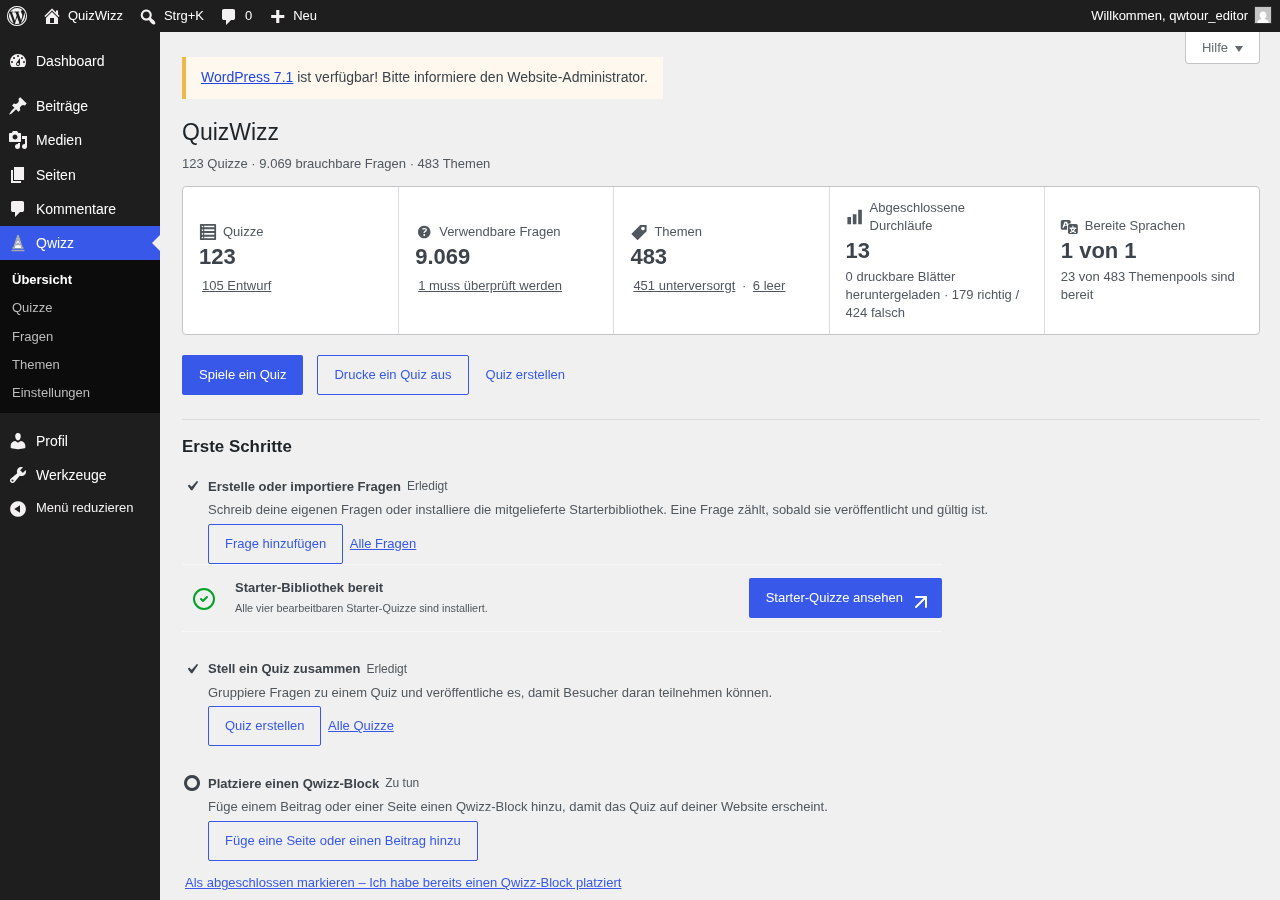 v01-d-p06-dashboard.png · desktop 1280x900 · element crop
Withdrawn frame — v01
v01-d-p02-player-intro.png— withdrawn 2026-08-20 and moved to the blocked list. Re-verified live with cleared localStorage/sessionStorage and cookies:.qwizz-playercarriesdata-autostart="1"and the mount goes straight from a transient “Loading quiz…” card to “Question 1 of 10” (observed at ~9.5 s, the REST…/quiz/110/startcall taking ~10 s). There is no intro/start state in this flow, so the frame could never have existed.
Feedback — v01
(awaiting tour notes)
v02 — AI ON — settings
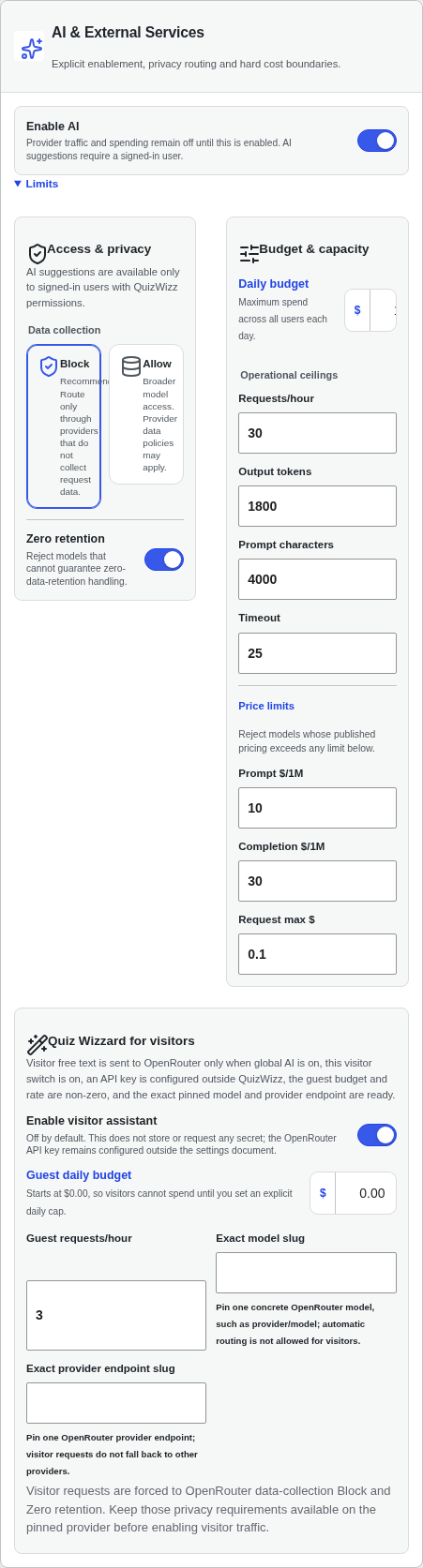 v02-d-p01-ai-expanded.png · desktop 1280x900 · element crop
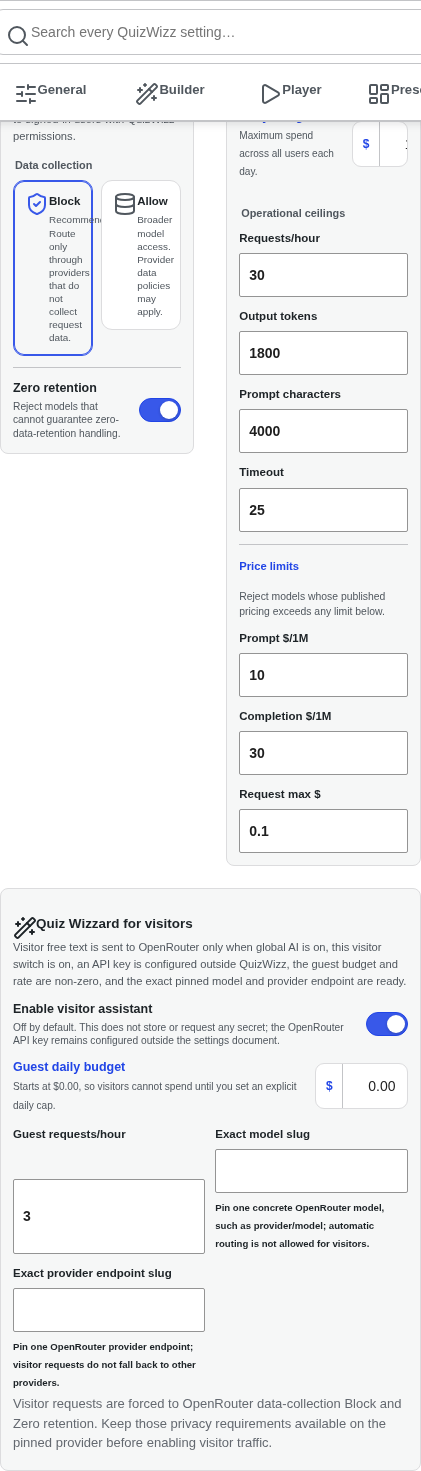 v02-d-p02-guest-wizard.png · desktop 1280x900 · element crop
 v02-d-p03-dashboard-tools.png · desktop 1280x900 · element crop · ⚠️ finding
Findings in this route
v02-d-p03-dashboard-tools.png— Tools and system state drawer lists only ‘Starter quizzes 4/4’, ‘Interface English’, ‘Theme Dark’, ‘Quiz sources Generated + prepared’ — with global AI toggled ON in settings, no corresponding AI status row appears in this drawer, contradicting the shotlist expectation of ‘dashboard tools drawer AI lines’
Feedback — v02
(awaiting tour notes)
v03 — auto-advance ceiling ON — builder player-options row + player countdown timer panel
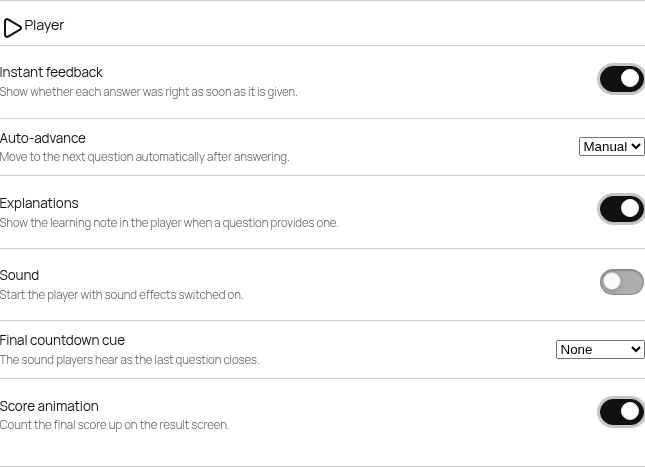 v03-d-p01-builder-player-options.png · desktop 1280x900 · element crop
 v03-d-p02-player-timer.png · desktop 1280x900 · element crop
Feedback — v03
(awaiting tour notes)
v04 — reduced-motion player — Q1 manual-advance note + result (no score animation)
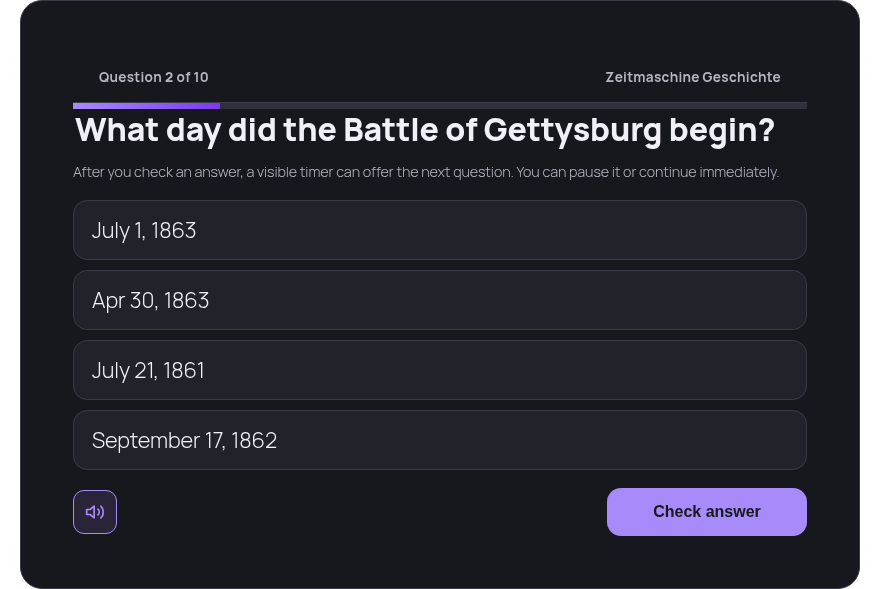 v04-d-p01-question-note.png · desktop 1280x900 · element crop
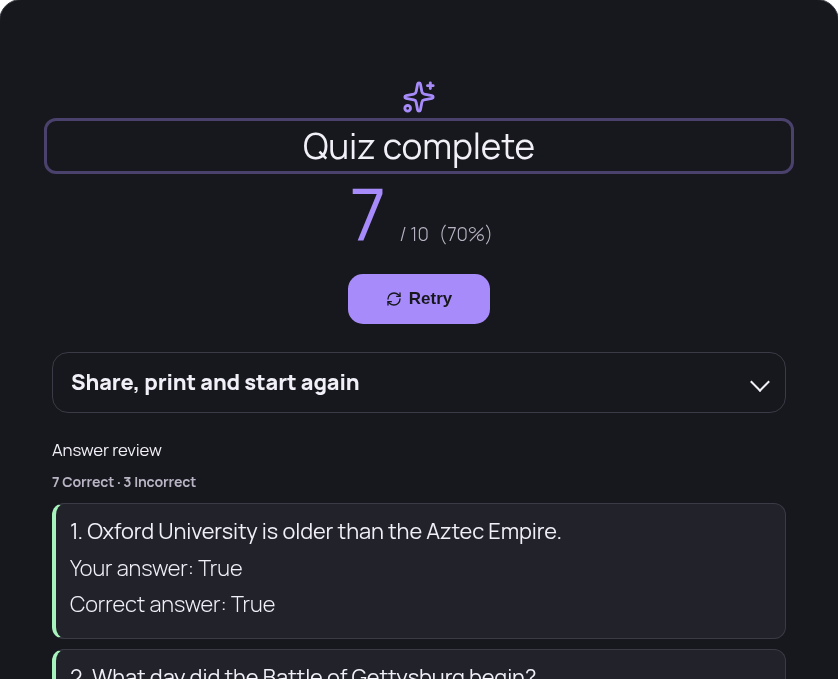 v04-d-p02-result.png · desktop 1280x900 · element crop
Feedback — v04
(awaiting tour notes)
v05 — noscript — builder server form section.qwizz-no-js + settings fallback form.qwizz-settings-fallback
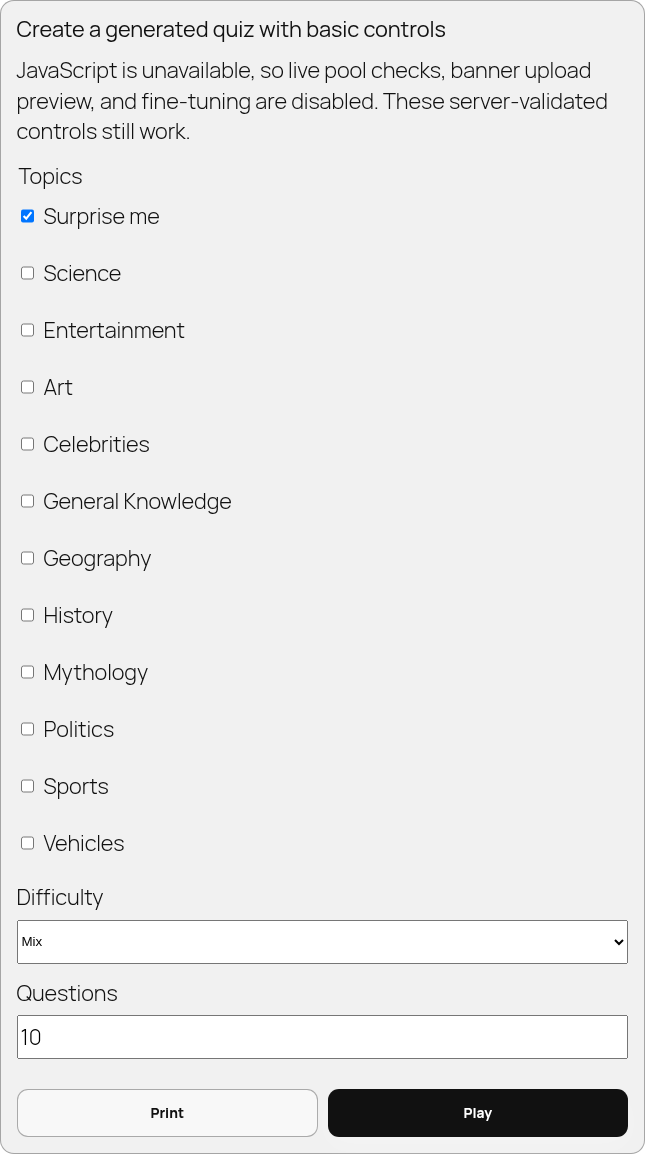 v05-d-p01-builder-noscript.png · desktop 1280x900 · element crop
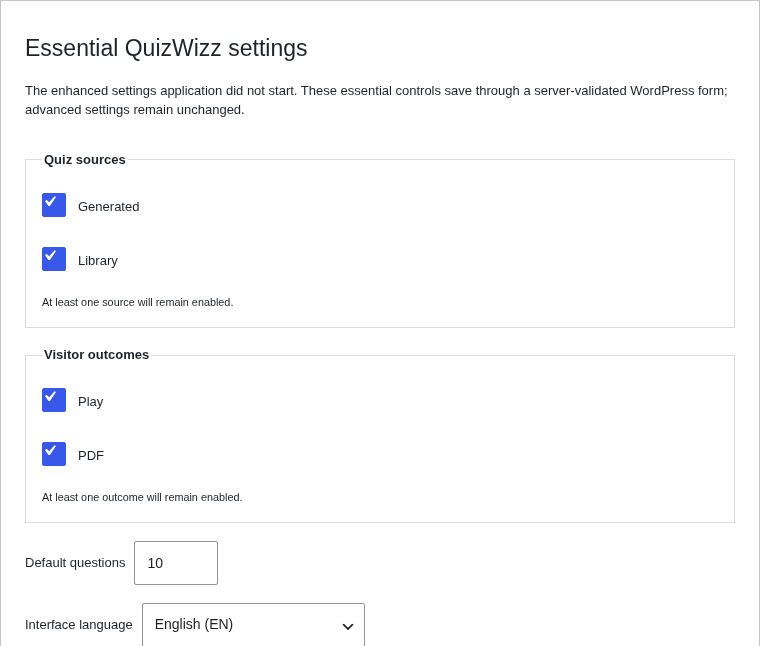 v05-d-p02-settings-fallback.png · desktop 1280x900 · element crop
Feedback — v05
(awaiting tour notes)
v06 — resume intro — two-button intro (Resume question N of M / Start over) on quiz 110
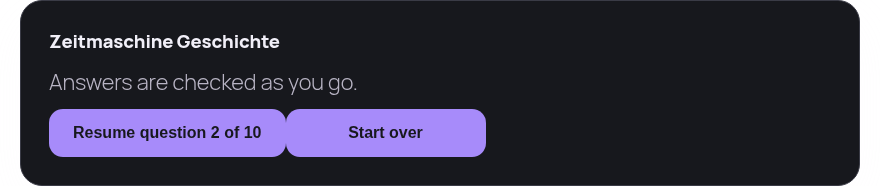 v06-d-p01-resume-intro.png · desktop 1280x900 · element crop
Feedback — v06
(awaiting tour notes)
v07 — 320x720 full reflow of /?qw_quiz=world-quiz-english
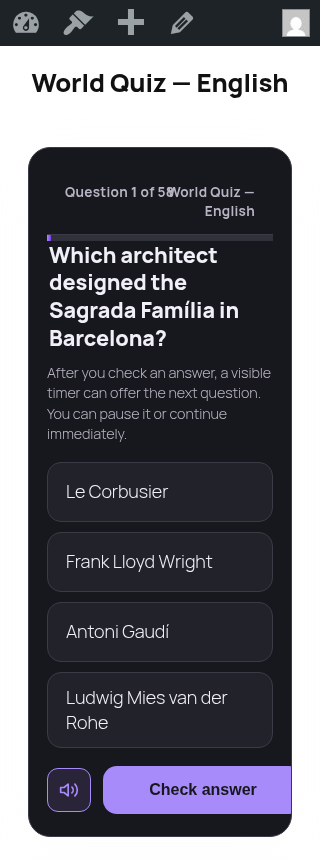 v07-x-full.png · narrow 320x720 · full page
Feedback — v07
(awaiting tour notes)
v08 — player themes — site + light real; dark/retro/cyber/love/aqua as -simulated attr-swap crops
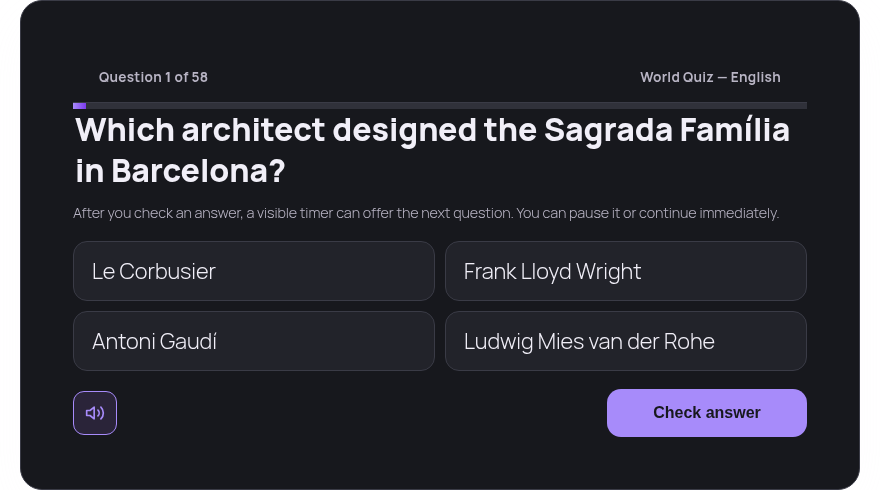 v08-d-p01-site.png · desktop 1280x900 · element crop
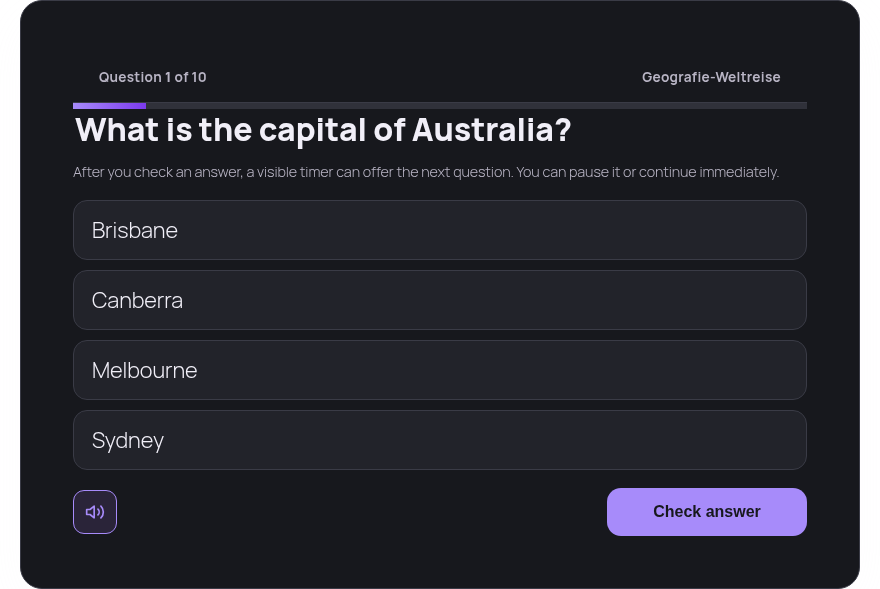 v08-d-p02-light.png · desktop 1280x900 · element crop · ⚠️ finding
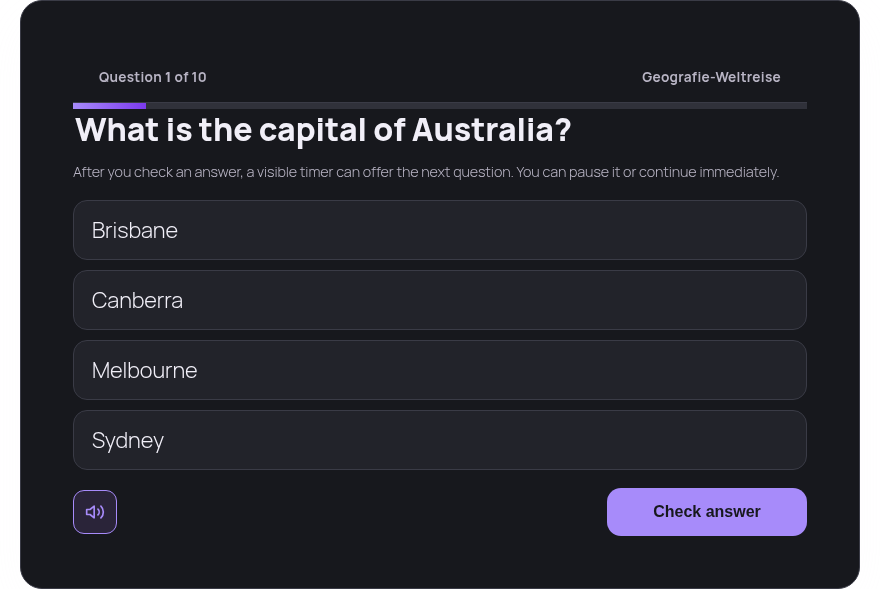 v08-d-p03-dark-simulated.png · desktop 1280x900 · element crop · recaptured 2026-08-20 with
 data-theme="dark" applied to .qwizz-player; the original capture was byte-identical to v08-d-p02-light.png because the attribute had not taken effect
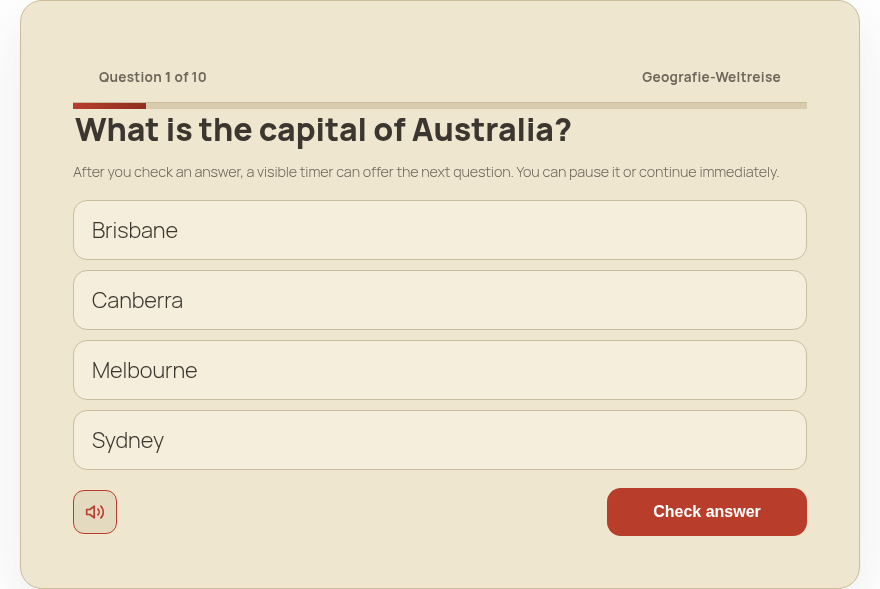 v08-d-p04-retro-simulated.png · desktop 1280x900 · element crop
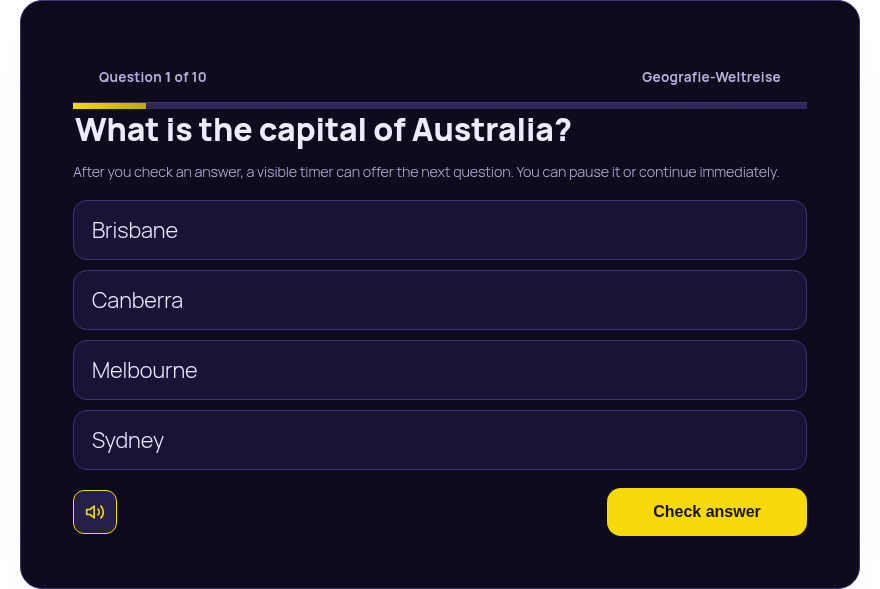 v08-d-p05-cyber-simulated.png · desktop 1280x900 · element crop
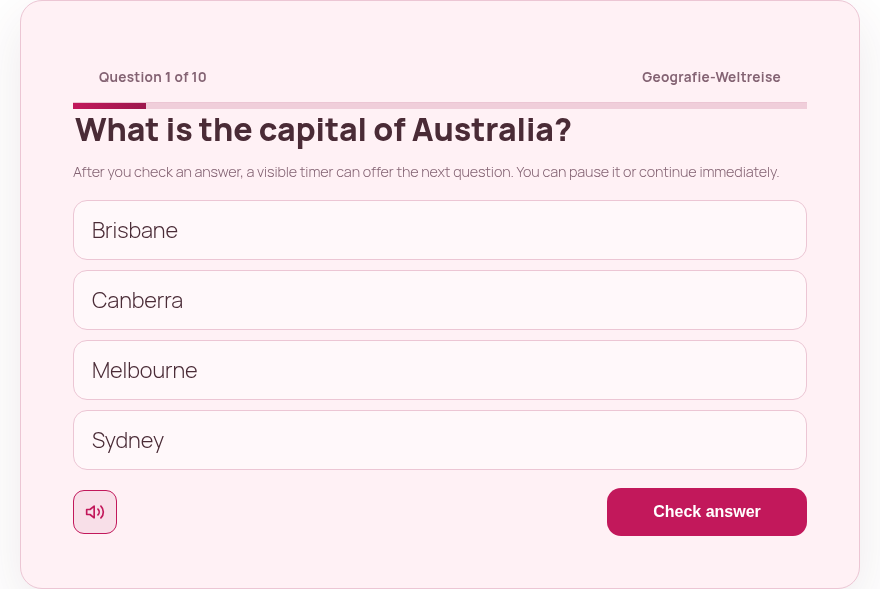 v08-d-p06-love-simulated.png · desktop 1280x900 · element crop
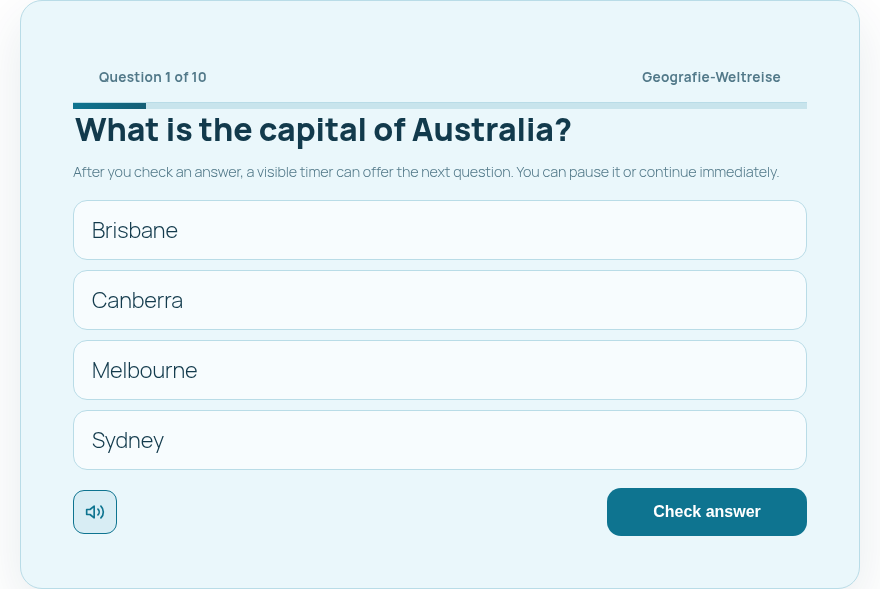 v08-d-p07-aqua-simulated.png · desktop 1280x900 · element crop
Findings in this route
v08-d-p02-light.png— Card is styled with the same near-black background, dark inputs, and purple ‘Check answer’ button as the default/dark theme even though this is the ‘light’ theme instance — no visible light color scheme applied; contrasts with p06 (love) and p07 (aqua) simulated crops which clearly show light backgrounds.
Feedback — v08
(awaiting tour notes)
Feedback log
Dated entries are appended here as the tour dialogue proceeds.
-
2026-08-25 — the 36 notes harvested from tandem session
46937fb4893da860were triaged and fixed on the bench; see the resolution record. 36 implementation dispositions are complete; four user-owned branches remain open — item 02 taxonomy shape (2026-08-25-tndm-ui-review.md:456), item 15 logged-out navigation visibility (:458), fine-tune reachability (:460) and the mobile statistics rail height (:461). -
2026-08-25 — this gallery is superseded for every route it covers by the 2026-08-25 UI corpus. The remediation changed 33 plugin files, so these images no longer show the shipped UI. Two files here are also known to be mislabelled:
g02-d-p12-group-shared-off/-oncannot show the answer-review toggle their names imply, becausematrix.keywas alreadyforcedin this tour’s ownoptions-pre.json; inspection confirms both show only the Question position and Banner rows. Read this page as a historical record of the dialogue, not as current evidence. -
2026-08-20 — gallery published, tour ready for the first pass.
-
2026-08-20 — duplicate-frame reconciliation closed:
v08-d-p03-dark-simulatedrecaptured withdata-themeapplied,v01-d-p02-player-introwithdrawn asblocked(no-such-state), the two cross-route byte-identical pairs kept and disclosed in their captions, pixel-hash sweep recomputed to 19 groups over 42 frames. -
2026-08-20 — gallery imported as the first deck of the TNDM tandem-audit platform (
tndm.loca.zone), 323 frames over 76 sections, and reviewed jointly over an append-only event bus. -
2026-08-21 — operator review pass: the full deck was navigated end to end (57 navigation events) and one frame ruled,
coverage/1keep. No operator kill or recapture request was raised, so no frame changed as a result of the pass. -
2026-08-21 —
coverage-report.jsonfindings[]reconciled to theqa-captions.jsonverdicts: two entries describing frames ruled clean (a02-d-p12-qw-data.png,a12b-d-p01-backups.png) were dropped, sofindings[]is now exactly 65 and matches the 65 finding verdicts. Ledger unchanged at 315 on disk plus 5 blocked equals 320. -
2026-08-25 — second tandem review (session 46937fb4893da860) harvested, triaged and fixed on the bench: 2026-08-25 TNDM UI review — fixes.
Action items
Every row below was raised by the review agent during the first tandem pass over deck qwizz-2026-08-20 (session 53079ca8e3cfa575, events seq 11-21) — except the last two, which carry over from capture-time QA recorded above on this page — each cites evidence already recorded here, and all of them are agent-authored proposals awaiting the release owner rather than operator rulings, with nothing applied to plugin source.
| Item | Surface | Evidence | Status |
|---|---|---|---|
| Give the builder one accented primary CTA and a single shared max-width grid for header and body; actions must not share styling with subject filters | g02 builder/craft | g02-d — agent reading: page body in a ~640px column offset right of a full-width header | proposed |
| Give player options letter badges plus hover, focus and selected states, and keep the check-answer control in frame with the question | g05 player flow | g05-d-p06-question | proposed |
Refuse to publish legal pages that still contain INSERT-YOUR-DATA-HERE tokens, or gate them until filled | g11 privacy, g12 terms | g11-d-full, g12-d-full | proposed, release blocker |
| Filter probe and tour fixture subjects out of the dashboard grid, and make the Attention panel link to filtered views instead of restating the stat row above it | a01 dashboard | a01-d-full, a01-d-p07-subjects (probe subject QW SVG Probe 4lHqFtjO), stat row at a01-d-p02-stats-rail | proposed |
| Remove the min-height rule that leaves the Guest Builder panel a framed void from about y560 to y1320; same class affects neighbouring settings panels | a02 settings | a02-d-p06-qw-builder (page QA records content to y≈560, container to ~y1310), same pattern on a02-d-p11-qw-ai | proposed |
| Fix the light theme palette values; the switch itself is proven working, the token set is not | v08 themes | v08-d-p02-light vs v08-d-p03-dark-simulated | proposed |
Repair the wp_nonce_field($echo = false) regression that kills backup restore, backup delete, question-pack import and bundled-library import | wp-admin owner features | Blocking defects table above — settings-page.php:930, settings-page.php:936, ImportPage.php:96, ImportPage.php:123 | proposed, highest value per line changed |
Stop stripping every [data-preview-tab] but player in qwizz-admin-settings.js:1584-1586, so the declared Builder and PDF preview tabs can render | a02 settings preview modal | 2 blocked frames — a02-d-p14-preview-modal-builder, a02-d-p16-preview-modal-pdf; tabs declared at settings-page.php:998 and :1000 | proposed |
No plugin source was modified during the tour or the review: the bench patch surface for this audit is evidence and documentation only, and every code fix above belongs to the release owner through the locked pipeline.
Method & residue
- Capture harness:
evidence/2026-08-20-ui-tour/harness.js(bench-local, gitignored). Every harness-captured shot — 313 of the 315 files now on disk — appends one line tocapture-log.jsonlwith URL, selector, lazy-gate result and geometry. The two exceptions aree02-d-p02-canvasande07-d-p01-canvas, cross-frame block-editor canvas crops taken outside the harnessshot()path. Of the 313 logged shots, 139 passed the lazy gate outright and 174 trippedimg-incompletealone — lazily-loaded wp-admin chrome (avatars, plugin icons) outside every captured region, each cleared by independent per-shot QA. - Pixel-hash sweep (recomputed 2026-08-20 after the duplicate reconciliation): 19 byte-identical groups covering 42 frames. 17 are -full/fold pairs where the page is shorter than the viewport; 23 files are redundant, so the corpus is 315 files ≈ 292 distinct pixel images. The two cross-route pairs that remain are disclosed in their captions (
a03-d-p02-filters/a04-d-p01-filters,g02-d-p10-count/g19-d-p01-size-row); the two former contradiction pairs were resolved by recapturingv08-d-p03-dark-simulatedand withdrawingv01-d-p02-player-intro. - Screenshot coordinate trap: Puppeteer clip screenshots re-layout the page unless
captureBeyondViewport:falseis passed, and clip rects are page-space (addscrollX/scrollY, except forposition:fixedelements). Both cost real retakes in this run. - Fixtures created and deleted:
qwtour_admin,qwtour_editor,qwtour_sub, Tour Locked Quiz, Tour Draft Quiz, Tour Sub Quiz, Tour Err Question, Tour Fixtures page, one block-editor draft (post 10854). IDs incleanup.json;verify.jsonrecords the proof: zero fixture IDs alive, zero exact-title matches, zeroqwtour_*users, zero settings snapshots left inside the tour window, andqw_exposure_settingsrestored to the pre-tour bytes — the storedoption_valueis byte-identical tooptions-pre.json, 3 068 bytes, md5c7cbf4c5e4300a8dc61562d6aadb2b06, recomputable withmd5(maybe_serialize(get_option('qw_exposure_settings'))). Six tour-caused snapshot rows had to be removed with targeted DB deletes — three owned byqwtour_adminand three written with no user context (created_by = 0) by wp-cli option updates — because the Protected-backups Delete button is broken. The final check windows oncreated_atrather than creator, so a no-user row cannot hide from it; 195 pre-existing rows outside the tour window were left untouched. Play attempts on quizzes 110 and 413 remain as analytics rows and are disclosed, not hidden. - Option mutations (
qw_exposure_settings): exposure matrix + question types + languages,iface_lang=de, AI master/guest on. Each restored fromoptions-pre.jsonand re-verified before the next variant. - Non-mutating variants: reduced motion via media emulation, noscript via
setJavaScriptEnabled(false), five theme crops via the runtimedata-themeattribute (labelled-simulated). The theme root is.qwizz-player[data-theme](perassets/css/qwizz-tokens.css, which defines light/dark/retro/cyber/love/aqua); swappingdata-themeondocument.documentElementproduces zero pixel change, and unknown theme names fall back to the untokenised default. Re-verified live 2026-08-20: repeat captures of the same theme are byte-identical, and light vs dark differ, so each theme crop is real evidence. - One print-only element (
g05-d-p17-print-sheet) was made visible with a temporary style override; it isdisplay:noneon screen media by design. g18-d-fullis page 1 of the real generated PDF (g18-artifact.pdf, 90 864 bytes) rasterised with pdf.js; headless Chromium renders its native PDF viewer blank.- Bench law: every shot is bench-local evidence,
releaseEligible: false. No plugin file was edited during this run.